High Quality Dashboard DAF NG2021+ V2.13 ETS2

High Quality Dashboard DAF NG2021+ V2.13 ETS2
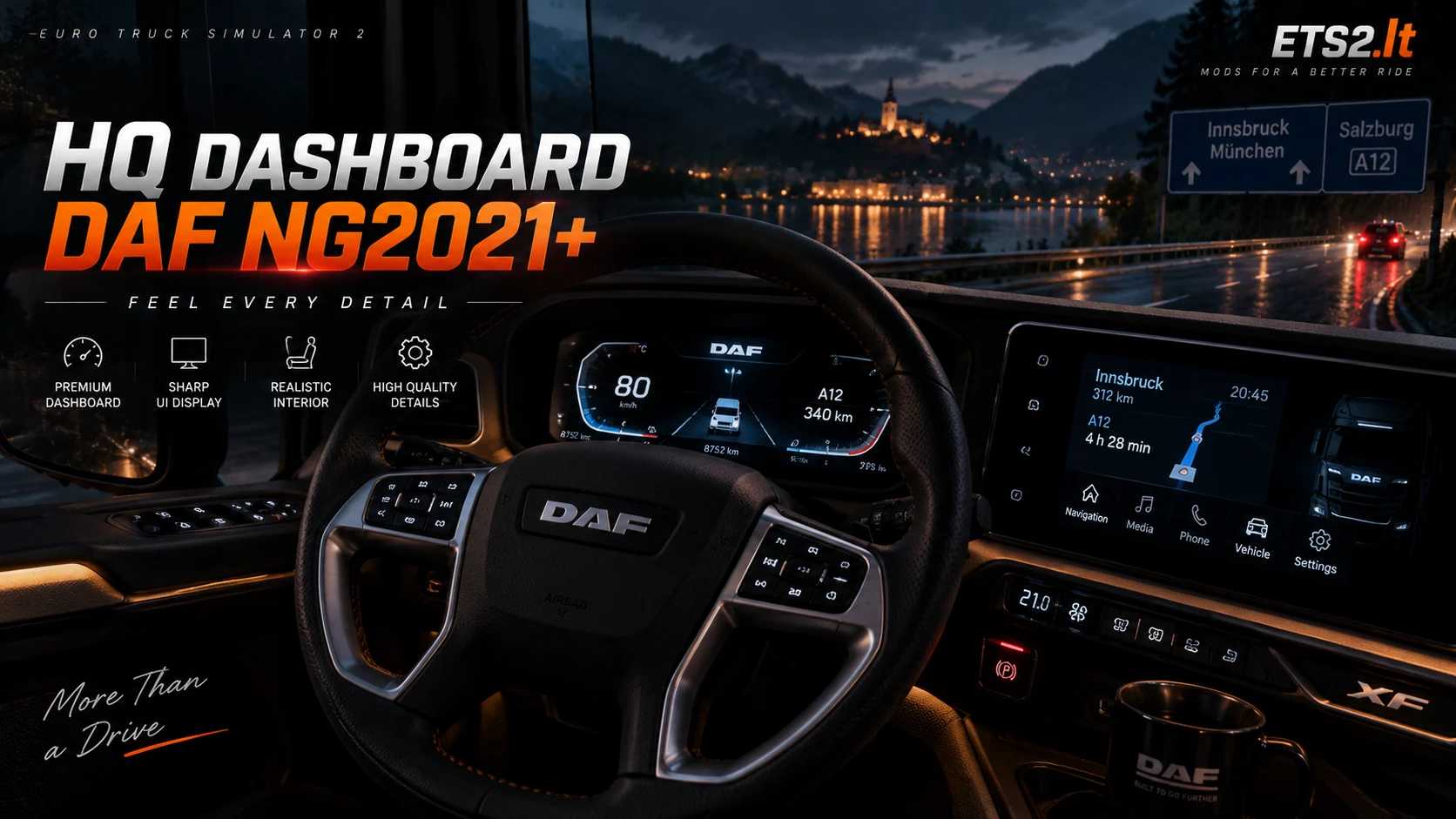
DAF NEW GENERATION High Quality Dashboard
After a lot of work, testing and creativity, the project is now complete!
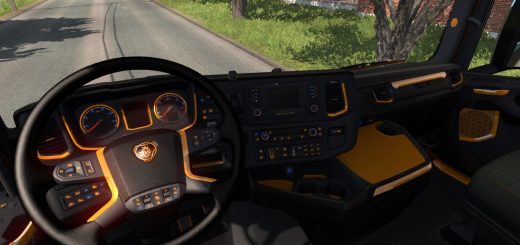
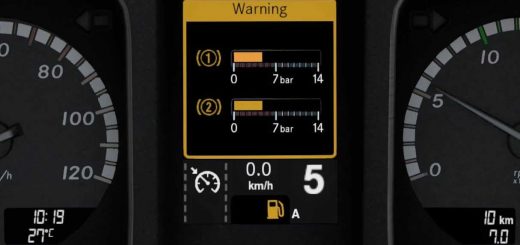
The dashboard has been redesigned and enhanced to provide a cleaner, sharper and more modern experience, while keeping all the important information easy to read during your drives.
Take a look at the comparison above and let me know what you think about the final result!
Visual Improvements
The dashboard includes several visual and functional improvements:
Improved Dashboard Text Size
Improved Dashboard Symbols – Average Fuel, Instant Fuel and more
Added New Visual Elements – Speed Limit Indicator, Refill in About and more
High Quality Edges – EU & UK versions
High Quality Main Symbols – EU & UK versions
Added Missing Speed Indicator – EU version
Added Missing RPM Indicator – EU & UK versions
Android Auto “CoolWalk” design for the navigation system
Added Fuel Bar & AdBlue Bar
Added Blind Spot Indicators in the mirrors
The goal was to give the original DAF 2021 dashboard a more detailed, polished and modern appearance while maintaining the original feel of the truck.
Add-ons & Compatibility
Additional options and supported modifications:
Google Maps Navigation – Dark Version
DAF 2021 Reworked by Jasper – Included by default
Known Issue
Speed Indicator: The dashboard displays 110 km/h when the analog gauge reaches 120 km/h.
Latest Update
Updated for 1.61.x game version
Credits: TigerMods
How to install ETS2 mods or ATS Mods
In Euro Truck Simulator 2 it’s easy to install mods. You just need to download mod from here, copy/unzip files into: “My Documents\Euro Truck Simulator 2\mod” folder or if you play ATS please install mods to: “My Documents\American Truck Simulator\mod” folder. To unzip files you can use: WinRAR or 7zip. After that you need to activate the mods you want to use.