Grand Utopia v1.20 ETS2
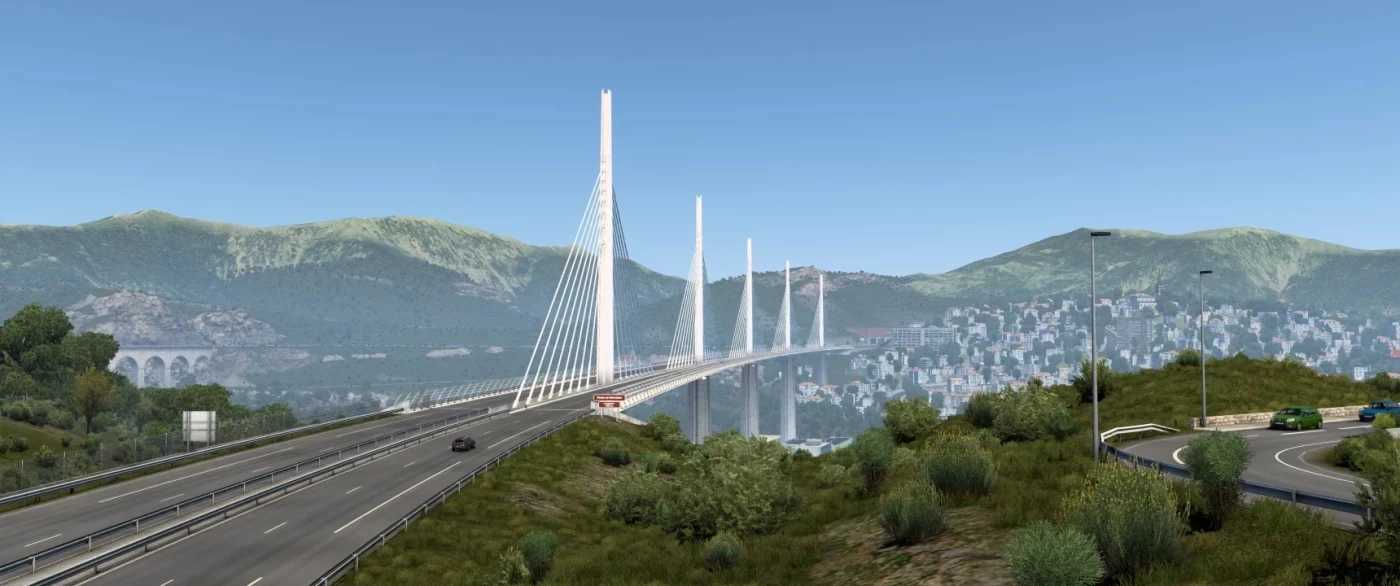

Grand Utopia v1.20 ETS2
Changelog v1.20
Main changes:
– Map extension
– Implementation of the “Utopic Markers” system
Road network:
– New interchange at Chaseville (created by Adyox), improving traffic flow toward future expansion to Elizabeth Island (UK)
– Extension of the A3 motorway south of Eilmont
– Addition of D34 and D341 roads
Cities and villages:
– Prat l’Étang added
– Saint-Sébastien-le-Bec added
Other changes:
– Bug fixes and general error corrections
– Adjustments to selected bus station prefabs
– 7 new Utopic Markers added
– Added cinematic camera point
– 6 new artworks added
The virtual world of Euro Truck Simulator 2 invites all truck fans to explore the new Grand Utopia map. It features a large network of roads, handcrafted cities, complex interchanges, and detailed natural environments.
Standalone map
Scale: 1:1
– 49 cities
– 199 companies
– 22 truck dealers
– Around 7500 km of roads
– High level of detail
– Balanced economy system
– Configured traffic system
– Requires all map DLCs to run
– Built using standard assets for better optimization and low file size
Changes:
– Compatibility with ETS2 v1.45
– Restoration of D5 road
– Reconstruction of A1 backbone route
– Updated map icon
– Improvements near Perign and Career areas
– Removed ferry on Château d’Ours island
– Added highway markers
– Added 2 landmarks
– Added bus stops in Stellamar, Gerarme, Lossande-Zheles, Ba-Du-Shayen, Shato-D’Ur, La Josephine, Kurfayirak, Port Elvinka, Tour, Utopia-Portuera, Montsha-Soreng
– Added bus icons for existing stops in Belmon, Granville, Riviera-Insas, Lelrotas, Alingsase, Laverne, Larzak, Pois Du-Nor, Jean-Du-Bartaile, Wil-Mari, Shavanny, Kenzi, Saint-Benois
Launch: create a new profile and select the grandutopia.mbd module
Credits: MyGodness
How to install ETS2 mods or ATS Mods
In Euro Truck Simulator 2 it’s easy to install mods. You just need to download mod from here, copy/unzip files into: “My Documents\Euro Truck Simulator 2\mod” folder or if you play ATS please install mods to: “My Documents\American Truck Simulator\mod” folder. To unzip files you can use: WinRAR or 7zip. After that you need to activate the mods you want to use.