Forma Mod (Graphics Quality) v2.3.4 ETS2

Forma Mod (Graphics Quality) v2.3.4 ETS2
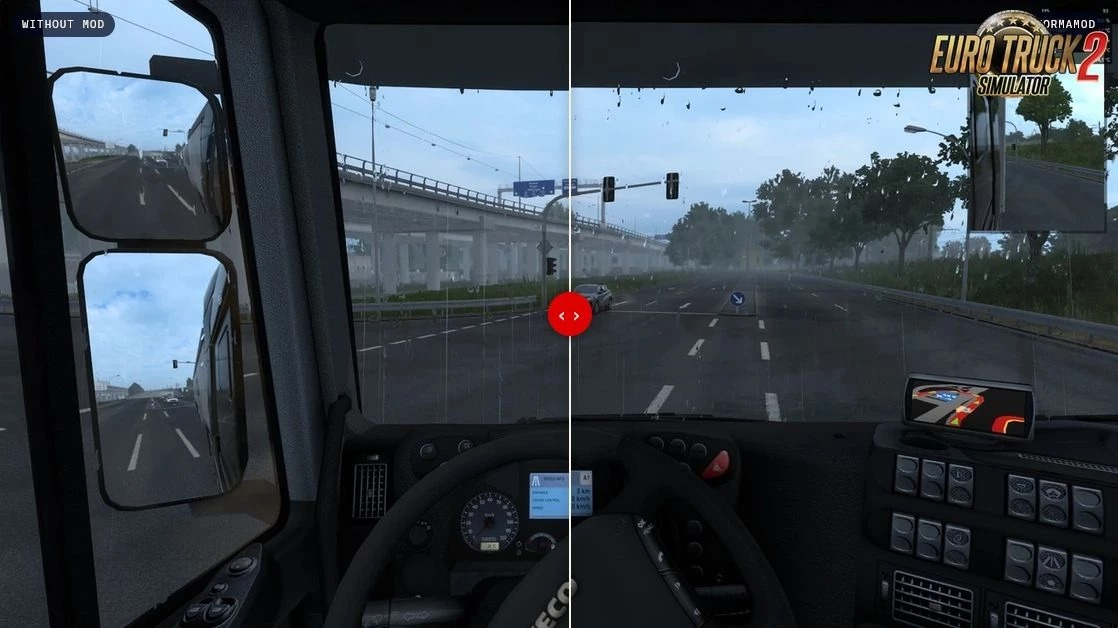
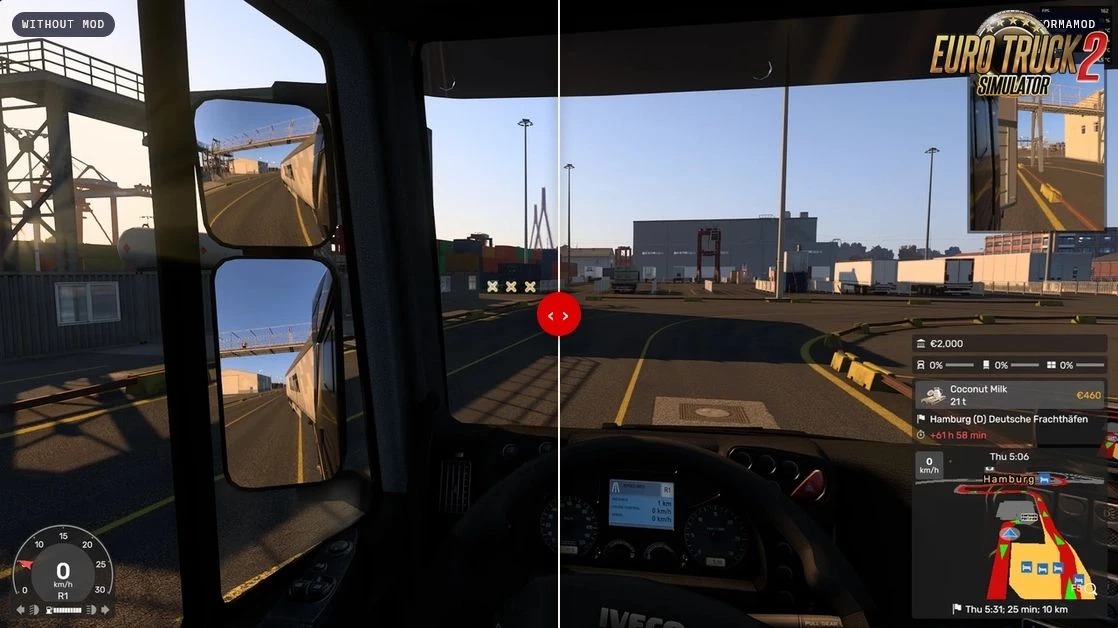
This free graphics enhancement mod completely transforms the visual experience of Euro Truck Simulator 2.
It brings natural light, realistic atmosphere, improved rain and night effects, and gives you full live control over every visual setting with real-time sliders without leaving the game.
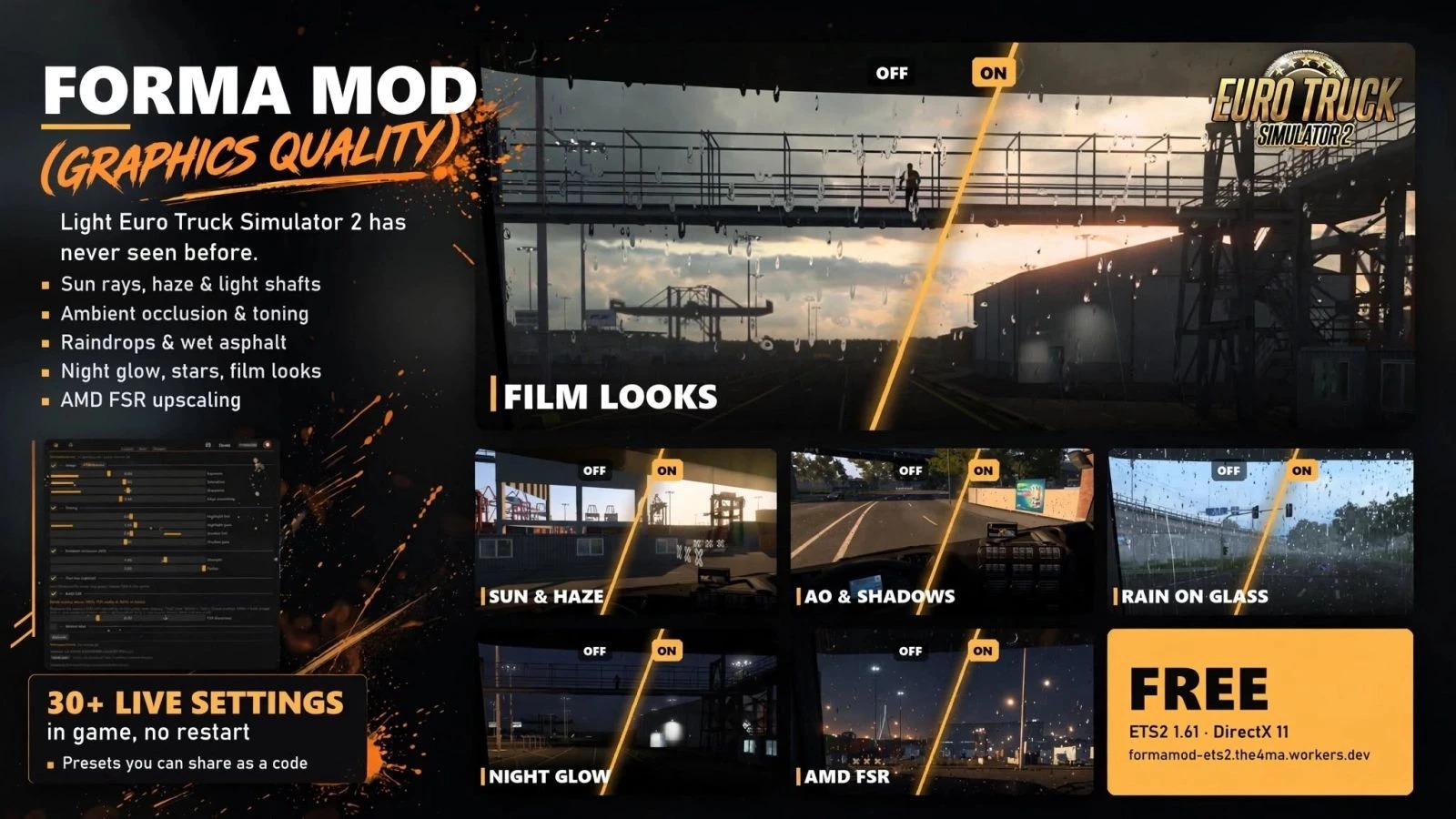
Natural lighting, atmosphere and sun rays
Realistic haze, fog and air effects
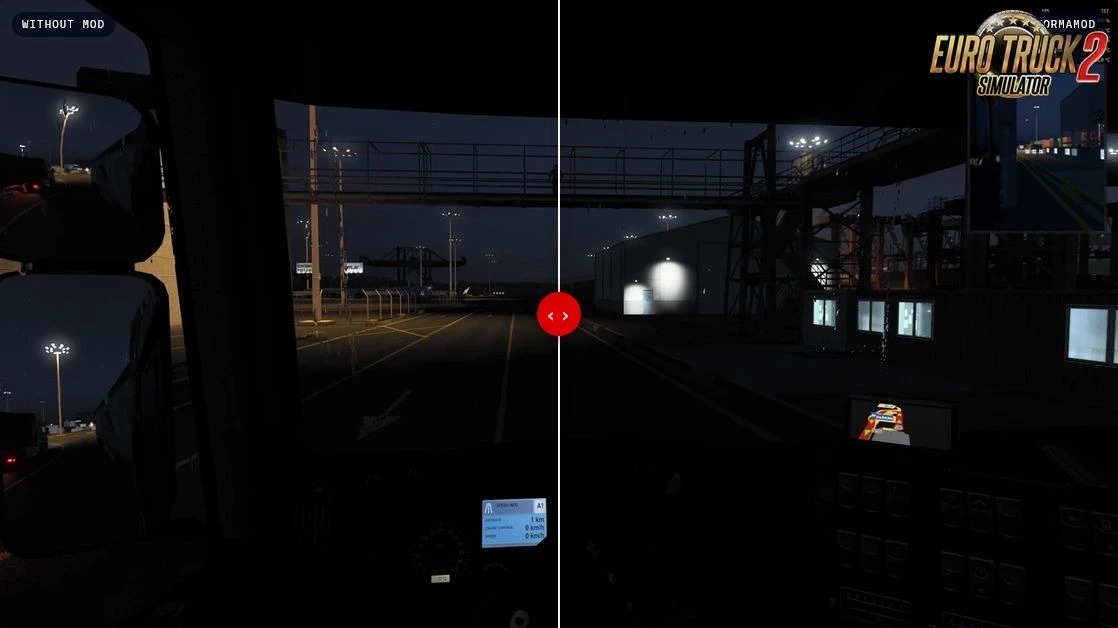
Advanced night effects (lamp beams, light halos, starry sky & Milky Way)
Enhanced rain system with wet roads, lens-like raindrops on glass and denser wheel spray
Three-layer shadows (SSAO, Shadow depth, Contact shadows)
Realistic cab lighting and shadows
NVIDIA DLSS 4.5 support (with DLAA at 100% scaling) on GeForce RTX
AMD FSR 4 support (sharper image + more FPS)
Experimental DLSS 5 Neural Rendering (on supported Radeon cards)
Full colour control (contrast, vibrance, hue + individual colour adjustments)
Sharper textures (roads, signs, trees in the distance)
Film looks (Warm Film, Cool Morning, Cinema, Neon Night, Documentary) + grain, vignette & halation
10 ready-made presets (Natural, Winter, Cinematic, Summer, Autumn, South, Rainy, Night City, Retro, Lite)
Live in-game settings window with real-time sliders
Custom hotkeys and highly customizable options
Changes in v2.3.4:
Mirrors no longer jump or flip – the small wide-angle mirrors on High smoothing no longer mix the left and the right side’s picture (most visible on NVIDIA cards and older Radeons).
Mirrors no longer flicker at 100% reflection scaling – the mirror glass no longer flickers or stays flipped, also after leaving the options and with the mod off; the sharper picture stays where it matches the game’s.
Smoother mirrors in motion – the picture in the mirrors no longer skips while driving.
Gauge digits and navigation without trails – the changing speed and rpm digits and the navigation screen no longer smear with FSR and DLSS.
Installation
– Close the game and extract the package.
– In Steam: right-click ETS2 → Manage → Browse local files → the bin\win_x64 folder.
– Copy dinput8.dll and the lighting_ng and plugins folders there. When updating, replace the old files.
– Start the game from Steam as usual.
Getting started
– Ctrl + Alt + Plus opens the mod window, the MOD button turns the effects on.
– Set anti-aliasing to TAA in the game’s graphics settings.
– Ctrl + Alt + Minus – a quick before/after comparison. Change both with the Hotkeys button at the bottom of the window.
Credits: The4ma, FormaMod Team
How to install ETS2 mods or ATS Mods
In Euro Truck Simulator 2 it’s easy to install mods. You just need to download mod from here, copy/unzip files into: “My Documents\Euro Truck Simulator 2\mod” folder or if you play ATS please install mods to: “My Documents\American Truck Simulator\mod” folder. To unzip files you can use: WinRAR or 7zip. After that you need to activate the mods you want to use.