Ford F-150 Custom Parts v1.0 ATS
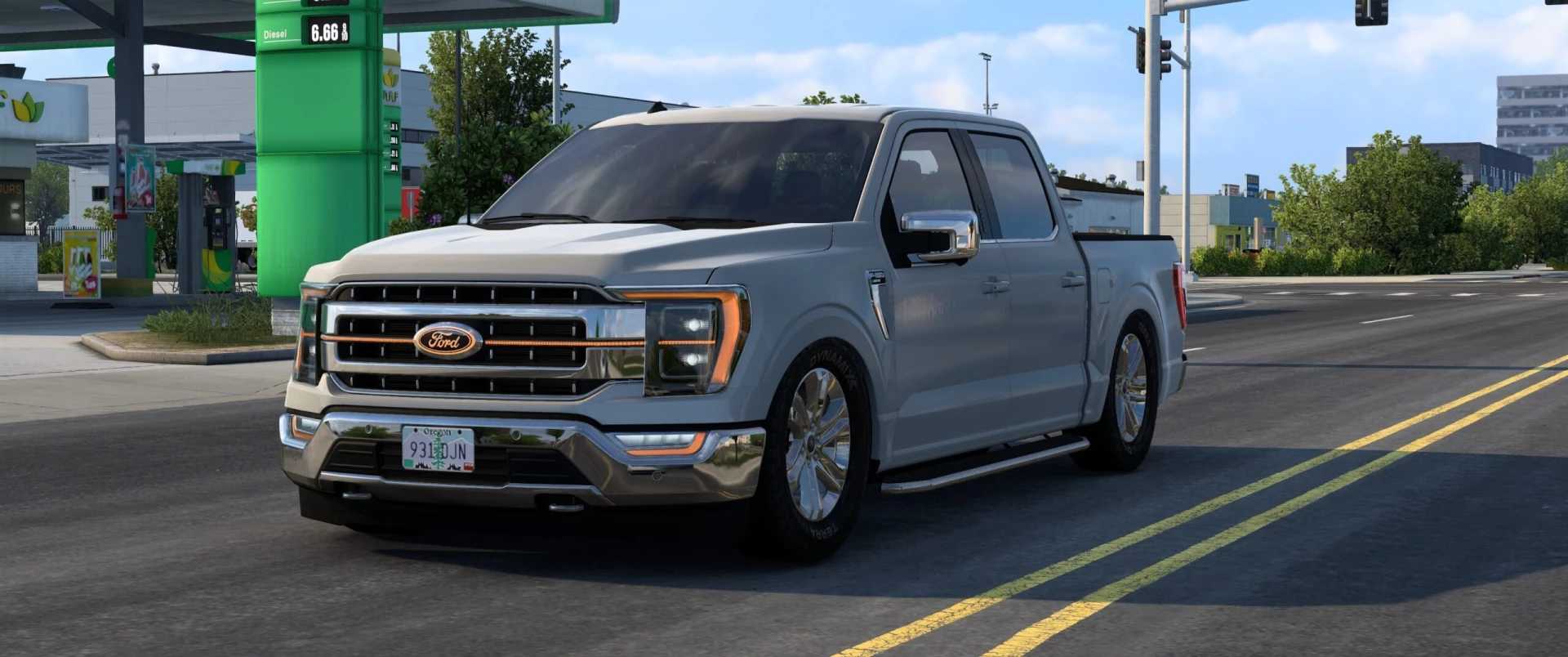
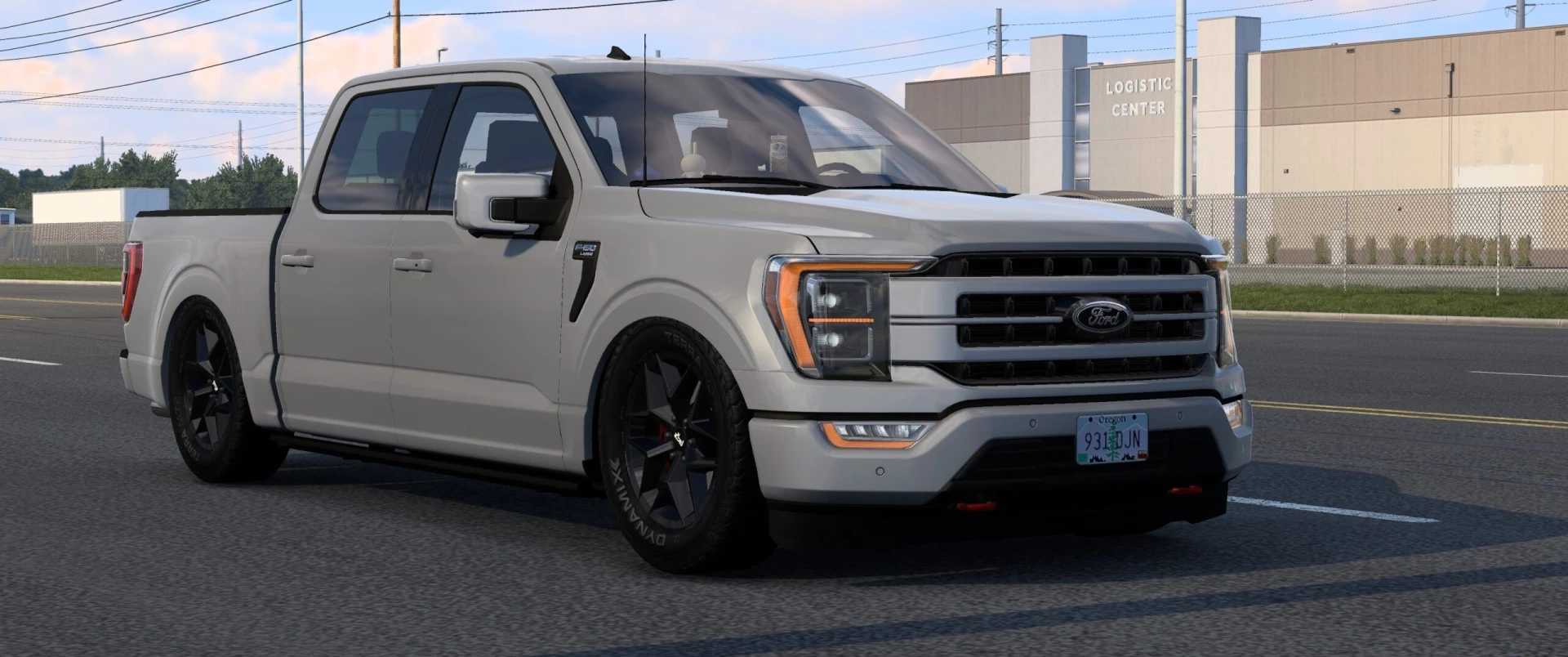
Ford F-150 Custom Parts v1.0 ATS
2-inch and 4-inch lowered chassis options
Amber DRL chassis for branching the lamp_setup:
f_light and f_bumper options for Amber DRL
High beams for the f_bumper lights
Grill options: painted, black, painted and black, and with an LED bar
Rear-exit dual exhaust
Bullbar with slots (overrides the existing bullbar) and tow hooks with customizable paint color
f_logo with a black base and customizable illumination color
r_logo with a black base and customizable illumination color
Chrome doorstep version
R20 chrome wheels and R20 VICE SUV wheels (black and chrome) for x_disc and y_disc
codrv_seat black leather version
Black leather interior version:
set_dashbrd slot
Credits: kuramochia
How to install ETS2 mods or ATS Mods
In Euro Truck Simulator 2 it’s easy to install mods. You just need to download mod from here, copy/unzip files into: “My Documents\Euro Truck Simulator 2\mod” folder or if you play ATS please install mods to: “My Documents\American Truck Simulator\mod” folder. To unzip files you can use: WinRAR or 7zip. After that you need to activate the mods you want to use.
Report bugs in the comments and help modders improve this mod. Always check the comments, you can find a solution.