FLX Pete 359 v1.7.7 1.59 ATS
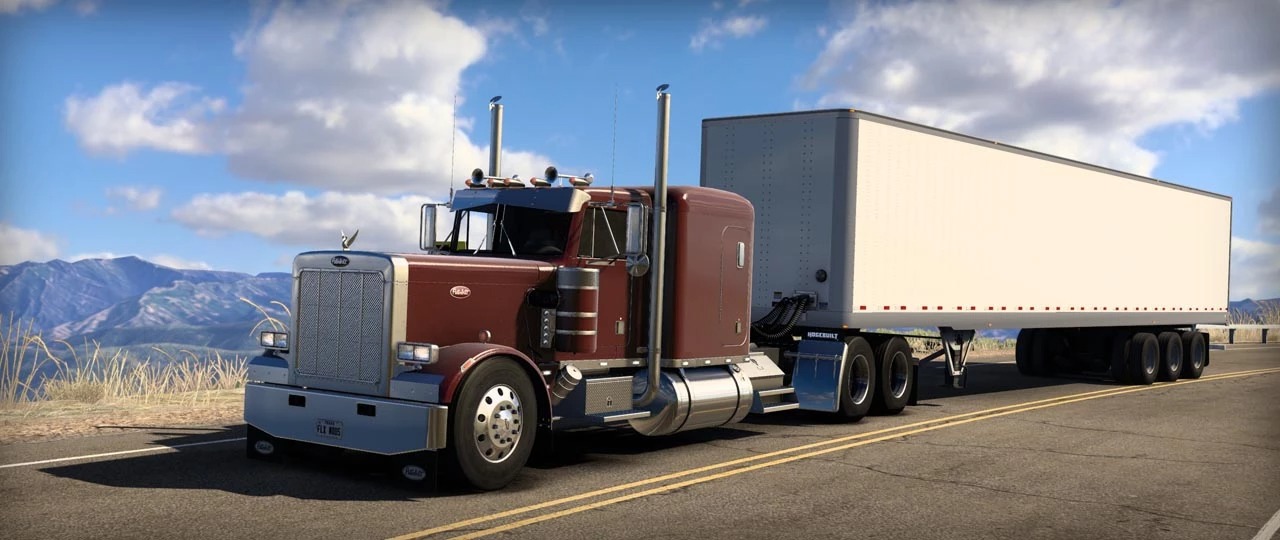

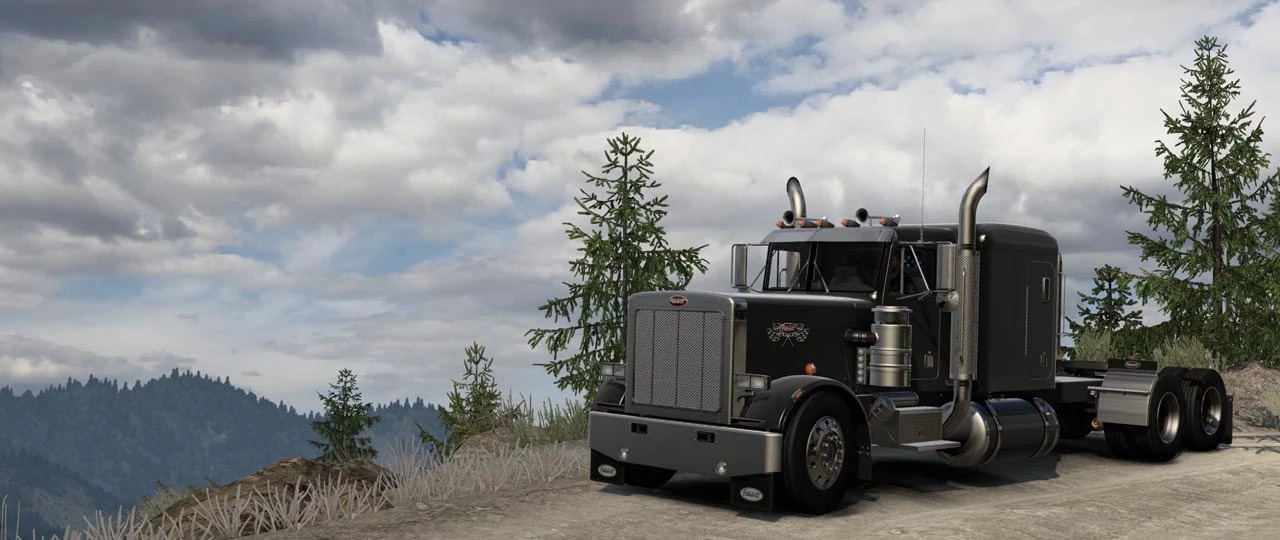
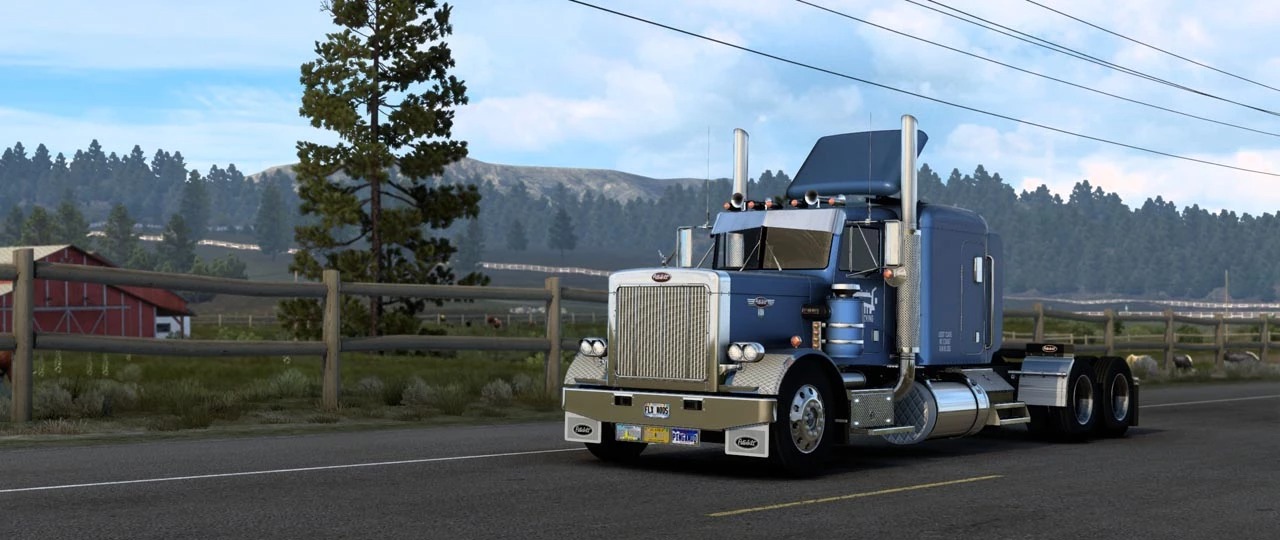
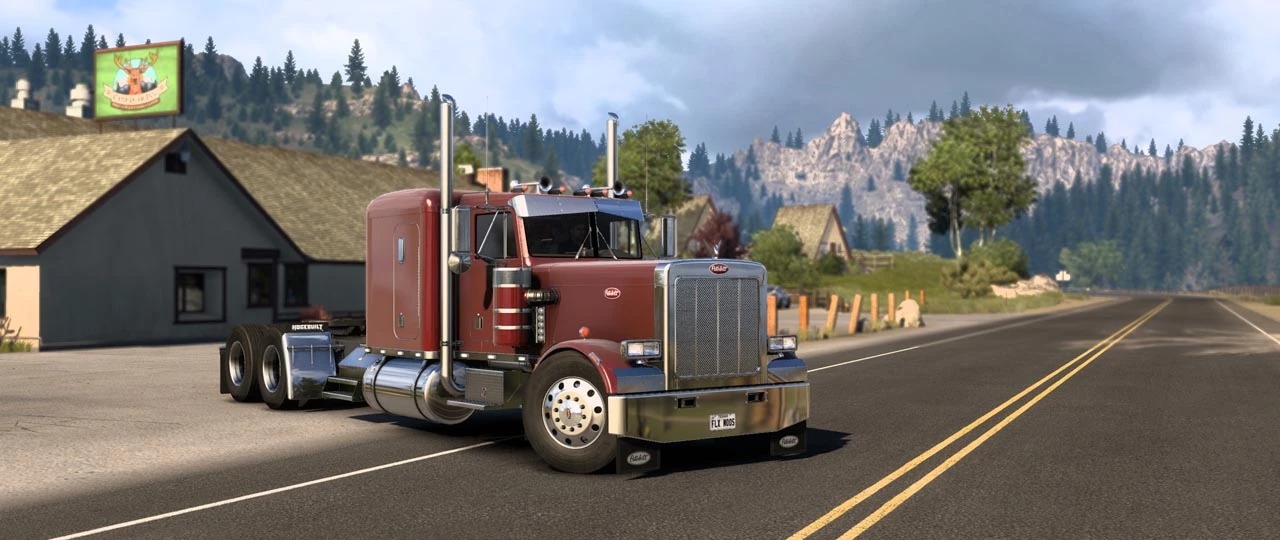
FLX Pete 359 v1.7.7 1.59 ATS
v1.7.7
Fixed halogen headlight normal map texture;
Updated mod file to hashfs V2 format for faster texture loading;
Fixed fake shadow glitch on lowered chassis;
v1.7.6
Fixed exhaust shield look aluminum.
Fixed exaust Tech Nine look aluminum.
Fixed CB Radio cables position.
Features:
119″ hood option
127″ hood(EXHD) option
Day Cab
Sleeper 63″
Sleeper 36″ coffin
Sleeper Mercury 60″
Sleeper Mercury 30″
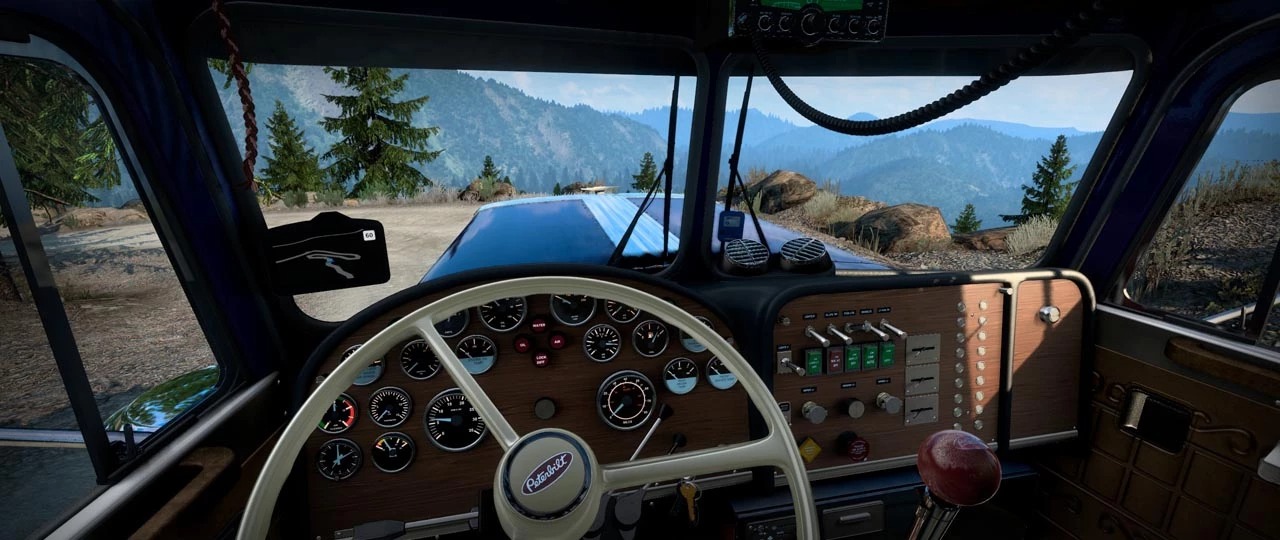
4 interior color variants
2 color variations for the steering wheel
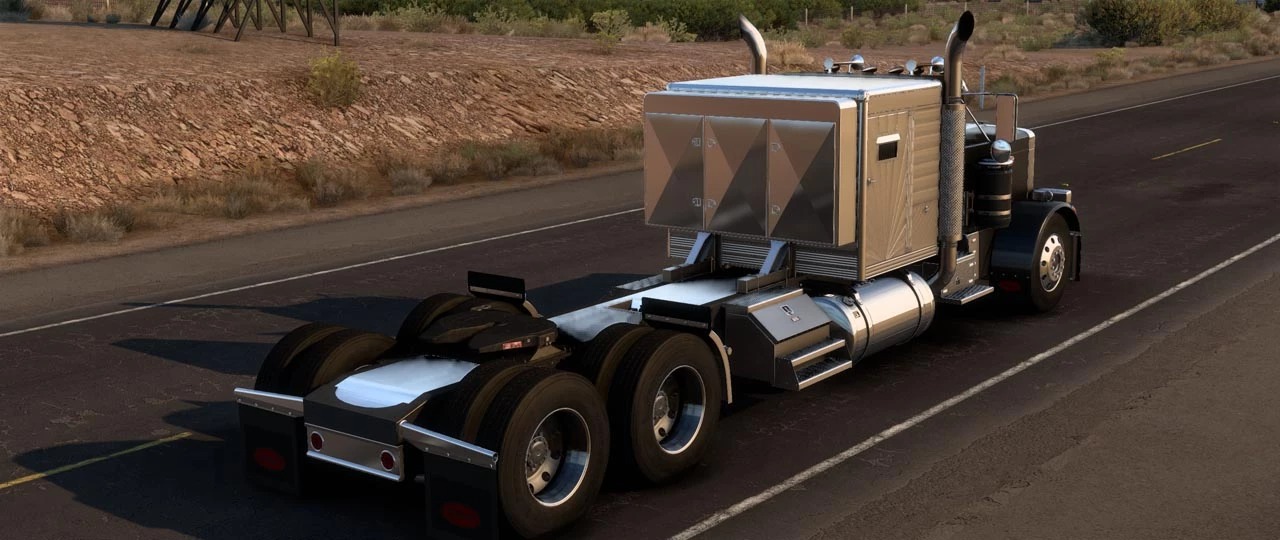
Chassis 6×4 normal and lowered
Streched Chassis 6×4 normal and lowered
2 chassis color
6 bumper
4 fender cover color
6 sunshield
12 ladder
20 filters
14 exhaust shield
10 exhaust
7 grill
9 mudguard
9 front fender mudflaps
9 mudflap
2 tank
38 headlight
2 mirror
12 rear bumper
3 fender sideskirt
4 fender sideskirt
1 mirror turn
3 air cleaner mount
4 fender lights
2 frame colors
12 hood ornaments
4 tanks
3 hood trim
8 headache racks
5 trailer cables style
Luberfiner Accessory
And much more in the future
Compatible with: ATS 1.59
Credits: FLX Mods
How to install ETS2 mods or ATS Mods
In Euro Truck Simulator 2 it’s easy to install mods. You just need to download mod from here, copy/unzip files into: “My Documents\Euro Truck Simulator 2\mod” folder or if you play ATS please install mods to: “My Documents\American Truck Simulator\mod” folder. To unzip files you can use: WinRAR or 7zip. After that you need to activate the mods you want to use.