Egon’s AI Traffic Pack v1.1 ETS2

Egon’s AI Traffic Pack v1.1 ETS2
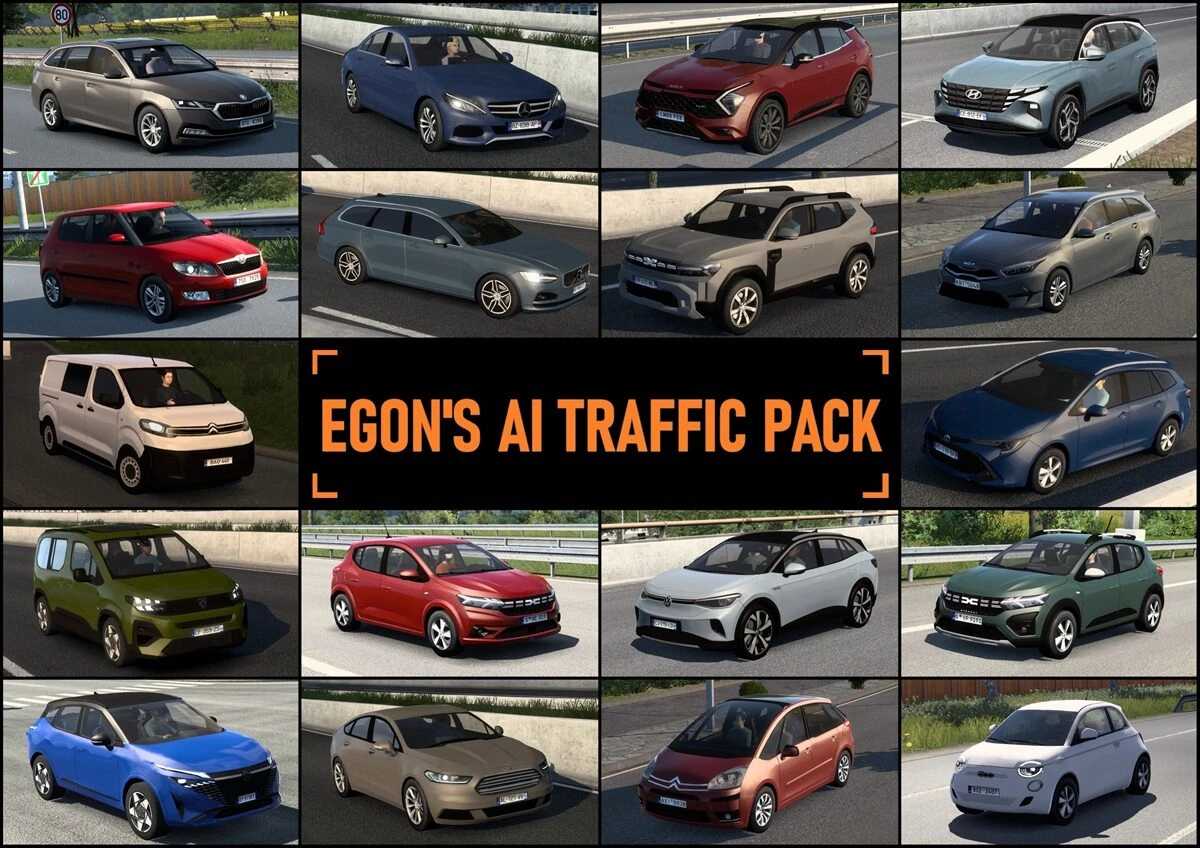
List of included vehicles:
– Citroen C4 Picasso ’06, Jumpy ’21
– Cupra Formentor ’24
– Dacia Duster ’18, Duster ’24, Sandero ’22, Sandero Stepway ’22
– Fiat 500E ’20, Scudo ’21
– Ford Mondeo ’14, Transit Custom ’20
– Hyundai Tucson ’21
– Iveco Eurocargo ’08, Evadys ’16
– Kia Ceed SW ’22, Sportage ’22
– Mercedes-Benz C-Class (w205) ’14
– Nissan Qashqai ’24
– Opel/Vauxhall Mokka ’23, Vivaro ’21
– Peugeot 207SW ’10, 308 hatchback ’24, Rifter ’24
– Renault Mégane Wagon ’17
– Seat Ibiza ’17
– Skoda Citigo ’11, Enyaq ’20, Fabia ’11, Felicia ’98, Octavia Combi ’20, Scala ’20
– Toyota Corolla Wagon ’18, Yaris ’11
– Volkswagen Caddy ’22, ID.4 ’21
– Volvo V90 ’17
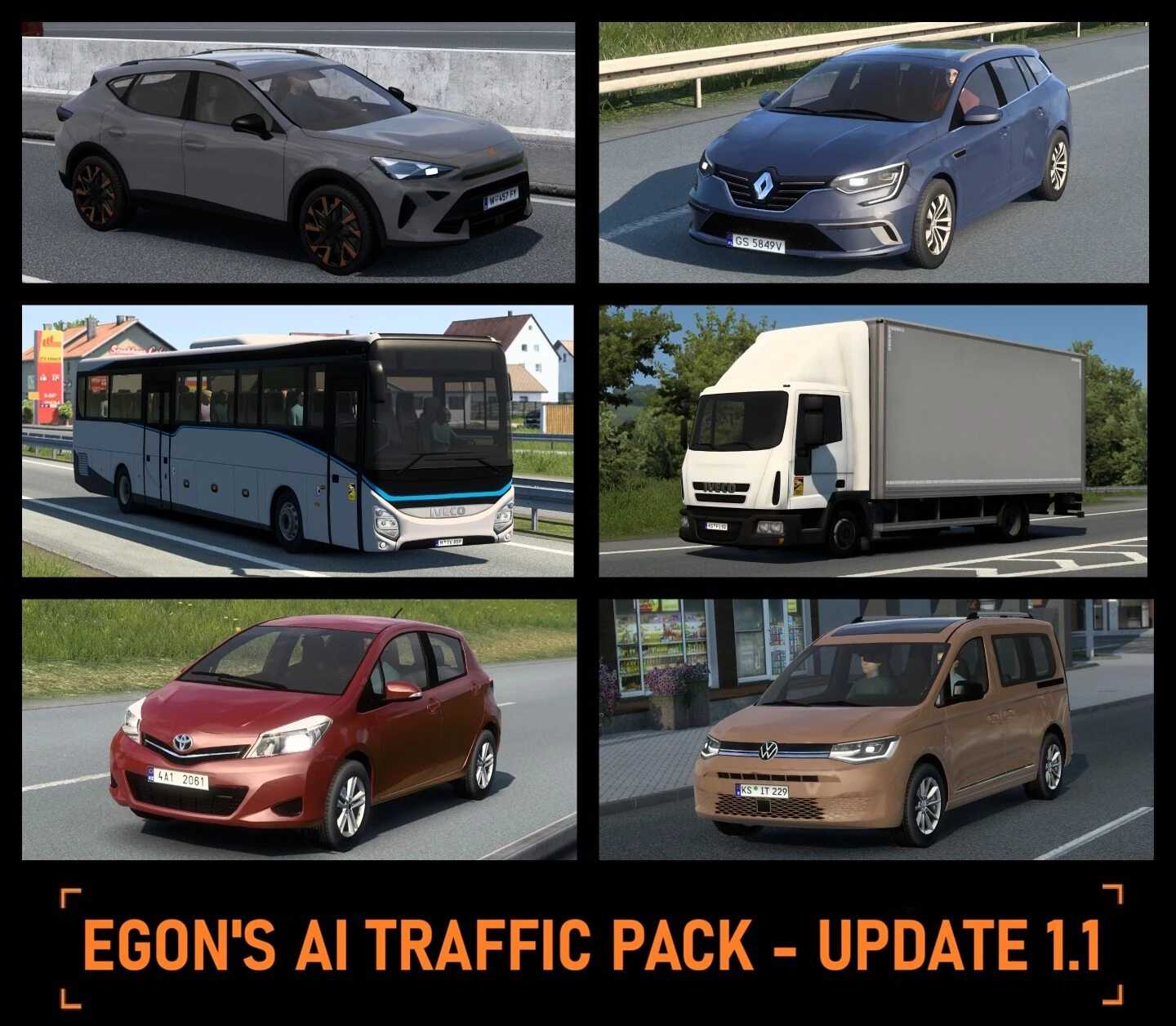
New vehicles:
– Cupra Formentor ’24
– Iveco Eurocargo ’08 box truck
– Iveco Evadys ’16 coach bus
– Renault Megane Grandtour ’17
– Toyota Yaris ’11
– VW Caddy ’22
Credits: Egon
How to install ETS2 mods or ATS Mods
In Euro Truck Simulator 2 it’s easy to install mods. You just need to download mod from here, copy/unzip files into: “My Documents\Euro Truck Simulator 2\mod” folder or if you play ATS please install mods to: “My Documents\American Truck Simulator\mod” folder. To unzip files you can use: WinRAR or 7zip. After that you need to activate the mods you want to use.