
Dynamic Head Movement v2.0 ETS2

Dynamic Head Movement v2.0 ETS2
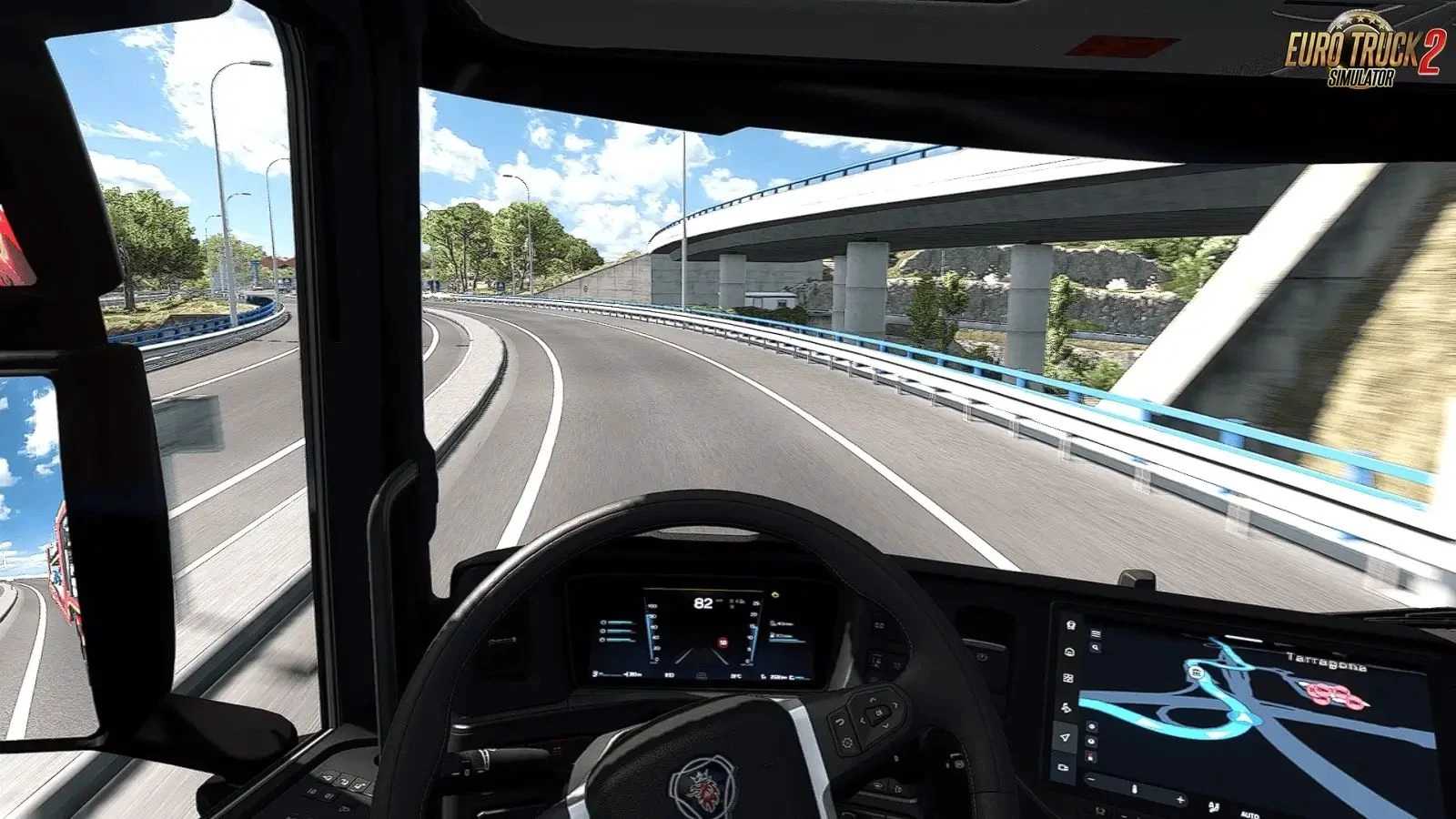
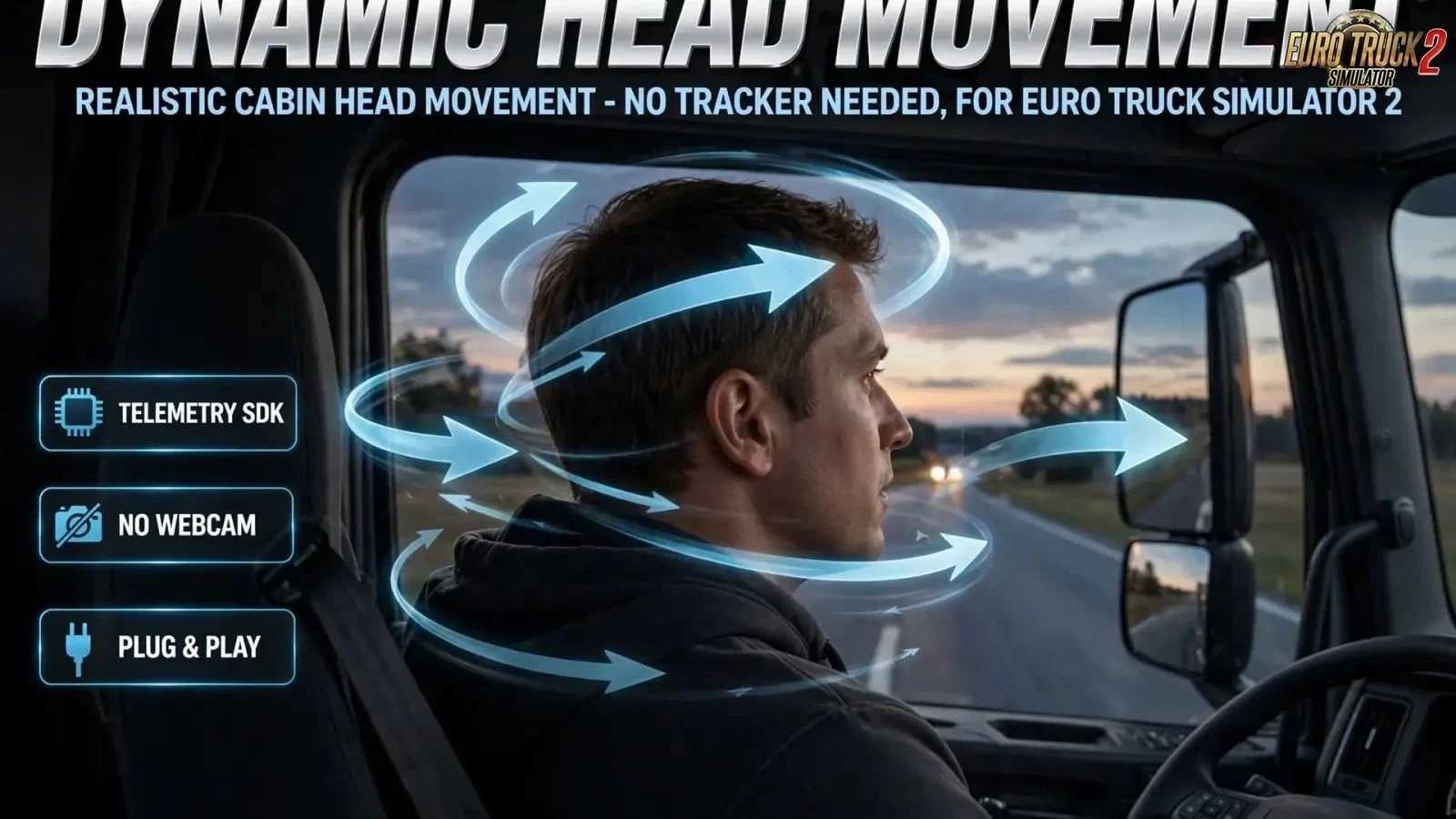
Realistic driver head motion: micro-movements & gentle cockpit shaking
Random glances at left/right mirrors and the instrument cluster
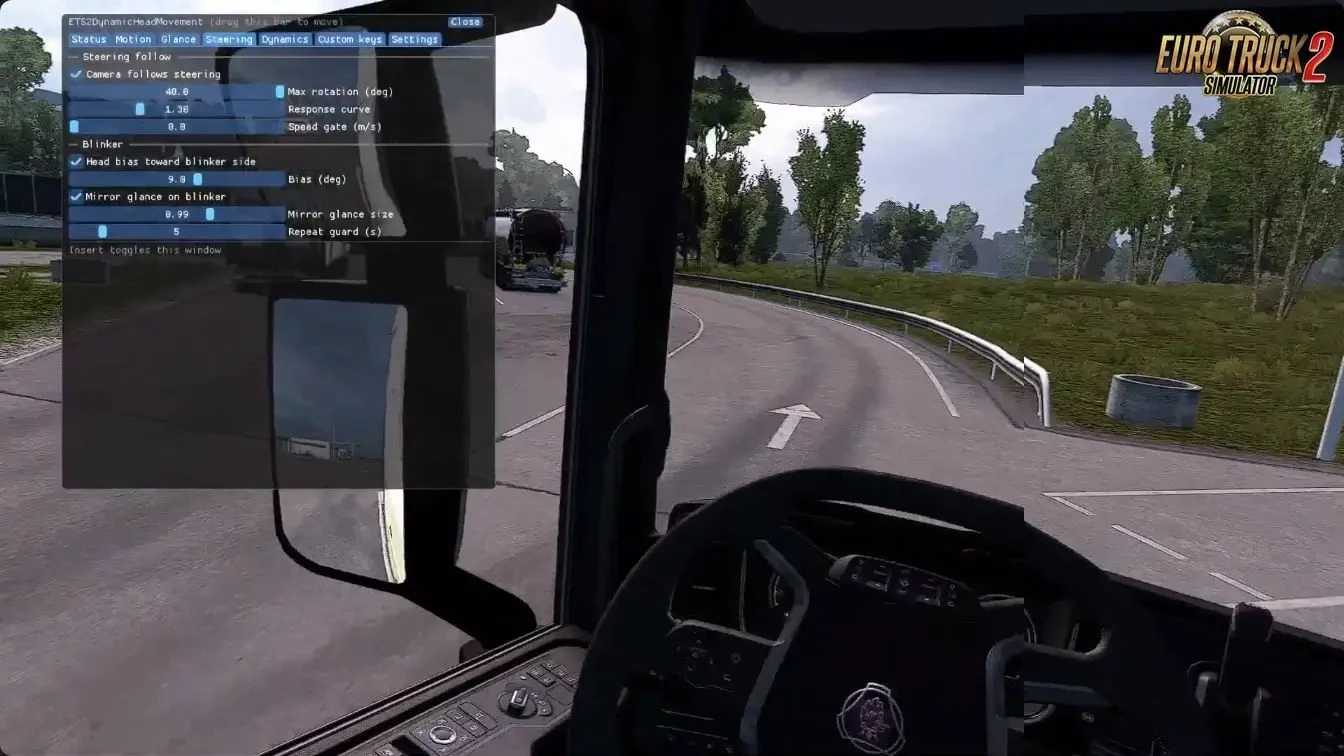
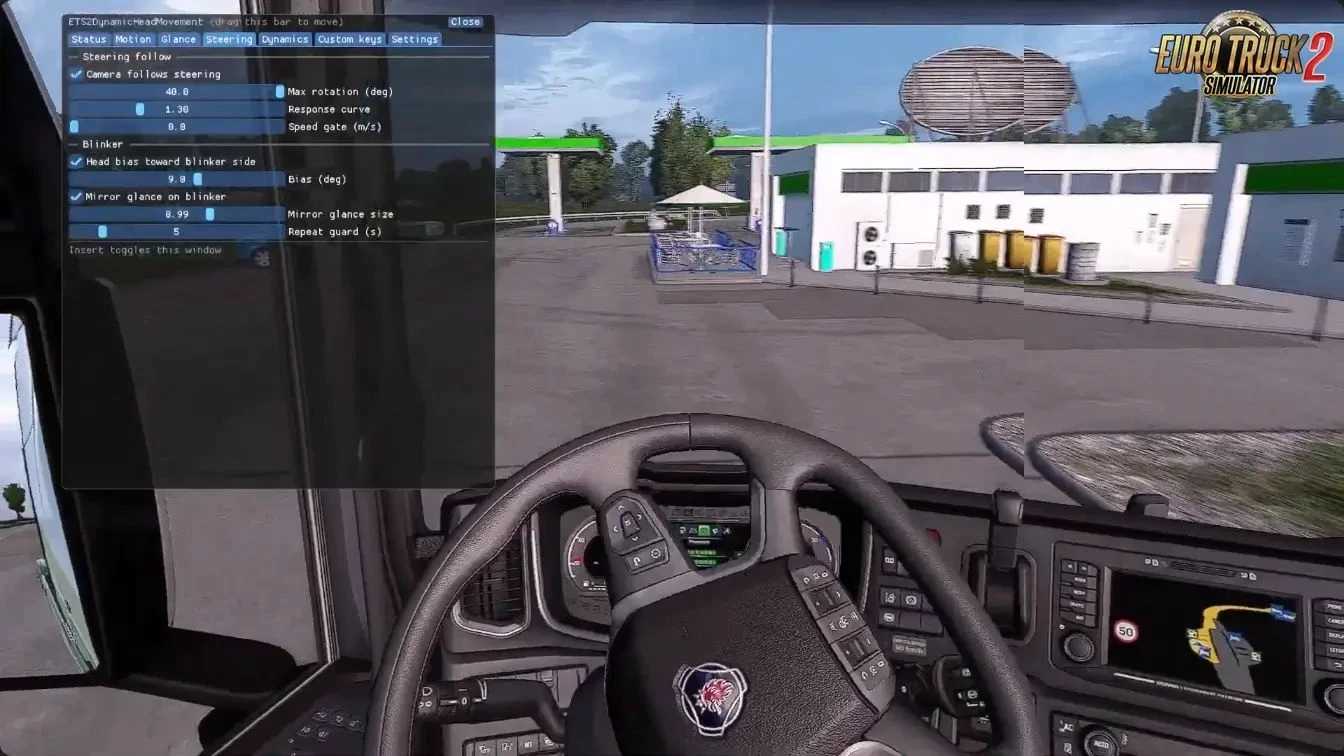
Camera follows steering wheel input
Auto mirror check whenever blinkers are active
In-game overlay UI (Insert or Ctrl+Shift+H, remappable)
Fully adjustable: amplitude, smoothing, 120 Hz update rate & axis flips
Suspension & road dynamics: braking, acceleration, cornering, bumps & slopes
3 custom key actions with configurable camera poses (hold or toggle)
Settings auto-save to .ini with reload & reset options
Requires OpenTrack (Output: freetrack 2.0 Enhanced, mode: Both)
Disable in-game Steering & Blinker Camera Rotation to prevent conflicts
Changes in v2.0:
New in-game UI with 7 tabs: Status, Motion, Glance, Steering, Dynamics, Custom Keys & Settings
Status tab: live telemetry (speed, steering, blinkers, acceleration, tilt) + yaw/pitch/roll graphs
Motion tab: master toggle, overall amplitude, output smoothing, update rate & X/Y/Z flip/gain/scale
Glance tab: adjustable min/max intervals + weighted target table (angles, hold times, reset)
Steering tab: follow strength, max rotation, response curve & speed gate; blinker bias, mirror glance scale & cooldown
Dynamics tab: intensity, spring frequency, damping, lean roll/pitch, slope & camber compensation, cabin suspension
Custom Keys tab: 3 pose slots with key binding, hold/toggle modes, move time, per-axis flips & live preview
Settings tab: save/reload/reset, menu hotkey rebind, UI scale & window opacity
Single DLL replaces the old movement variants — everything now configurable in the UI
Note: ETS2 clamps roll/translation by default; edit controls.sii (c_ht_roll → 1.0) to unlock full movement
Tested version 1.62.x
Credits: pebbian
How to install ETS2 mods or ATS Mods
In Euro Truck Simulator 2 it’s easy to install mods. You just need to download mod from here, copy/unzip files into: “My Documents\Euro Truck Simulator 2\mod” folder or if you play ATS please install mods to: “My Documents\American Truck Simulator\mod” folder. To unzip files you can use: WinRAR or 7zip. After that you need to activate the mods you want to use.


