Discover North America v1.7.6 1.59 ATS


Discover North America v1.7.6 1.59 ATS
Changes v1.7.6 :
– restoration of content that had to be removed during initial Illinois DLC connections
– Restored Wisconsin cities Madison, Fond du Lac and Sheboygan as boilerplate cities (no longer just labels)
– Platteville and Fort Atkinson will NOT be brought back
– Restored Indiana US-41 (and cities along its route), Lafayette IN, Paducah KY and Murray KY
– Restored US-30 from US-31 to Chicago (now connects to the road to the Thornton Quarry via SCS’ unfinished Indiana DLC roads)
– Restored Indianapolis back to as it appeared in v1.7.4
– Restored the I-64 Ohio River bridge
– Scenery and signage improvements along the Indiana Toll Road from I-69 to Chicago and along I-94 from Battle Creek MI to Chicago (now you can enjoy realistic scenery heading east from Chicago!)
– Minor reworks of Kalamazoo MI and South Bend IN
– Deleted the fictional Kalamazoo-South Bend road and replaced it by extending US-131 south to the Indiana Toll Road and US-31 north to I-94
– Extended the US-131 freeway in Grand Rapids MI to Kalamazoo
– Added the Chicago Skyway Bridge and the Gordie Howe Bridge (the latter is currently just scenery)
– General Bug Fixes
Release features;
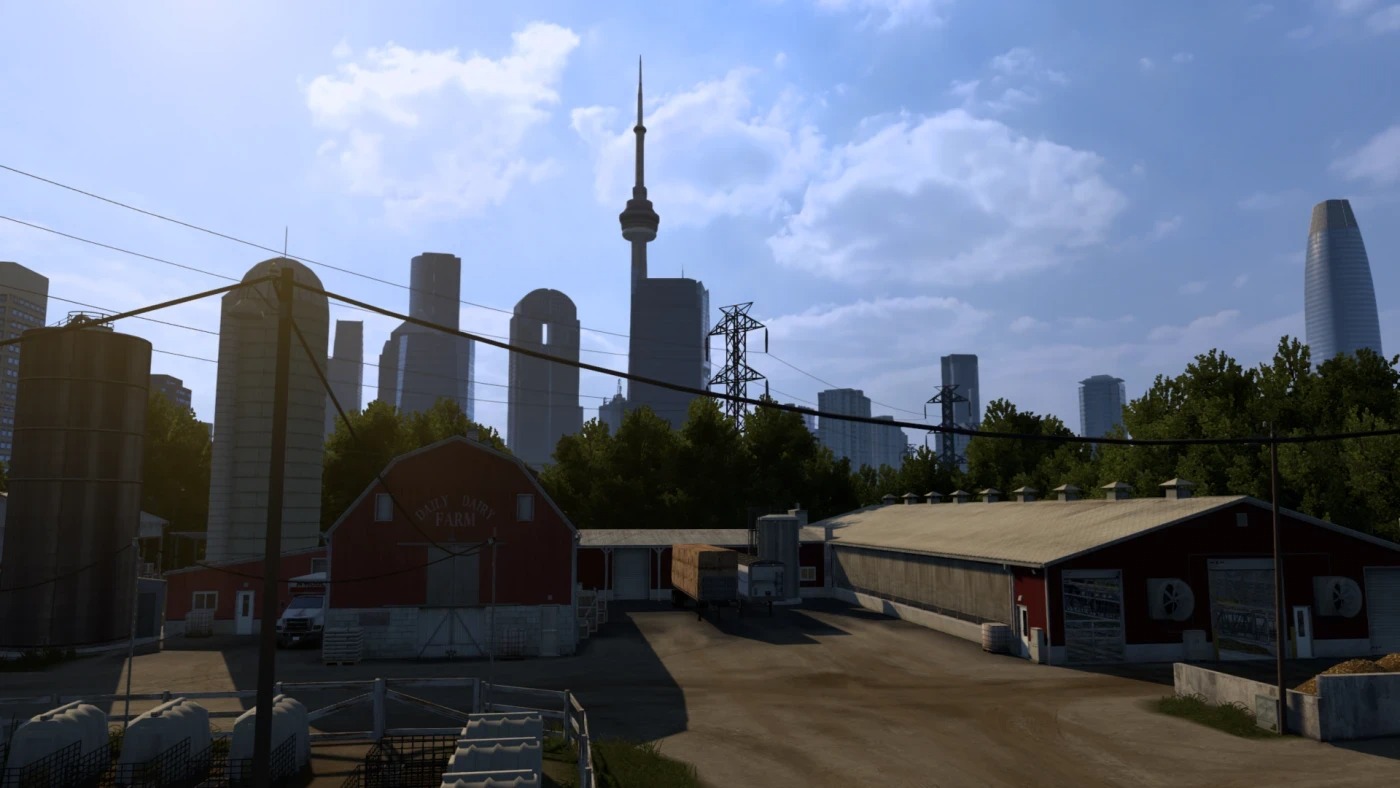
Boilerplate roads in most areas that SCS has not covered
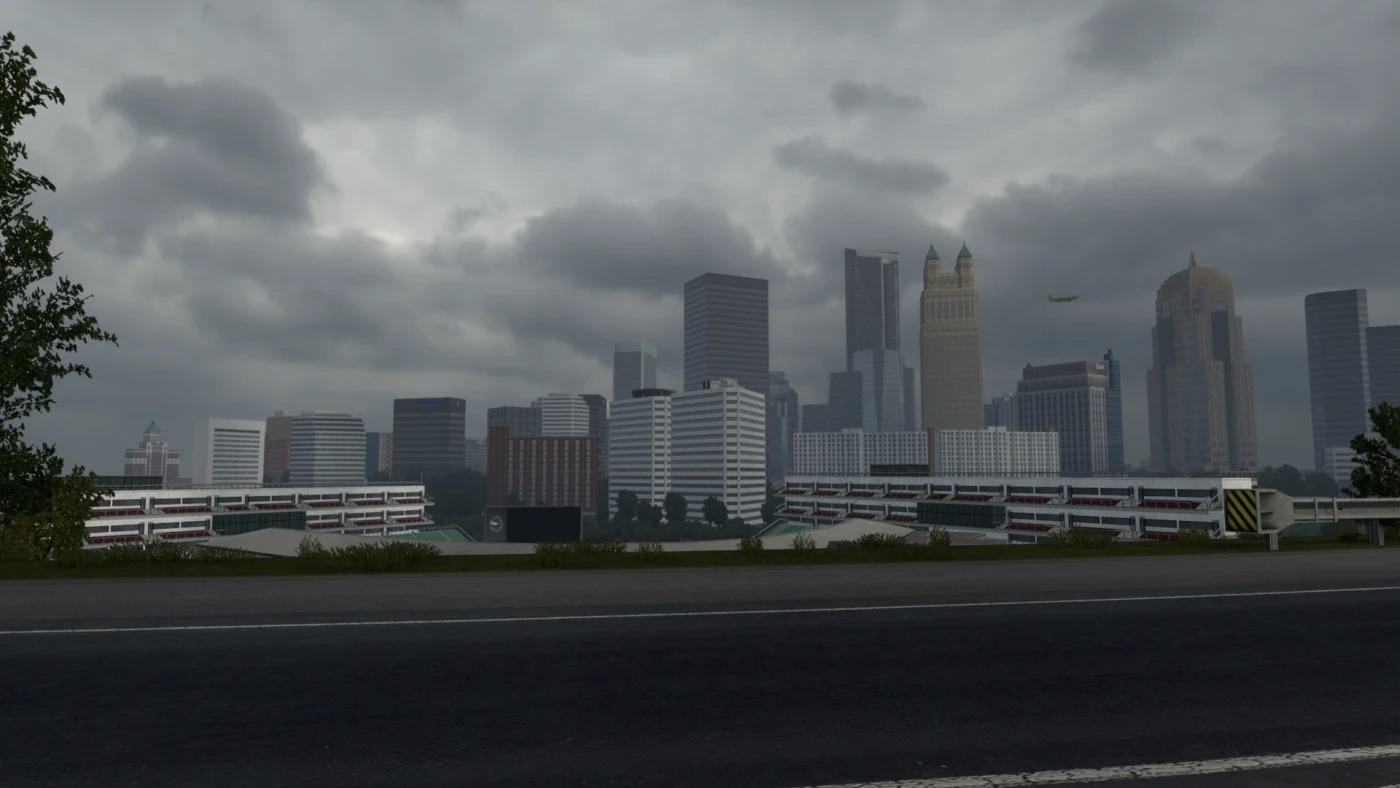
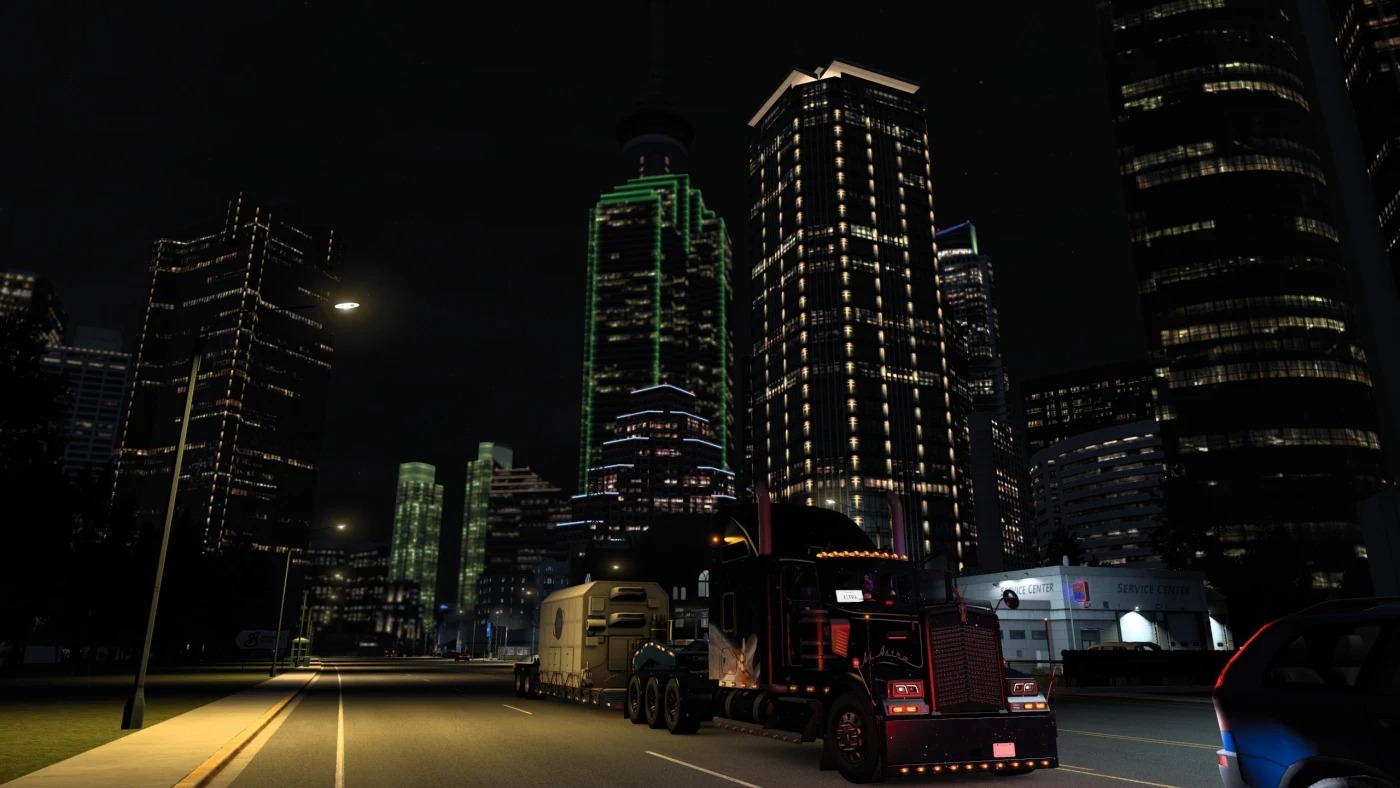
New Chicago Skyline
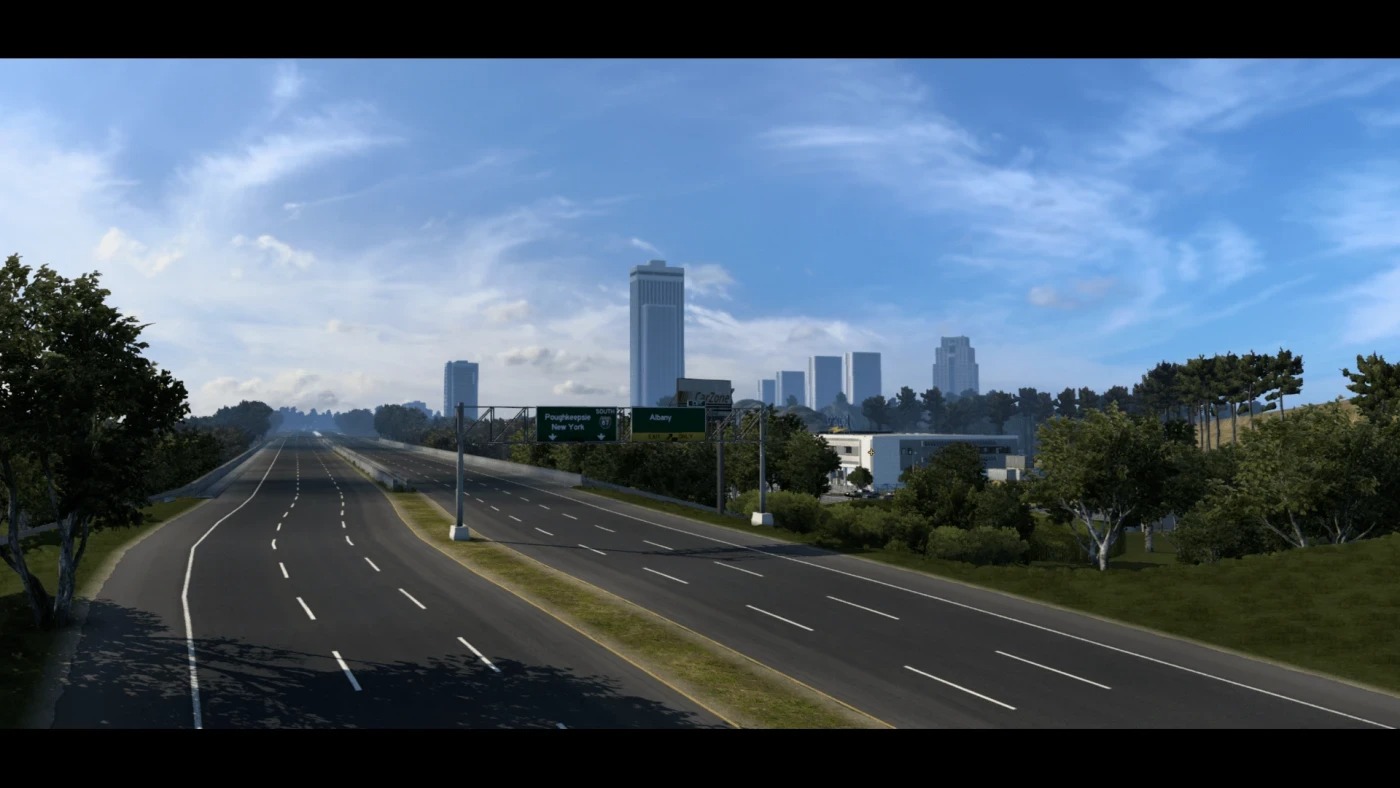
New NYC Skyline
Maine road layouts and DTN connections
Kansas Compatible
Thousands of Miles of new roads
Realistic Tolls
Carefully drawn highways, county routes, and roads
Boilerplate towns in the Midwest
SteelandCities New England Mod merged into AE
Jacemeisters Midwest Expansion used as based, Updated for 1.49 by Matt Burb
New Boarder Checkpoints
Realistic Signage
So much more
Load order:
Discover North America (newest)
Coast to Coast (newest)
Credits: Astranautica
How to install ETS2 mods or ATS Mods
In Euro Truck Simulator 2 it’s easy to install mods. You just need to download mod from here, copy/unzip files into: “My Documents\Euro Truck Simulator 2\mod” folder or if you play ATS please install mods to: “My Documents\American Truck Simulator\mod” folder. To unzip files you can use: WinRAR or 7zip. After that you need to activate the mods you want to use.