DBM Cluster Vision – Bigger Dash Text + Map Page v1.61 ETS2

DBM Cluster Vision – Bigger Dash Text + Map Page v1.61 ETS2
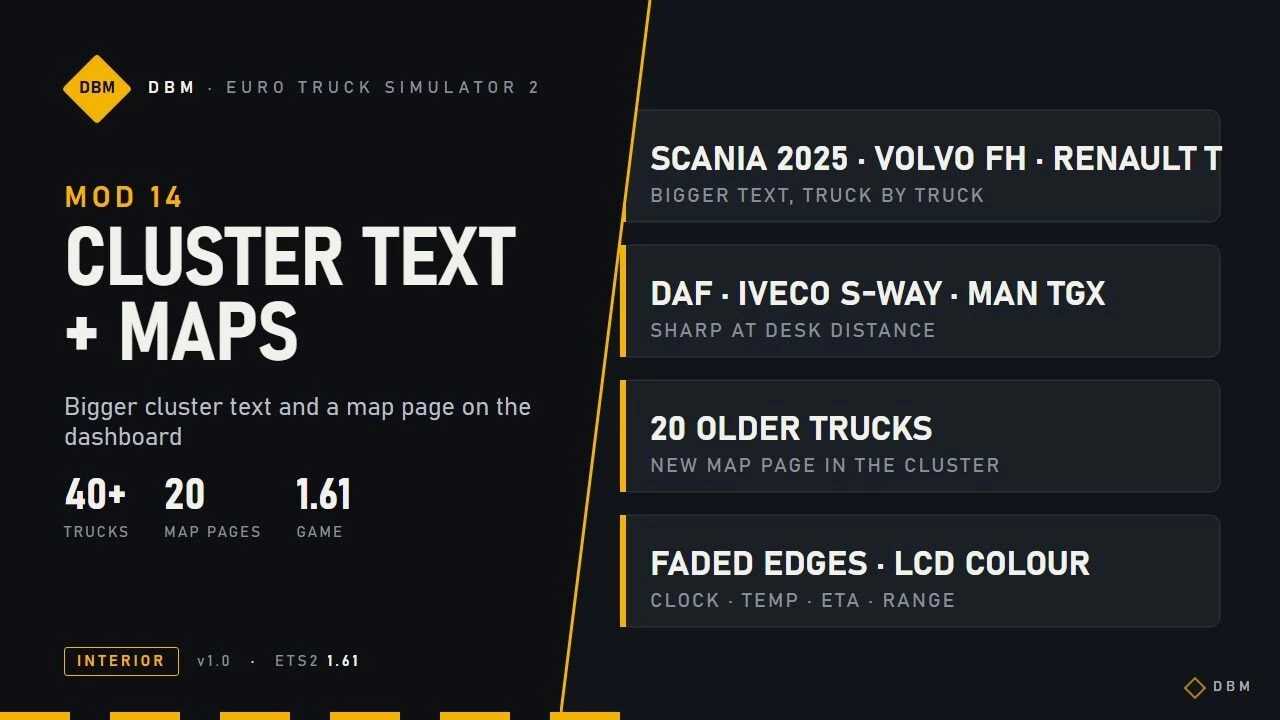
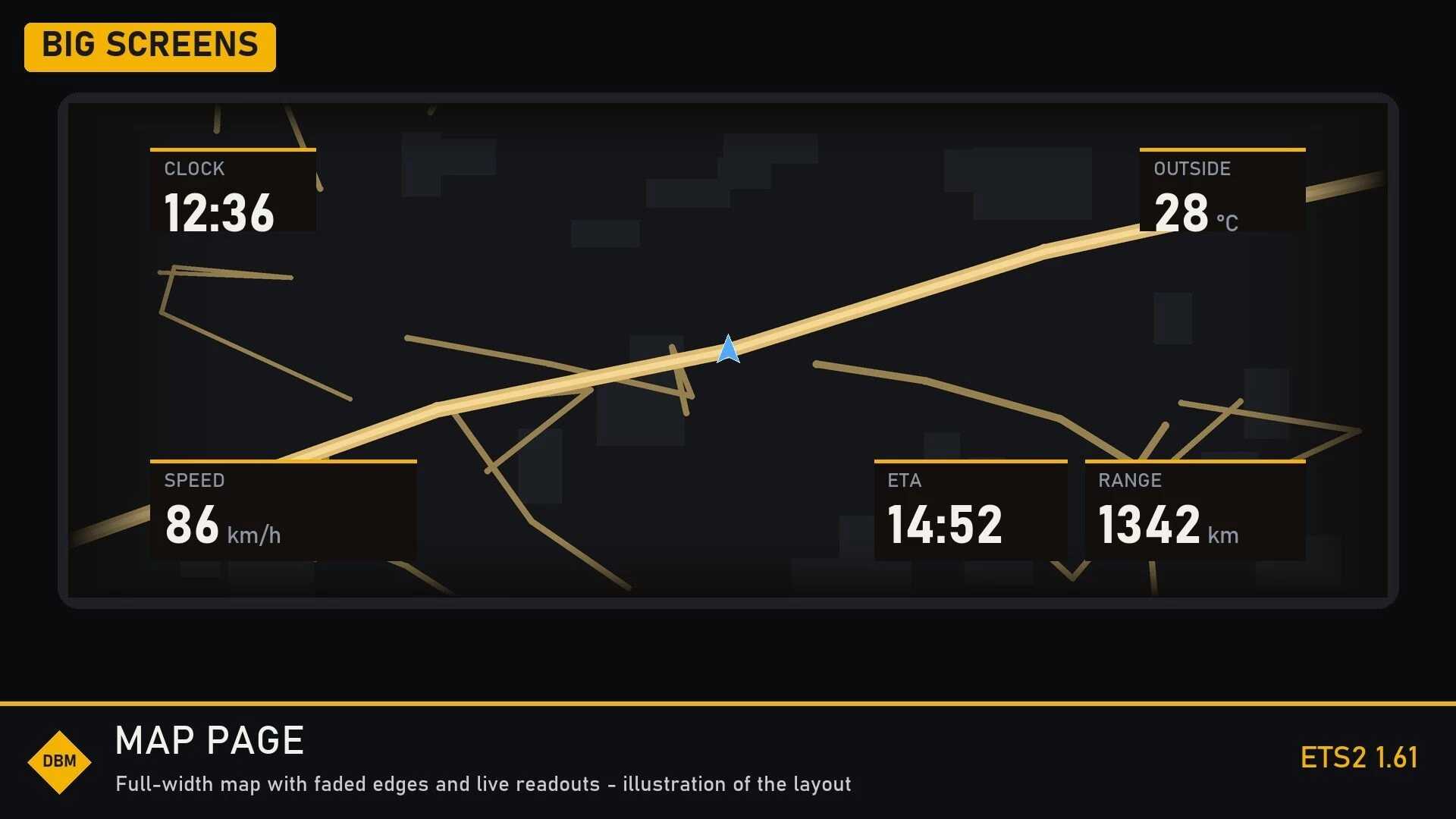
Bigger text on the cluster displays of Scania (2016 and 2025), Volvo FH 2021 and 2024, Renault T, DAF 2021 / XD / XF Electric, Iveco S-Way, MAN TGX 2020 and about 20 older trucks. Text is scaled evenly (never stretched) and checked so it does not overlap neighbouring values.Map page in the cluster on trucks that had no map of their own: press the infotainment key on the cluster to reach it. Big-screen trucks get a full-width map with soft faded edges and clock, temperature, ETA and range. Older trucks get a simpler LCD-style map in the colour of their display.Trucks that already show a map in the cluster (Volvo FH 2021 / 2024, Renault T 2024) keep their own.
Requirements
Needs DBM Clusters HD (Upscaled Clusters). This mod is built on its files, so subscribe to both. Keep Cluster Text and Maps above Clusters HD in the load order.Replaces the cluster (dashboard) layout files of the trucks above. Another mod that replaces the same files will conflict; the higher one in the load order wins.Works with Nav Data Pages, Lighting Nova and all other DBM mods.
Tested setup
I play with the whole DBM pack enabled at 4K (3840×2160), DLSS 5 at 100% scaling in 4K, on an RTX 5070 Ti (16 GB). , the average VRAM consumption sits around 9-11GB. 8GB cards are good to run my mods.
Game version
Built and tested for Euro Truck Simulator 2 1.61.x. It may also work on earlier game versions, but those are not officially supported.
The DBM series – every mod works on its own or together with the rest. Found a bug or a conflict? Leave a comment with a screenshot, your mod list and load order and I will look into it.
DBM – Euro Truck Simulator 2 mods.
Credits: Claude Shannon
How to install ETS2 mods or ATS Mods
In Euro Truck Simulator 2 it’s easy to install mods. You just need to download mod from here, copy/unzip files into: “My Documents\Euro Truck Simulator 2\mod” folder or if you play ATS please install mods to: “My Documents\American Truck Simulator\mod” folder. To unzip files you can use: WinRAR or 7zip. After that you need to activate the mods you want to use.