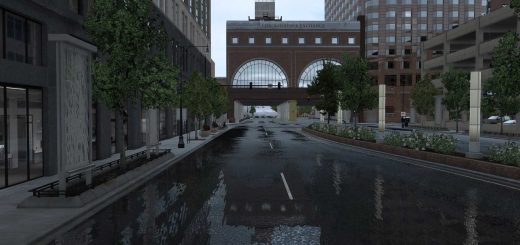
Cinematic A Visual Overhaul v1.60 ETS2
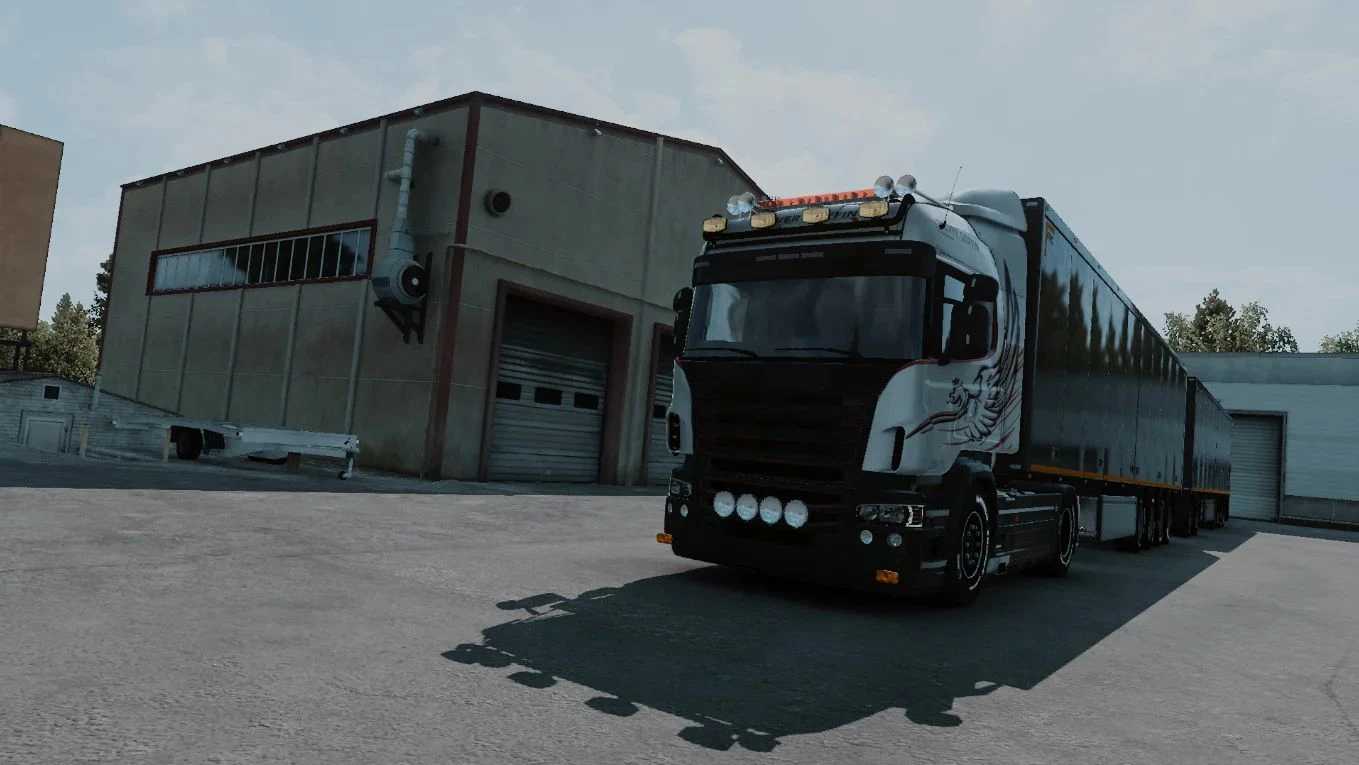

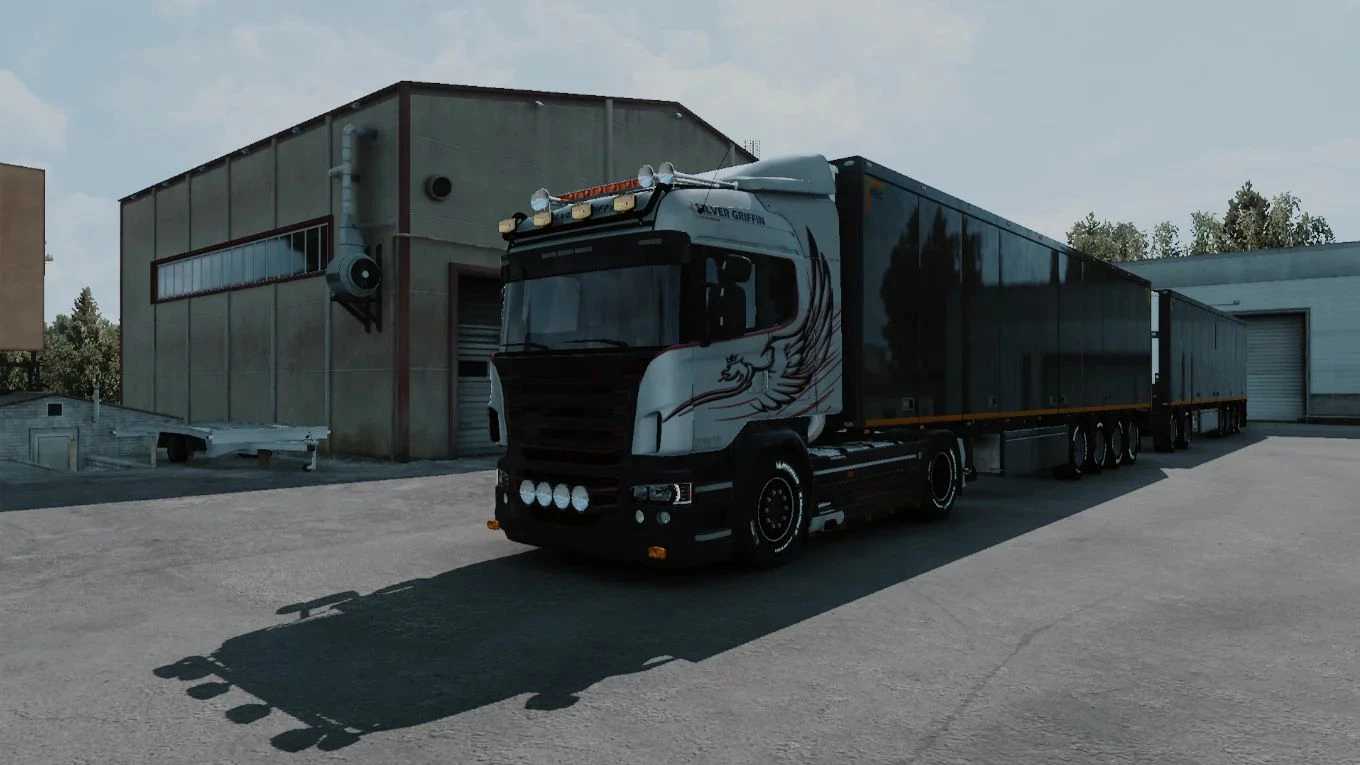
Cinematic A Visual Overhaul v1.60 ETS2
Zero Asset Bloat & Maximum FPS: Because it’s a pure ReShade preset, it won’t cause mod conflicts with your map expansions or truck mods.
Plus, the shaders are highly optimized so you get next-gen visuals with almost zero impact on your performance.
Requirements: ReShade
1. Extract the downloaded .zip file.
2. Open ReShade.exe, click Browse, and navigate to your Euro Truck Simulator 2 folder to select eurotrucks2.exe. Then, click Next.
3. Choose DirectX 10/11/12 and click Next.
4. Click Browse, select ocsmods_ets2_cinematic.ini from the extracted folder, and click Next.
5. Wait for the installation to finish.
Credits: OCS Mods
How to install ETS2 mods or ATS Mods
In Euro Truck Simulator 2 it’s easy to install mods. You just need to download mod from here, copy/unzip files into: “My Documents\Euro Truck Simulator 2\mod” folder or if you play ATS please install mods to: “My Documents\American Truck Simulator\mod” folder. To unzip files you can use: WinRAR or 7zip. After that you need to activate the mods you want to use.
Report bugs in the comments and help modders improve this mod. Always check the comments, you can find a solution.