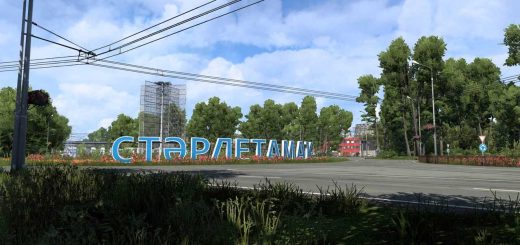
BXP Australia FIX 159.0 ETS2


BXP Australia FIX 159.0 ETS2
BXP Australia FIX fixes wrong company caused by Australia Tasmania map mod
CONTAINS: company fix
FEATURES: compatibility when used in combo
COMPLETED: fixed broken quarry company
INCOMPLETE: none reported
DEPENDENCY: Australia Tasmania map
SPECIAL THANKS: SCS, Ivanmykyta and hi sora
Credits: BXP
How to install ETS2 mods or ATS Mods
In Euro Truck Simulator 2 it’s easy to install mods. You just need to download mod from here, copy/unzip files into: “My Documents\Euro Truck Simulator 2\mod” folder or if you play ATS please install mods to: “My Documents\American Truck Simulator\mod” folder. To unzip files you can use: WinRAR or 7zip. After that you need to activate the mods you want to use.
Report bugs in the comments and help modders improve this mod. Always check the comments, you can find a solution.