Bulgaria in Focus v1.39
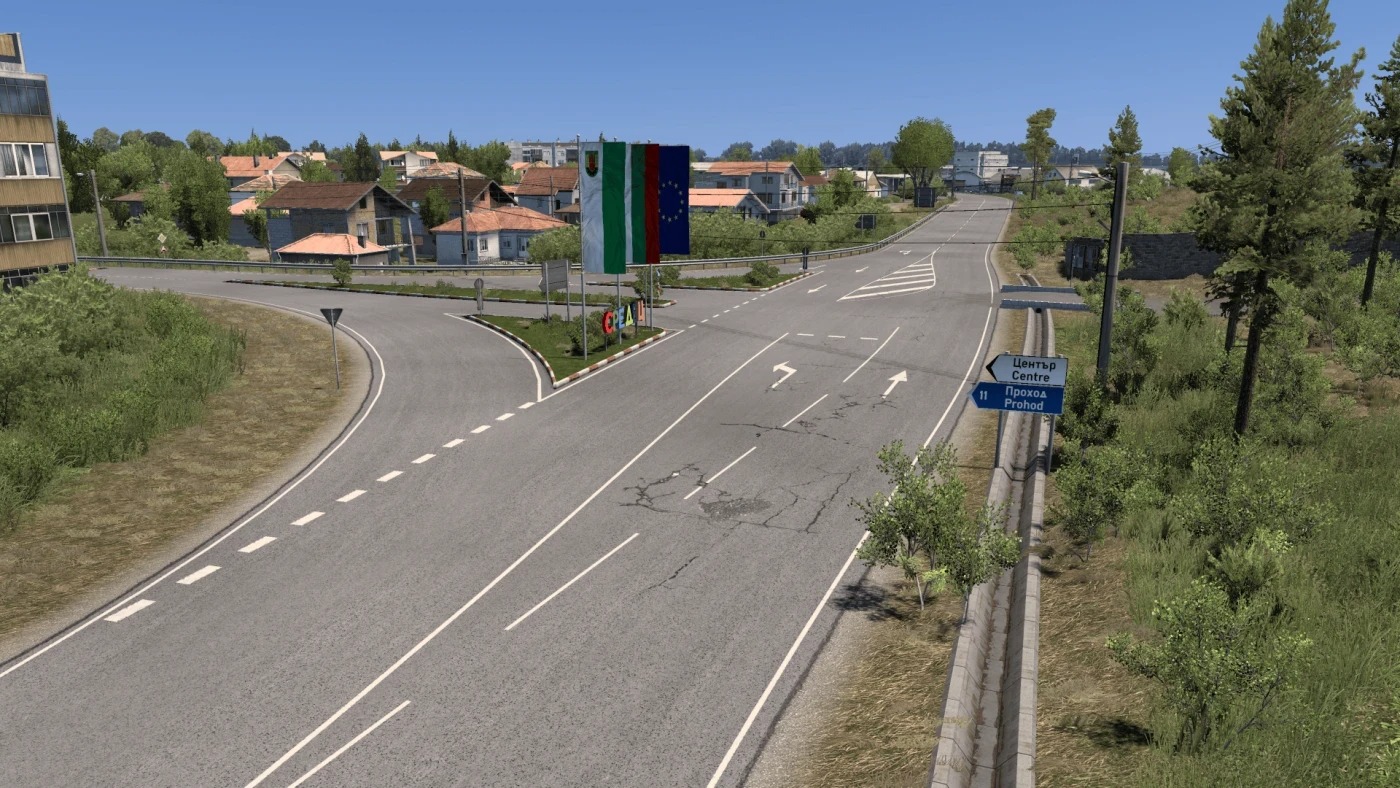
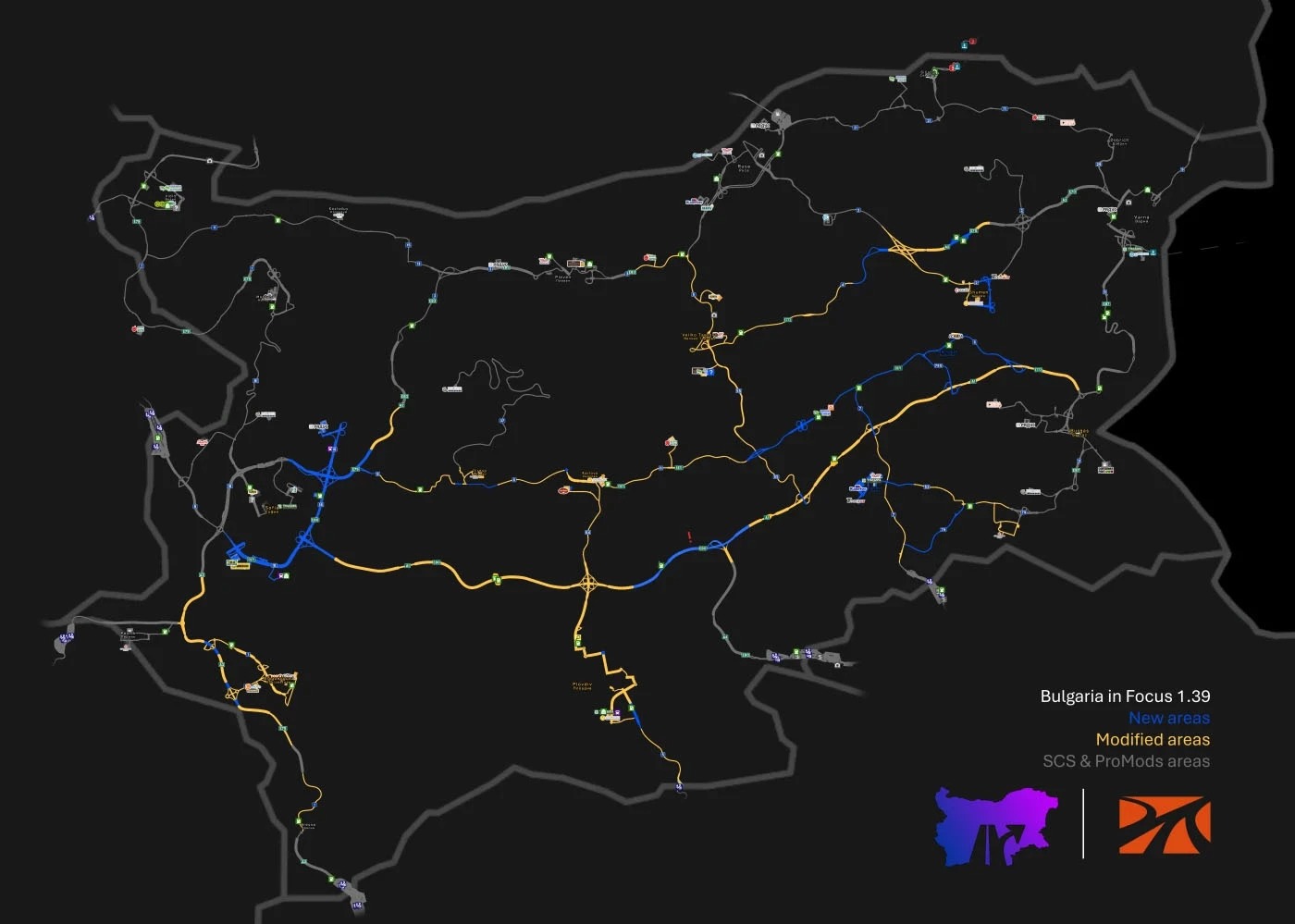
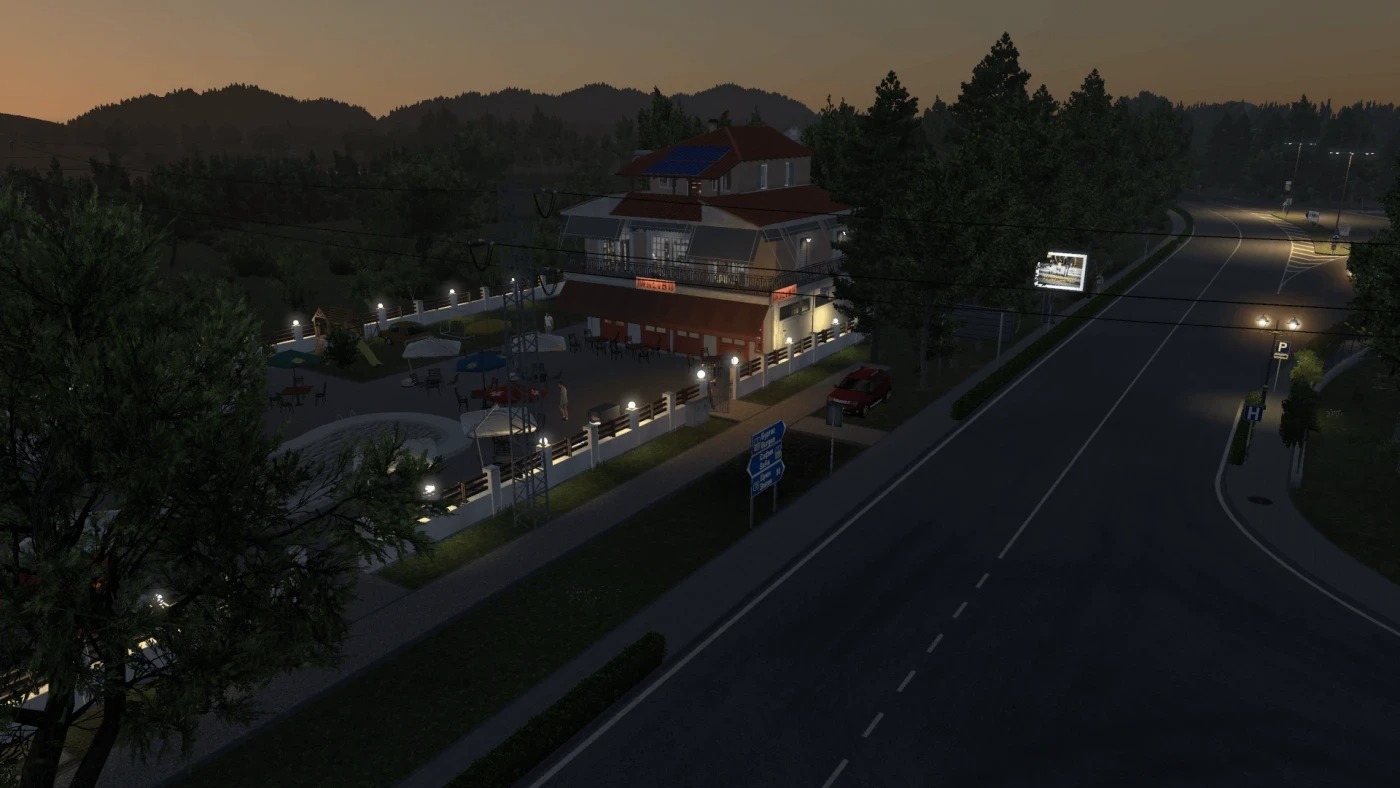
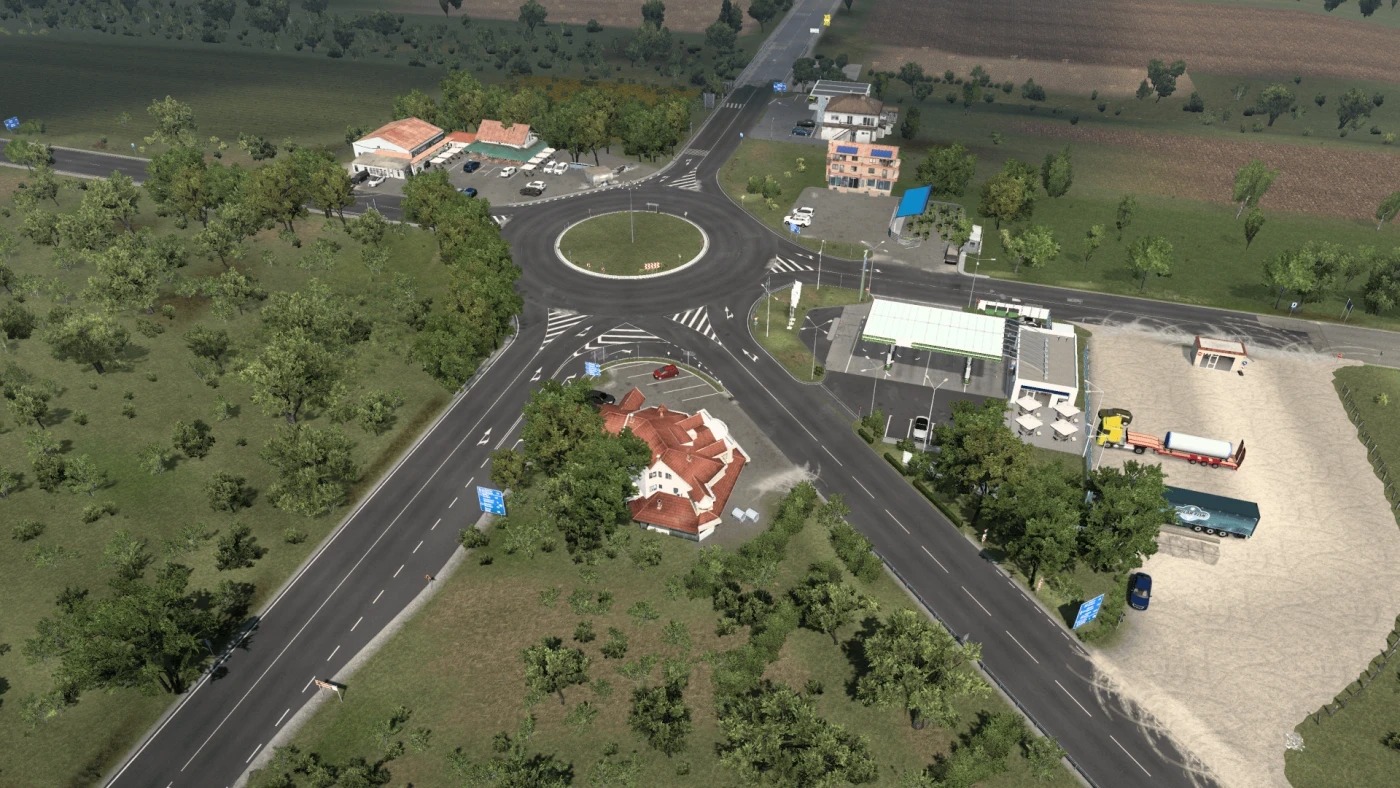
Bulgaria in Focus v1.39
Changes v1.39
Critical bug fixes versus 1.38
Added support for Coaches DLC
Rework of Sofia North East Ring Road (II18)
Refresh of Sofia-Plovdiv (A1)
Refresh of Sofia-Vitinya Pass (A2)
Rework of all Bulgarian Billboard advertisements as well as adding new custom ones
Visual and Scenery Improvements across the map
Rework of some signs and models as well as the addition of new models
Added light reflectors in appropriate tunnels
Removed Border Icon on Schengen borders
This mod requires ProMods 2.85 in order to function properly.
Iceland DLC not required, but compatible.
Description:
Bulgaria in Focus aims to achieve a level of detail in Bulgaria never seen before. It achieves this by featuring:
Re-modeled Signs: 100+ Bulgarian traffic signs re-modeled for authenticity
Custom models: 250+ new signs, New billboards, Flags, and more, crafted to enhance your journey
Enhancing old content: Refreshed old areas with high-quality textures, road layouts, signs and a realistic feel.
Updated Intersections: Improved realism with better designer intersections all across the map
Expanded Map: Explore more roads and uncover new adventures.
Updated content:
Added / Refreshed:
София (Sofia)
Карнобат (Karnobat)
Ямбол (Yambol)
Средец (Sredets)
Пловдив (Plovdiv)
Карлово (Karlovo)
Велико Търново (Veliko Tarnovo)
Пирдоп (Pirdop)
Златица (Zlatitsa)
с. Лозенец (v. Lozenets)
Шумен (Shumen)
Благоевград (Blagoevgrad)
с. Дебелт (v. Debelt)
Credits: emhogg
How to install ETS2 mods or ATS Mods
In Euro Truck Simulator 2 it’s easy to install mods. You just need to download mod from here, copy/unzip files into: “My Documents\Euro Truck Simulator 2\mod” folder or if you play ATS please install mods to: “My Documents\American Truck Simulator\mod” folder. To unzip files you can use: WinRAR or 7zip. After that you need to activate the mods you want to use.