Brutal graphics and weather v13.5 ETS2
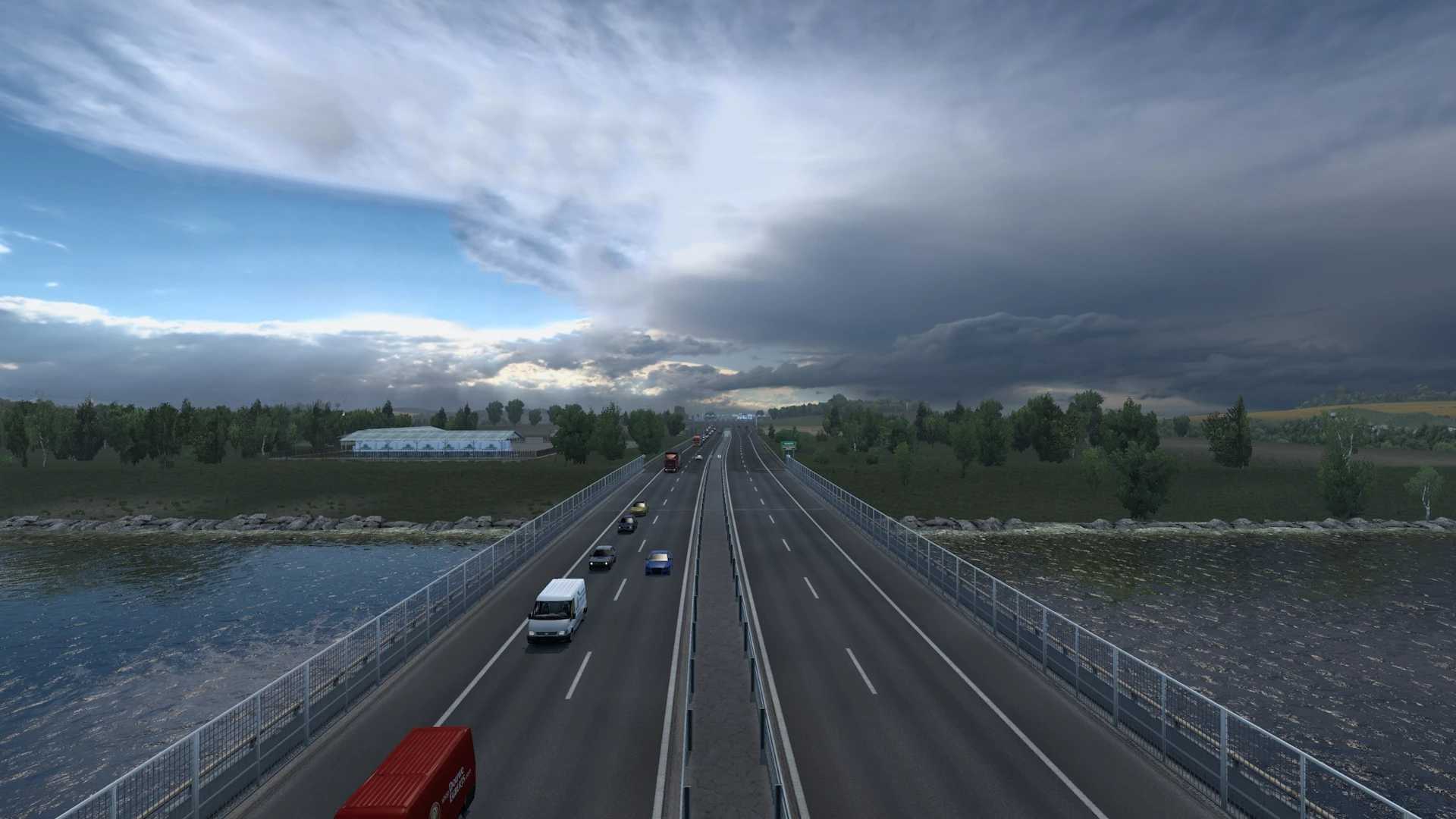

Brutal graphics and weather v13.5 ETS2
Enhanced Weather And Graphics
Full Weather System
Realistic Mirrors FOV
Realistic Reflections, Rain, Sun, Lights, Windows, Glass etc
Realistic Cloud Shadows
Realistic Rain
Realistic Thunder Sounds
Realistic Thunder Sounds Inside Cabin & Outside Cabin Of The Truck
Realistic Rain Drops And Windshield Effects
Realistic Rain Effects
Realistic Rain Sounds
To complement the visual experience of RBGW, two optional ReShade presets are included.
These are designed to enhance image clarity, lighting balance, and overall realism while preserving the original look and atmosphere of the mod.
Both presets are carefully tuned to work across all weather conditions — including dry, wet, daytime and nighttime — without the need for multiple configurations.
Further RBGW Optimization
Cleanup & Reduced Mod File Size
Removed Outdated Files
Improved Matrix LED Tech For RBGW
Adjusted Blue LED color to more realistic OEM tone
Optimized high beam for clearer long distance lighting
Reduced light scattering and bloom
Other Tweaks And Improvements
Credits: Kass
How to install ETS2 mods or ATS Mods
In Euro Truck Simulator 2 it’s easy to install mods. You just need to download mod from here, copy/unzip files into: “My Documents\Euro Truck Simulator 2\mod” folder or if you play ATS please install mods to: “My Documents\American Truck Simulator\mod” folder. To unzip files you can use: WinRAR or 7zip. After that you need to activate the mods you want to use.