Brewbuilt 379-378 v1.3 1.59 ATS
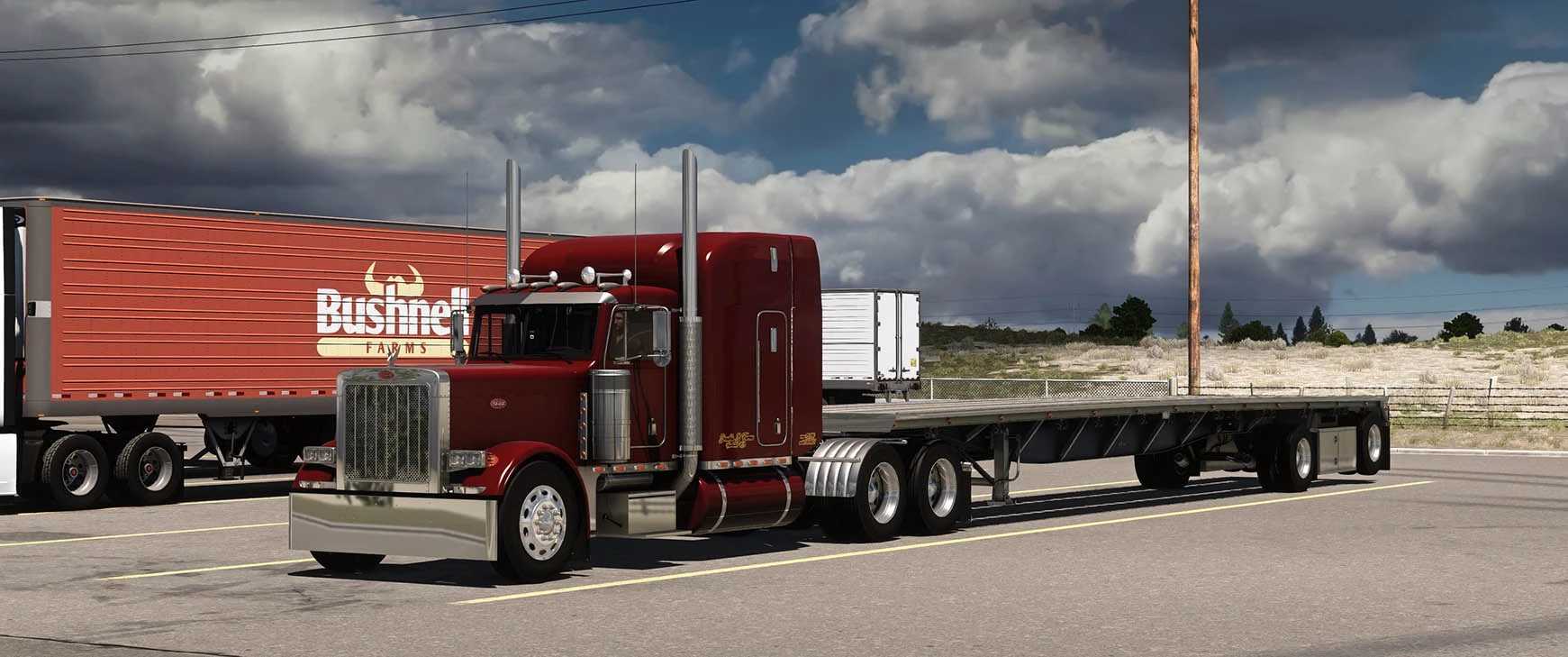

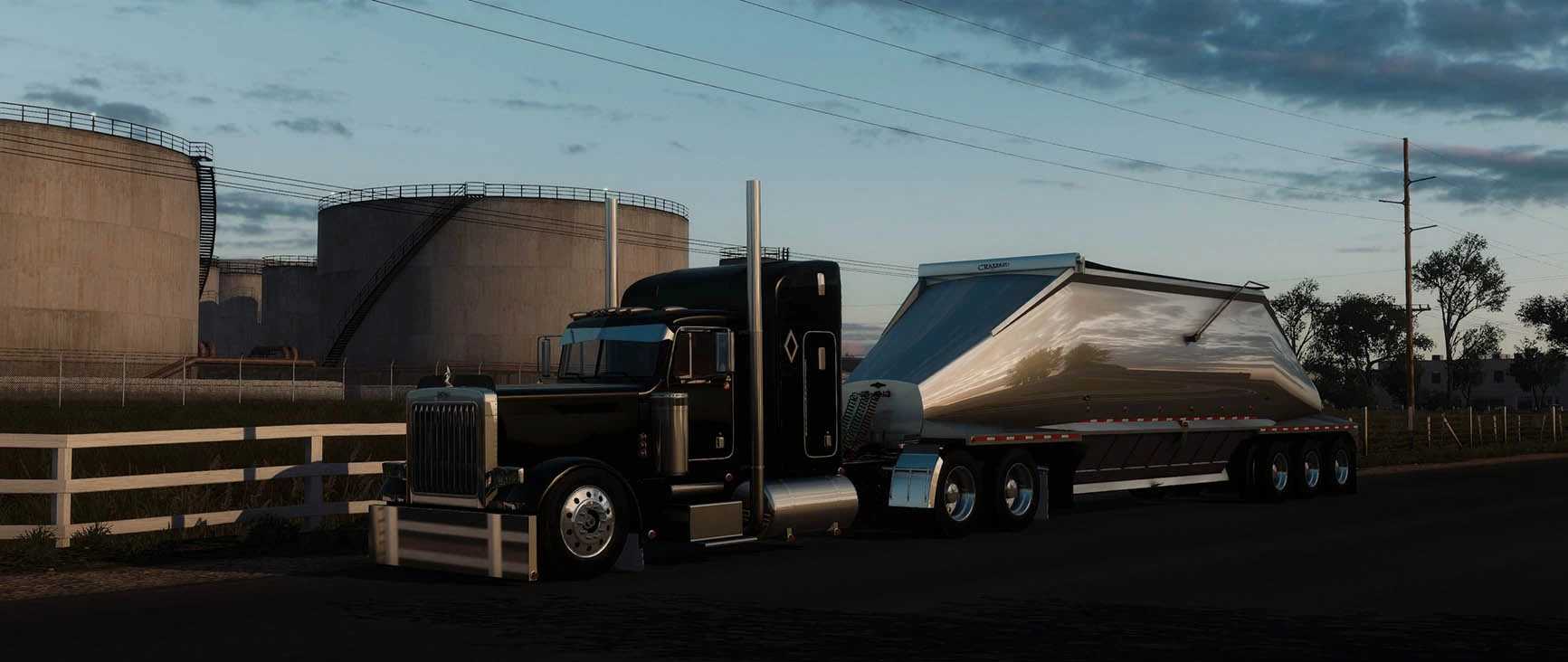
Brewbuilt 379-378 v1.3 1.59 ATS
Brewbuilt Peterbilt 379/378 V1.3 Change Log.
– Reworked/retextured all exhaust components
– Added customizable front fenders, polished, painted with polished gutter and chrome with painted gutter.
– Reworked OEM double square and shaved double square headlight’s.
– Added 359 single square headlights.
– Added bus glass black and light blue.
– Added gauge visors to both dashes.
– Added front fender steps onto the rear of the front fenders.
– Added hood latches.
– Added spot lights.
– Added shock boxes.
– Added purple, red and green cb options.
– Added shaved and “long options for front fender mounts.
– Added customizable hood trim to the center piece of the hood.
– Made front grill logo and hood ornament’s removeable.
– Added t-bar rear bumpers.
– Added new Hogebuilt 27,30 and 34 inch rear fenders.
– Added new Road Works front bumpers.
– Added new visors 10 inch RLK straight, RLK bandit and a custom visor.
– Reworked Shift mirror lights (now visible from the interior).
– Slightly reworked mirror antenna’s (more to follow in next update).
– Added “OG” 1952 and Grand General flying lady hood ornament’s.
– Reworked OEM hood emblem’s.
Description:
The BrewBuilt 379 is a highly popular and detailed custom truck mod for American Truck Simulator (ATS). Renowned for its extreme realism, it brings the classic long-nose 1987-2005 Peterbilt 379 into the game with deep customization and authentic mechanics.
Key features include:
Authentic Engine Configurations: Supports a wide variety of accurate engines and sound packs, including Caterpillar (C15, 3406E), Cummins (N14, ISX), and Detroit Diesel Series 60.
Ultra-Realistic Physics: Features heavy-haul physics, realistic weight distribution, and accurate gear shifting.
Deep Customization: Offers countless exterior and interior modifications, including bumper options, exhaust stacks, drop visors, light panels, and custom paint jobs.
Highly Detailed Interiors: Features fully animated, classic Peterbilt dashboard gauges, switches, and a 63″ sleeper option.
Credits: BRBuiit
How to install ETS2 mods or ATS Mods
In Euro Truck Simulator 2 it’s easy to install mods. You just need to download mod from here, copy/unzip files into: “My Documents\Euro Truck Simulator 2\mod” folder or if you play ATS please install mods to: “My Documents\American Truck Simulator\mod” folder. To unzip files you can use: WinRAR or 7zip. After that you need to activate the mods you want to use.