BC-Interior Belka accessory v0.8.1 1.60 ETS2
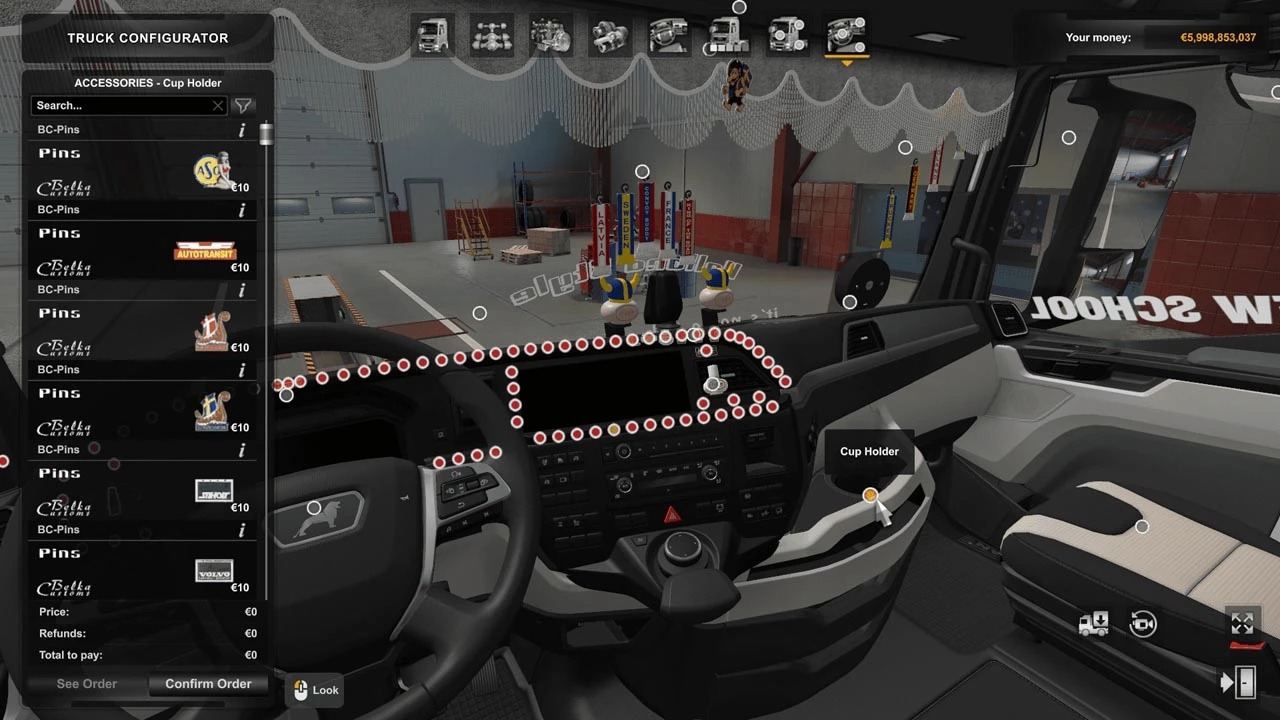

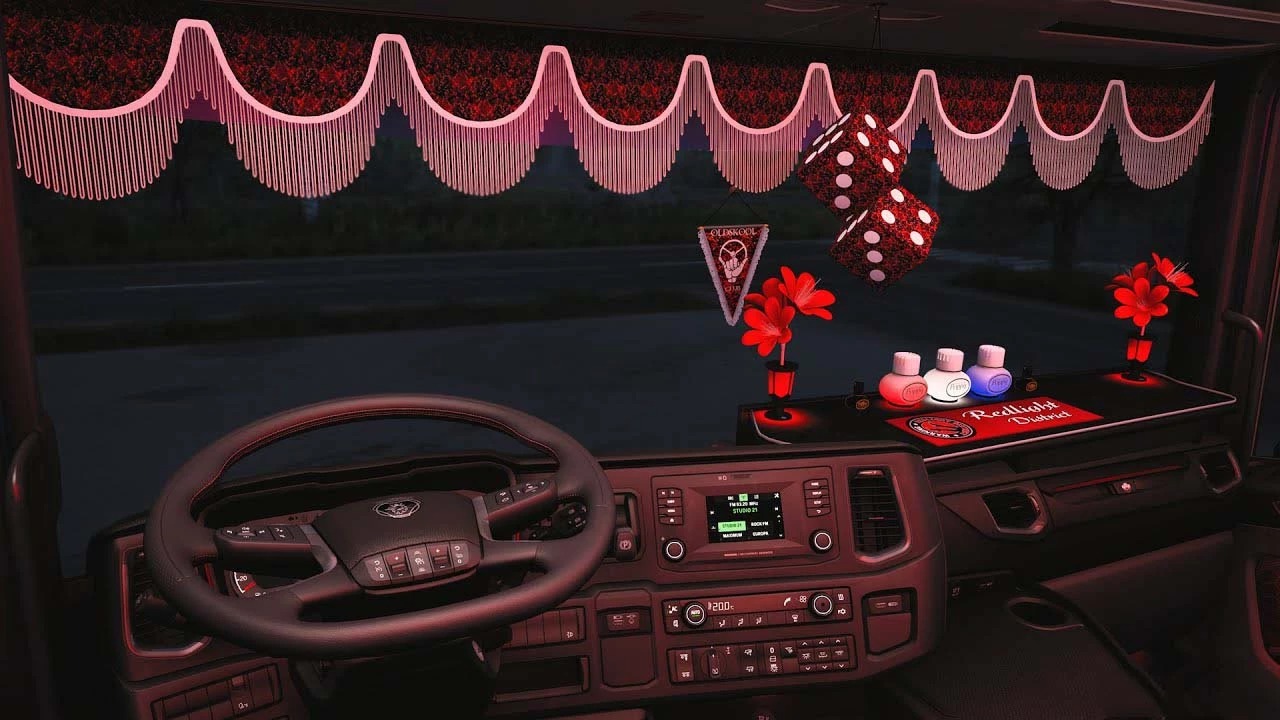
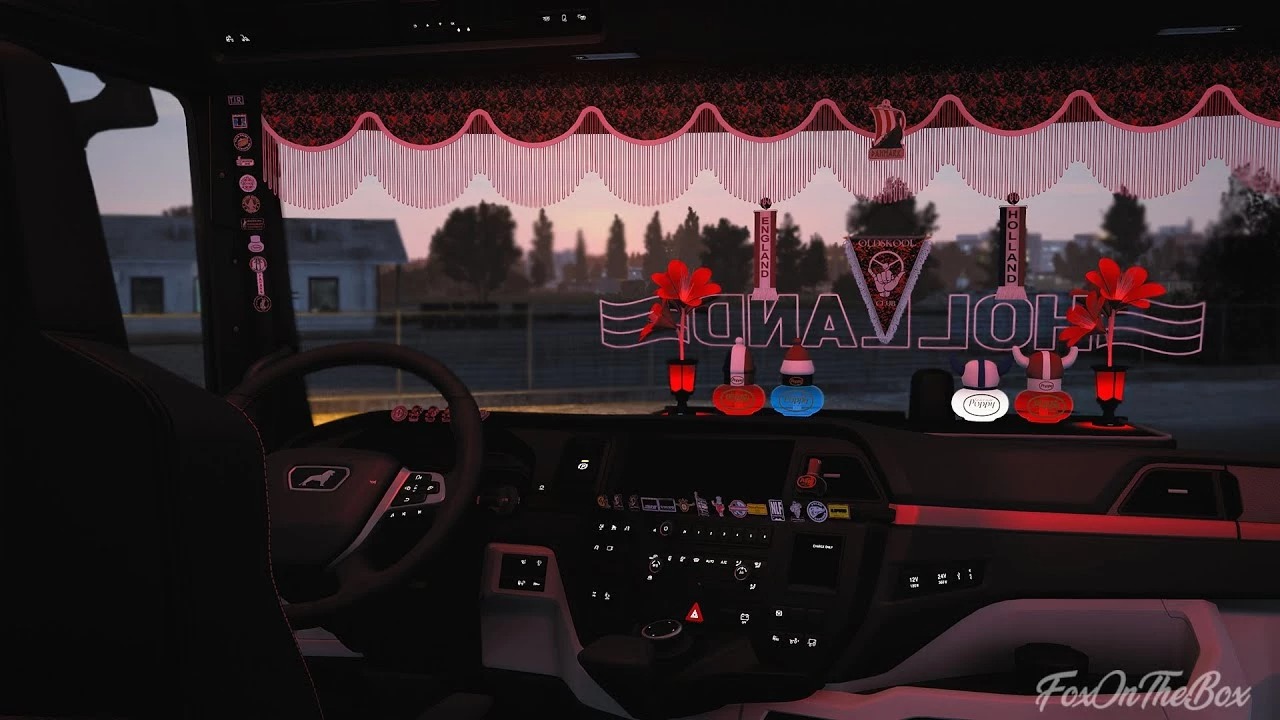
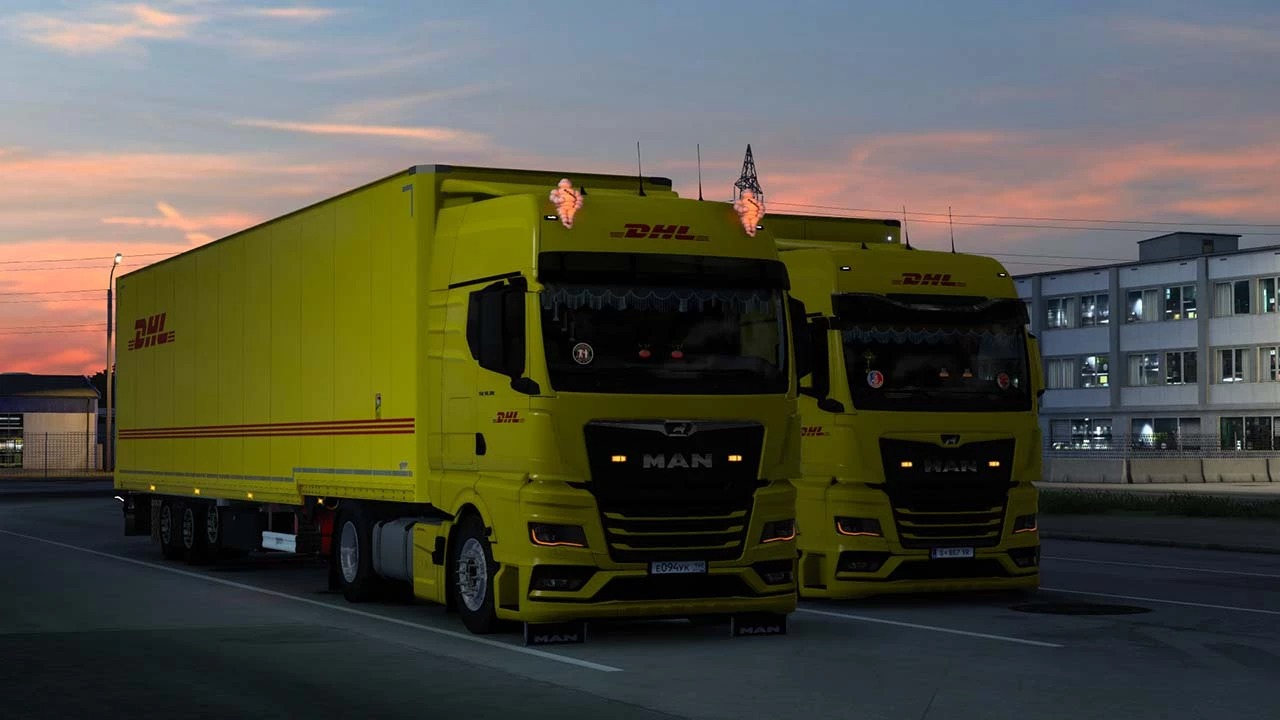
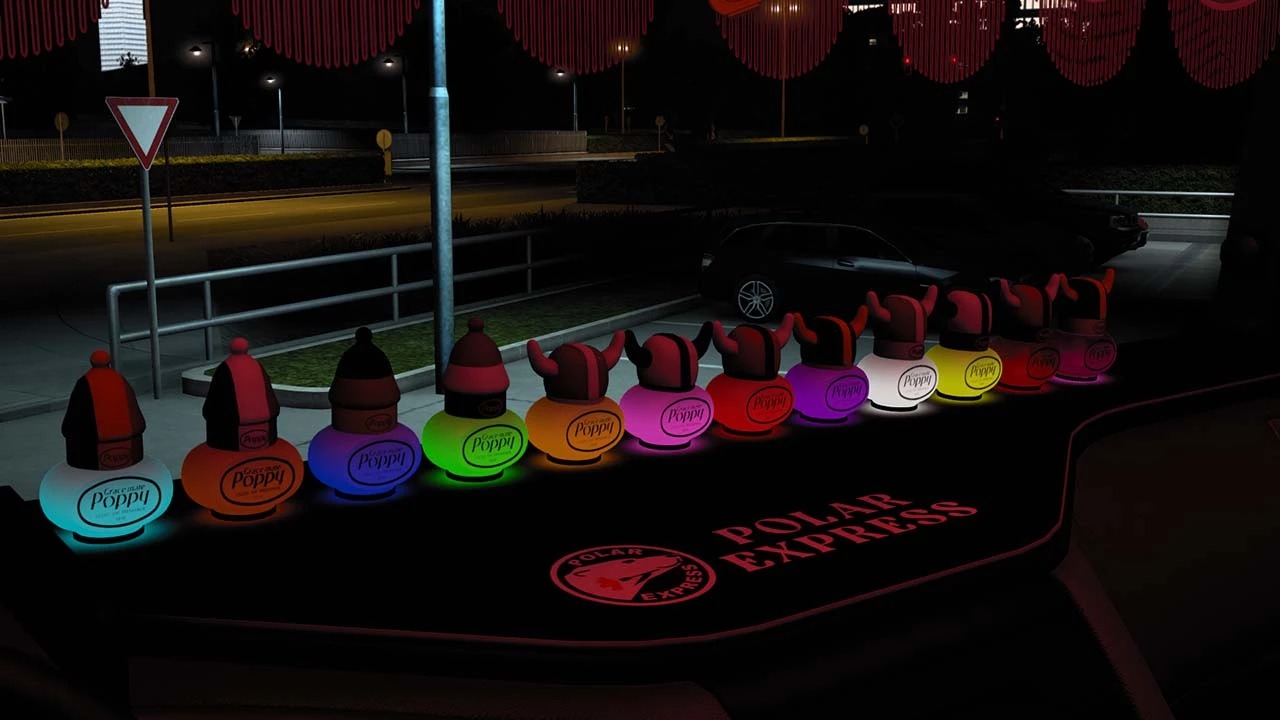
BC-Interior Belka accessory v0.8.1 1.60 ETS2
Changelog
Support version 1.60
Fixed crash or used mini-sharf
Added 20 new lightbox images
Fixed a bug with the poppy backet and side curtains on the Volvo FH 2012 by SCS
Fixed a bug with hanging item slots on the Volvo FH 5/6 by SCS
Pins slots have been moved to the interior slot “on the console” on the Scania NG by SCS and by Eugene
Added pins support for the Scania NG by SCS
Added support for the new Smart Dash interior for the Scania NG by SCS
Added support for the Renault T by SCS
Added support for the Renault Evo T by Gloover
Added support for the Ford Fmax by SimülasyonTÜRK
Added support for the Daf XF by SCS
Fully tested for 1.60
Credits: Belka647
How to install ETS2 mods or ATS Mods
In Euro Truck Simulator 2 it’s easy to install mods. You just need to download mod from here, copy/unzip files into: “My Documents\Euro Truck Simulator 2\mod” folder or if you play ATS please install mods to: “My Documents\American Truck Simulator\mod” folder. To unzip files you can use: WinRAR or 7zip. After that you need to activate the mods you want to use.
Report bugs in the comments and help modders improve this mod. Always check the comments, you can find a solution.