
Apple Maps Navigation v1.59 ETS2
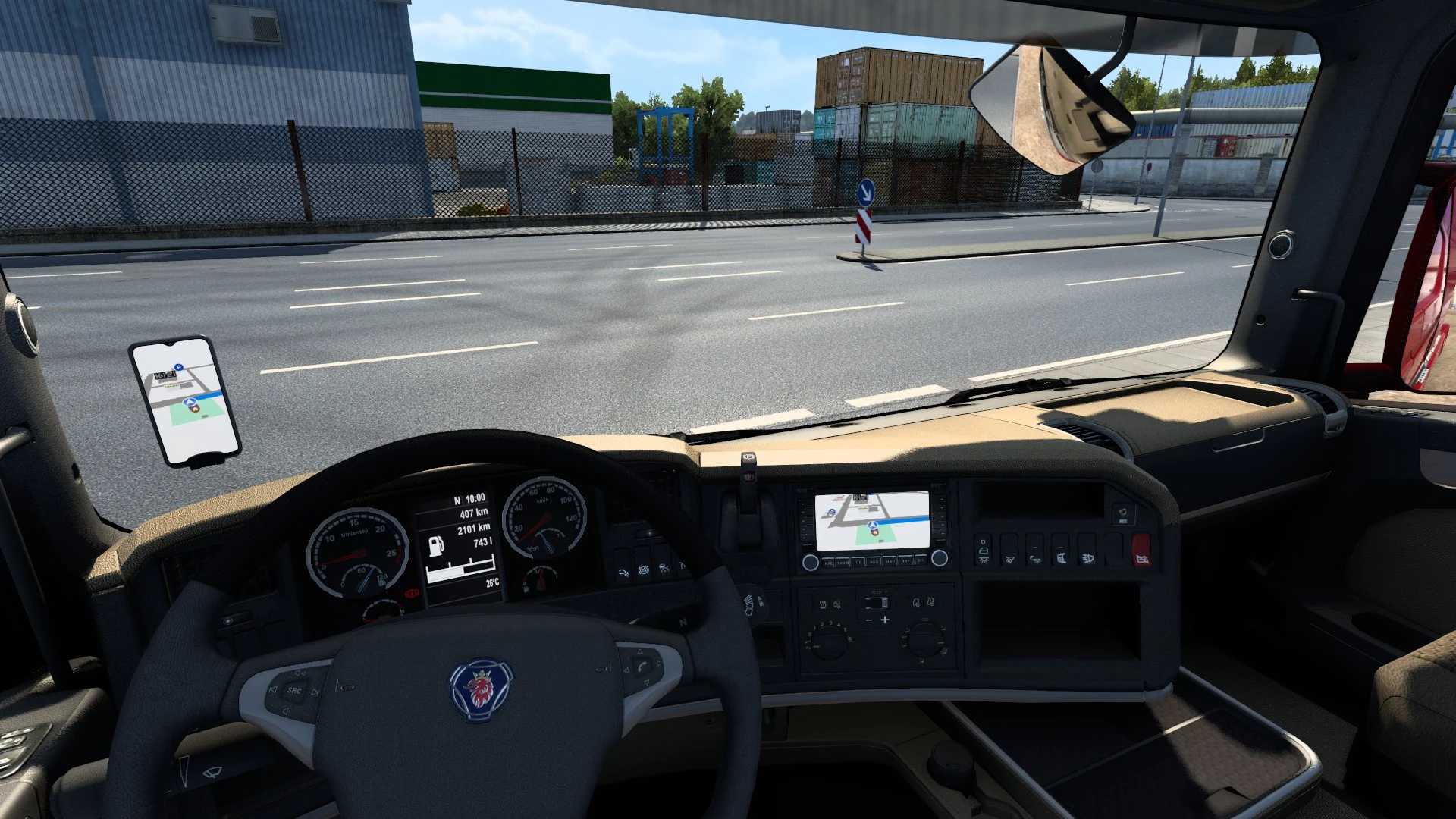

Apple Maps Navigation v1.59 ETS2
4 options: light and dark themes with different backgrounds
Blue navigation path
Apple-style map icons
New Apple-style road sign icons
New background and road colors like on your iPhone (background only in the cabin, not in Route Advisor)
Navigation path arrows are disabled for realism
Compatibility update for version 1.59
Credits: Lism
How to install ETS2 mods or ATS Mods
In Euro Truck Simulator 2 it’s easy to install mods. You just need to download mod from here, copy/unzip files into: “My Documents\Euro Truck Simulator 2\mod” folder or if you play ATS please install mods to: “My Documents\American Truck Simulator\mod” folder. To unzip files you can use: WinRAR or 7zip. After that you need to activate the mods you want to use.
Report bugs in the comments and help modders improve this mod. Always check the comments, you can find a solution.


