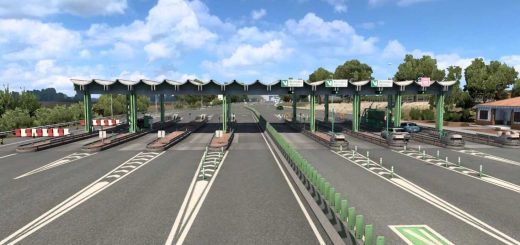
Apple Maps Navigation (Base) v1.61.1 ETS2


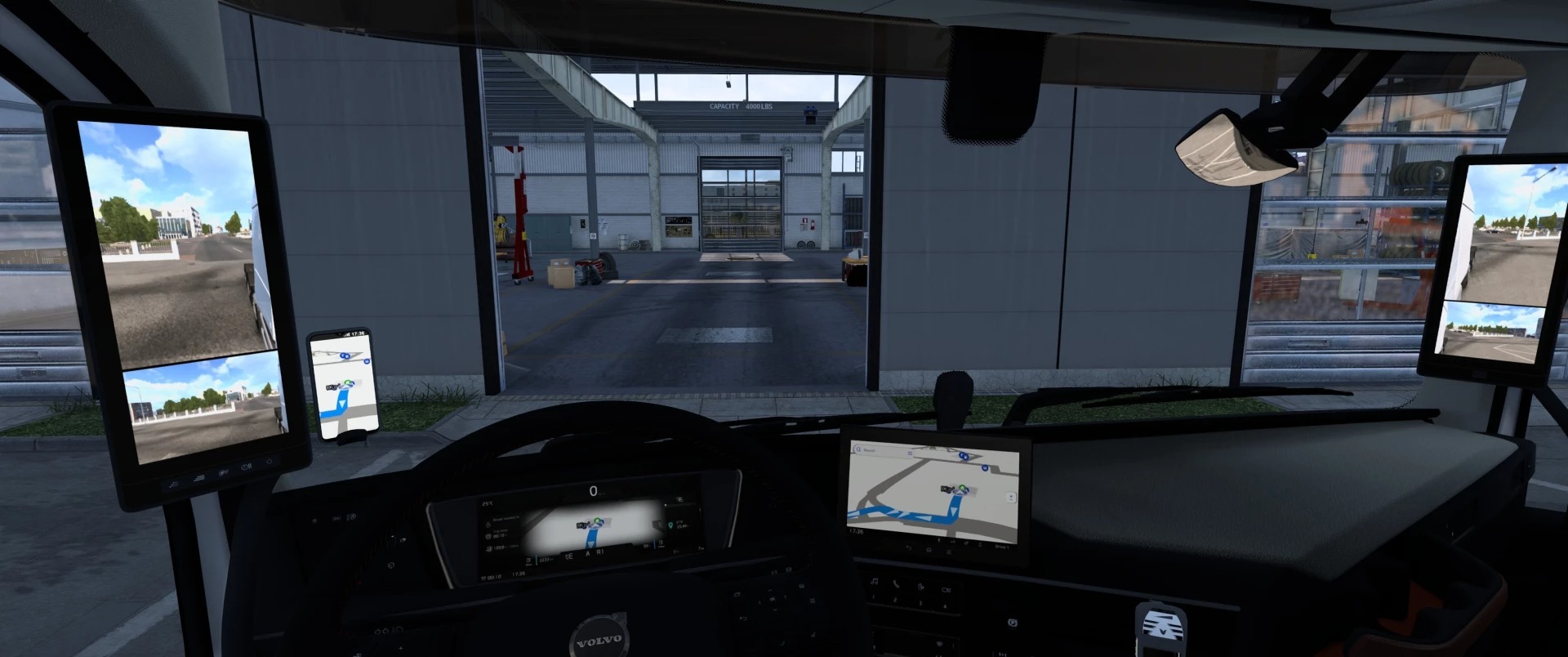
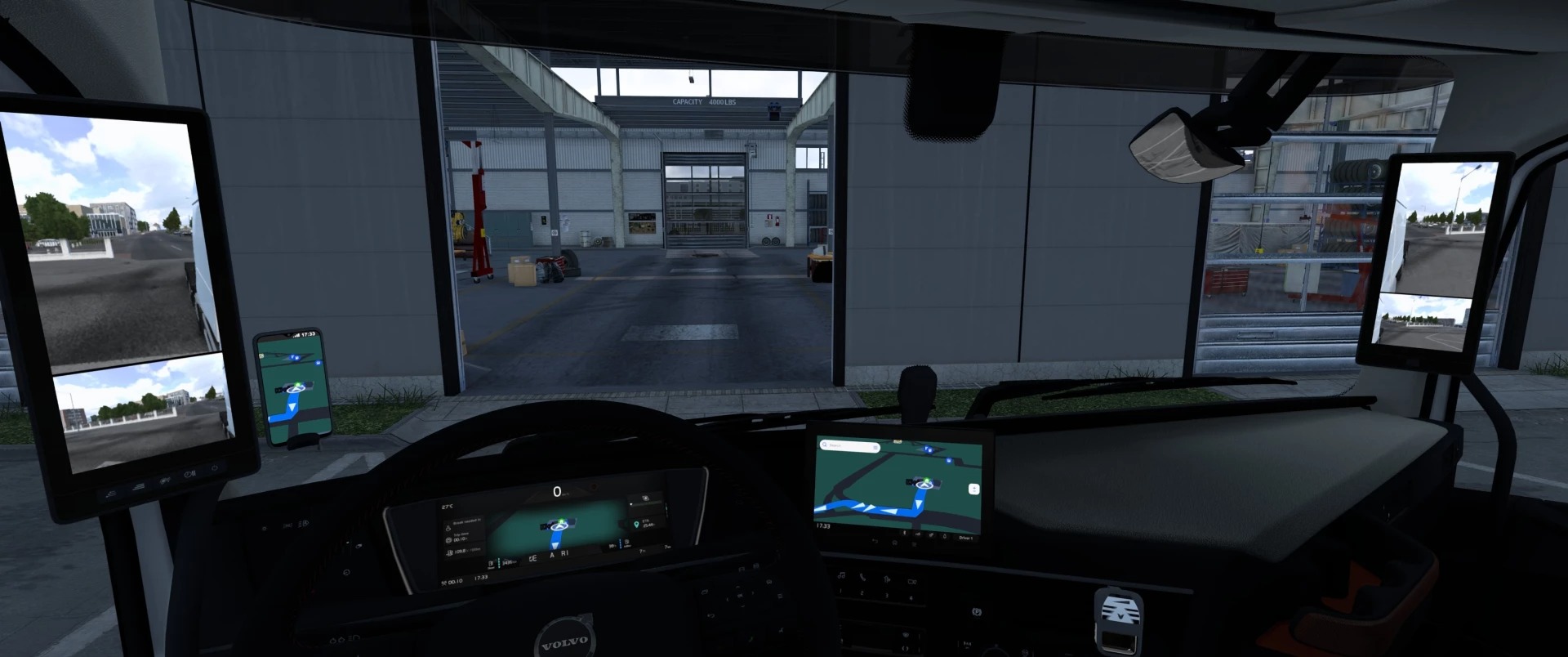
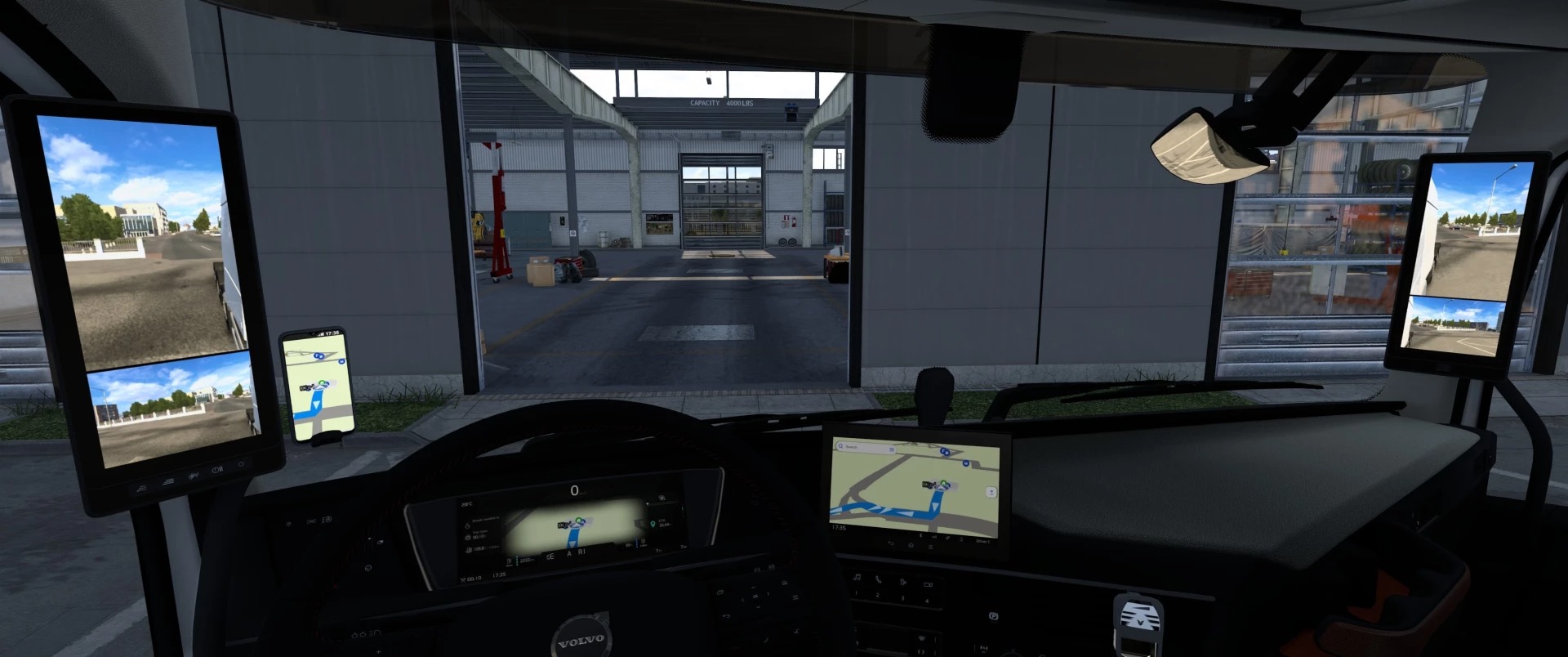
Apple Maps Navigation (Base) v1.61.1 ETS2
This base mod includes:
Apple Maps inspired GPS and world map icons
The core structure to load and apply modules
Colors and background remain as in the base game!
Install a Module down below to change them.
Siri Voice Navigation
Siri voice navigation is no longer part of this mod.
If you want Siri, I recommend to download Jonathan Chiu’s mod here:
Apple Siri Voice Navigation for ETS2
Available Modules
Choose your preferred color options:
Light Mode (Default BG)
Light Mode (Green BG)
Dark Mode (Default BG)
Dark Mode (Green BG)
Make sure to only activate one module in the Mod Manager.
If more than one is active, only the highest priority one will take effect.
Compatibility with Map Mods
This mod was designed to be compatible with most popular ETS2 map mods like ProMods or Rusmap or even large map combos.
Credits: Lism, SCS
How to install ETS2 mods or ATS Mods
In Euro Truck Simulator 2 it’s easy to install mods. You just need to download mod from here, copy/unzip files into: “My Documents\Euro Truck Simulator 2\mod” folder or if you play ATS please install mods to: “My Documents\American Truck Simulator\mod” folder. To unzip files you can use: WinRAR or 7zip. After that you need to activate the mods you want to use.