Activation symbols v1.59 ETS2

Activation symbols v1.59 ETS2
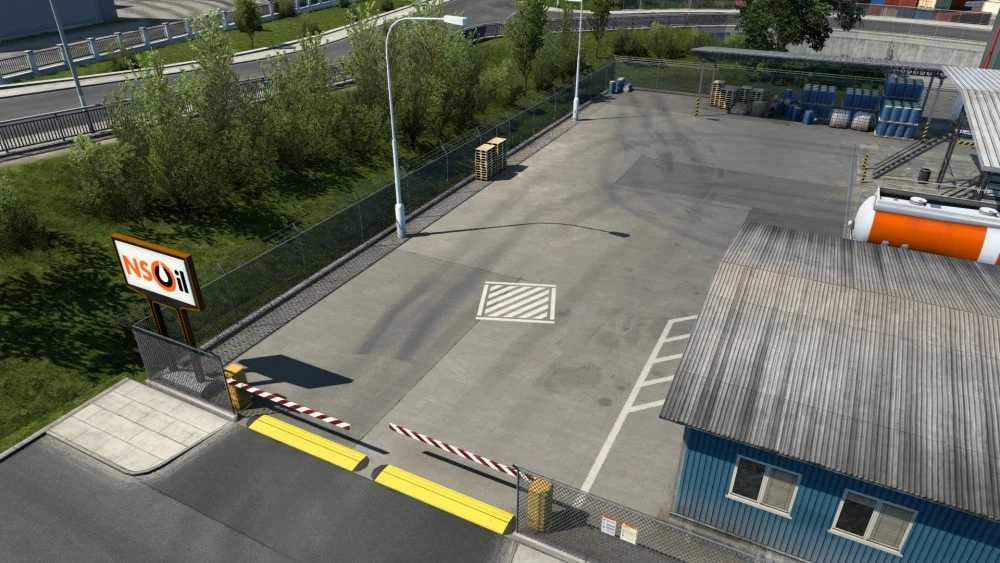
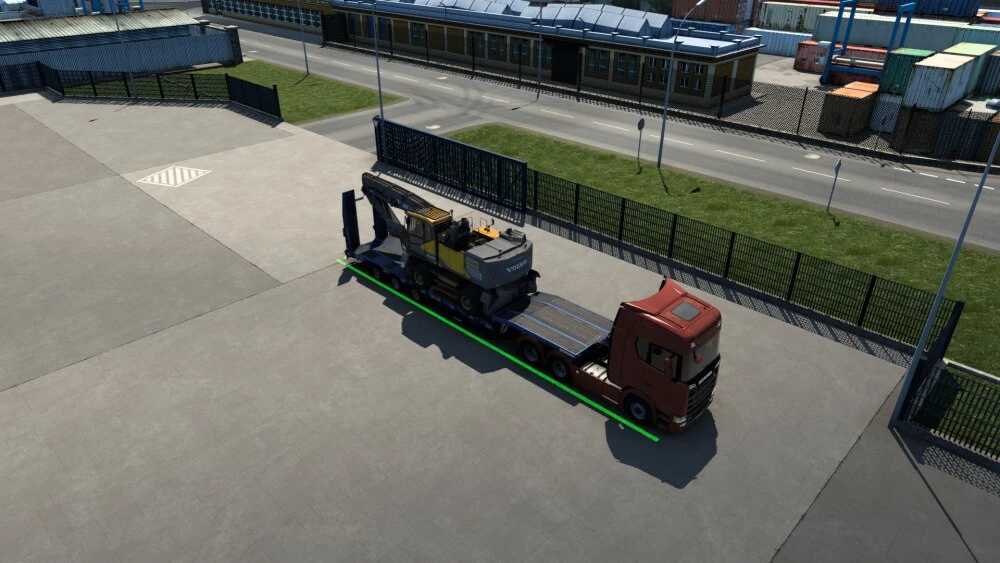
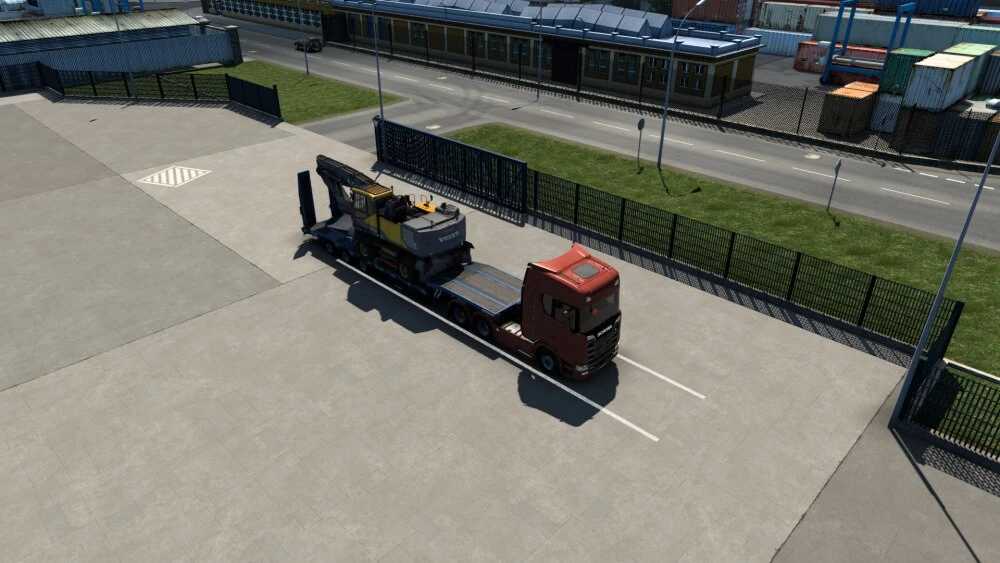
The mod replaces activation symbols with markup
Instead of the green activation symbol, a cross is drawn at bases, service stations, gas stations, ferries, recruitment agencies, car dealerships, barriers and railway crossings.
The unloading/loading location is also indicated by lines on the asphalt.
Update for patch 1.59
Credits: DaStrobel
How to install ETS2 mods or ATS Mods
In Euro Truck Simulator 2 it’s easy to install mods. You just need to download mod from here, copy/unzip files into: “My Documents\Euro Truck Simulator 2\mod” folder or if you play ATS please install mods to: “My Documents\American Truck Simulator\mod” folder. To unzip files you can use: WinRAR or 7zip. After that you need to activate the mods you want to use.
Report bugs in the comments and help modders improve this mod. Always check the comments, you can find a solution.