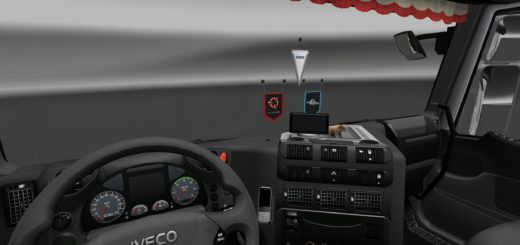
AAS Dashboard v1.58 ETS2
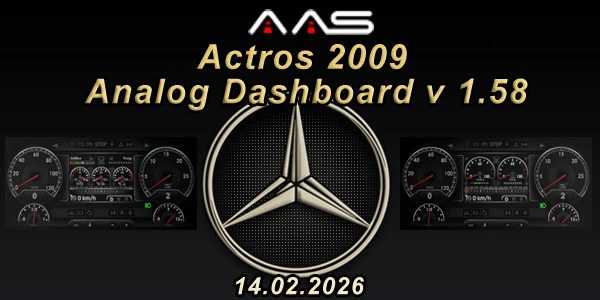

AAS Dashboard v1.58 ETS2
v 1.58 (14.02.2025)
NO PASS
No interior, just the dashboard + uk
Technical parameters:
Dashboard – interier:
Automat:
2e-2eea5d6b5703de22.mat /transparent (numeri)
37-37a9cfe1b748ed6a.mat /needle (animation – no model) color
25-254c53e1d0ce0a05.mat /dashboard – gauge (km/h) / luminance_night : 8.000000, luminance_output : 1500.000000
96-965028d25afdea3f.mat /win dashboard
4b-4bedd758af6898f4.mat /win none
b0-b044eed6ed2069aa.mat /icons intererior gauge (animation – no model)
UK- Automat:
31-310d195d880e0526.mat / dashboard share
72-7280d81add5d3714.mat / needle – uk (animation – no model) color
b6-b6a43d6af043d83d.mat / transparent (numeri)
fb-4bedd758af6898f4.mat / dashboard – gauge (mph)
Def:
chasis: registration AddBlue + fuel 2000l
dashboard registration color light 0.5
Adding features:
2 version Road event
Addblue
Energy
Turbo
Power pedal brake
4 second brake icons
Credits: AAS – Appearance Analog systems
How to install ETS2 mods or ATS Mods
In Euro Truck Simulator 2 it’s easy to install mods. You just need to download mod from here, copy/unzip files into: “My Documents\Euro Truck Simulator 2\mod” folder or if you play ATS please install mods to: “My Documents\American Truck Simulator\mod” folder. To unzip files you can use: WinRAR or 7zip. After that you need to activate the mods you want to use.