Rovix TV – Versión Beta 1 (1.61+) ETS2




Rovix TV – Versión Beta 1 (1.61+) ETS2
Your cab, with live signal.
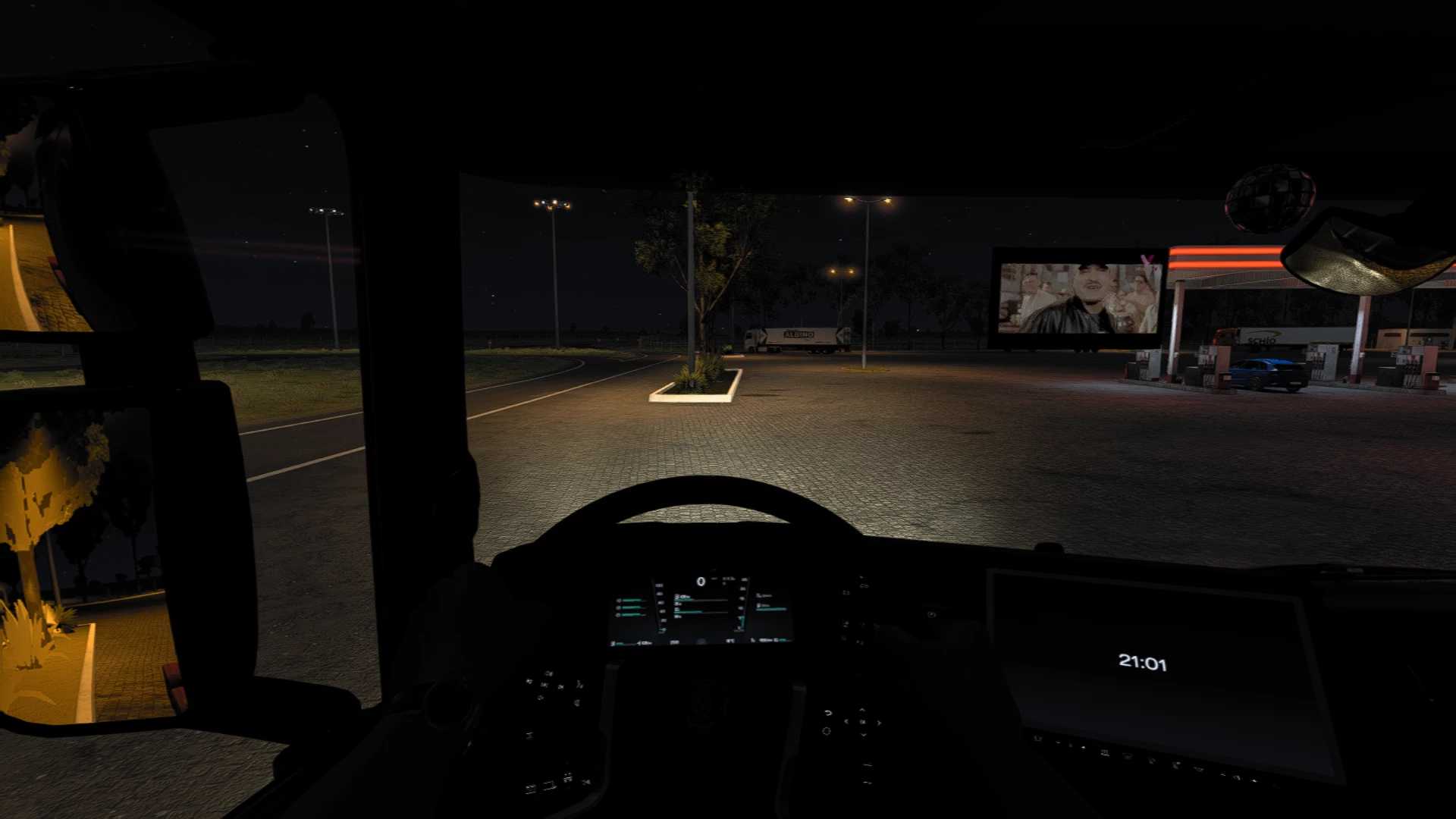
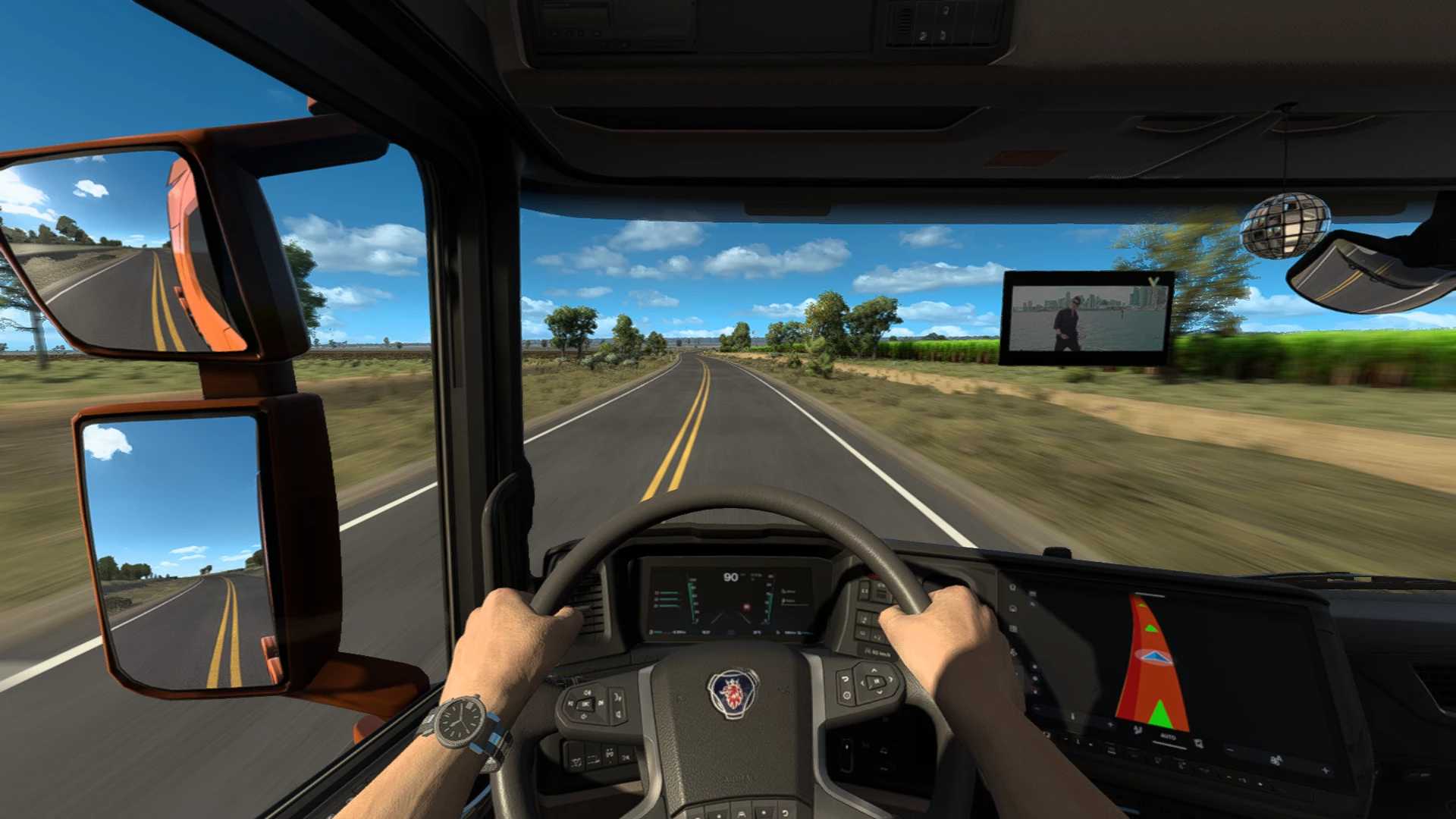
The TV you watch at home, now inside your truck. A real screen on the windshield with your provider’s channels: picture, sound and list, without leaving the game or opening anything else.
A real screen on the windshield.
With its own frame, thickness and glow, like any other truck decoration. Pick the size and place it where you look: it’s not a sticker on the glass, it’s part of the cab.
Four sizes: 24, 32 and 40 cm in the centre and 18 cm in the corner.
No DLC and no replacing the GPS: your truck stays as it is.
Available for 21 trucks, from the Scania R to the Mercedes New Actros
Credits: cparrap
How to install ETS2 mods or ATS Mods
In Euro Truck Simulator 2 it’s easy to install mods. You just need to download mod from here, copy/unzip files into: “My Documents\Euro Truck Simulator 2\mod” folder or if you play ATS please install mods to: “My Documents\American Truck Simulator\mod” folder. To unzip files you can use: WinRAR or 7zip. After that you need to activate the mods you want to use.
Report bugs in the comments and help modders improve this mod. Always check the comments, you can find a solution.