CarPlay for MAN TGX 2020 v1.5 1.61 ETS2

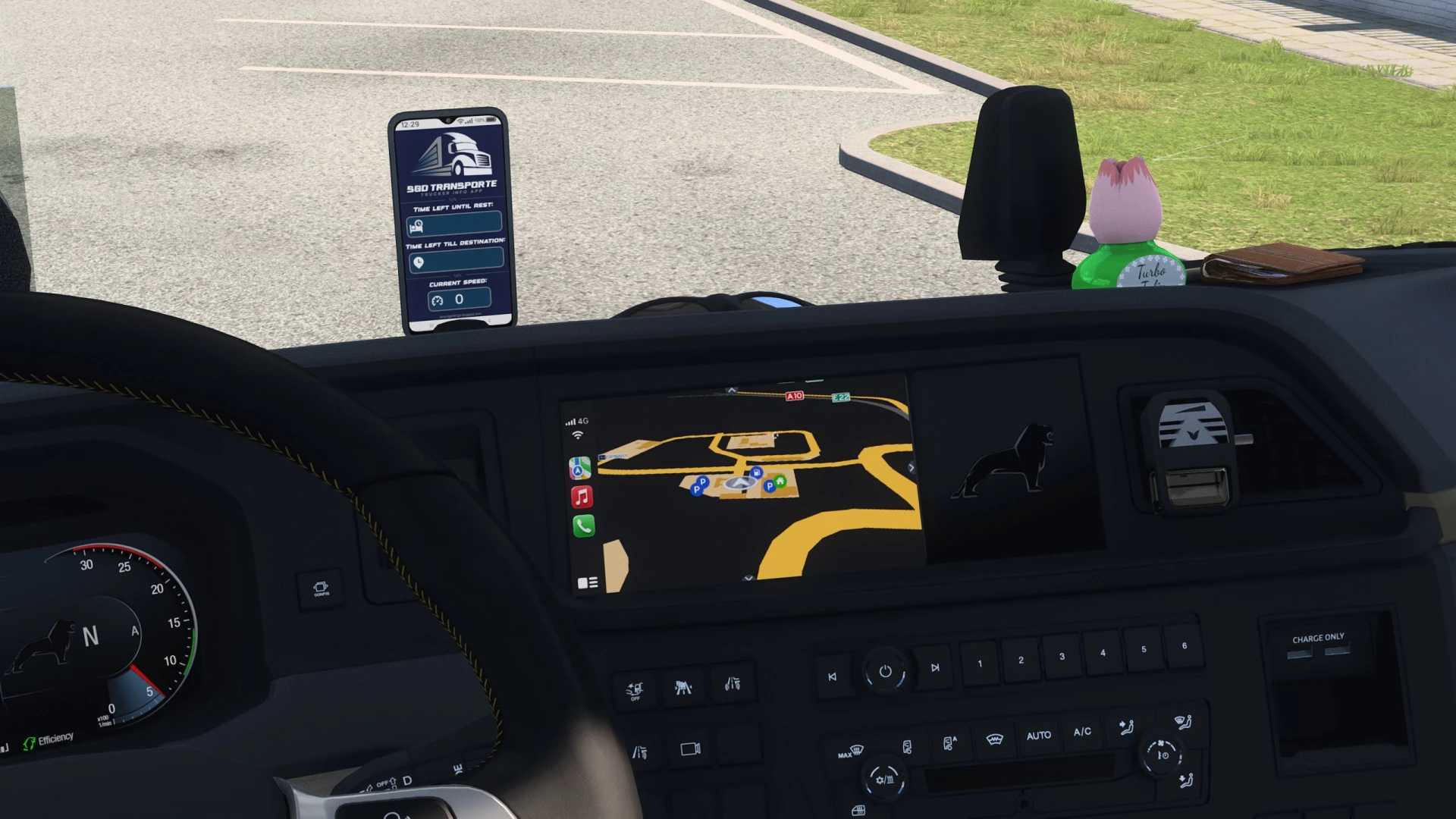
CarPlay for MAN TGX 2020 v1.5 1.61 ETS2
Version 1.5
Fixed the issue where the navigation path failed to color properly by updating the navigation_current_color and navigation_color parameters for full compatibility with the latest game versions. Standalone configuration now includes all necessary route colors natively.
CARPLAY FOR MAN TGX 2020
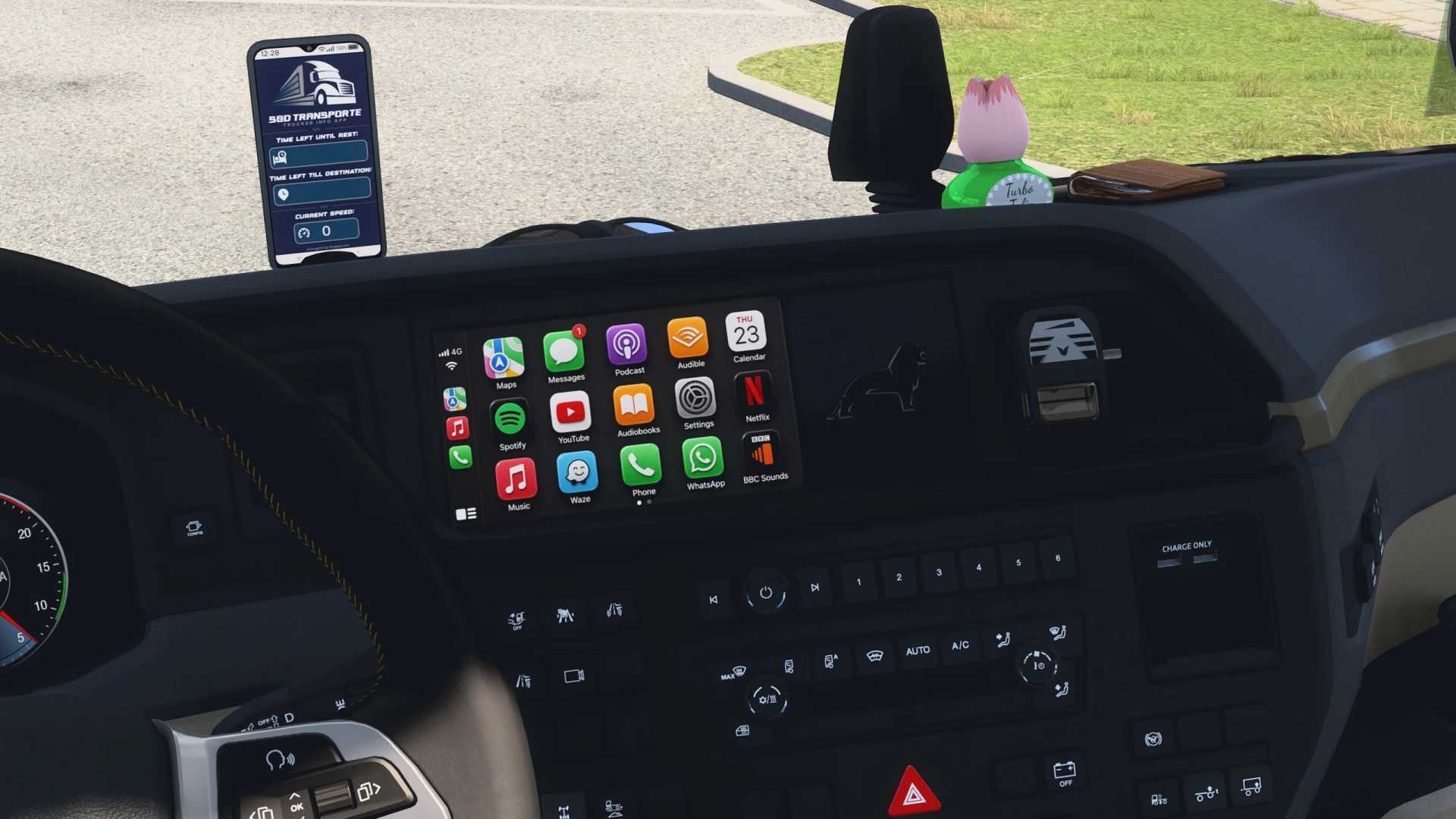
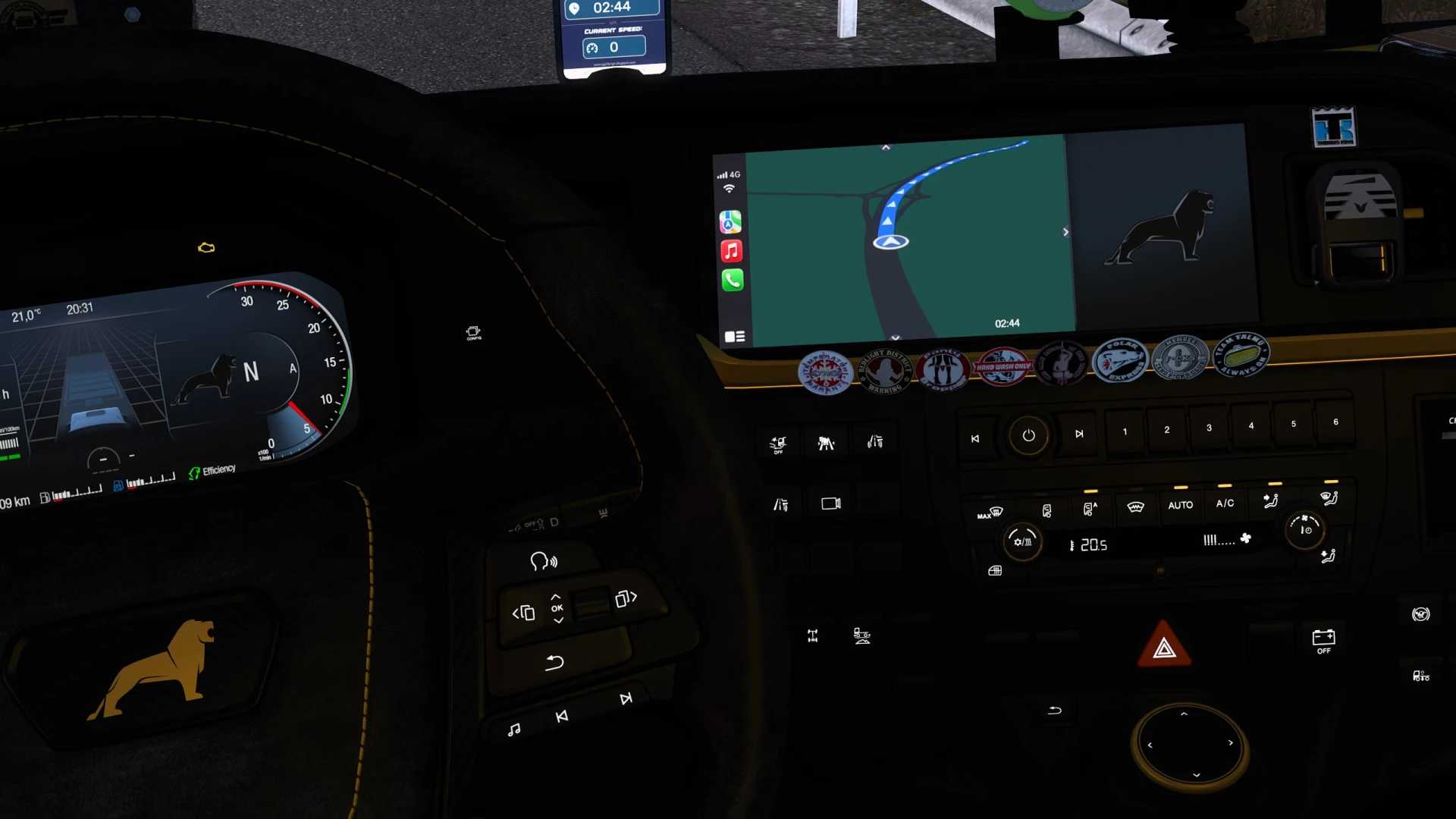
Custom CarPlay-style infotainment interface layout designed for the MAN TGX 2020 dashboard in Euro Truck Simulator 2.
This mod replaces the stock display graphics with a clean, high-resolution media layout while maintaining native game functionality.
WHAT THIS MOD DOES
Changelog v1.5: Resolved the navigation path coloring issue by fully updating navigation_current_color and navigation_color parameters for complete compatibility with ETS2 v1.61+. The mod is now fully standalone and includes all necessary route colors natively.
Changelog v1.4: Introduced brand new updated custom textures across the board, removing drop shadows from the app icons, CarPlay background, and phone interfaces for a completely flat, authentic, and modern dashboard look. Added unified multi-version support for ETS2 1.60 and 1.61 using dynamic content packaging, resolving mirror camera material path requirements.
Changelog v1.3: Added custom dark green background simulating Apple Maps Dark Mode, paired with high-contrast custom navigation route colors.
Changelog v1.2: Updated radio screen texture to a clean Spotify-style Car View layout featuring Skid Row – “18 and Life” (1989 debut album), keeping the native DAB Radio header for realistic cabin integration.
Changelog v1.1: Introduced a brand-new custom CarPlay Phone screen layout with dual-screen support.
Clean UI Design: Introducing a streamlined CarPlay aesthetic that replaces cluttered stock elements with a crisp, minimal layout.
Custom High-Res Textures: Adding handcrafted, high-resolution graphics for custom media and radio screens that are entirely absent in the base game.
Native Integration: Fits seamlessly into the standard SCS MAN TGX 2020 interior display setup.
Credits: NiamhFox
How to install ETS2 mods or ATS Mods
In Euro Truck Simulator 2 it’s easy to install mods. You just need to download mod from here, copy/unzip files into: “My Documents\Euro Truck Simulator 2\mod” folder or if you play ATS please install mods to: “My Documents\American Truck Simulator\mod” folder. To unzip files you can use: WinRAR or 7zip. After that you need to activate the mods you want to use.