Route Advisor v1.0 ATS

Route Advisor v1.0 ATS
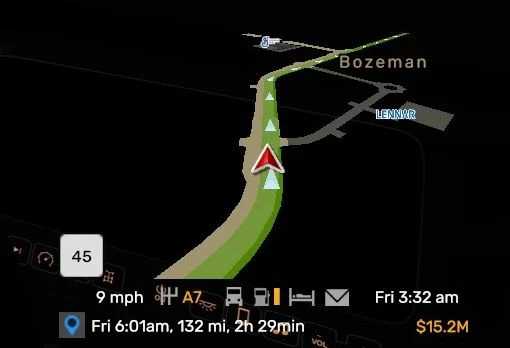
Reorganized Default Route Advisor
No weight station stop go light pop ups
No running line information.
No back ground
Slightly larger Route map
Moved info lines to the bottom of route advisor.
Recolored roads, Route lines, Discovered and undiscovered roads and Prefabs recolored
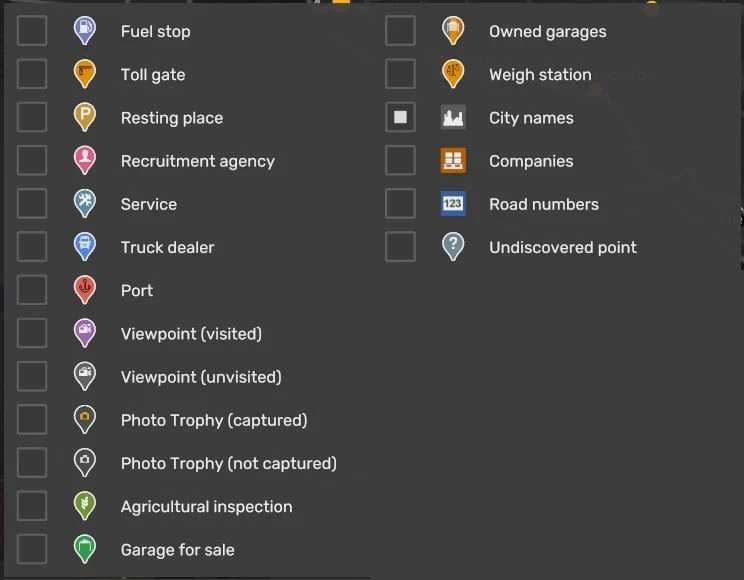
Map icons changed
Default Buttons moved from the bottom to the top of Route advisor, they are hideable just like the origanal Route advisor
Giving you a clean advisor.
Game version 1.56
Credits: BillyBone99
How to install ETS2 mods or ATS Mods
In Euro Truck Simulator 2 it’s easy to install mods. You just need to download mod from here, copy/unzip files into: “My Documents\Euro Truck Simulator 2\mod” folder or if you play ATS please install mods to: “My Documents\American Truck Simulator\mod” folder. To unzip files you can use: WinRAR or 7zip. After that you need to activate the mods you want to use.
Report bugs in the comments and help modders improve this mod. Always check the comments, you can find a solution.