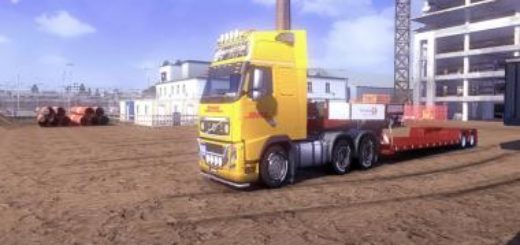
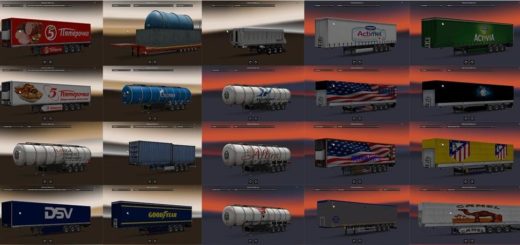
3×3 Randon ETS2 v1.0 ETS2
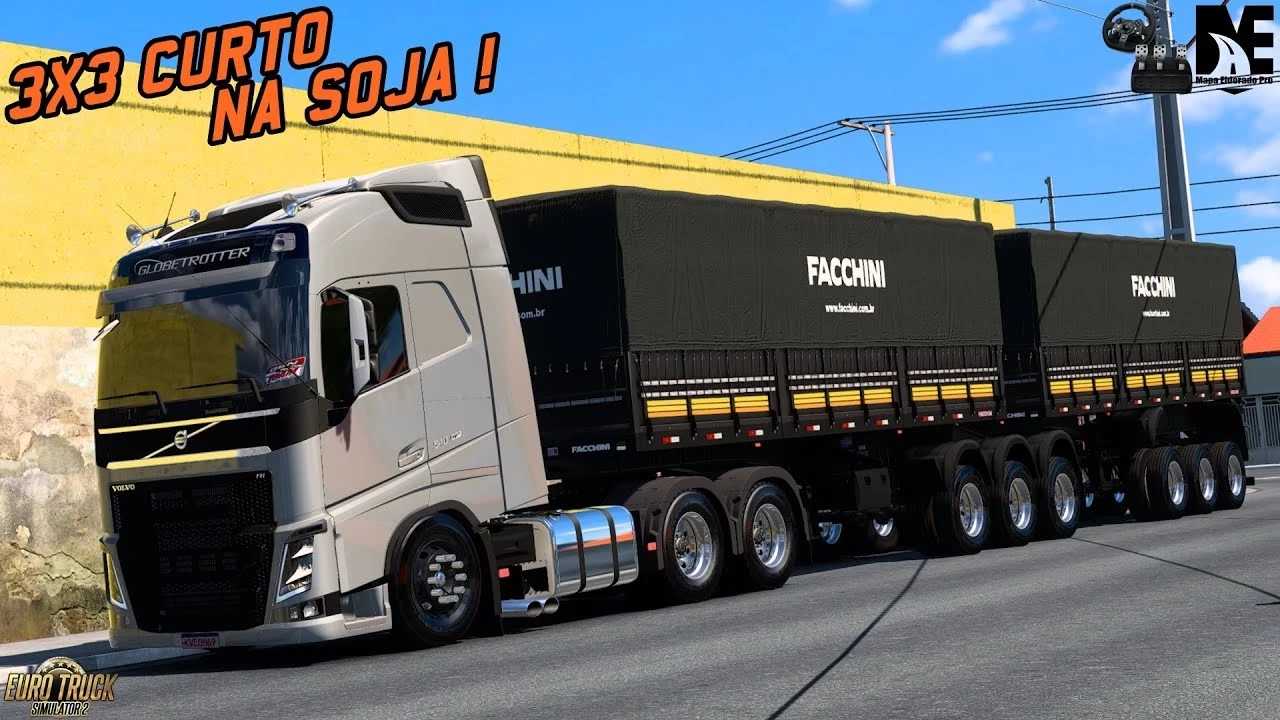

3×3 Randon ETS2 v1.0 ETS2
What “3×3” Means for a Trailer
In the context of trucking, “3×3” typically means a trailer (or a combination of trailers, like a bitrem) with:
Three axles on the first trailer unit.
Three axles on the second trailer unit (if it’s a bitrem/rodotrem).
However, in the more common usage for a single trailer in Brazil, and what players often mean by “3×3” in ETS2, it usually refers to a single semi-trailer with a specific arrangement of three closely spaced axles at the rear. This configuration is often known as a ”vanderleia” axle setup or simply a tri-axle.
Key Characteristics in ETS2:
Brazilian Style: The “3×3” Randon trailer mods are highly popular because they reflect the type of heavy-duty trailers seen on Brazilian roads. Modders often go to great lengths to include details specific to this region.
Heavy Haulage: These trailers are designed for heavy loads, and in ETS2, they allow players to take on more challenging and heavier cargo contracts, which can be more rewarding.
Randon Brand: Randon is a major Brazilian manufacturer of trailers and semi-trailers, so seeing their brand on a “3×3” setup in ETS2 adds to the realism for players familiar with South American trucking.
Mod Availability: As this configuration isn’t standard in the base game, “3×3” Randon trailers are exclusively community-made mods. You’ll find various versions created by different modders.
Common Mod Features: These mods often include:
Detailed Models: Accurate representations of Randon trailers, including their chassis, suspension, and body types (e.g., dry van, curtainsider, flatbed, grain tipper – graneleiro).
Custom Axle Physics: Sometimes with steerable rear axles or different lift axle options.
Brazilian-specific accessories: Custom lights, mud flaps, reflective tapes, and other details.
Skins and Liveries: Many mods come with various company skins, including those of real Brazilian transport companies.
Ownable Trailers: Most modern “3×3” Randon mods allow you to purchase and customize the trailer in the game, integrating it fully into your trucking business.
If you’re looking for a “3×3 Randon” trailer in ETS2, you’ll need to search for mods on popular ETS2 modding websites or through YouTube channels dedicated to Brazilian ETS2 content. Be sure to check the mod’s compatibility with your current ETS2 game version.
Credits: Wanderley S
How to install ETS2 mods or ATS Mods
In Euro Truck Simulator 2 it’s easy to install mods. You just need to download mod from here, copy/unzip files into: “My Documents\Euro Truck Simulator 2\mod” folder or if you play ATS please install mods to: “My Documents\American Truck Simulator\mod” folder. To unzip files you can use: WinRAR or 7zip. After that you need to activate the mods you want to use.