WESTERN STAR 5700XE OPTIMUS PRIME v1.0 1.57.X ETS2
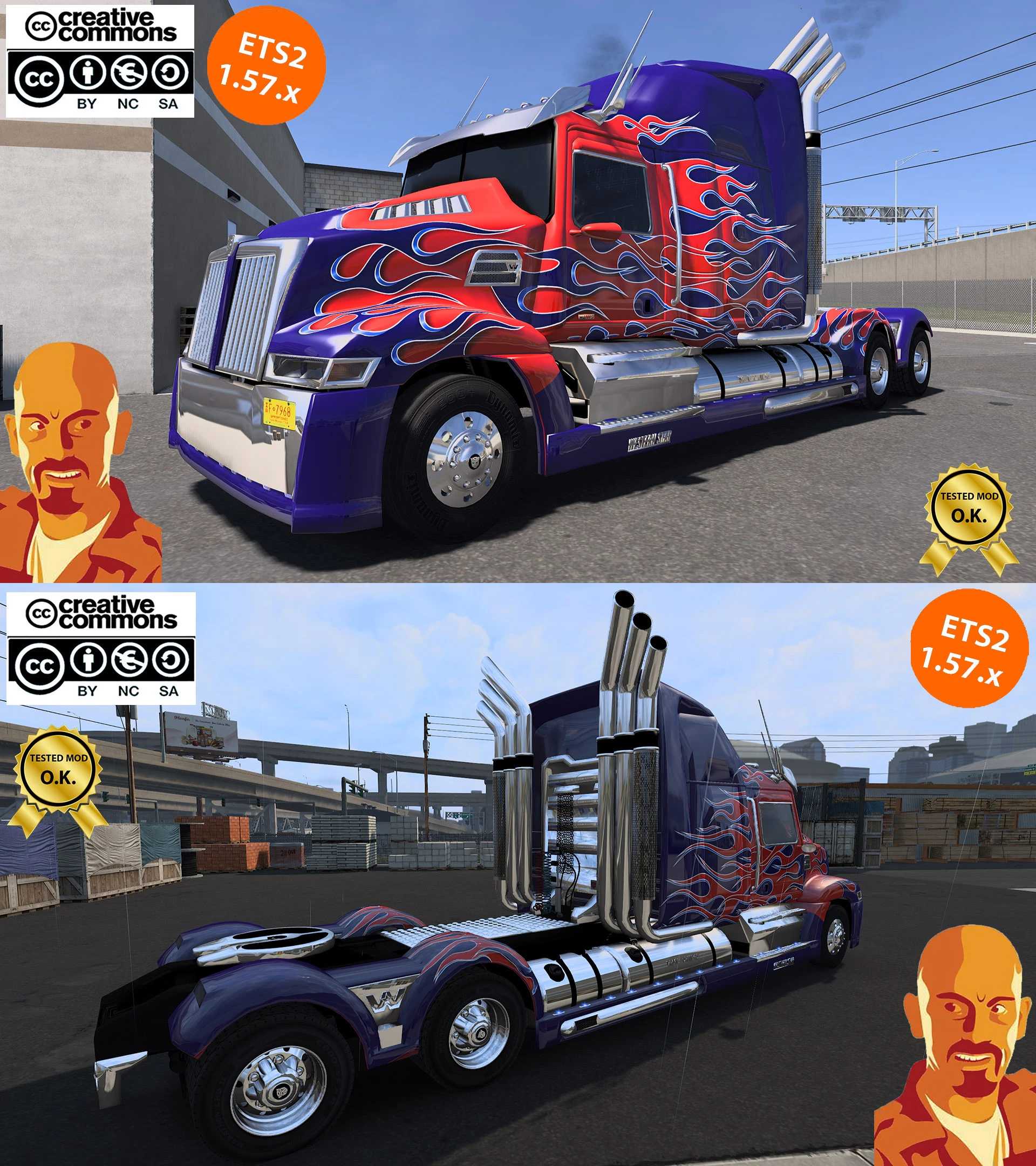

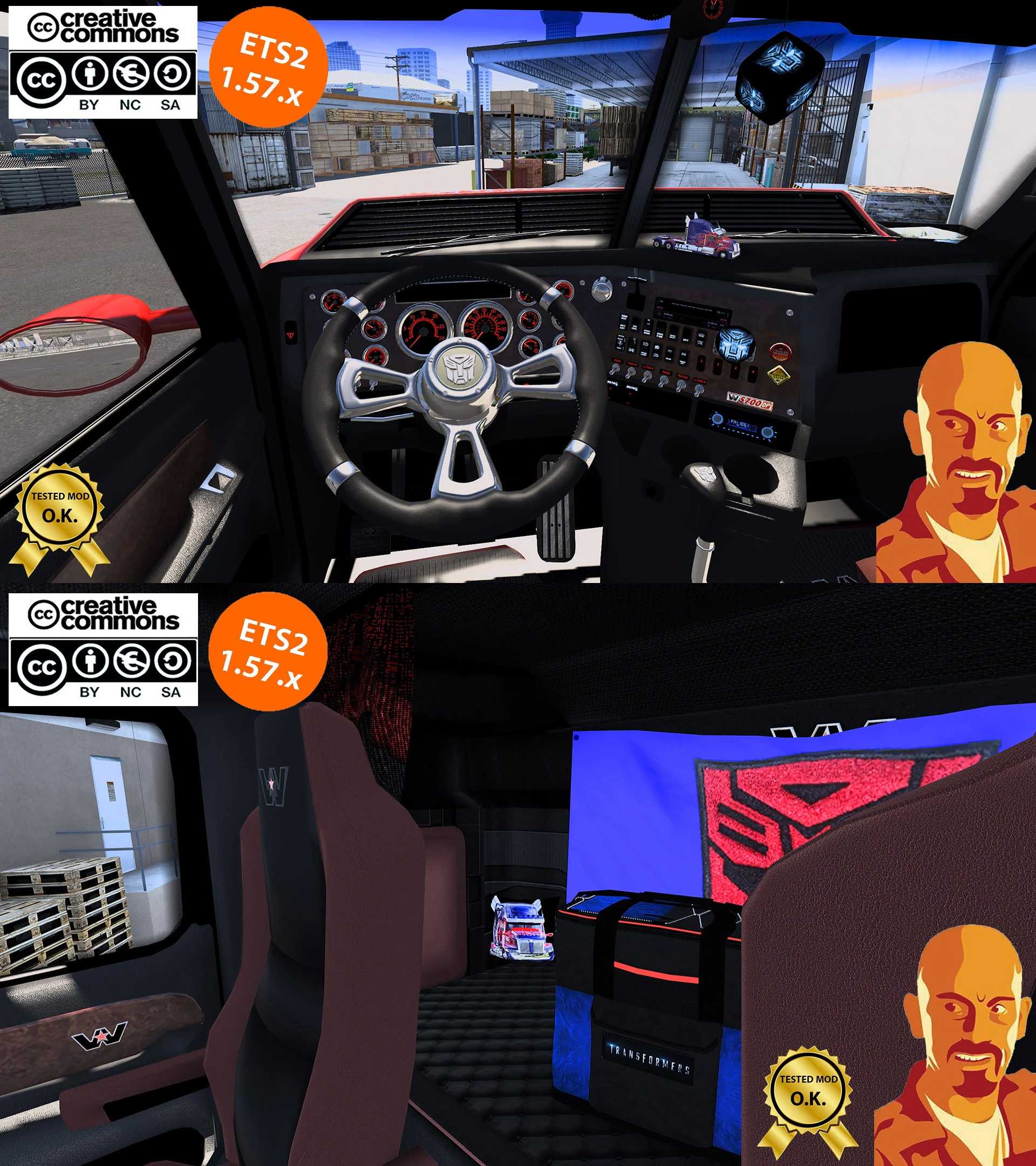
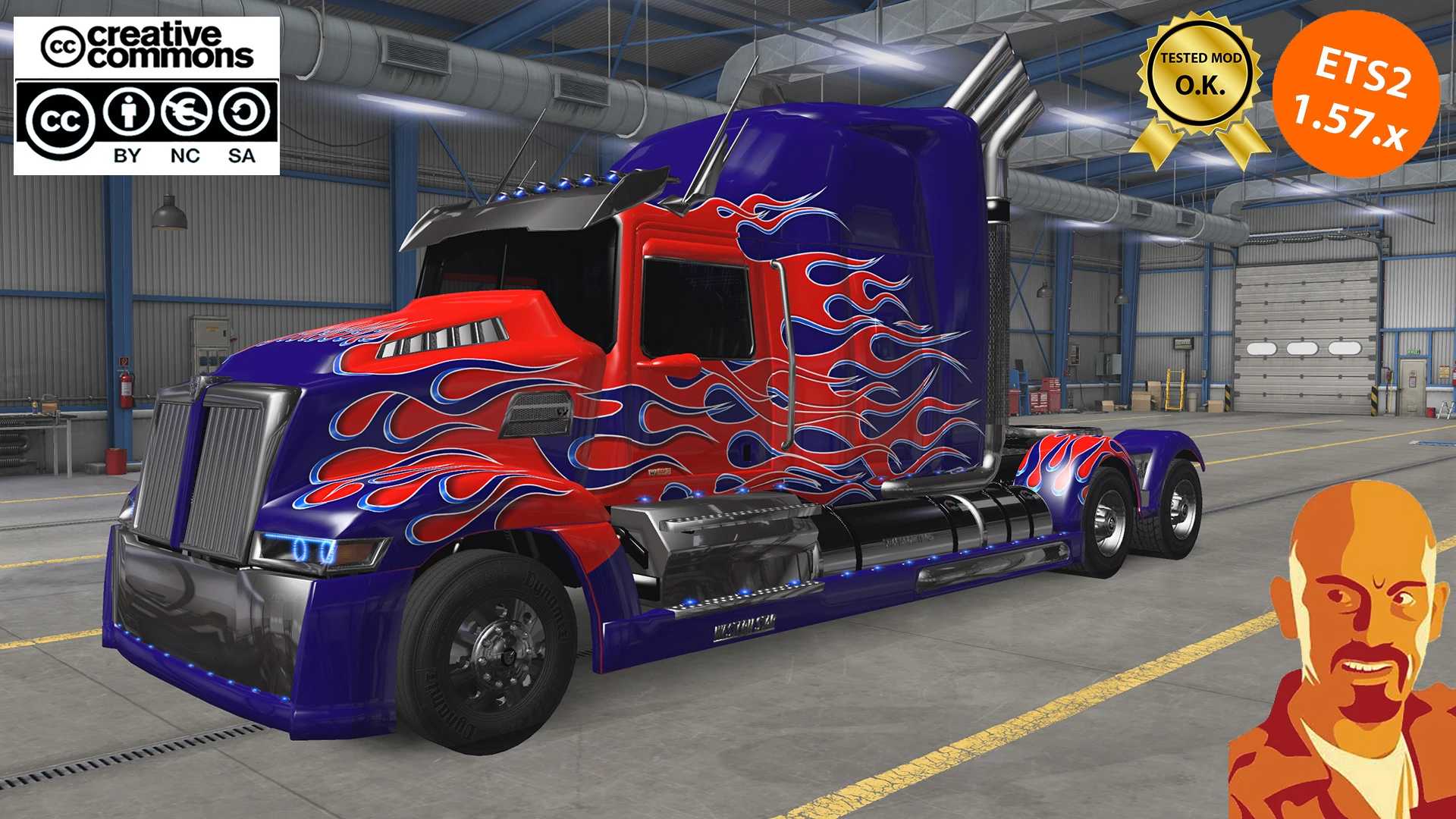
WESTERN STAR 5700XE OPTIMUS PRIME v1.0 1.57.X ETS2
v1.0 features:
Adaptation to ETS2 1.57.x.
Should work O.K. from 1.51 to 1.57 ETS2 game version.
DEF files updated.
Lightened mod to improve in game FPS.
Corrected front wheels.
Corrected axles.
Corrected hook position.
Added advanced coupling feature.
Added interior shadows feature.
Added missing wheel particles.
Added train horn (ONLY IN FULL VERSION).
Fixed exhaust smoke (2 variants. ONLY IN FULL VERSION).
Fixed dashboard display.
Fixed ui shadow.
Fixed fakeshadow.
Fixed truck height.
Fixed speedometer.
Fixed interior anims.
Cabin light activated with beacon light button (ONLY IN FULL VERSION).
Fixed mirrors.
Adjusted 5th Wheel position.
Added few cabin accessories (ONLY IN FULL VERSION).
Fixed rear & blinker lights.
Fixed & lightened blue lights to improve in game FPS.
Improved TF4 skin.
Truck added to trucks browser (ONLY IN FULL VERSION).
Truck added to quick jobs (ONLY IN FULL VERSION).
Deleted innecessary files.
Other minor changes.
Credits: Cyrus, Fabio Contier, ZeeMods.
How to install ETS2 mods or ATS Mods
In Euro Truck Simulator 2 it’s easy to install mods. You just need to download mod from here, copy/unzip files into: “My Documents\Euro Truck Simulator 2\mod” folder or if you play ATS please install mods to: “My Documents\American Truck Simulator\mod” folder. To unzip files you can use: WinRAR or 7zip. After that you need to activate the mods you want to use.