Volvo FH 4 Special Edition TMP TruckersMP v1.0 ETS2
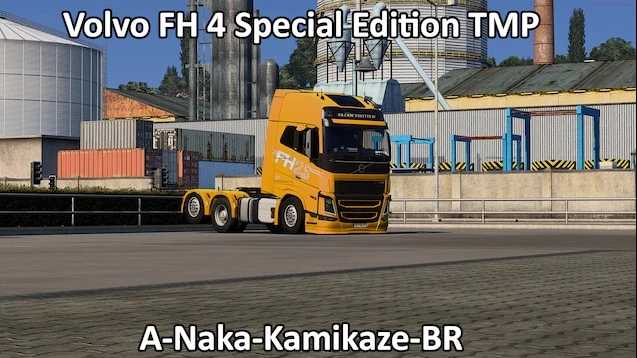

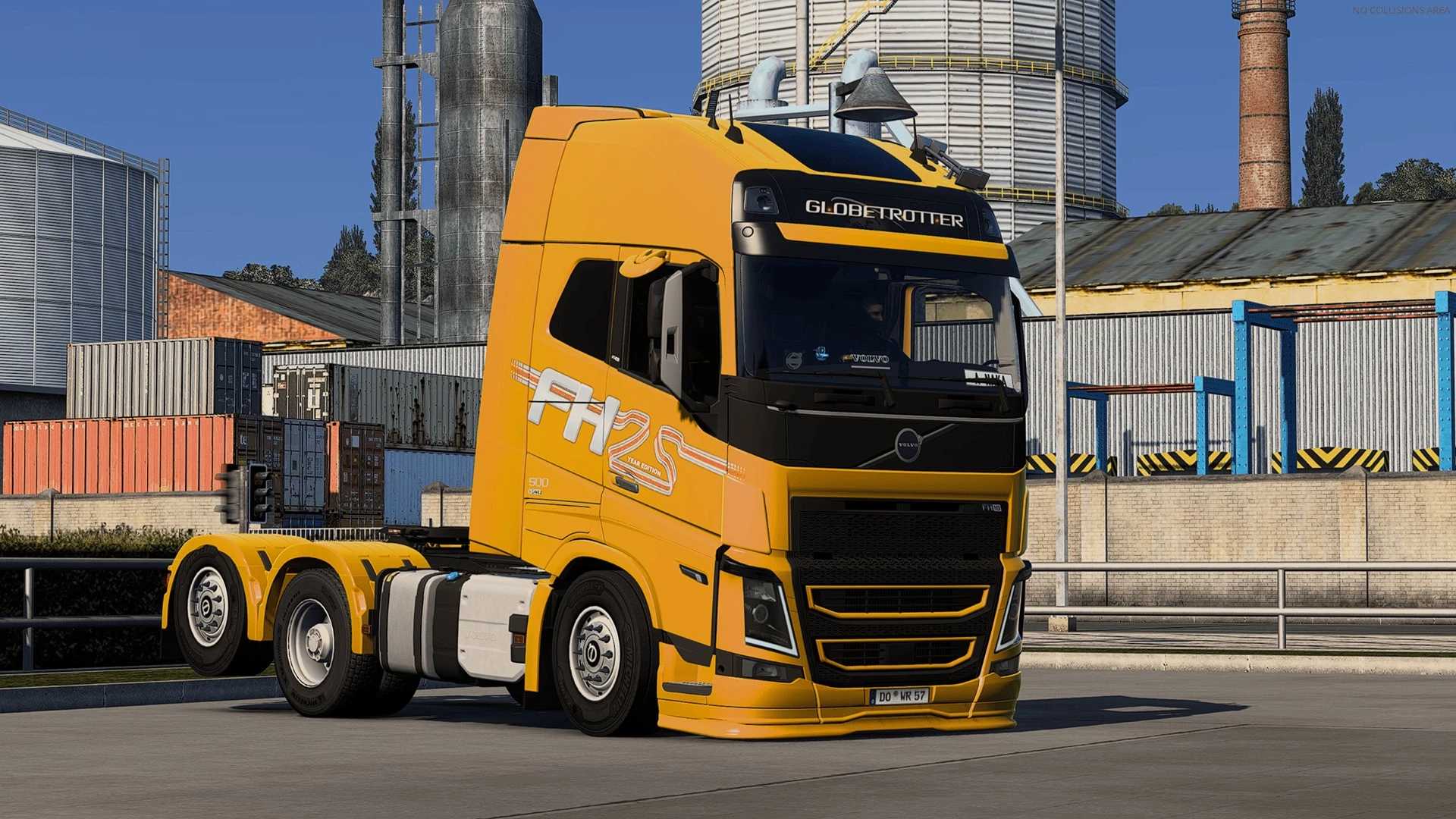
Volvo FH 4 Special Edition TMP TruckersMP v1.0 ETS2
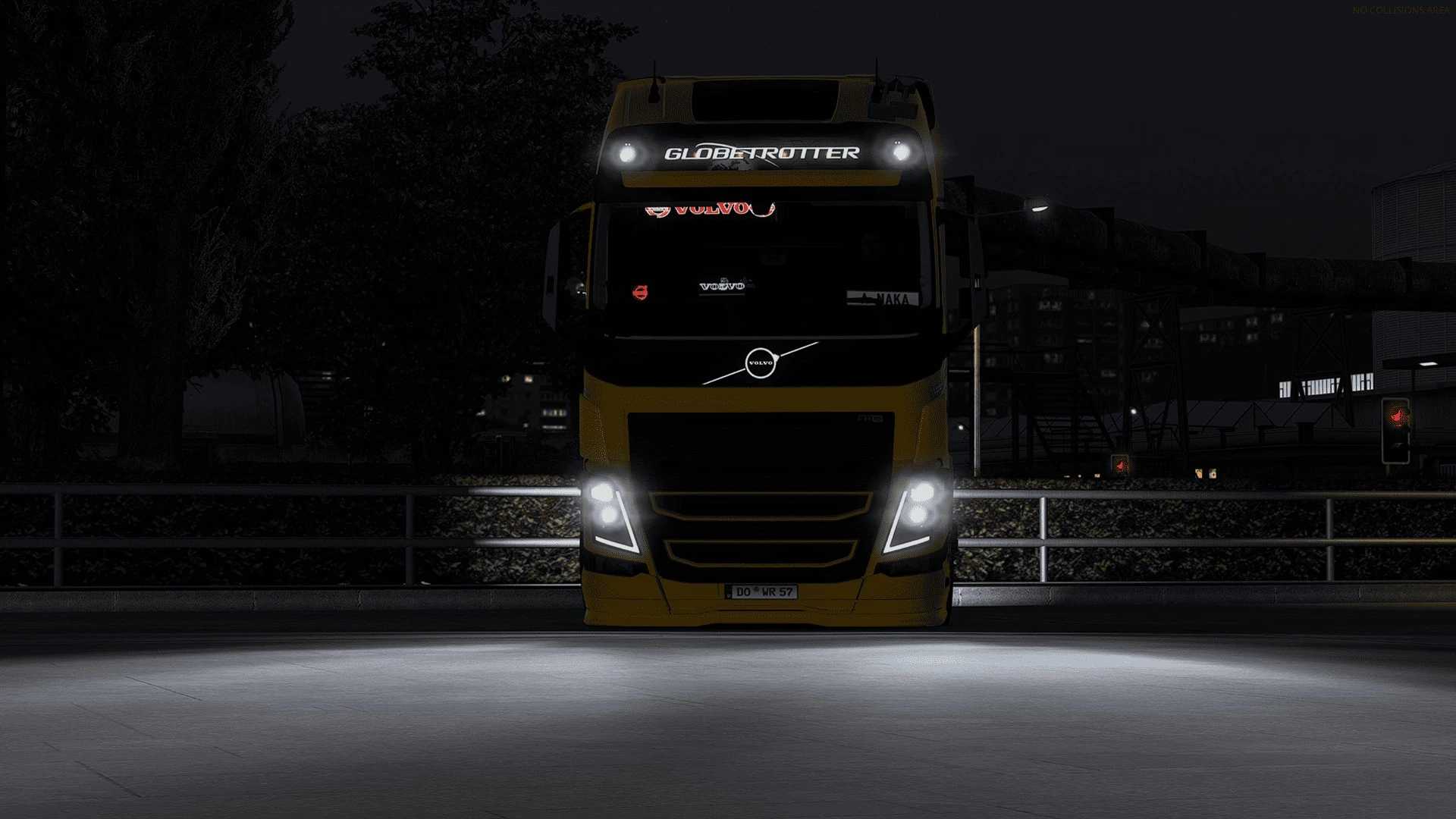
Volvo FH 4 Special Edition (A-Naka-kamikaze-BR)
Note: Trucks can only have their paint color changed, but they cannot change their paint skin, otherwise the truck may lose some parts.
I decided to upload some of the trucks I made for TMP to Steam.
Note: The trucks can only have their paint color changed, but the paint skin cannot be altered, otherwise the truck may lose some parts.
I decided to climb some of the trucks that go up to the TMP on Steam.
Note: Trucks can only have the paint color changed, but they cannot change the paint skin, otherwise the truck may lose some parts.
Hey, follow the steps to install and use this mod:
1. Click the “Subscribe” button.
2. Start the game in OFF mode, open the MOD manager, and activate the mod.
3. Purchase the trailer, save the game, and then join TruckersMP.
4. Enjoy driving.
Credits: A-Naka-Kamikaze-BR
How to install ETS2 mods or ATS Mods
In Euro Truck Simulator 2 it’s easy to install mods. You just need to download mod from here, copy/unzip files into: “My Documents\Euro Truck Simulator 2\mod” folder or if you play ATS please install mods to: “My Documents\American Truck Simulator\mod” folder. To unzip files you can use: WinRAR or 7zip. After that you need to activate the mods you want to use.