UK signage rework and other improvements v1.3 1.57 ETS2


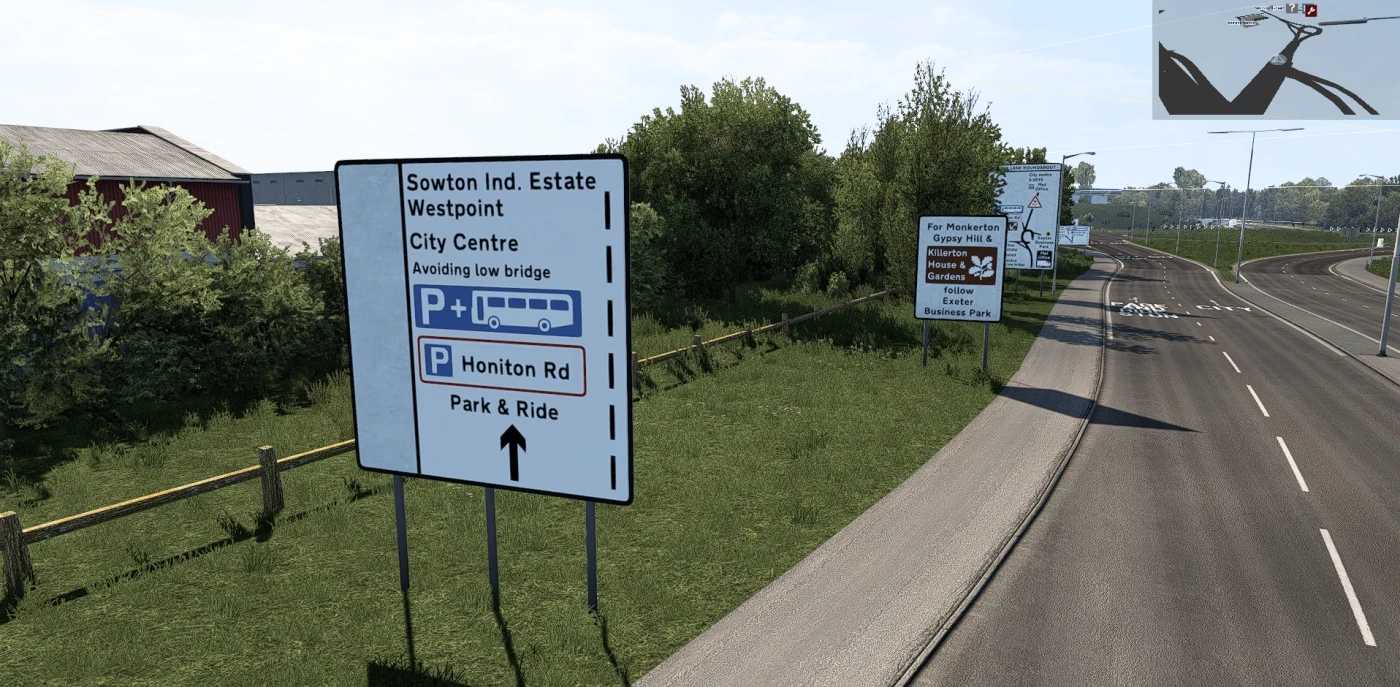

UK signage rework and other improvements v1.3 1.57 ETS2
Changelog V1.3: “The North”
Another 150 custom signs created (my map now has over 400 custom made signs):
– Full M62 sign rework
– M62-M1/A1M junction sign rework (with a bit of improvisation due to the way the M62/M1/A1(M) is represented in game)
– Some new signs around the Lymm services
– M6 signs for Carlisle
– Many new signs added to the A684
– M6 signs for Hawes
– Partial A1 sign rework around Newcastle
Other Improvements:
– Full A684 road retexture. Not just a retexture, the whole road now uses completely new assets made by SCS which are found in the NH DLC and will be found in the UK rework
– Partial M6 road retexture
– Partial M62 road retexture
– Some changes made to central resvervation along M62 to closer match real life
– Some new vegetation added along the M62 to closer match real life
– M6 has been partially straightened between Hawes and Carlisle to closer match real life
Bug fixes:
– The Plymouth ferry is now accessible again
– Removed the give way signs at the Plymouth Charles Cross roundabout where the new traffic lights are
Accidents:
The ALDI distribution centre next to Liverpool from the European Logistics Map has somehow merged into my map when I was working on his sectors for him. Strange, I have no idea how this happened…
Credits: UKinFocus
How to install ETS2 mods or ATS Mods
In Euro Truck Simulator 2 it’s easy to install mods. You just need to download mod from here, copy/unzip files into: “My Documents\Euro Truck Simulator 2\mod” folder or if you play ATS please install mods to: “My Documents\American Truck Simulator\mod” folder. To unzip files you can use: WinRAR or 7zip. After that you need to activate the mods you want to use.