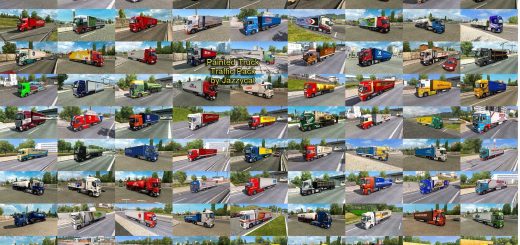
Trfego De nibus g7 v1.0 ETS2
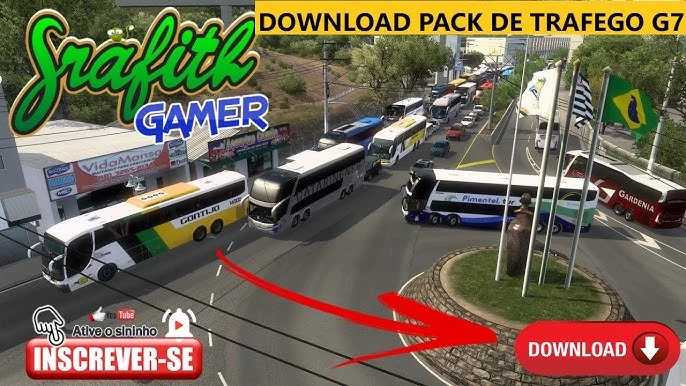

Trfego De nibus g7 v1.0 ETS2
To experience “G7 Bus Traffic” in Euro Truck Simulator 2 (ETS2), you’ll need specific traffic mods that add Brazilian buses, including Marcopolo G7 models, to the game’s AI-controlled vehicle traffic.
What are these mods?
These mods replace or add vehicles to ETS2’s standard traffic, allowing you to see buses like the Marcopolo Paradiso G7 1200, 1600 LD, and 1800 DD (Double Decker) driving on the roads, often with liveries (skins) of real Brazilian bus companies. This increases immersion, especially if you’re using Brazilian maps in the game.
How they work and where to find them:
1. Traffic Mods: Traffic mods are file packages that contain the 3D models of the buses and the settings for them to appear in the game. Some of the best-known are the “Brazilian Traffic Pack” (like Jazzycat’s, which is frequently updated) or bus-specific traffic packs.
Installation:
Typically, you download a file in `.scs` format.
This file should be copied to the “mod” folder within the Euro Truck Simulator 2 directory (usually in `Documents/Euro Truck Simulator 2/mod`).
Within the game, in the “Mod Manager” (when loading your profile), you need to activate the traffic mod, ensuring that it has an appropriate priority (often above other traffic mods or maps, if there are specific instructions from the mod creator).
3. Compatibility: It is crucial to check the mod’s compatibility with the current version of your Euro Truck Simulator 2. Outdated mods can cause crashes or errors in the game.
Important notes:
Brazilian maps: Although traffic mods work on any map, they are especially recommended for use with Brazilian maps (such as EAA, Rotas Brasil, etc.) for a more authentic experience.
Performance: Adding too many traffic mods can impact your game’s performance, depending on your computer’s specifications.
Credits: the gold game
How to install ETS2 mods or ATS Mods
In Euro Truck Simulator 2 it’s easy to install mods. You just need to download mod from here, copy/unzip files into: “My Documents\Euro Truck Simulator 2\mod” folder or if you play ATS please install mods to: “My Documents\American Truck Simulator\mod” folder. To unzip files you can use: WinRAR or 7zip. After that you need to activate the mods you want to use.