Tjs HD GPS Mod v1.57.1 ETS2
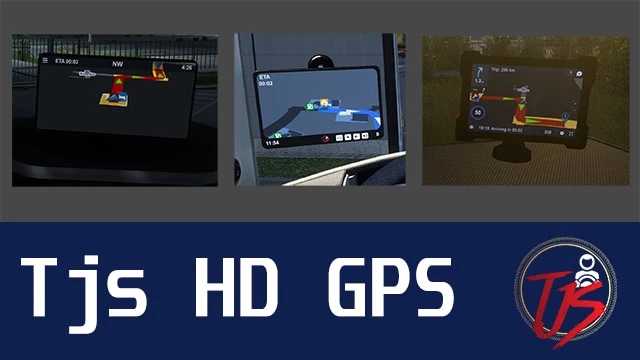

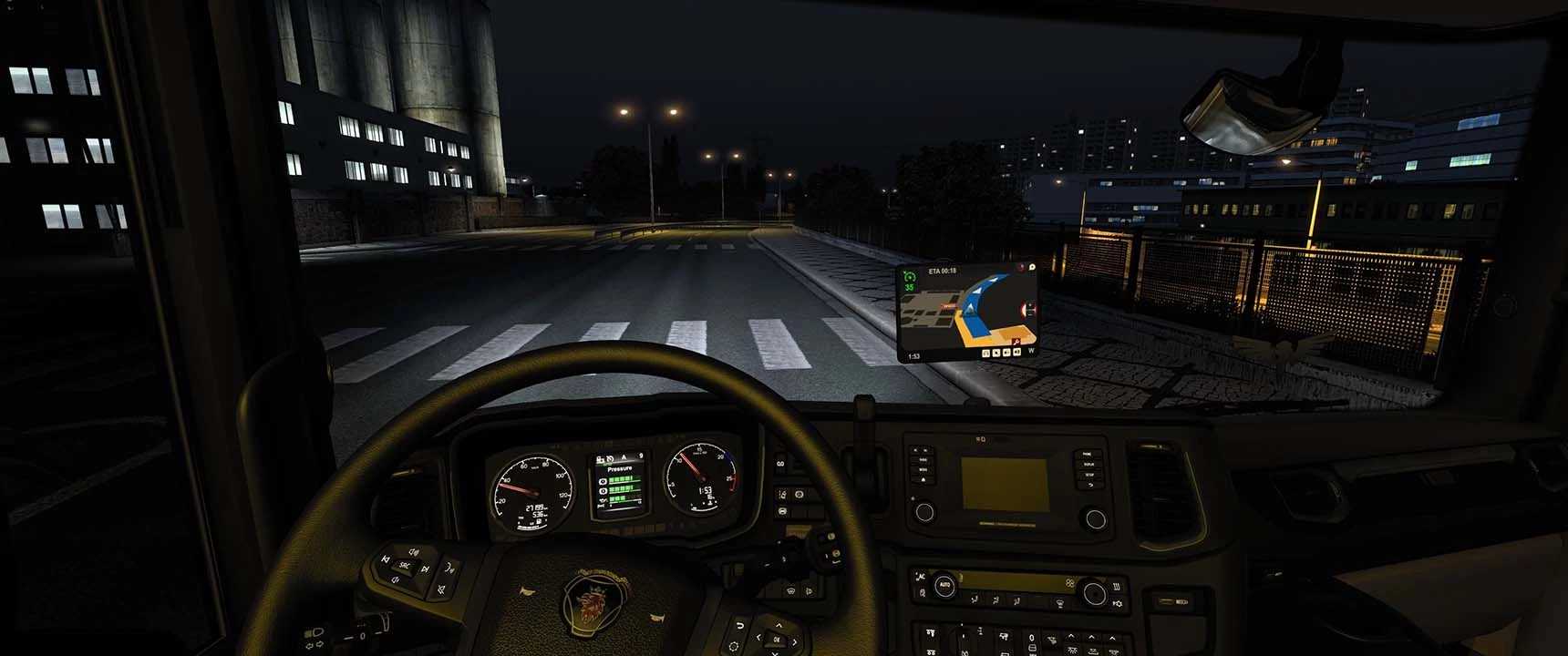
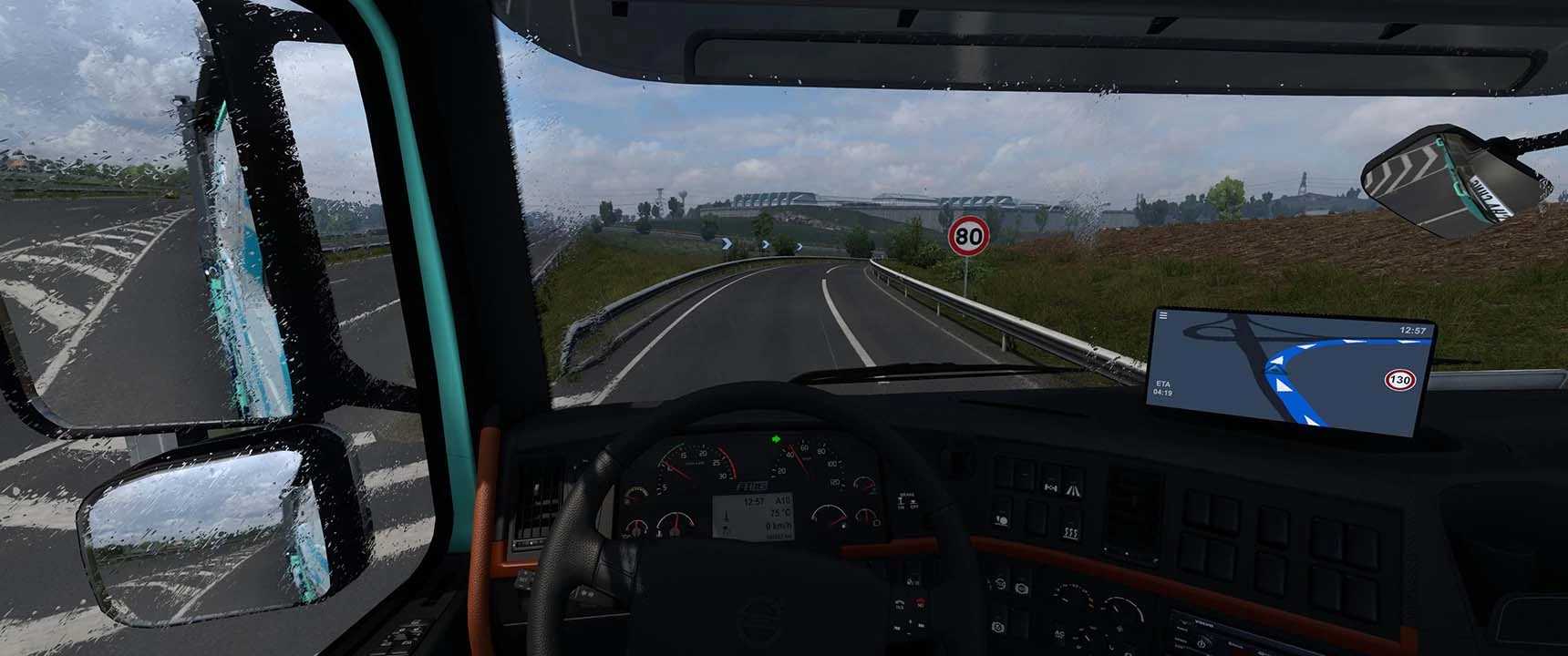
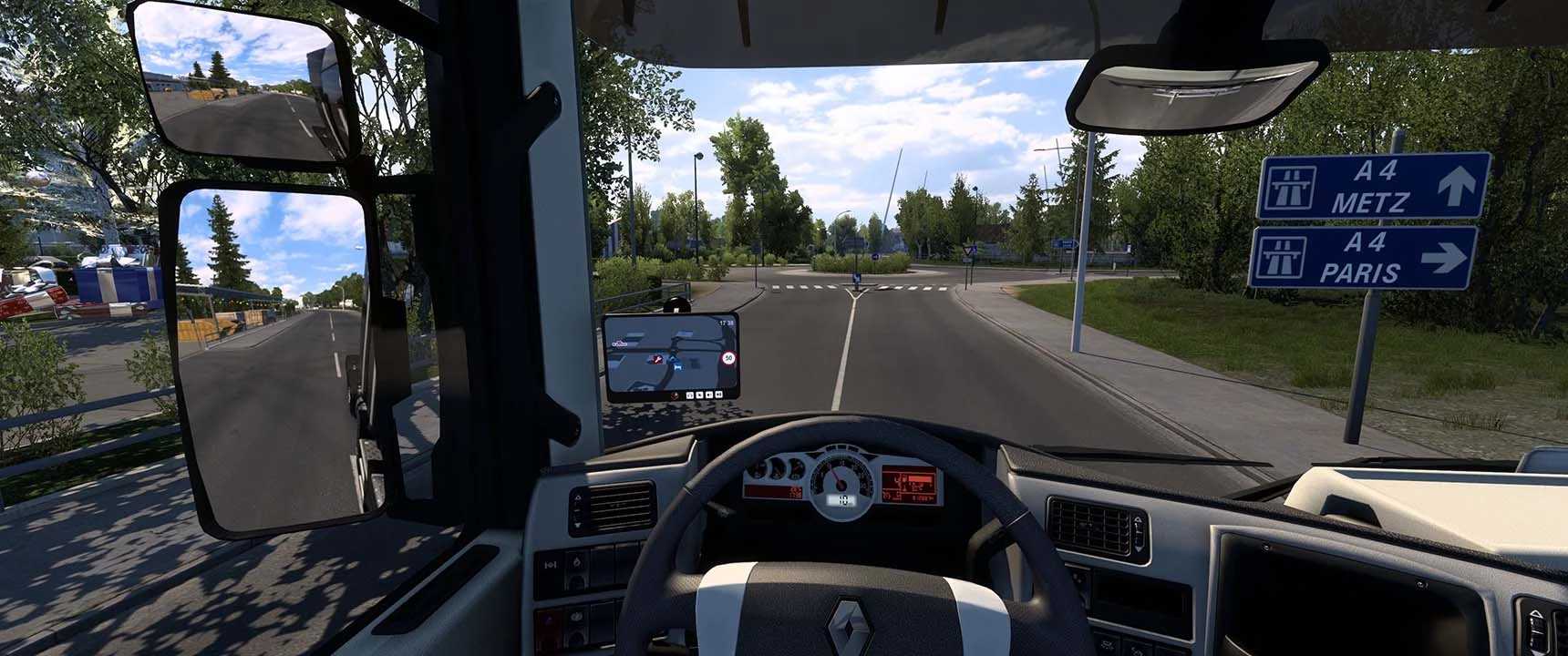
Tjs HD GPS Mod v1.57.1 ETS2
ACCESSORIES SETS FOR GPS
Hanging Items (Recommended if using a wide screen monitor)
Windshield Corner
Windshield Sets
Air Conditioner Items
Dashboard Sets
Supported Trucks Brand (As Windshield & Dashboard Accessories)
– Daf XF / XF Euro 6, XF 50K, DAF 95 ATI, NEW DAF 2021
– Freightliner Cascadia 2019
– Iveco Hiway & Stralis, S, S-Way
– International 9900i, Lonestar, LT
– Man TGX Euro 5 & TGX Euro 6, Man TGA, TGS, TGS Euro 6, F2000
– Mercedes Actros & Actros 2014, Actros 12, Antos 12, Arocs WTD, Axor, SLS AMG, ACTROS 2019 & 2021
– Pizzster 389
– Renault Magnum, T, C, K, AE & AE 1990
– Scania 2016 R / S, Scania R, Scania 4, G, G 2016, P 2016, R4, T, T4, 113, Scania Streamline, Scania G400 by Quality3DMods, SCANIA T 2016
– Scania PGR-Series 2004
– Sisu R 500
– Ural 8×4
– Volvo FH 16 – FH 16 2012, Fh 1st Generation, FH 2020, FH 2021, FH 5 (2022), FH 6 (2024)
Mod Addon Includes:
Base Map Extra Zoom & Nav Color Change
Tjs Map Extra Zoom and Nav Color Change Mod
THIS MOD NOW FULLY SUPPORT PROMODS
Credits: The Jetz Stream
How to install ETS2 mods or ATS Mods
In Euro Truck Simulator 2 it’s easy to install mods. You just need to download mod from here, copy/unzip files into: “My Documents\Euro Truck Simulator 2\mod” folder or if you play ATS please install mods to: “My Documents\American Truck Simulator\mod” folder. To unzip files you can use: WinRAR or 7zip. After that you need to activate the mods you want to use.