The Freightliner Cascadia (PolyFir) v1.5.5.2 ATS

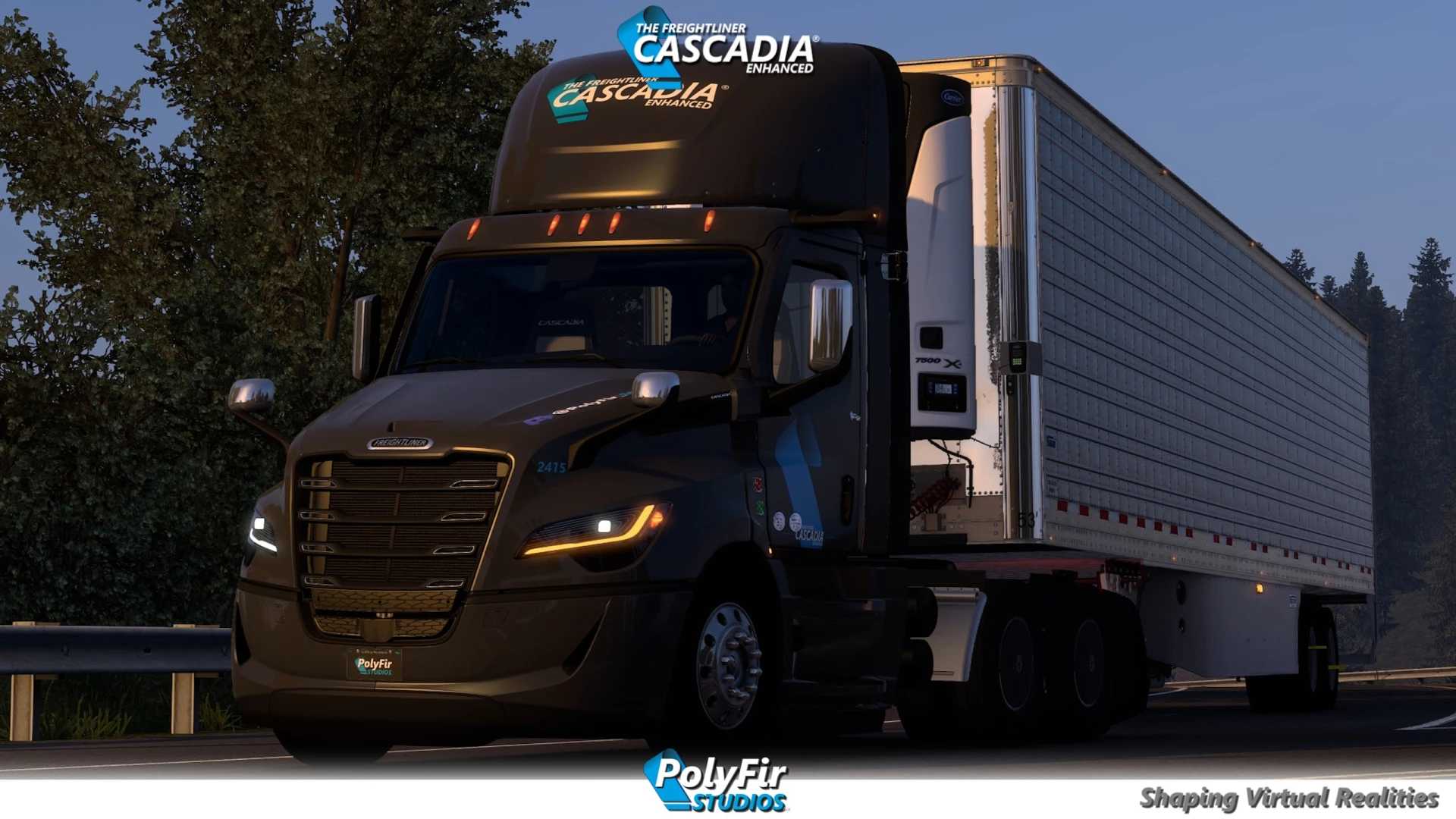
The Freightliner Cascadia (PolyFir) v1.5.5.2 ATS
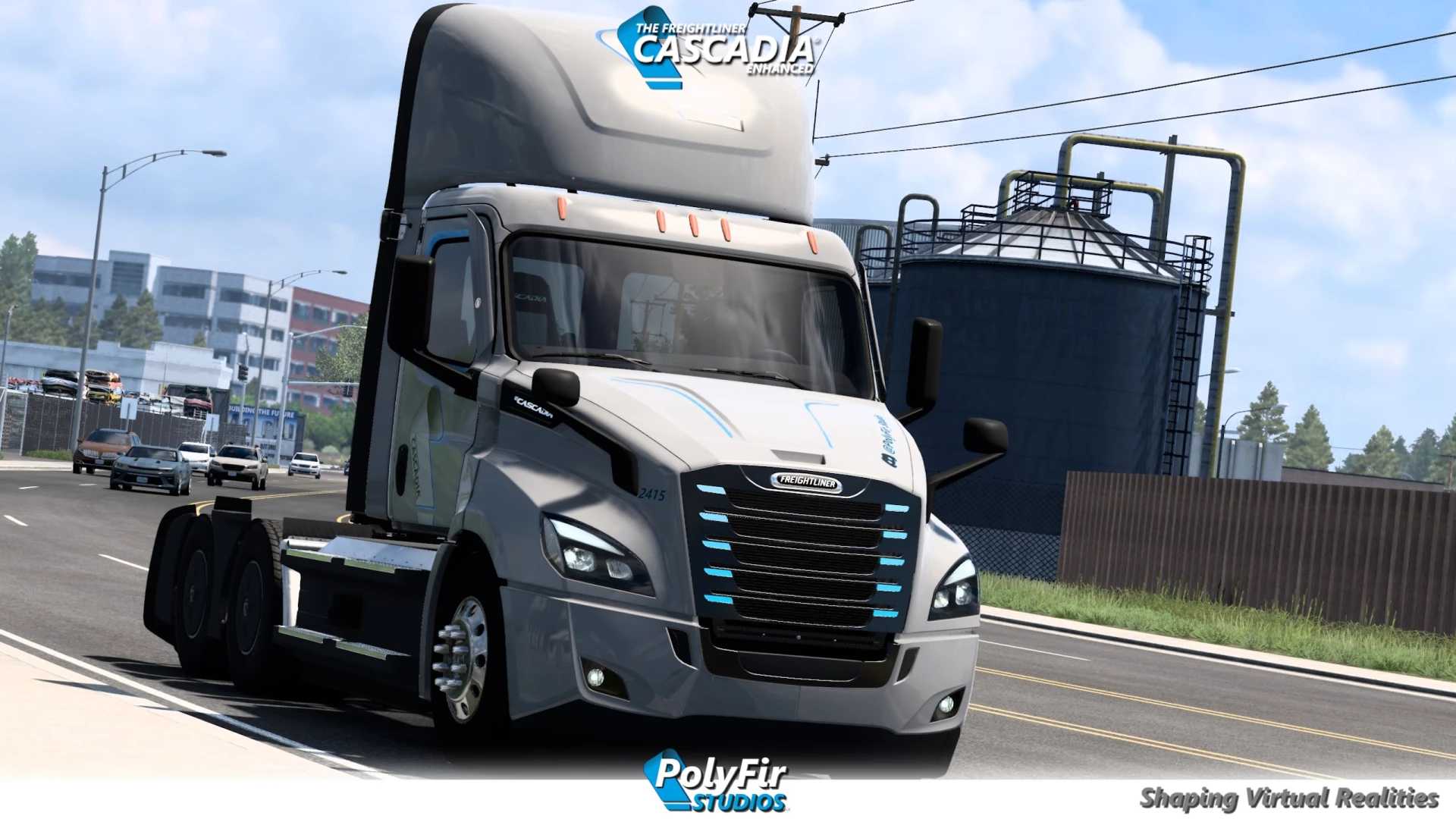
– 3 cabins
– 3 chassis
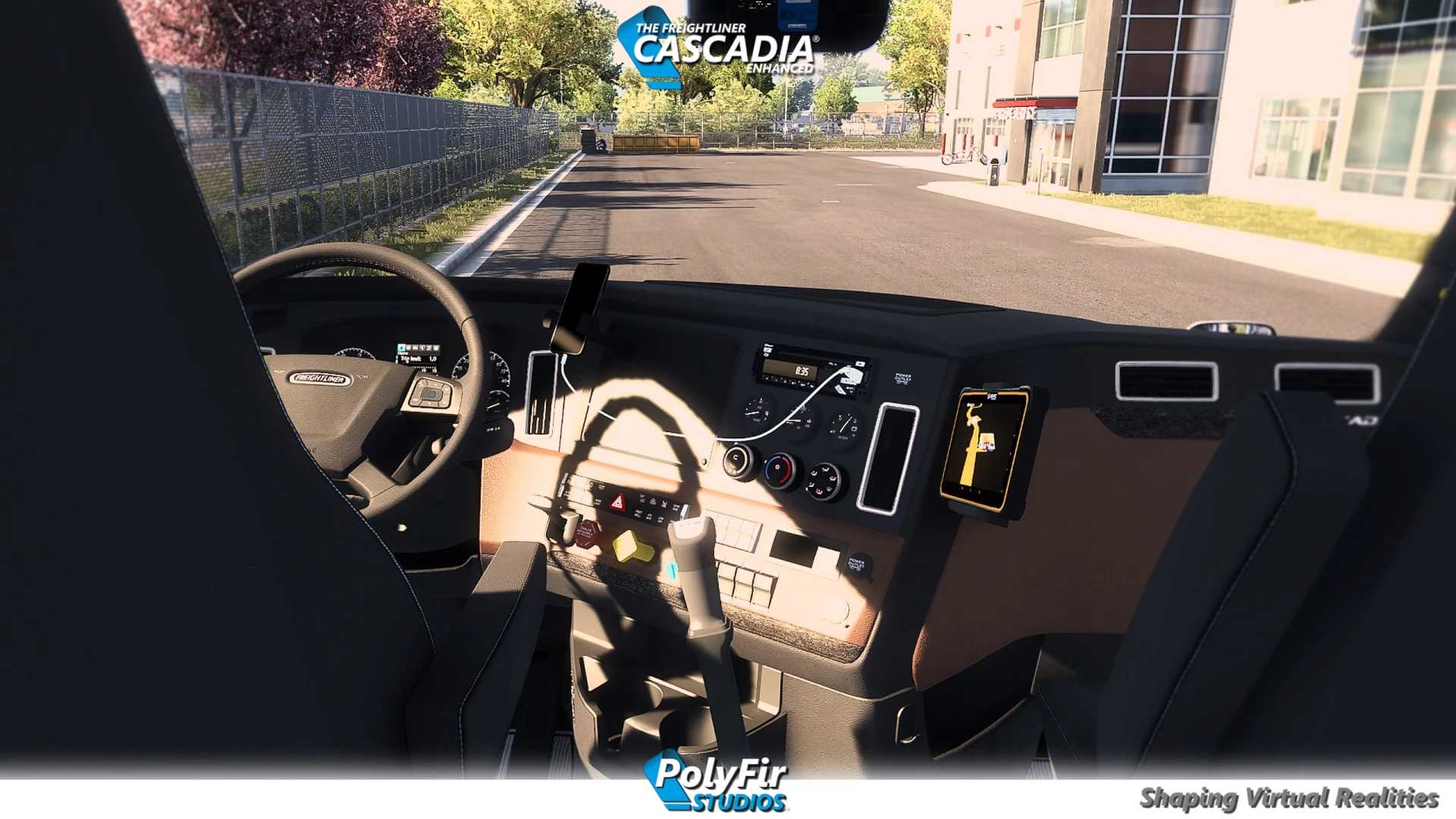
– 9 interiors
– Antennas, badges, lamps, beacons, bumpers, exhaust system, hoods, mirrors, sensors, taillights, deflectors and more.
– Fixed compatibility issue with Cascadia 2024 interior.
– New gold accessories in honor of the first anniversary of our Discord server. PolyFir Studio will try to add more unique details in the future.
– New tinted headlights
– New material options for chain racks
– New material for APU blocks
– Sticker on the side window (special thanks to R3N4N for this wonderful feature)
– 1 new version of the mat
– 2 new red taillights
– New painted chassis with elastic frame for the 2019 Sleeper, as well as options for painted taillights
– New texture for yellow interior and yellow worn steering wheel
– Introducing the coloring of PolyFir Studios Canada
– Fixed shadows from the sleeping place 116 BBC 60 inches
– Fixed other minor bugs
– Antenna options on mirrors
– The SCS Default license plate has been added to the bumper of Polyfir
– Introducing the new 80 gallon short chassis for 116BBC (first release)
– Fixed missing side body kits on the Polyfir 126 chassis (day cabin)
– Fixed the camera in the side mirrors
– Fixed the position of the accessory slots on the thresholds (equal distance)
Credits: PolyFir Studios
How to install ETS2 mods or ATS Mods
In Euro Truck Simulator 2 it’s easy to install mods. You just need to download mod from here, copy/unzip files into: “My Documents\Euro Truck Simulator 2\mod” folder or if you play ATS please install mods to: “My Documents\American Truck Simulator\mod” folder. To unzip files you can use: WinRAR or 7zip. After that you need to activate the mods you want to use.