SWEETFX V2.0 (MOD 14 SP) MOD
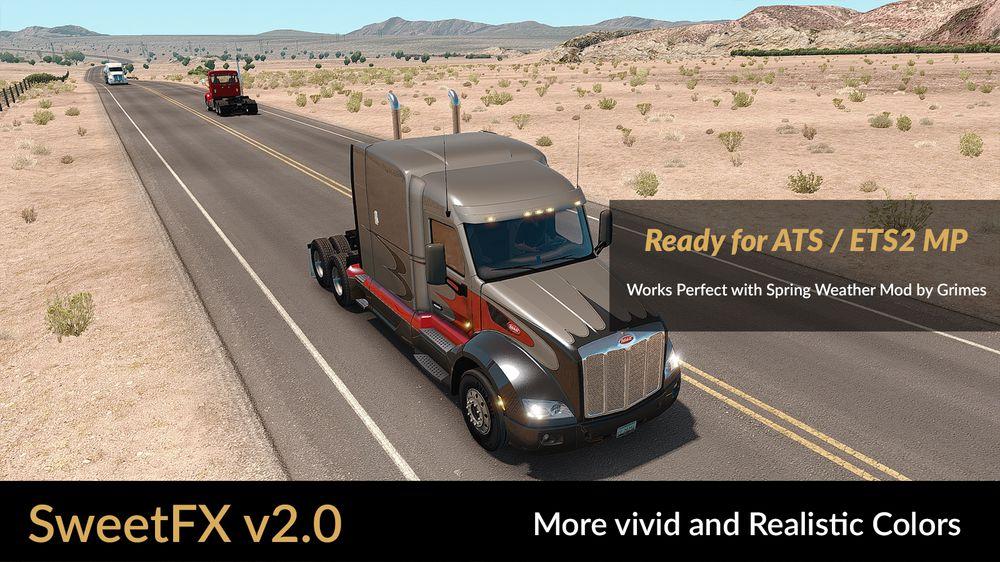

SWEETFX V2.0 (MOD 14 SP) MOD
Description: More vivid and realistic colors for a better gaming experience. 🙂 —-
Changelog: Adjustments in Curves and Tonemap. (Improvements in contrast)
Note: This version is a request from some users. 😉 —-
Adjustments required * in the Game***
– Anti-Aliasing (MLAA): OFF (*)
– High Dynamic Range: ON (*)
– Depth of Field (DOF): OFF (*)
– Rays of Sunshine: ON (*)
– Color Correction: OFF (*)
– Anisotropic Filtering: Maximum (*) —-
Important: My SweetFX settings decrease maximum 4 FPS.
Credits: JuanBonX (Mod), CeeJay.dk (Autor ), Crosire (Reshade)
How to install ETS2 mods or ATS Mods
In Euro Truck Simulator 2 it’s easy to install mods. You just need to download mod from here, copy/unzip files into: “My Documents\Euro Truck Simulator 2\mod” folder or if you play ATS please install mods to: “My Documents\American Truck Simulator\mod” folder. To unzip files you can use: WinRAR or 7zip. After that you need to activate the mods you want to use.
Report bugs in the comments and help modders improve this mod. Always check the comments, you can find a solution.