Sud de France & Promods Fix v1.1.1 ETS2


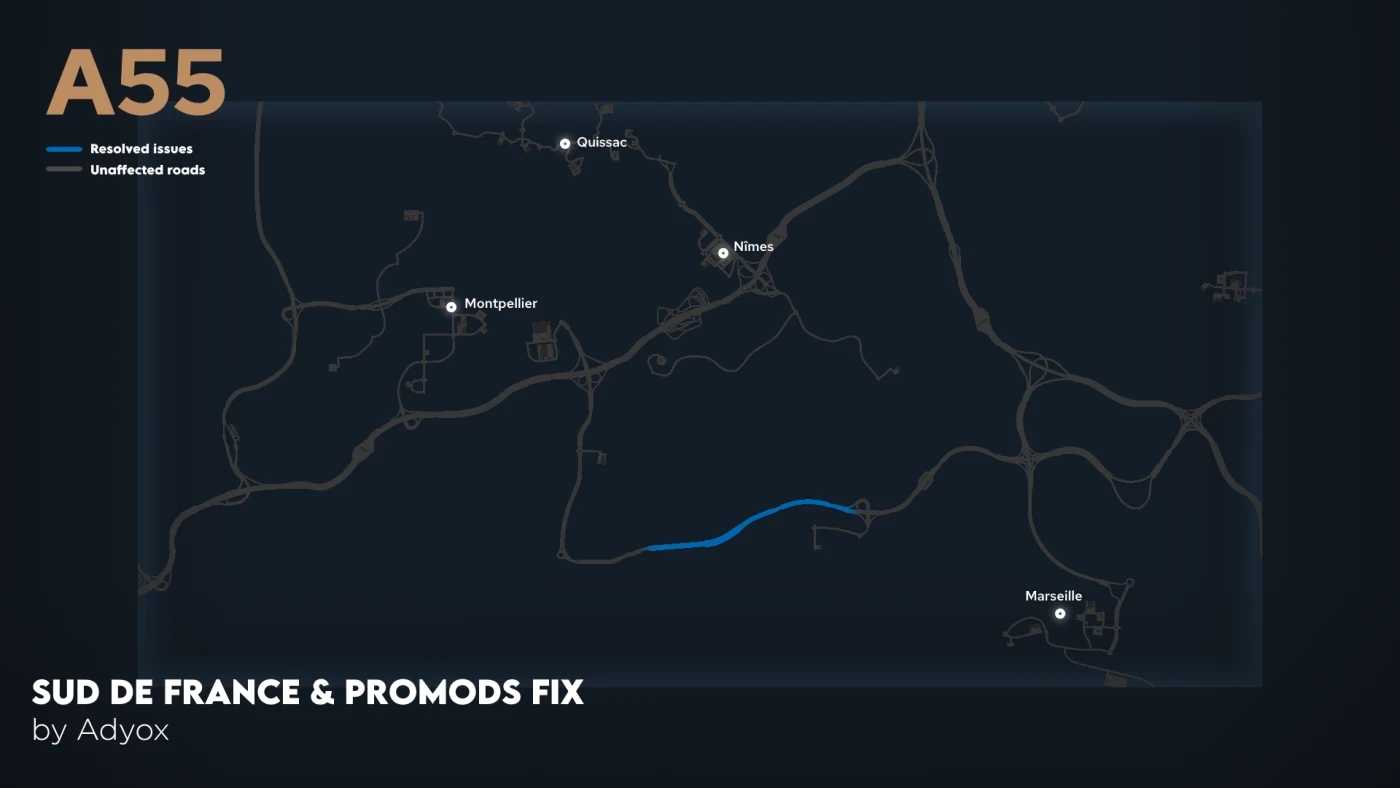


Sud de France & Promods Fix v1.1.1 ETS2
Since Promods 2.80, Charly’s Sud de France map is no longer fully compatible with it. This mod allows you to combine these two mods and fix existing issues. In the future, the objective would be to extend this compatibility as much as possible.
Sud de France » Fully compatible since version 2.0.2b
Promods » Fully compatible since version 2.80
Changelogs
v1.1.1
– fixed an issue related to license plates on AI vehicles
– fixed a cut-plane issue
v1.1
– compatibility with the A6/A31 interchange
v1.0
– initial release
– support for Promods 2.80
– support for Sud de France 2.0.2b
Credits: Adyox [FR]
How to install ETS2 mods or ATS Mods
In Euro Truck Simulator 2 it’s easy to install mods. You just need to download mod from here, copy/unzip files into: “My Documents\Euro Truck Simulator 2\mod” folder or if you play ATS please install mods to: “My Documents\American Truck Simulator\mod” folder. To unzip files you can use: WinRAR or 7zip. After that you need to activate the mods you want to use.
Report bugs in the comments and help modders improve this mod. Always check the comments, you can find a solution.