SRI Lightbox Pack v2.1 1.57 ETS2
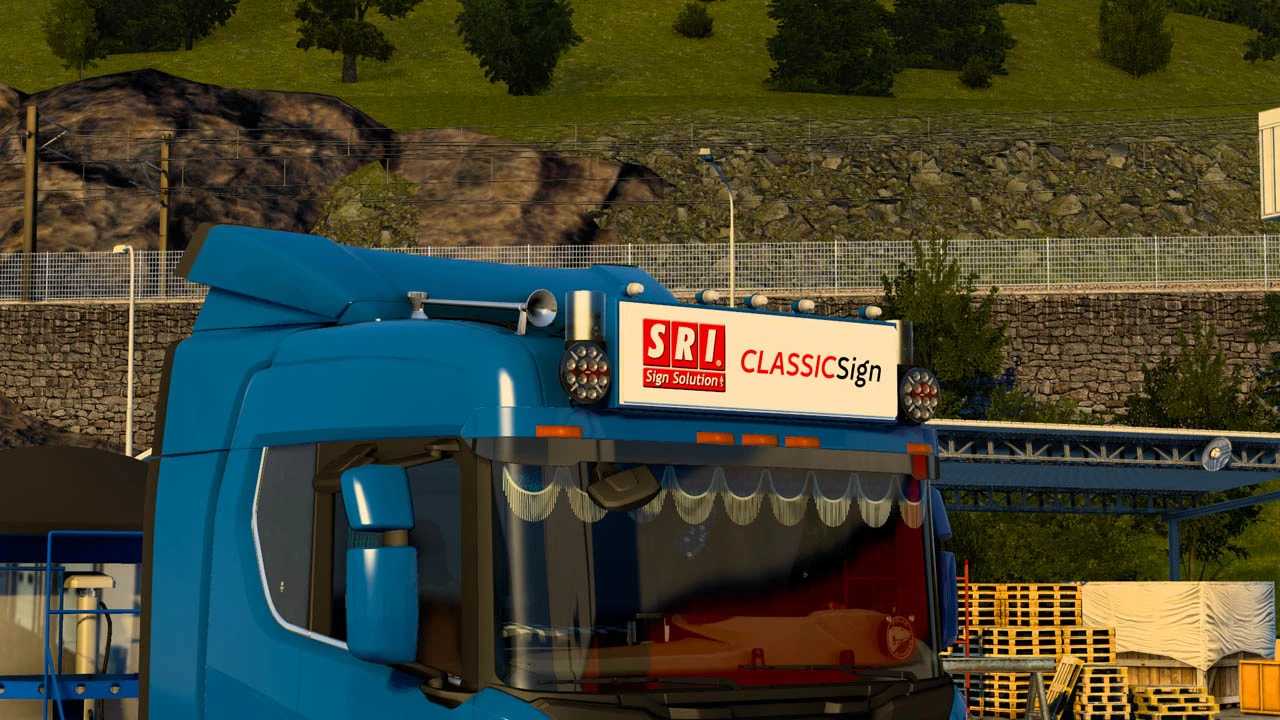

SRI Lightbox Pack v2.1 1.57 ETS2
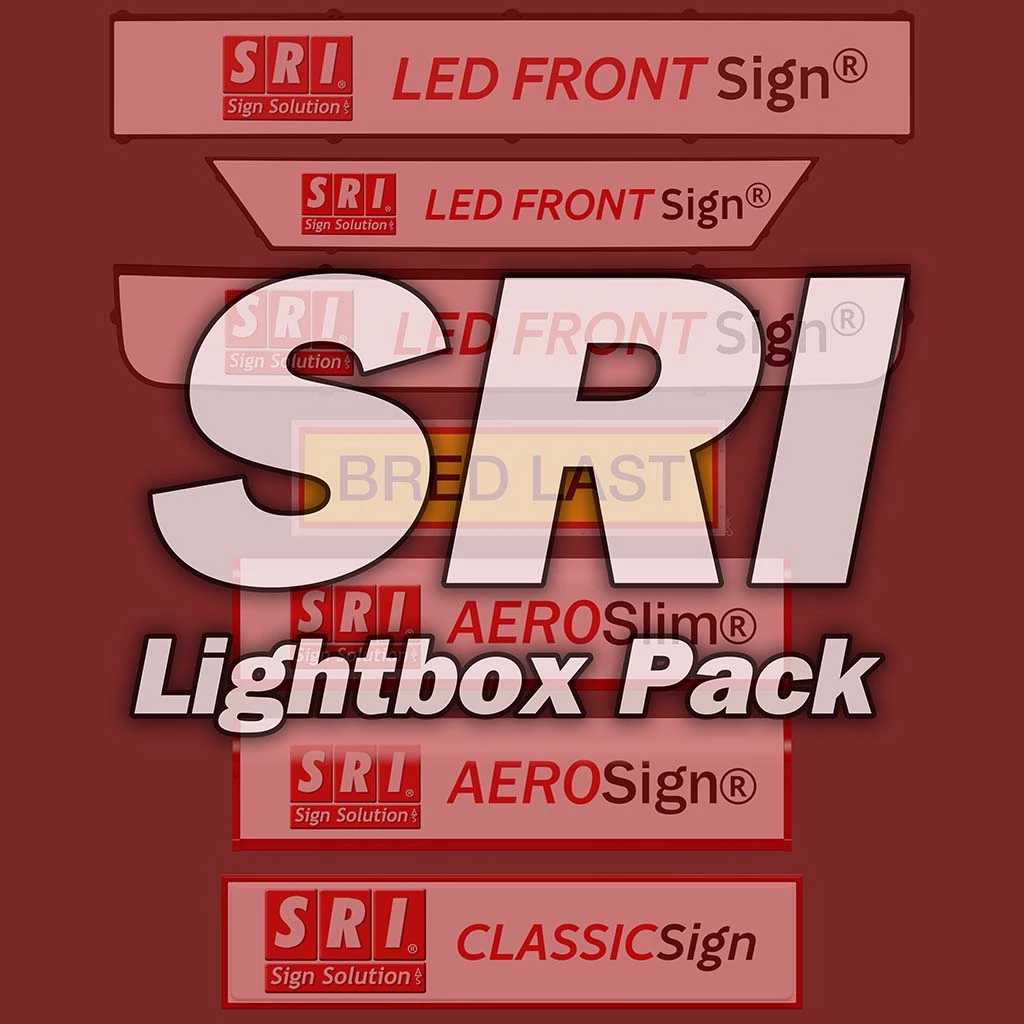
SRI AeroSignLED (125×30, 140×40, 160×40)
SRI AeroSlimLED (125×30, 160×30)
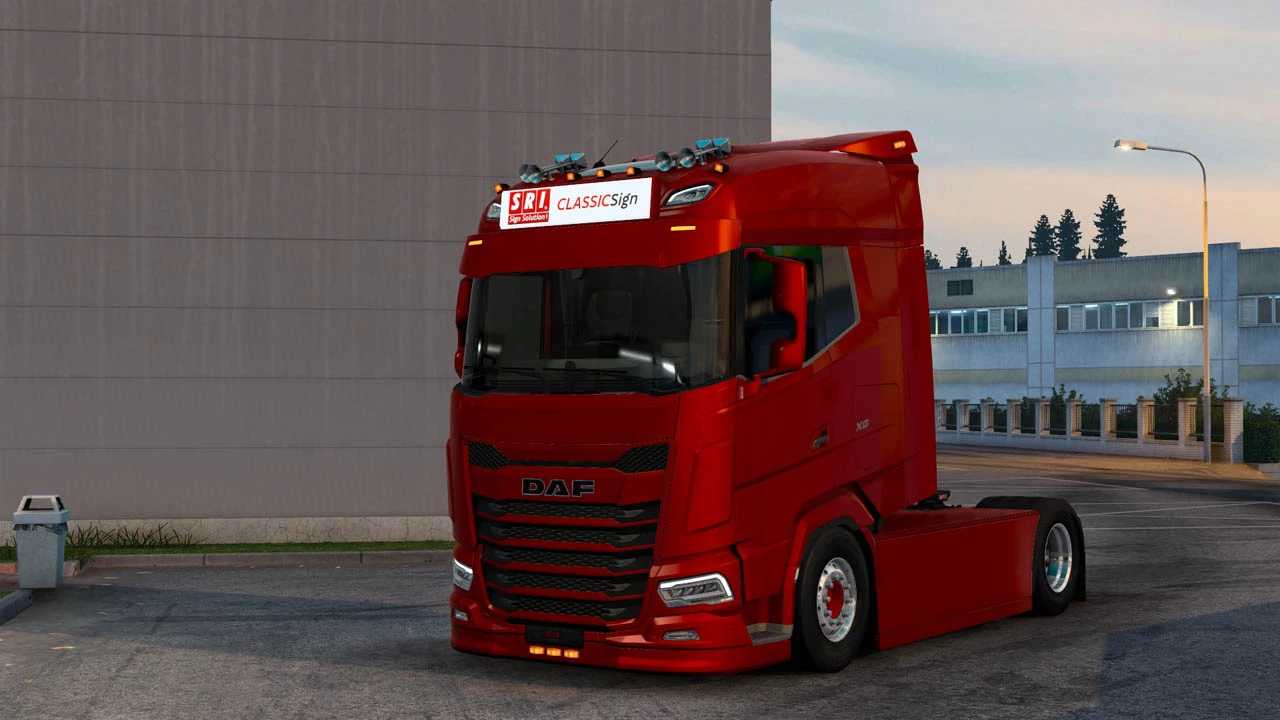
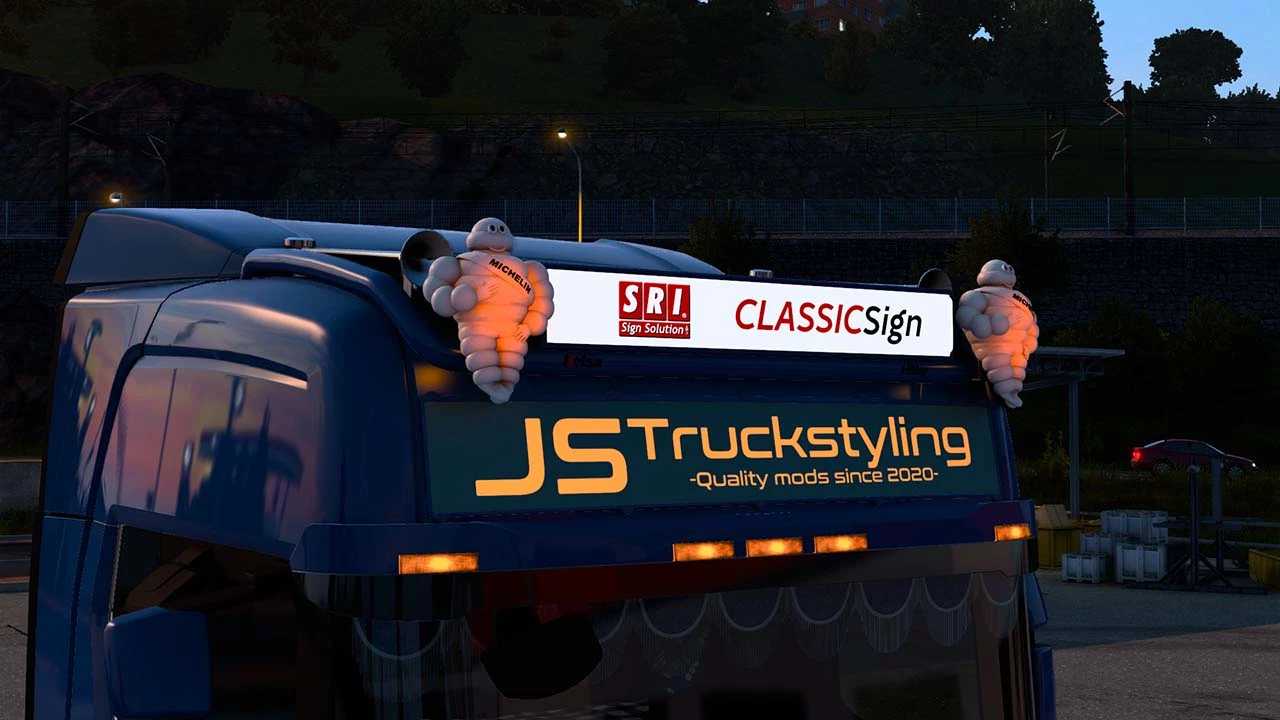
SRI ClassicSignLED (130×20, 130×30, 140×40)
SRI FrontSignLED (138×23 Next Gen, 175×31 RJL, 180×28 Next Gen)
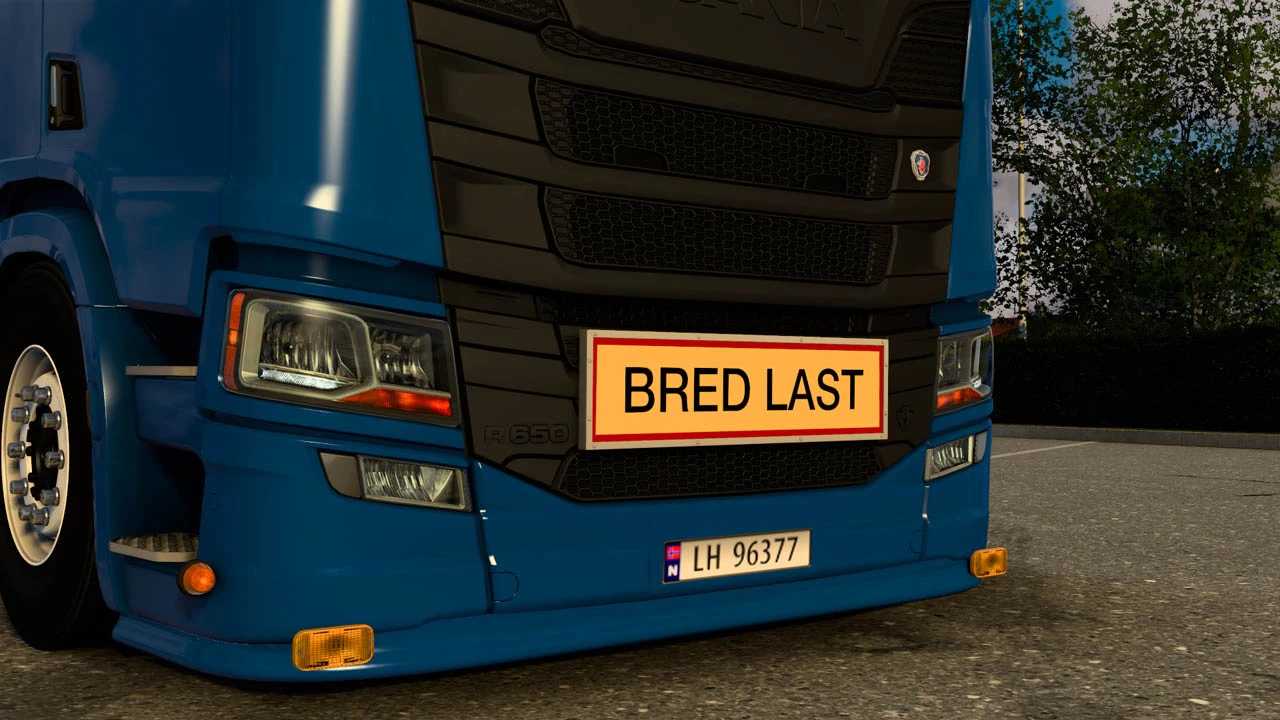
SRI TripleSignLED (97×26 BRED LAST, LANG LAST + custom, both painted and aluminium)
Note: All lightboxes come in two versions, white (SRI Skin is default) and orange (JS skin is default). Orange is harder to skin since it requires lightmask.
Supported trucks:
SCANIA:
Scania PGR-Series by JUseeTV
SCS Scania Next Gen
PGRS Scania Next Gen by Eugene
H&W Scania Next Gen T-Cab + Longline by Skimo
Scania RT by Skimo
S Scania Next Gen Longline by Skimo
RJL Scania G, R, R4
RJL Scania T, T4
VOLVO:
SCS Volvo FH4
SCS Volvo FH5
SCS Volvo FH6 (Aero)
Volvo FH3 by Johnny244
Volvo FH5 Free/Premium by Sanax
DAF:
SCS DAF 2021 (XF, XG, XG+)
SCS DAF XD
DAF 2021 by Jasper
MAN:
SCS MAN TGX TG3
FORD:
Ford Trucks F-MAX
Recommended lightpacks:
BC-Exterior Belka accessory (Full support)
JUseeTV Lightpack (Full support)
Hella Rallye 3000 (Full support, place under lightbox in mod manager to make included fix work!)
Compatible with 1.57
Credits: JSTruckstyling
How to install ETS2 mods or ATS Mods
In Euro Truck Simulator 2 it’s easy to install mods. You just need to download mod from here, copy/unzip files into: “My Documents\Euro Truck Simulator 2\mod” folder or if you play ATS please install mods to: “My Documents\American Truck Simulator\mod” folder. To unzip files you can use: WinRAR or 7zip. After that you need to activate the mods you want to use.