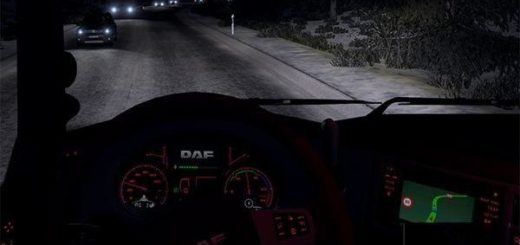
Snowy Moon v10.2.0 ETS2


Snowy Moon v10.2.0 ETS2
High quality and high performance time antialiasing (TAA) solution has been implemented, as well as DLSS/DLAA support for NVIDIA GPUs. Shadow and SSA O improvements Settings: Press the “END”or”CTRL+P” key to open the game menu.TAA Clarity-reduce TAA blur * TAA Clarity is designed for people who want to get less blurry and clearer results, close to the result without smoothing, for example, for VR users. Sharpen Edges-adjust the sharpness for a ligned edges when usingTAAClarity/+.TAA level-The higher, the smoother FXAA is the 2nd smoothing method to improve edges T.Shadow-Prevents shadows from flickering. Use with ReShade. You can use this method with any other mod/plugin using dxgi.dll.
Credits: Snowy Moon
How to install ETS2 mods or ATS Mods
In Euro Truck Simulator 2 it’s easy to install mods. You just need to download mod from here, copy/unzip files into: “My Documents\Euro Truck Simulator 2\mod” folder or if you play ATS please install mods to: “My Documents\American Truck Simulator\mod” folder. To unzip files you can use: WinRAR or 7zip. After that you need to activate the mods you want to use.
Report bugs in the comments and help modders improve this mod. Always check the comments, you can find a solution.