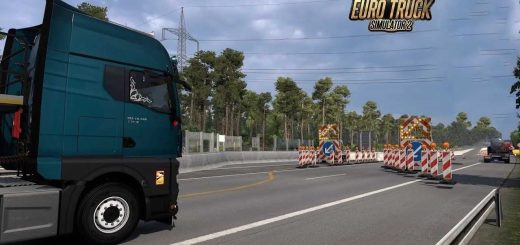
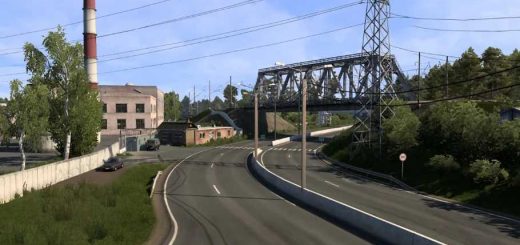
Slovensko+ (Slovakia Refresh) v1.5fix 1.54 ETS2
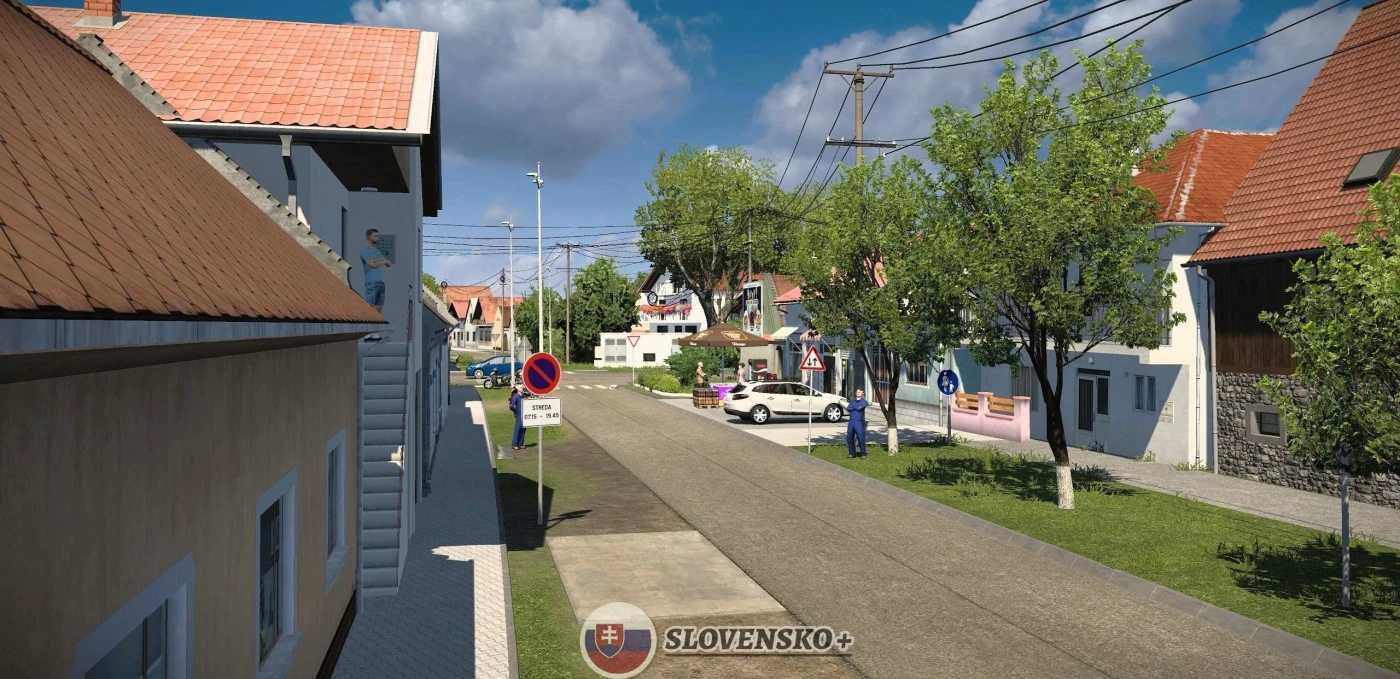

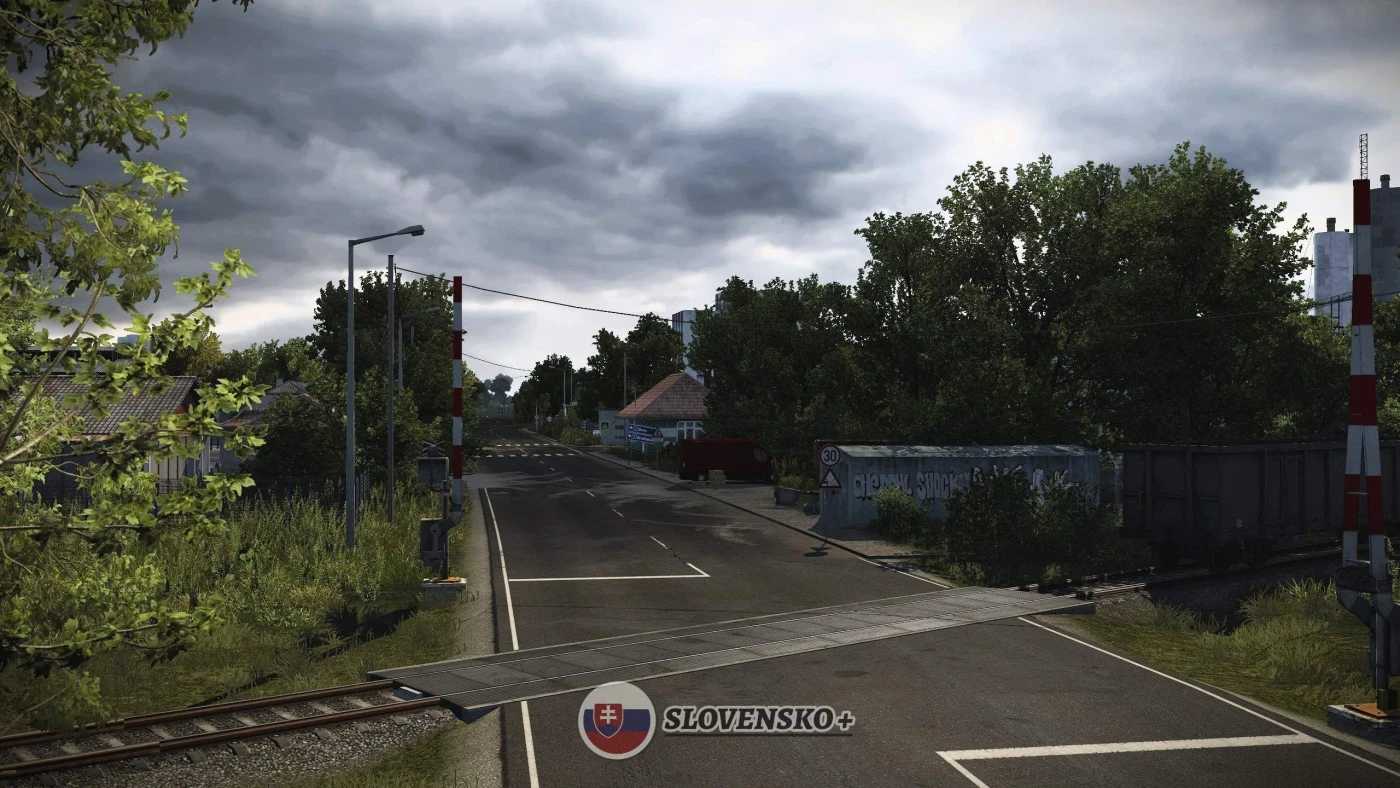

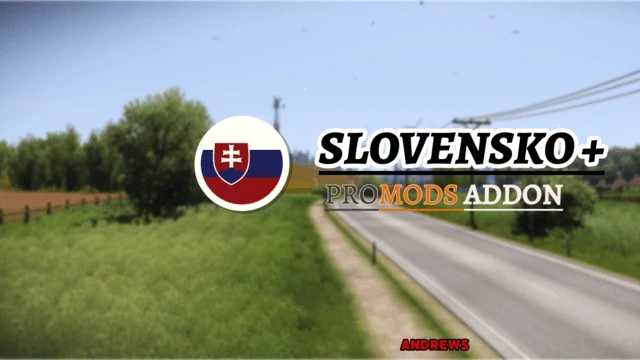
Slovensko+ (Slovakia Refresh) v1.5fix 1.54 ETS2
Changelog 1.5fix
This upate fixes most of the game bugs/visual glitches:
Fixed Ruzomberok Invisible wall at the service station
Fixed AI Cars going through the company in Ruzomberok
Fixed floating persons in Cary
Fixed invisible walls in Cary
Fixed terrain gaps in Kuty
Fixed floating companies in Kuty
Fixed speed limit of 140kmh in Kolarovice
Updated E442 small part from Kolarovice through Czech Republic, to make a smoother transition between the map and the old assets.
Description:
This map reworks and refreshes the oldest parts of Slovakia. (almost all).
Version 1.0 includes:
Cities:
Lovinobaňa
Hrhov (definition only)
Kolárovice (definition only)
Banská Bystrica (very slight refresh)
Ružomberok
Čáry
Kúty
Roads:
Reworked I-66 (E77) (Zvolen – Hungarian Border)
Reworked entire I-16 (E58) (Zvolen – Lovinobana – Hrhov – Kosice)
Refreshed D1 highway (E50) – (Ružomberok – Kosice)
Reworked I-17 (Hungarian Border – Kosice)
Refreshed I-18 / I-21 (E371) (D1 motorway – Polish Border)
Refreshed R1 (E77) (Banska Bystrica – Ruzomberok)
Refreshed I-18 (E50) (Ruzomberok – Kolarovice)
Reworked Slovak E442 (Kolarovice – Czech Border)
Reworked from scratch I-51 / I-2 ( Trnava – Caty – Kuty – Czechia / Bratislava)
Credits: AndrewS
How to install ETS2 mods or ATS Mods
In Euro Truck Simulator 2 it’s easy to install mods. You just need to download mod from here, copy/unzip files into: “My Documents\Euro Truck Simulator 2\mod” folder or if you play ATS please install mods to: “My Documents\American Truck Simulator\mod” folder. To unzip files you can use: WinRAR or 7zip. After that you need to activate the mods you want to use.