Scania V8 Open pipe with FKM Garage exhaust system v5.0 ETS2
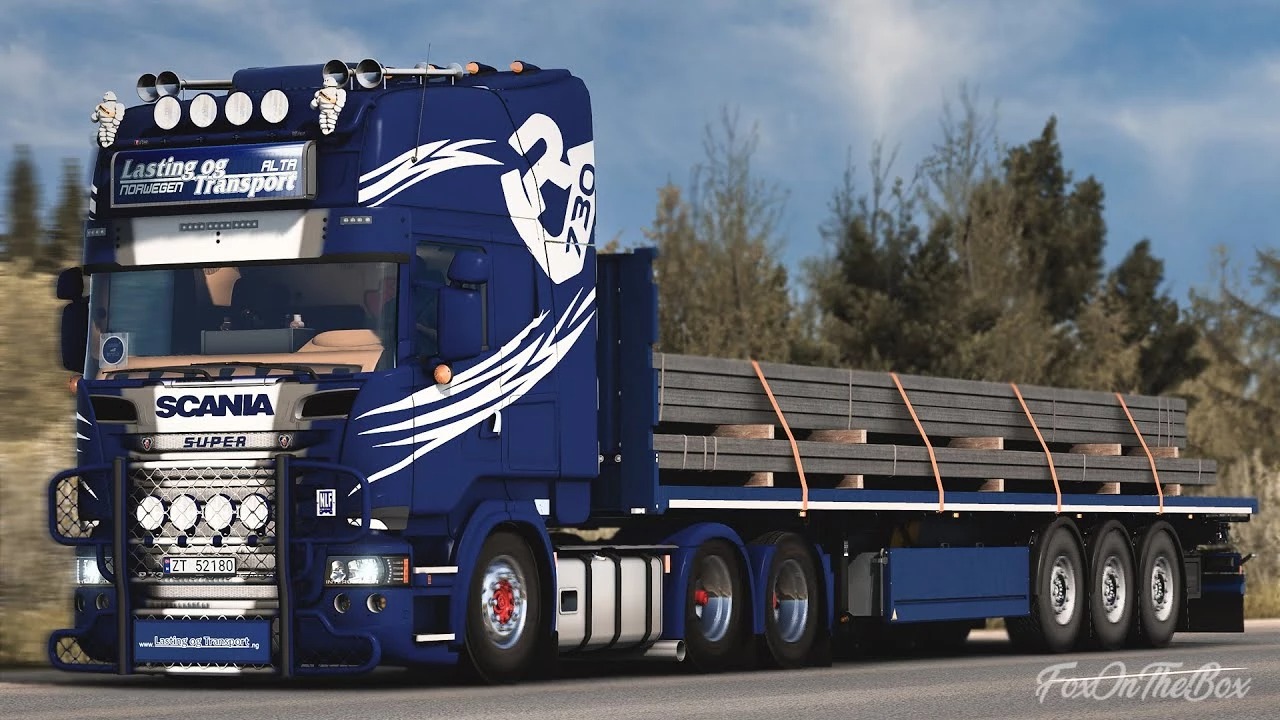

Scania V8 Open pipe with FKM Garage exhaust system v5.0 ETS2
Changelog
fixed 590, 660, 770 engines not working
v5.0
Rebuilt the entire mod, including sounds and def
Engines are now standalone and can be used alongside SJ Concept
Removed Inline 6 variant due to insufficient samples
Description:
This mod is Open pipe with FKM Garage exhaust system sound for all SCS Scania,
RJL Scania R & Streamline and 4 Series, JUseeTV Scania PGR, and Fred’s Scania
Latest Version Feature:
DC16 Euro 6 V8 520-770HP for NG
DC16 Euro 5 EEV/Euro 6 V8 520, 580, 730 “JBS Kit” for 6 Series and NG
DC16 Euro 3-5 V8 500-620HP for 5-6 Series
DC16 Euro 3 V8 480-580HP for 4 series
All engines are standalone and can be used alongside my stock sound and SJ Concept*
Automatic exhaust brake engage sound when shifting for NG Scania
Gearbox whine sound
Retarder sound
Opticruise shifting sound if you choose opticruise gearbox
Realistic sound attenuation, distortion, and directional sound.
3 Stages exhaust valve system which can be switched between sidepipe, stock, and stacks
Instruction on how to use exhaust valve:
1. hold light horn button (default: J) just little over 1 second–but not over 1.5 second–then release. then your exhaust tone should be changed.
If exhaust valve doesn’t work
1. There is pretty high chance that you just didn’t get the timing right, try again.
2. The exhaust valve system won’t be able to work if there’s another mod that replace truck’s interior sound files, so you may need to deactivate that; otherwise you have to edit that mod.
Credits: Slav Jerry
How to install ETS2 mods or ATS Mods
In Euro Truck Simulator 2 it’s easy to install mods. You just need to download mod from here, copy/unzip files into: “My Documents\Euro Truck Simulator 2\mod” folder or if you play ATS please install mods to: “My Documents\American Truck Simulator\mod” folder. To unzip files you can use: WinRAR or 7zip. After that you need to activate the mods you want to use.