Scania PGR-Series by JUseeTV v1.4 1.55 ETS2


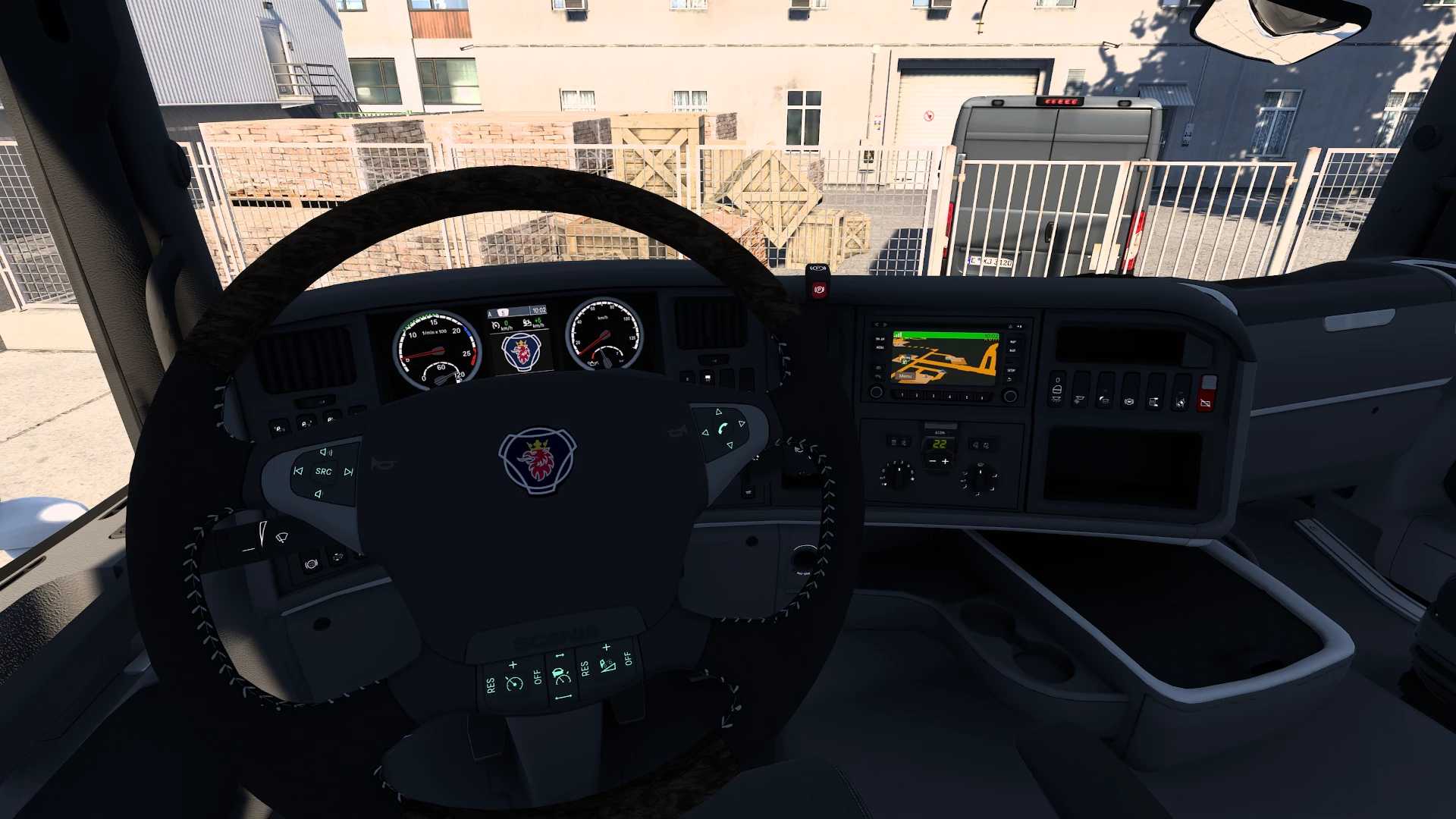
Scania PGR-Series by JUseeTV v1.4 1.55 ETS2
Changelog v1.4
– Optimized engine defs (courtesy of MondayMan)
– fixed mapping Coles Custom stoneguard
– fixed front window
– fixed hole under R intake
– fixed hole in classic console
– fixed ADR plate texture
– fixed Griffin paintjob issue
– added Trux Top-Bar with gripped bar stock/black/paint
– added Trux Front-Bar stock/black/paint
– added Trux Front-Bar with gripped bar stock/black/paint
– added rear piece option with retracted airtanks
– added painted fenders with stock mounts
– added halfpainted fenders with stock mounts
– added Hella SD220 stock, warm white and orange for deep R1 bumper
– added Talmu with mudflaps for deep R1 bumper
– added Talmu with gylle and mudflaps for deep R1 bumper
– added 4 Series lip with Hella SD220 stock, warm white and orange for high R2 bumper
– added mudflaps for Parloks
– added normal cab G/R spoiler with backwall and gylle lights
– added roof rack and ladders to flat cab, normal cab and Highline
GJ Wibbelink:
– added Trux roofbar
– added inlay with 4 doubleburners
– added sunvisor with middle marker lights
Skor:
– added spoiler with Torpedo lights
Credits: Model & conversion: JUseeTV, SCS (Seats, 5th wheel), RJL/LoaderSaints (steering wheel, exhaust, spoiler brackets, Euro 3 catalyst, engine and Scania badges) Scripts for navigation: DaStrobel Skins: JUseeTV, Erzi_1982 Research, reference & technical assist: JUseeTV, Dotec, Glubbschi477, Colin, etrusian
How to install ETS2 mods or ATS Mods
In Euro Truck Simulator 2 it’s easy to install mods. You just need to download mod from here, copy/unzip files into: “My Documents\Euro Truck Simulator 2\mod” folder or if you play ATS please install mods to: “My Documents\American Truck Simulator\mod” folder. To unzip files you can use: WinRAR or 7zip. After that you need to activate the mods you want to use.