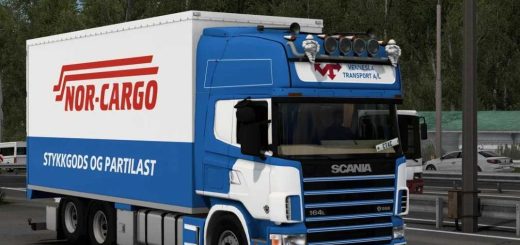
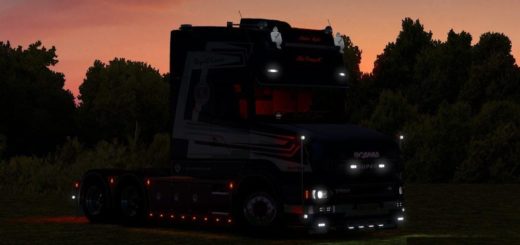
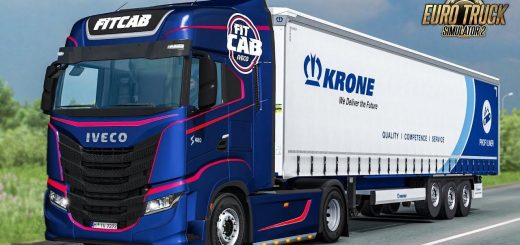
SCANIA NTG P360 v1.0 ETS2
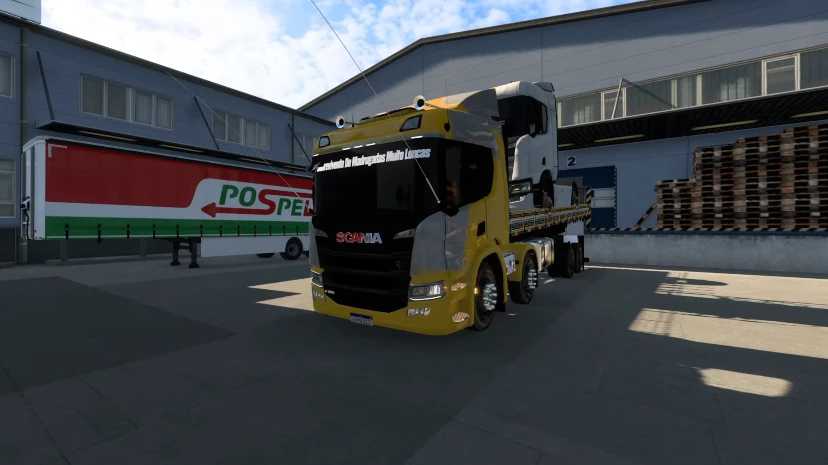

SCANIA NTG P360 v1.0 ETS2
Features Volvo FH4 Reworked:
🚚 Standalone truck model
🏪 Available at Volvo dealer (some versions also in the Used Truck Market)
🚛 Cabin Options: Globetrotter XL, Globetrotter, Sleeper cab
🧩 Four interior designs
🎉 Includes 25 Years Edition interior
🔧 D13 and D16 standard engines
🌱 Euro 6 and I-Save engines for fuel efficiency
🏎️ 500–540 HP Euro 6 variants in select versions
🚛 4×2 chassis (with fixes for height and shadow issues)
🧱 Reworked air tank and chassis components
🧩 New 3D model fixes for chassis inlay and radar
🪞 Aero parts
💡 Halogen and xenon lights (reworked)
🌫️ Fog lights (reworked)
🛠️ Bumper with spoiler
🇳🇱 Holland-style parts
📦 Volvo toolbox
🌞 Side sunshade
⛽ New fuel and AdBlue tanks
🧩 Cabin side deflectors (e.g., 65L AdBlue tank)
🧱 Filter front cabin fenders
🚧 Rear bumper and rear fenders
🛞 Includes Alcoa rims and realistic hub models
⚙️ Dual Clutch skin
🏁 Performance Edition skin
🎉 25 Years Edition interior design
🔢 Custom numbers and 2021 decal high beam lights
🔔 New sound signals
📢 Roof-mounted signals
📯 Original Volvo horn
🧱 Fixed hooks and plastic materials
🧼 Improved textures and lighting
🧩 Radar and chassis component reworks
Credits: WANDLEY SIMULADOR
How to install ETS2 mods or ATS Mods
In Euro Truck Simulator 2 it’s easy to install mods. You just need to download mod from here, copy/unzip files into: “My Documents\Euro Truck Simulator 2\mod” folder or if you play ATS please install mods to: “My Documents\American Truck Simulator\mod” folder. To unzip files you can use: WinRAR or 7zip. After that you need to activate the mods you want to use.