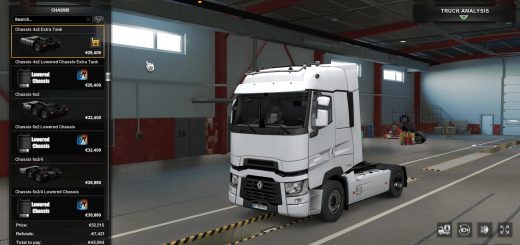
Scania NG SCS, PGRS Light Pack v1.58 ETS2
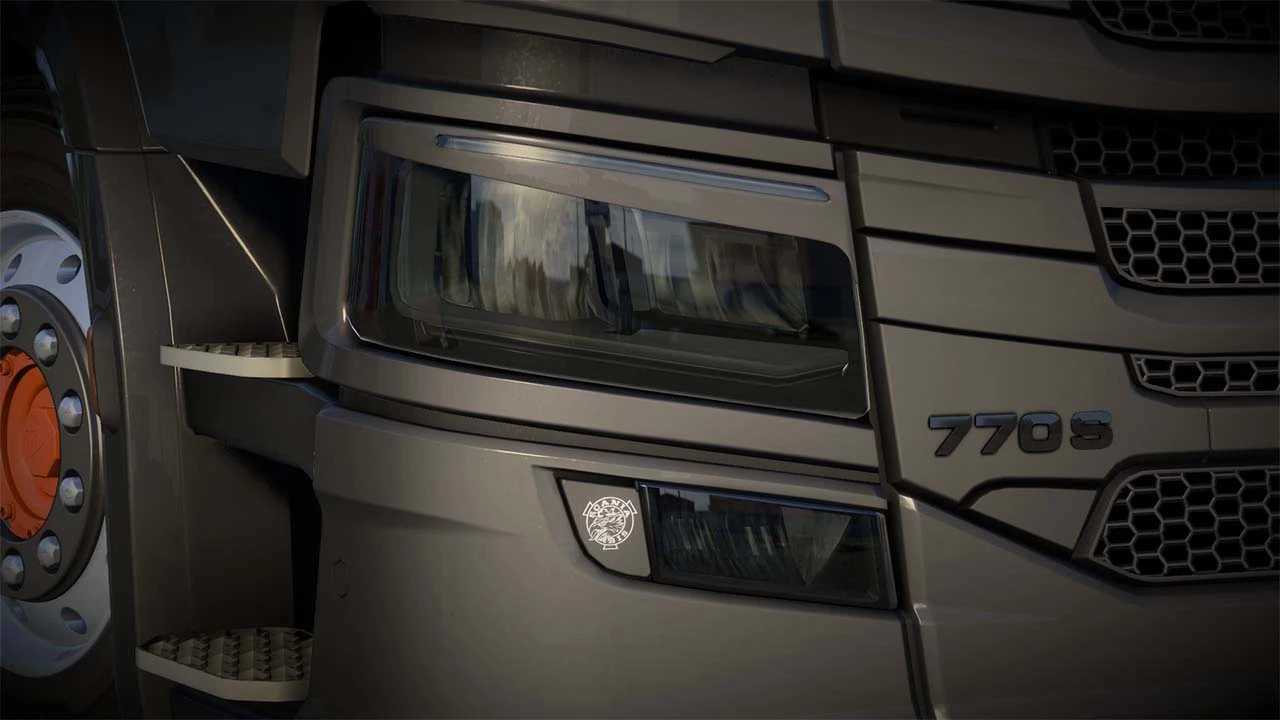

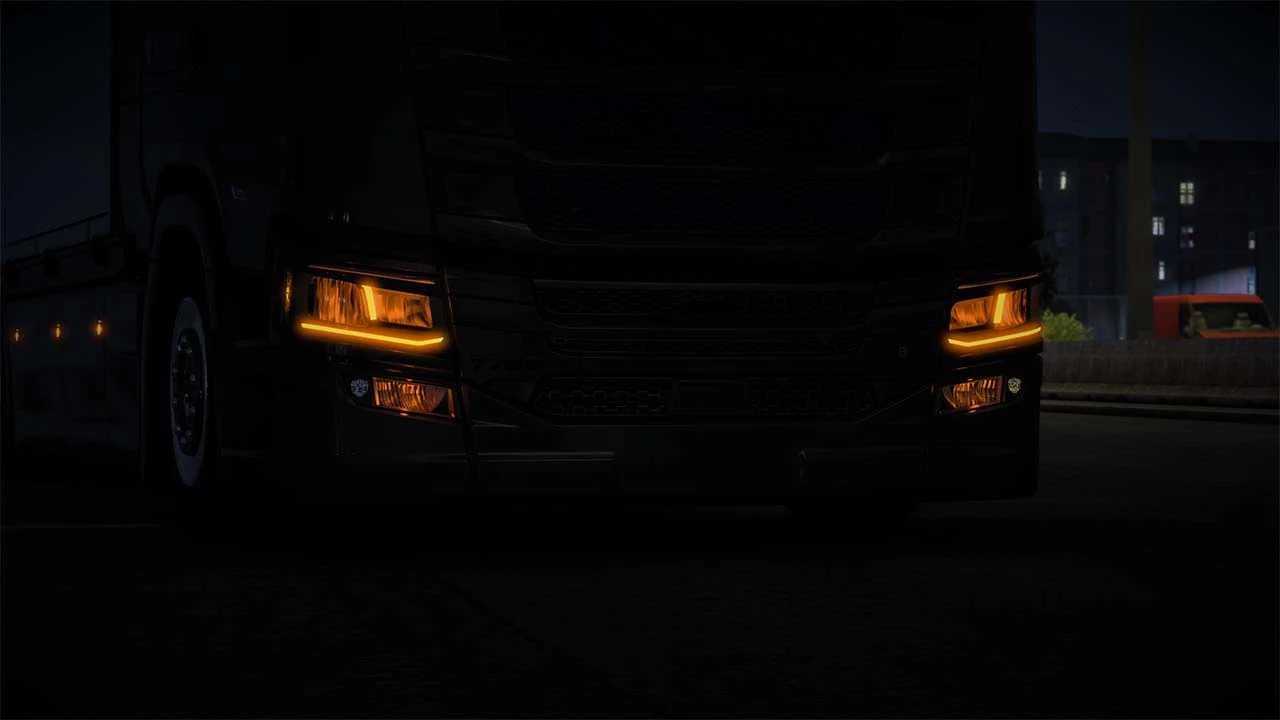
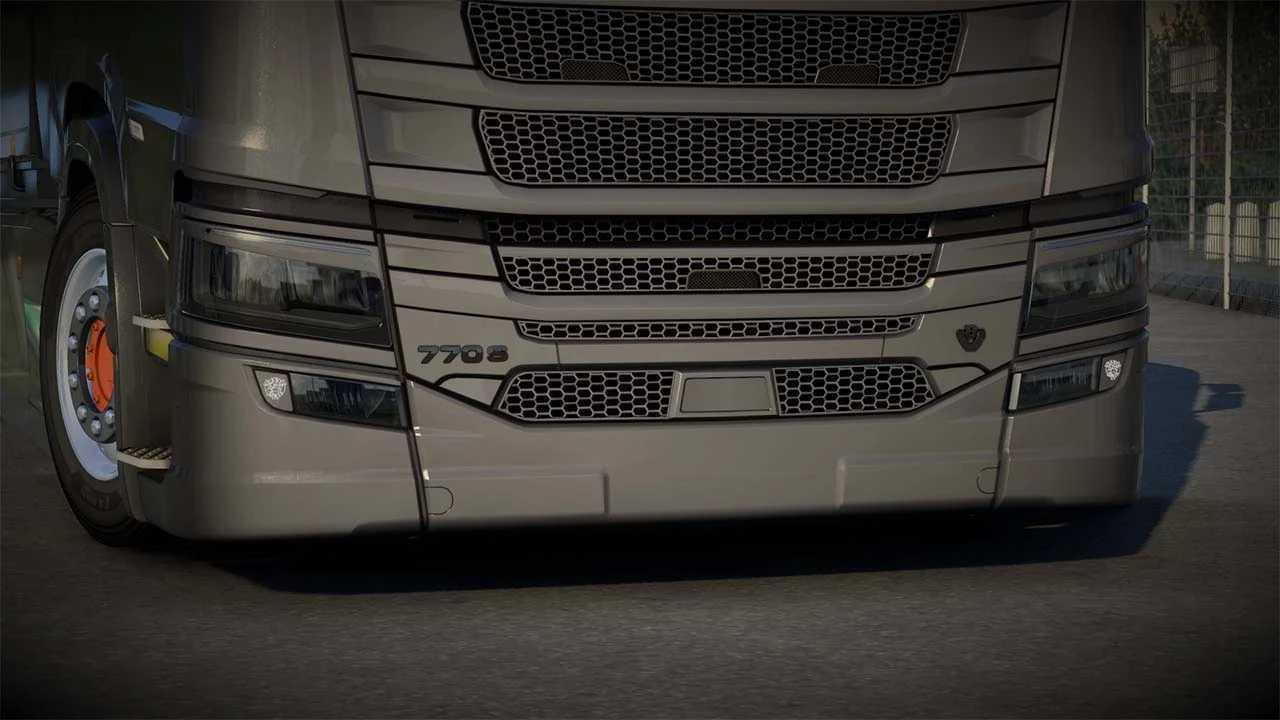
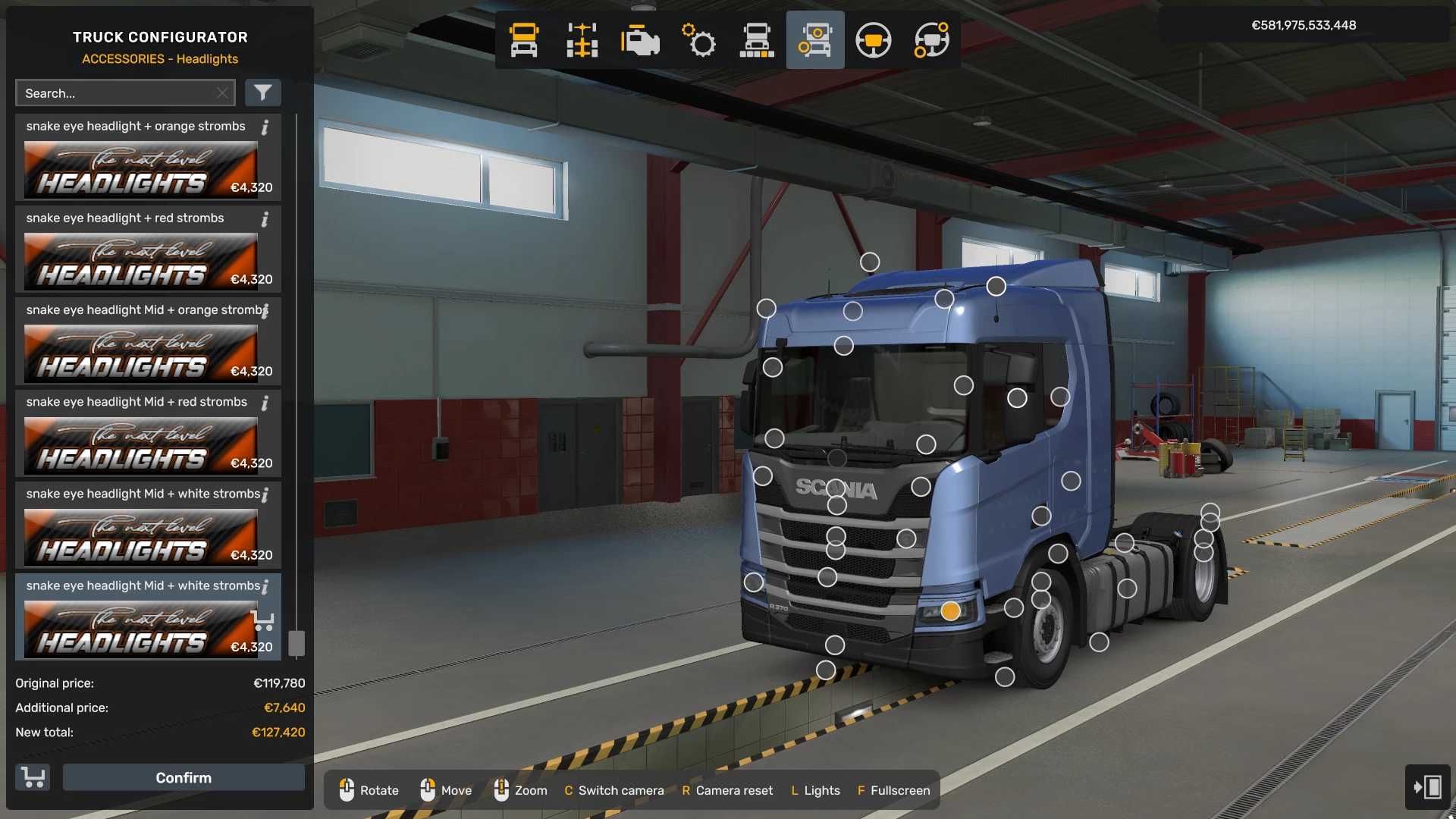
Scania NG SCS, PGRS Light Pack v1.58 ETS2
Includes:
– tinted glass snake eyes headlights with white/blue/orange/red strob ligths
– clear glass snake eyes headlights with white/blue/orange/red strob ligths
– tinted glass normal headlights with white/blue/orange/red strob ligths
– clear glass normal headlights with white/blue/orange/red strob ligths
– clear glass fog lights with scania budge turn signals
– tinted glass fog lights with scania budge turn signals
– tinted glass mid lights
– clear glass mid lights
– tinted glass top lights
– clear glass top lights
– clear/tinted glass lights witout strob lights
– clear/tinted glass lights snake eyes witout strob lights
Works with ETS2 1.58
Credits: KJDesign
How to install ETS2 mods or ATS Mods
In Euro Truck Simulator 2 it’s easy to install mods. You just need to download mod from here, copy/unzip files into: “My Documents\Euro Truck Simulator 2\mod” folder or if you play ATS please install mods to: “My Documents\American Truck Simulator\mod” folder. To unzip files you can use: WinRAR or 7zip. After that you need to activate the mods you want to use.
Report bugs in the comments and help modders improve this mod. Always check the comments, you can find a solution.