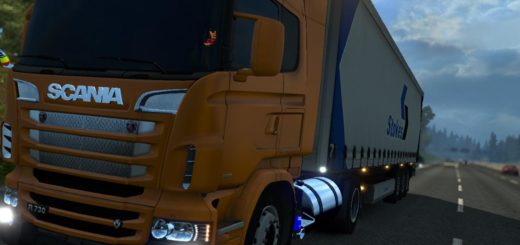
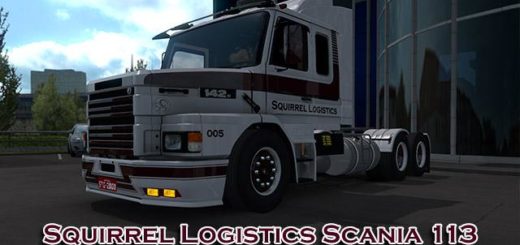
SCANIA 2 SERIES EDIT MJTEMDARK FINAL ETS2


SCANIA 2 SERIES EDIT MJTEMDARK FINAL ETS2
Scania 2 series (112,142) E, HW
Includes chassis 4 × 2 (normal, low), 6 × 2 (normal, low), 6 × 4 (normal, low, high [E]), 6 × 6 (high [E]), 8 × 4
Normal Cabin and Tpline
360-450 hp engines
Gearboxes (8, 9, 12, 10, 16 speeds)
Autonomous interior (white, black, gray, wooden), autonomous sound and V8 sound
Steering wheels (series 2 and 3 series) (white, black)
Miscellaneous auxiliary equipment (tanks, exhaust pipes, fenders, oversized kit [E], etc.)
Tires and wheels for scania
– Updated for 1.37.x (beta)
– Adding window animations inside and out
– The truck has external accessories, it overlaps the original windows, due to the actual limitations of the game, it is recommended to remove this accessory to view animated windows.
-Also, he has window stickers, they have the same problem at the moment. It is recommended to remove this.
Original: Alam Ferreira, Alves Ferreira, Wagner, Tonho;
Tires: Ventyres,
5-point tires: Lexan 112
Sound: tincho,
8 × 4 kit: RJL,
V8 sound: Bennekeben;
Editing and updating: mjtemdark
Credits: mjtemdark
How to install ETS2 mods or ATS Mods
In Euro Truck Simulator 2 it’s easy to install mods. You just need to download mod from here, copy/unzip files into: “My Documents\Euro Truck Simulator 2\mod” folder or if you play ATS please install mods to: “My Documents\American Truck Simulator\mod” folder. To unzip files you can use: WinRAR or 7zip. After that you need to activate the mods you want to use.