Russian open spaces v13.8-1.57 ETS2


Russian open spaces v13.8-1.57 ETS2
New cities: Alakurtti, Arzamas 16, Arkhangelsk, Velikovisochnoye, Verkhny Nyud, Vologda, Vorkuta, Vuktyl, Vytegra, Gubkinsky, Izhma, Inta, Kargopol, Kem, Kineshma, Kirov, Kovrov, Kondopoga, Kotala, Kotlas, Krasny Bogatyr, Labytnangi, Louhi, Lyubim, Mirny, Muravlenko, Murmansk, Nadym, Naryan-Mar, Nizhny Novgorod, Novaya Ladoga, Novomoskovsk, Novy Urengoy, Ozerny, Okunev Nos, Onega, Oshta, Plesetsk, Morozov Settlement, Salekhard, Severodvinsk, Severomorsk, Severomorsk 3, Segezha, Sovetsky, Stepanovo, Surgut, Syktyvkar, Tikhvin, Tobolsk, Tosno, Ukolok, Ust-Usa, Ust-Tsilma, Ukhta, Ukholovo, Khanty-Mansiysk, Kharyaginsky, Kholmogory, Khorey-Ver, Cherepovets, Shlisselburg, Yugorsk.
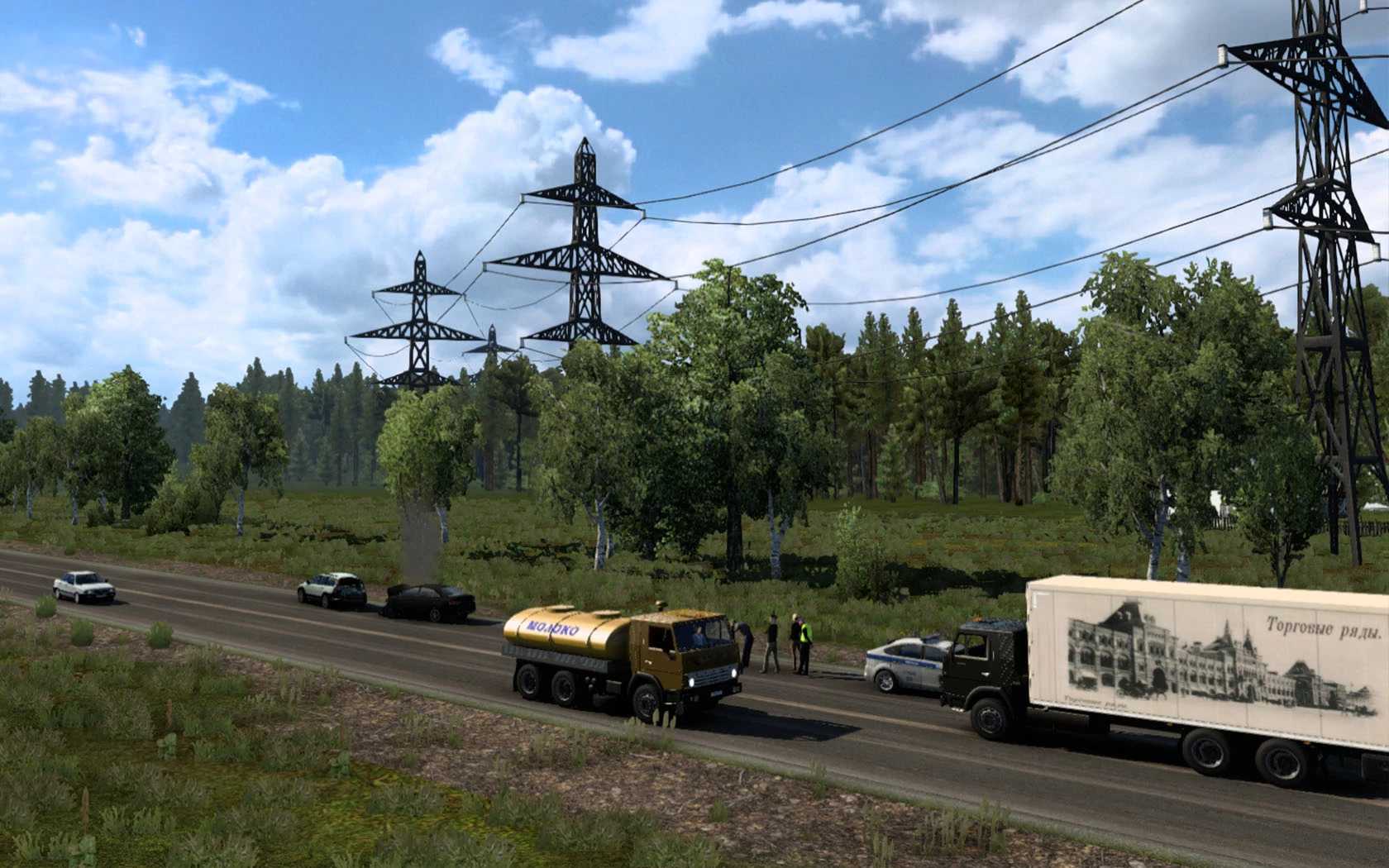
There is Russian traffic on the roads, including a police car.;
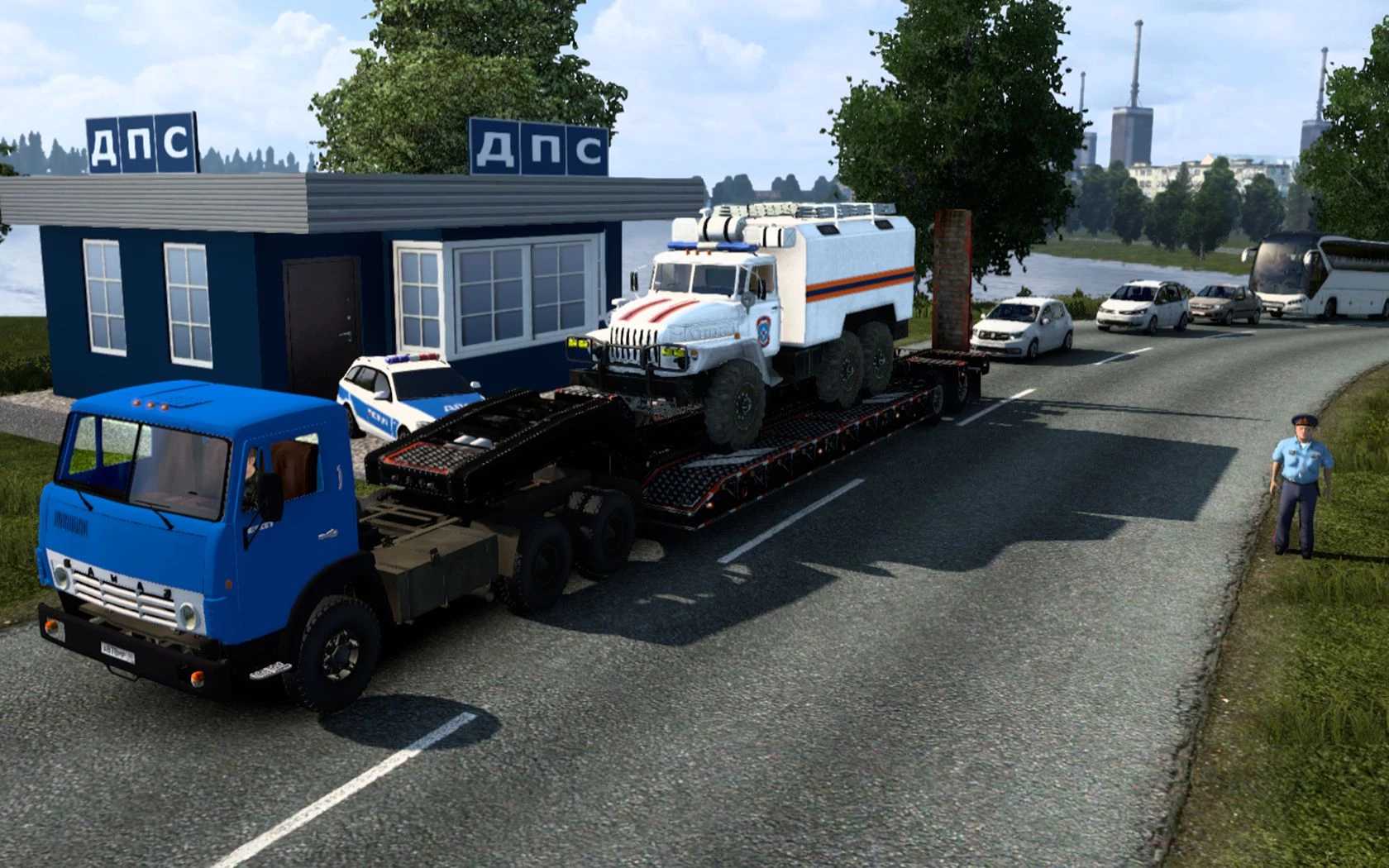
Movement of military equipment can be seen in the area of military units.;
A convoy of buses can be seen in the traffic.;
There are a lot of Russian companies with new shipments;
There are a lot of unique models in the locations.;
Everything is optimized and does not affect the performance of the game.;
DLC “Scandinavia” DLC “France” and DLC Italy and Baltic are not required.;
RusMap is required
Update for ETS2 1.57 / RusMap 2.57
Credits: МОРОЗОВ (Павел), Sergey061, bozo, hi sora
How to install ETS2 mods or ATS Mods
In Euro Truck Simulator 2 it’s easy to install mods. You just need to download mod from here, copy/unzip files into: “My Documents\Euro Truck Simulator 2\mod” folder or if you play ATS please install mods to: “My Documents\American Truck Simulator\mod” folder. To unzip files you can use: WinRAR or 7zip. After that you need to activate the mods you want to use.