Rheinland und Pfalz Map (RPM) 1:1 Scale v1.2.3 ETS2




Rheinland und Pfalz Map (RPM) 1:1 Scale v1.2.3 ETS2
1:1 recreation of southwest Germany
Realistic challenging and winding logging trails
Realistic Companies with real hard parking spots as told us by real and regional truck drivers.
Realistic 1:1 Time scale
Added more traffic vehicles like city bus.
Pedestrians cross road at “zebra cross”
Lots of secret roads to discover
And many other unique new features to discover
Animated Loading
Small Roads with real width.
Going East, Scandinavia, Vive la France, Italia, Baltic Sea, Black Sea, Iberia, West Balkans
We included a new Special Transport route too, to use it, you will need Special Transport DLC to play it.
Start a new profile
Select all mods in the correct load order
Select rpm.mbd as map module
Start playing
MAIN NEW FEATURES
Compatibility with ETS2 1.55
Significant performance improvements
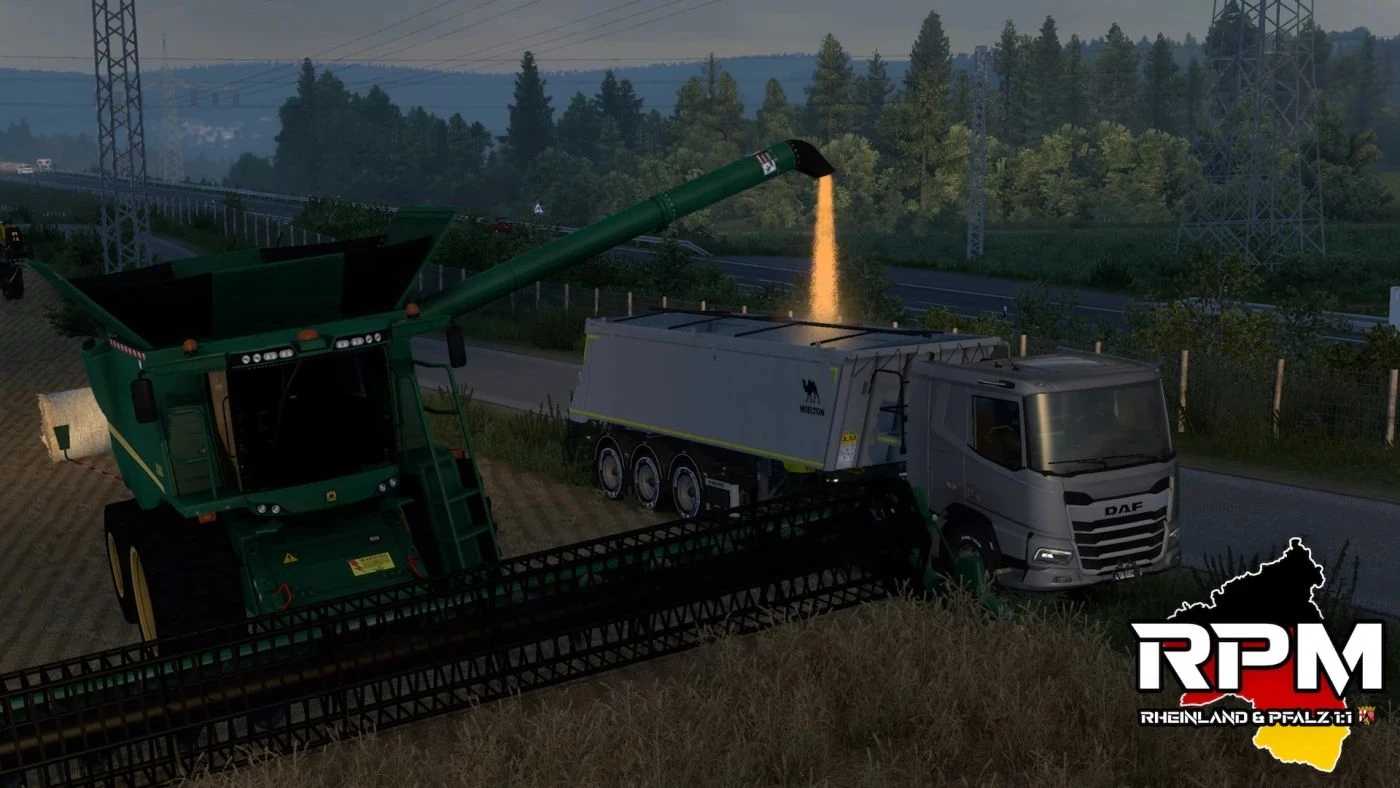
Support for the new “Farm Machine Cargo” DLC added
AI TRAFFIC
New AI truck: Mercedes LK (8 variants)
Mercedes Actros 4 (Plastic Design): Revised & 7 new variants
Mercedes Actros 4 (Swap Body): Revised & 2 new variants + 3 new skins
New Scania S High Roof added for the AI
BUG FIXES
AI traffic no longer overtakes in no overtaking zones.
Fixed an issue with the field binder trailer.
A bug when saving the game has been fixed.
Various errors in the log file have been corrected.
More small Bugfixes.
1 and 2 parts
Credits: WinterLetsPlay
How to install ETS2 mods or ATS Mods
In Euro Truck Simulator 2 it’s easy to install mods. You just need to download mod from here, copy/unzip files into: “My Documents\Euro Truck Simulator 2\mod” folder or if you play ATS please install mods to: “My Documents\American Truck Simulator\mod” folder. To unzip files you can use: WinRAR or 7zip. After that you need to activate the mods you want to use.