REWORKED TOMTOM NAVIGATOR MOD FOR ALL TRUCKS Mod

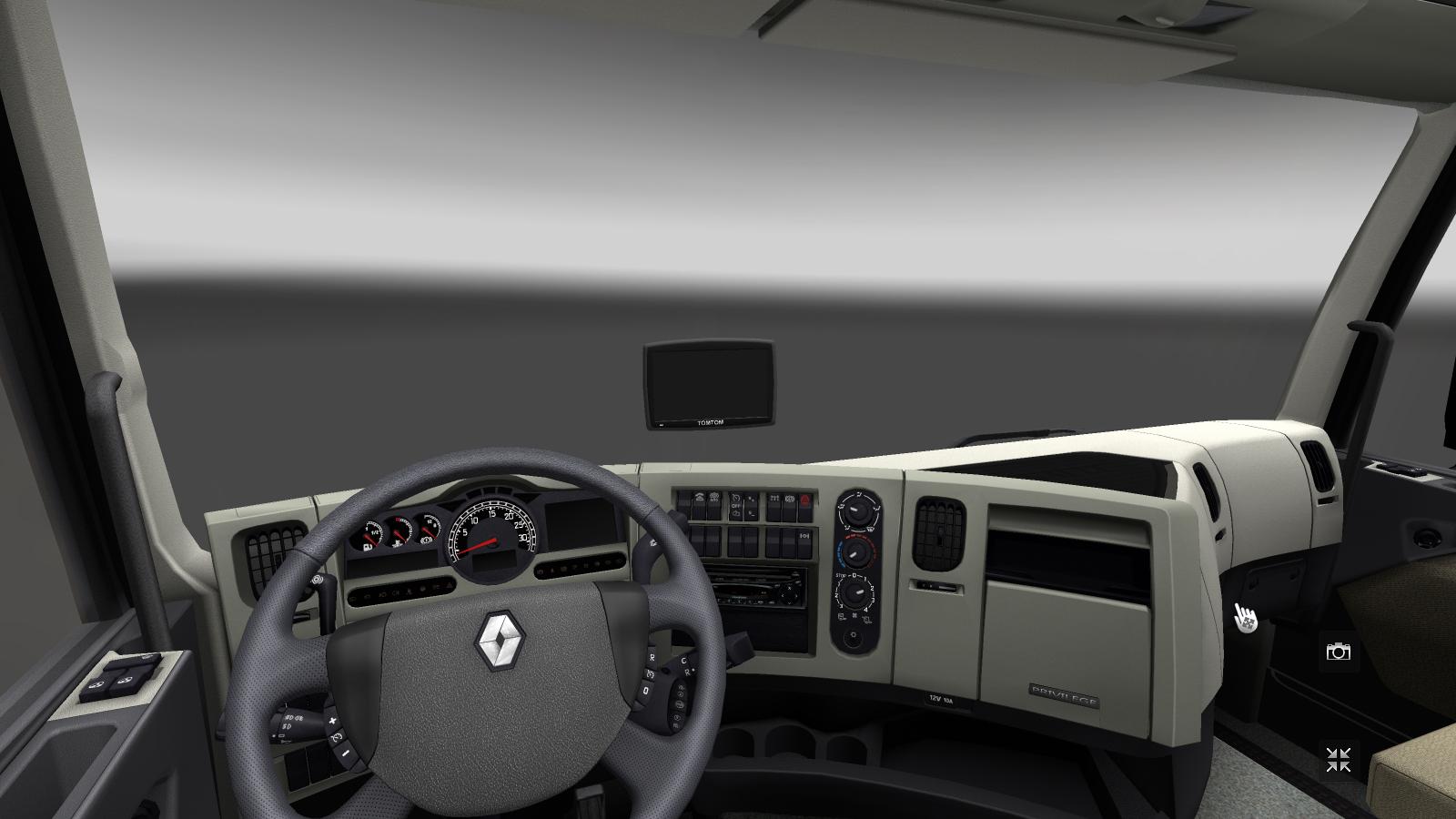
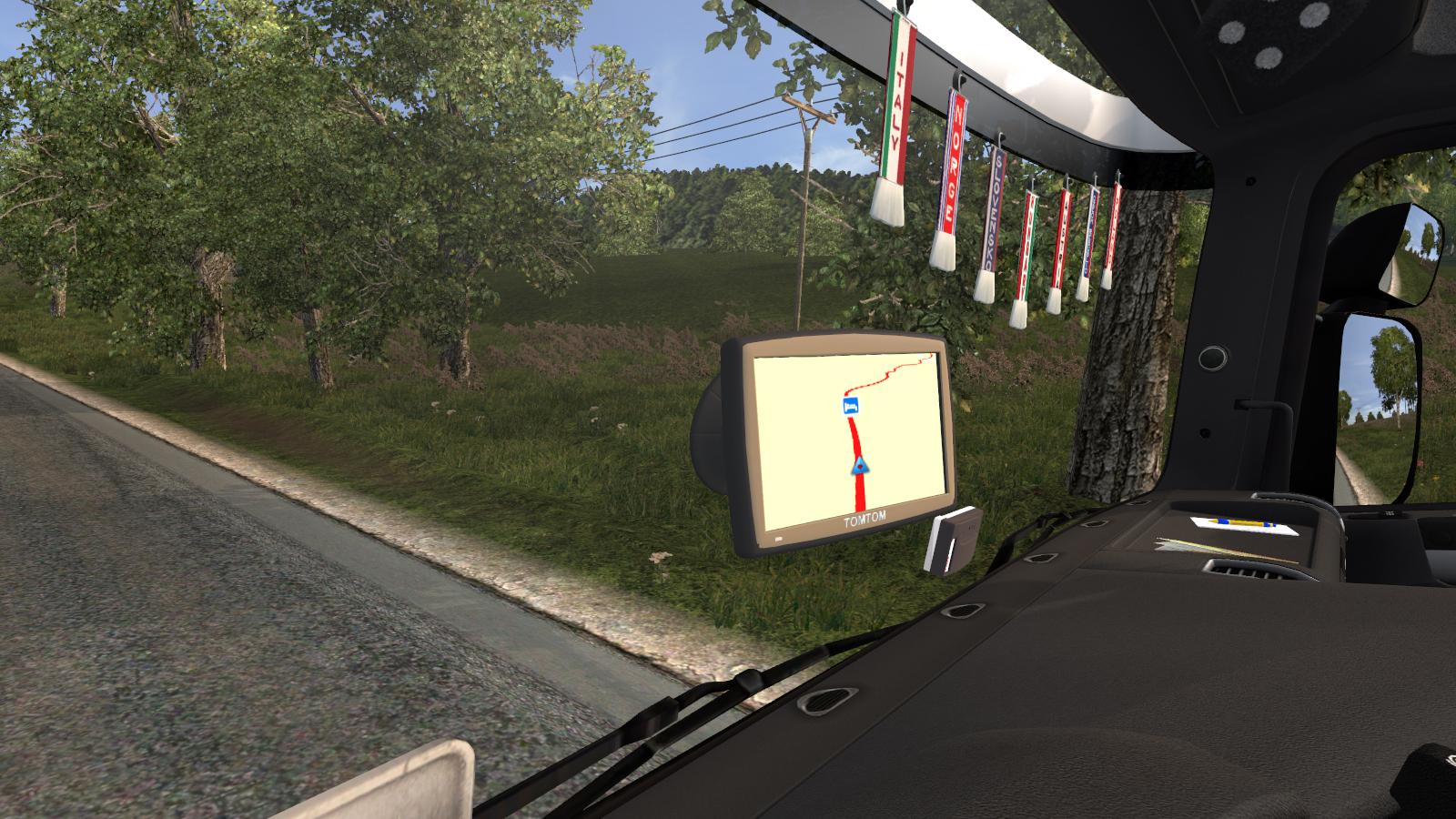
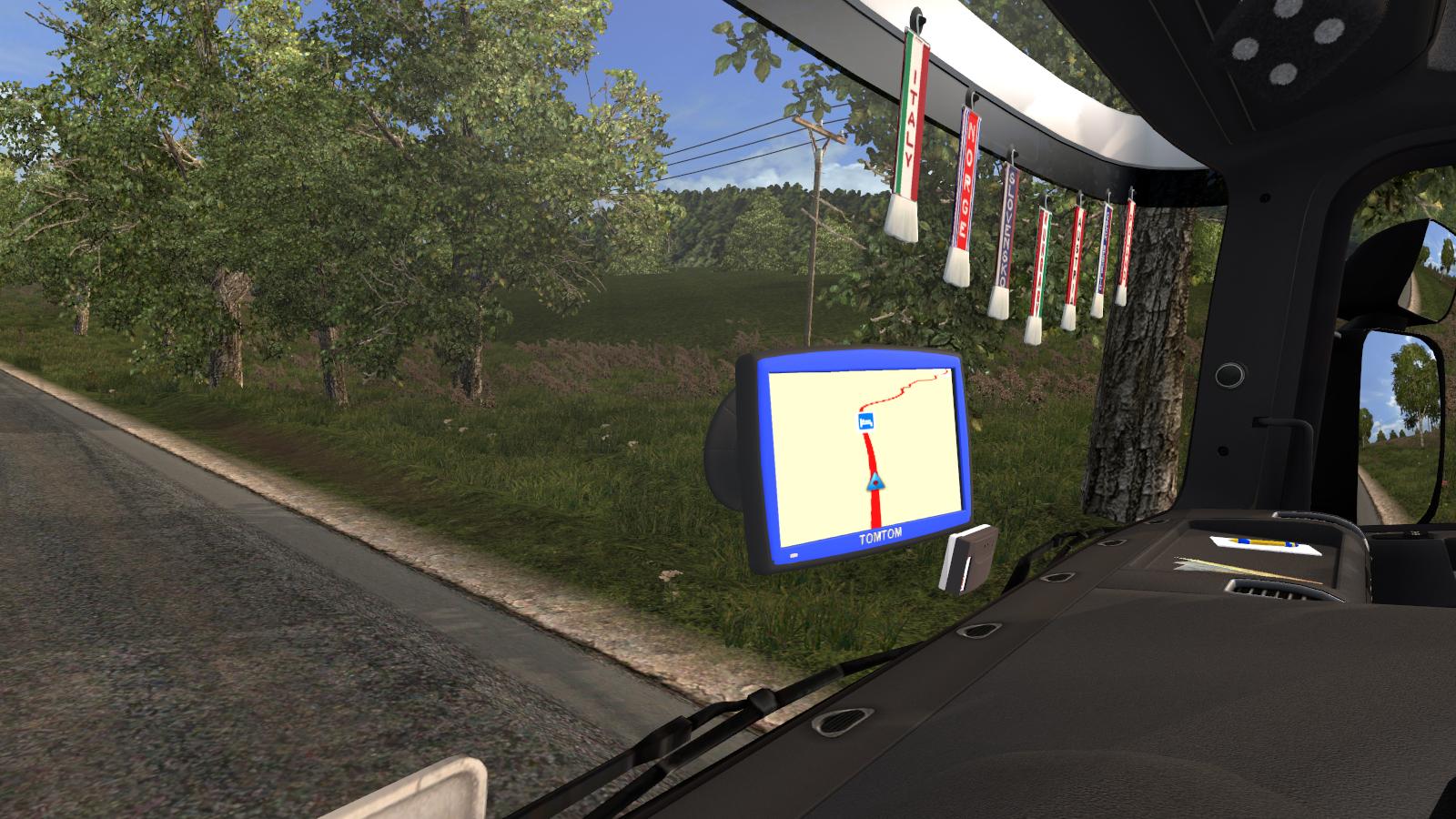
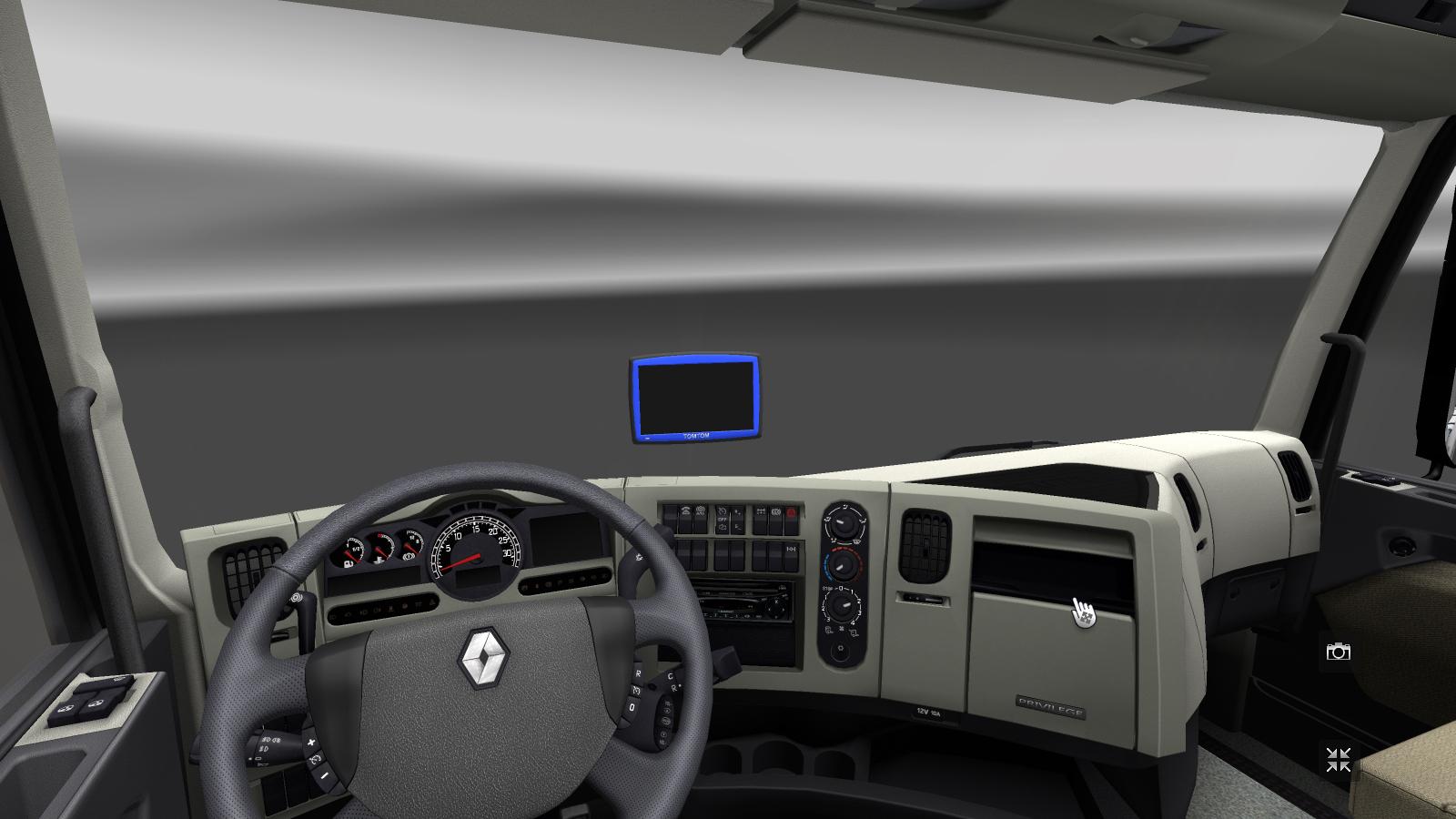
REWORKED TOMTOM NAVIGATOR MOD FOR ALL TRUCKS Mod
Hello sim drivers!
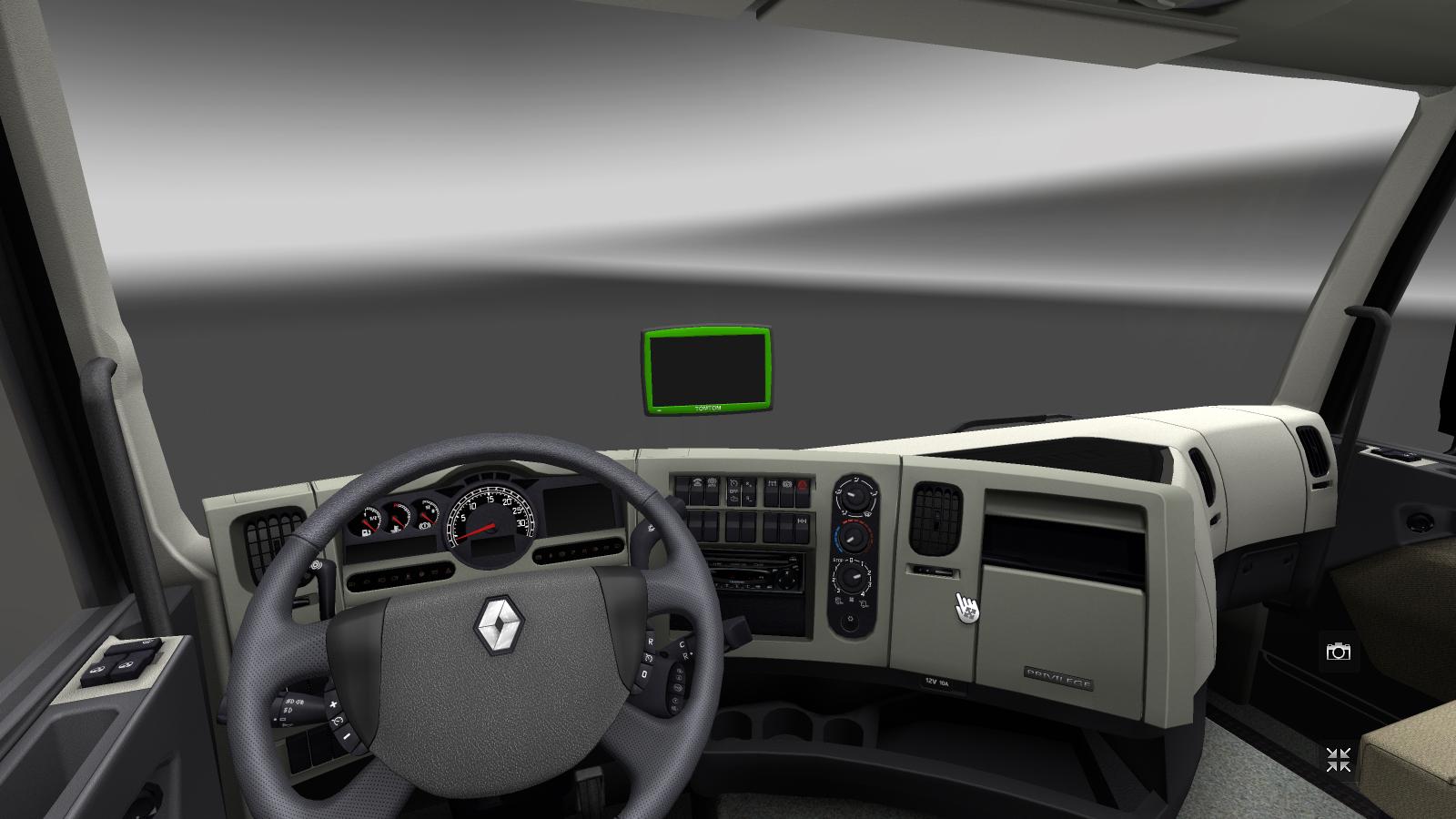
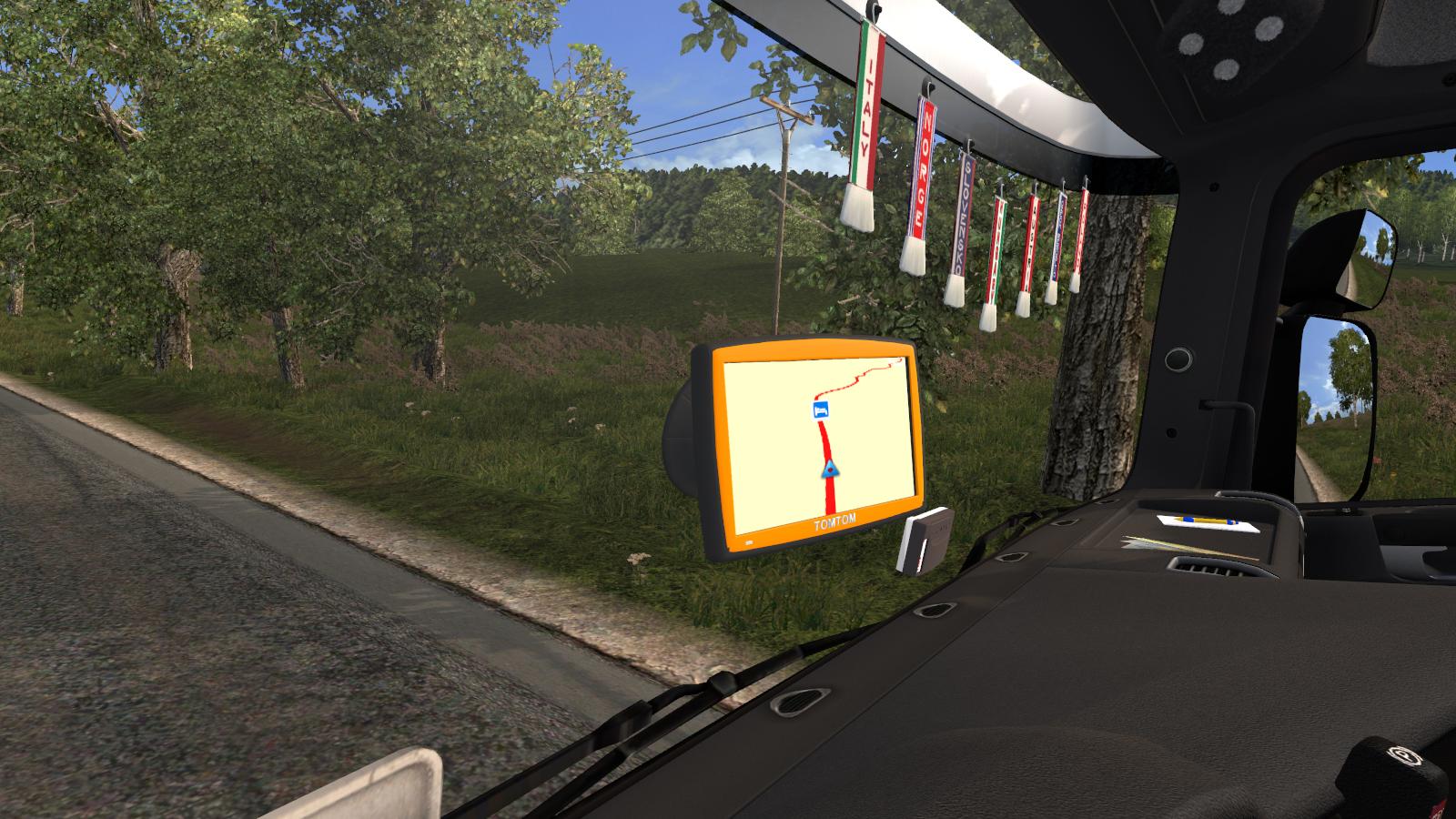
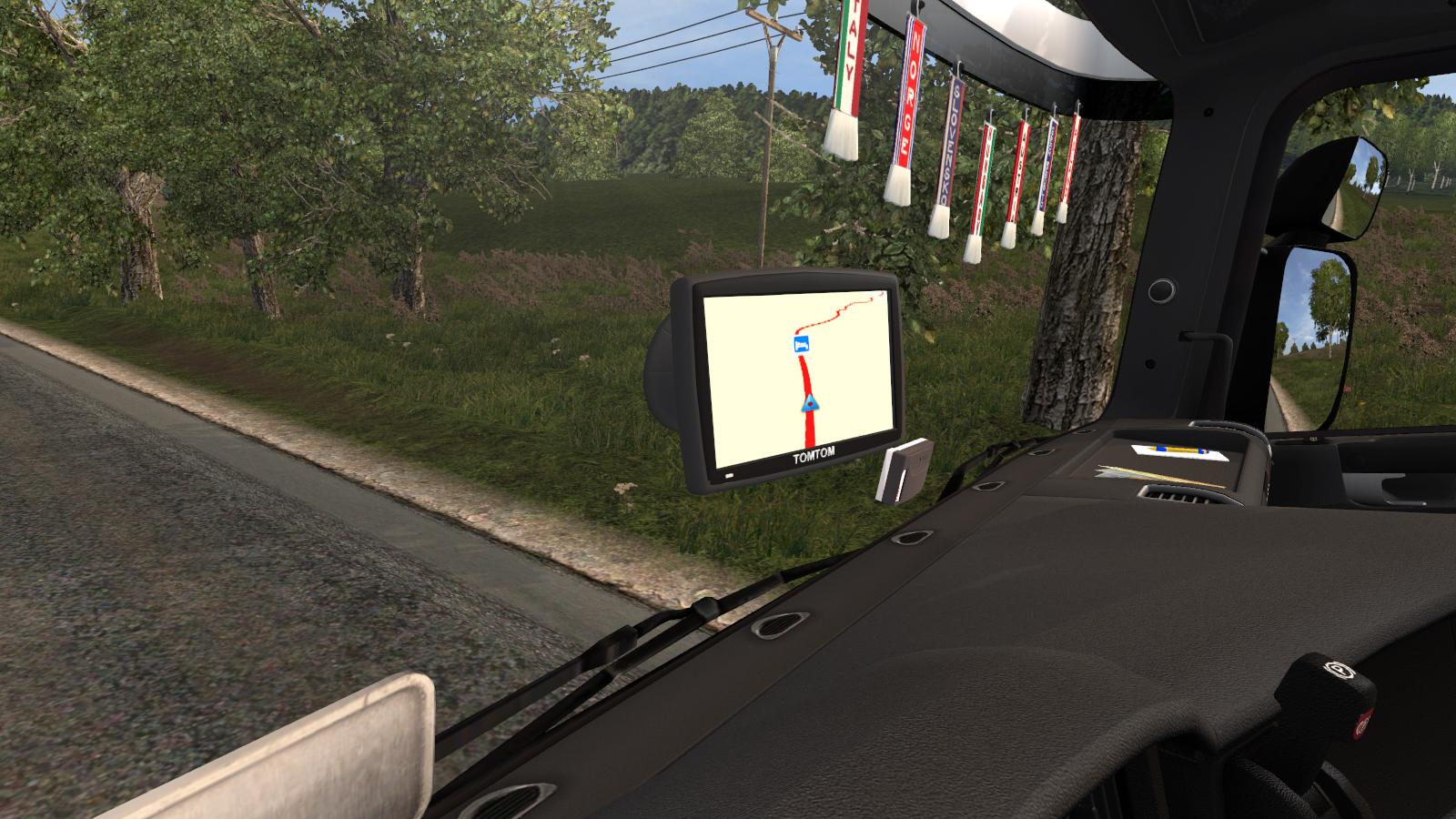
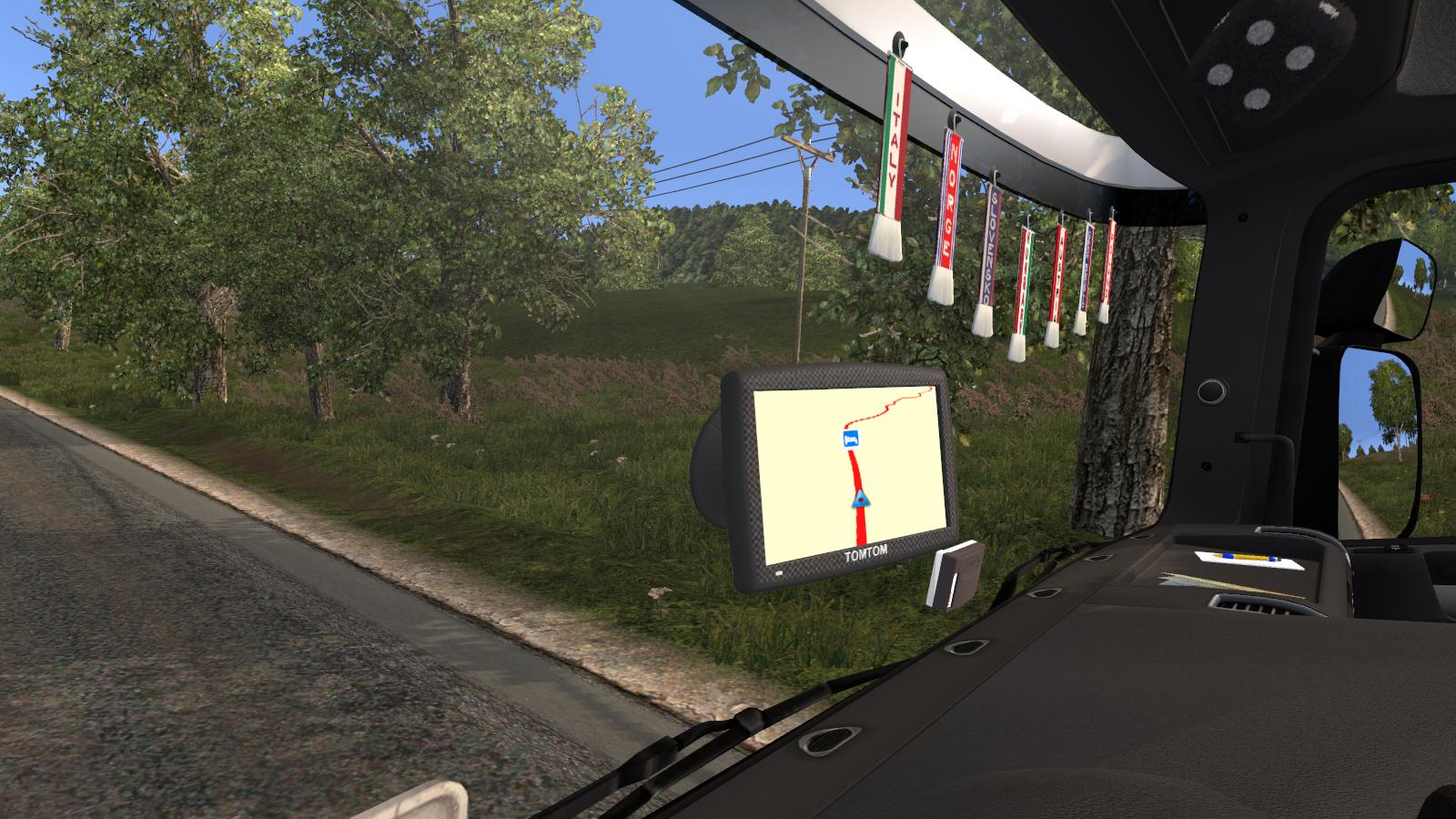
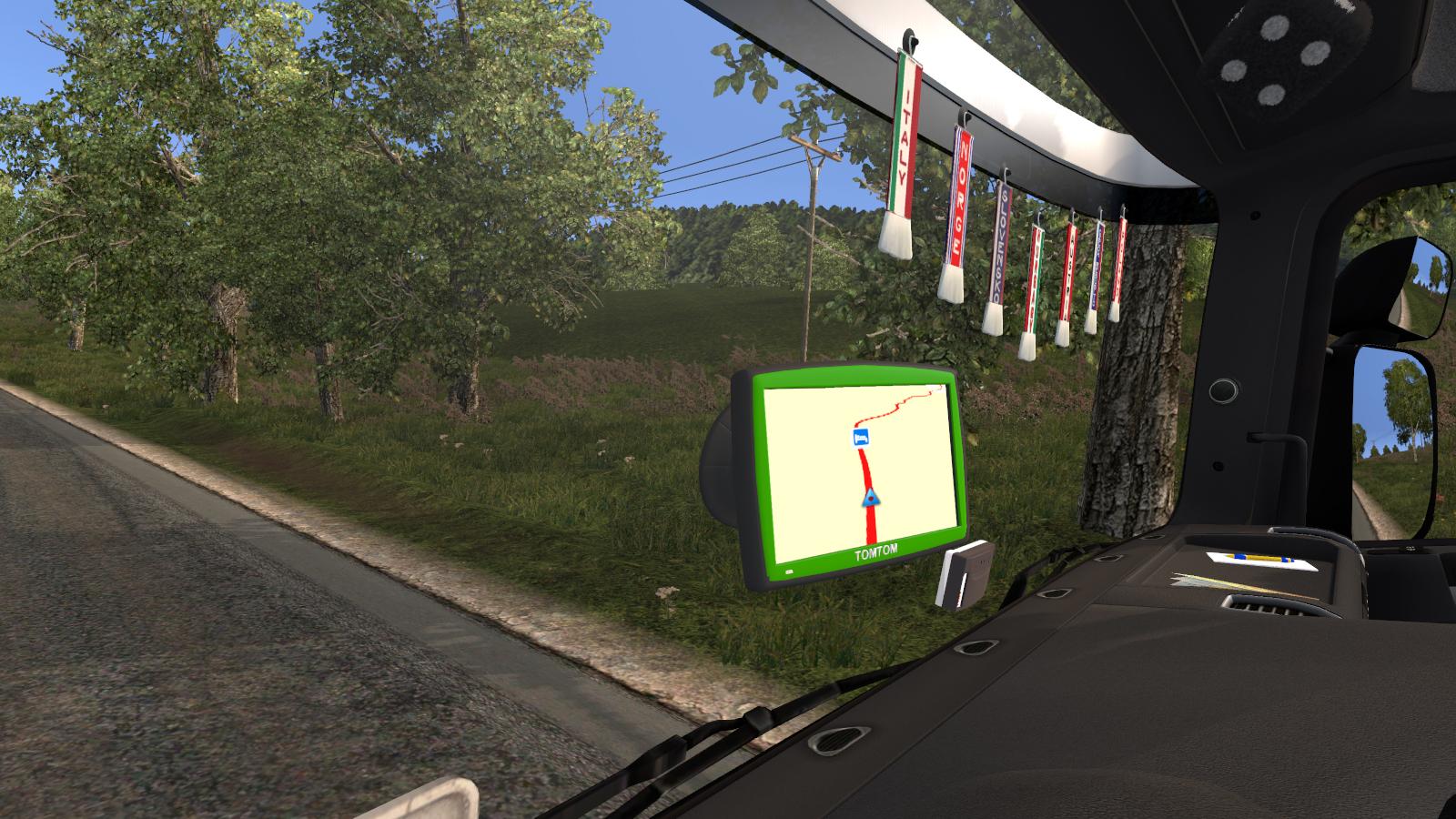
This is the rework of the TomTom navi mod. I updated to the latest patch, and I make a little rework on this mod.
Features:
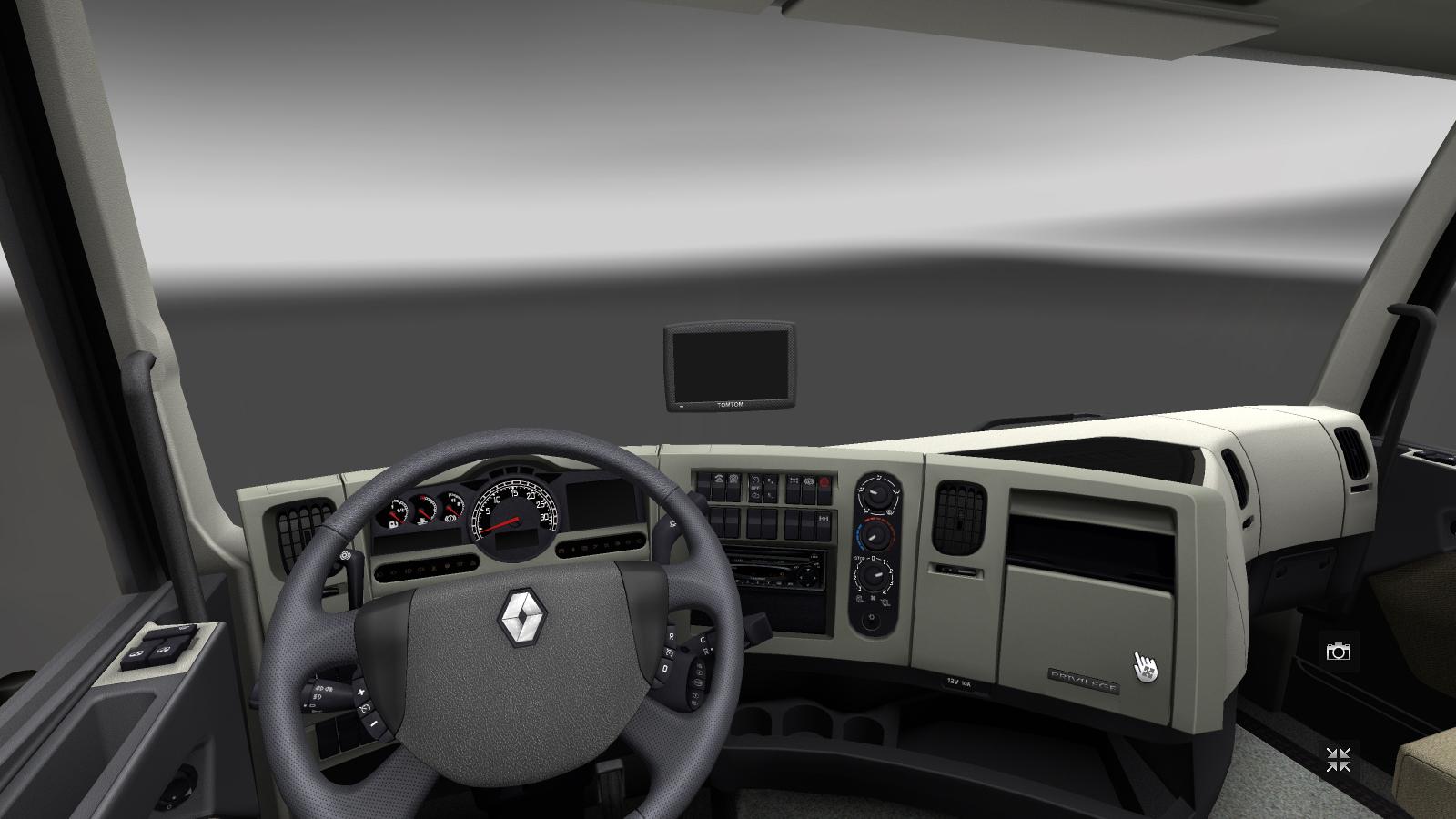
– Suitable for all standard SCS truck what does not have integrated GPS
– Works fine with RJL’s Scania “R” and “T” and MADster’s MAN TGX mod (added definitions)
– Changed the GPS background to more realistic
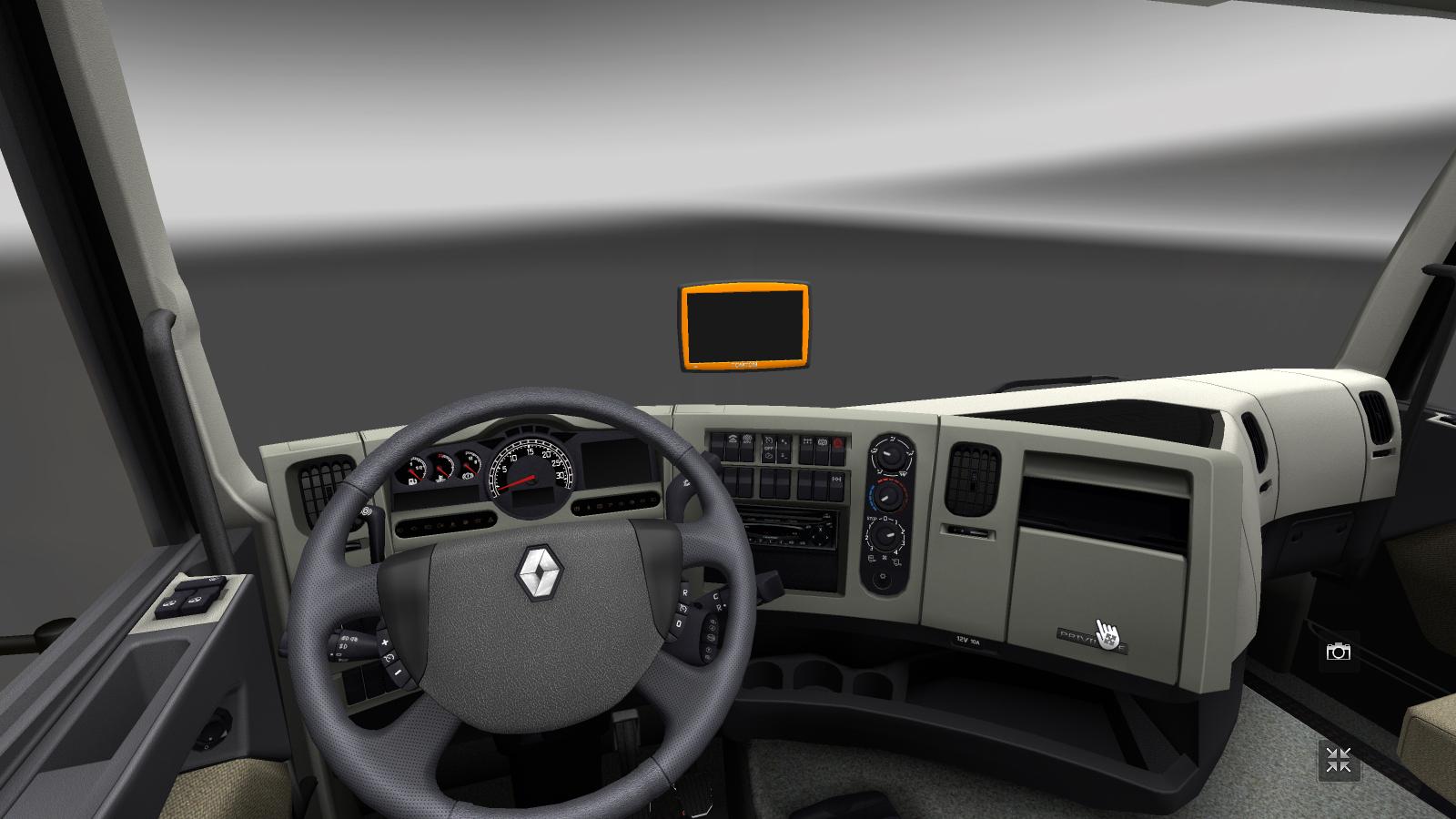
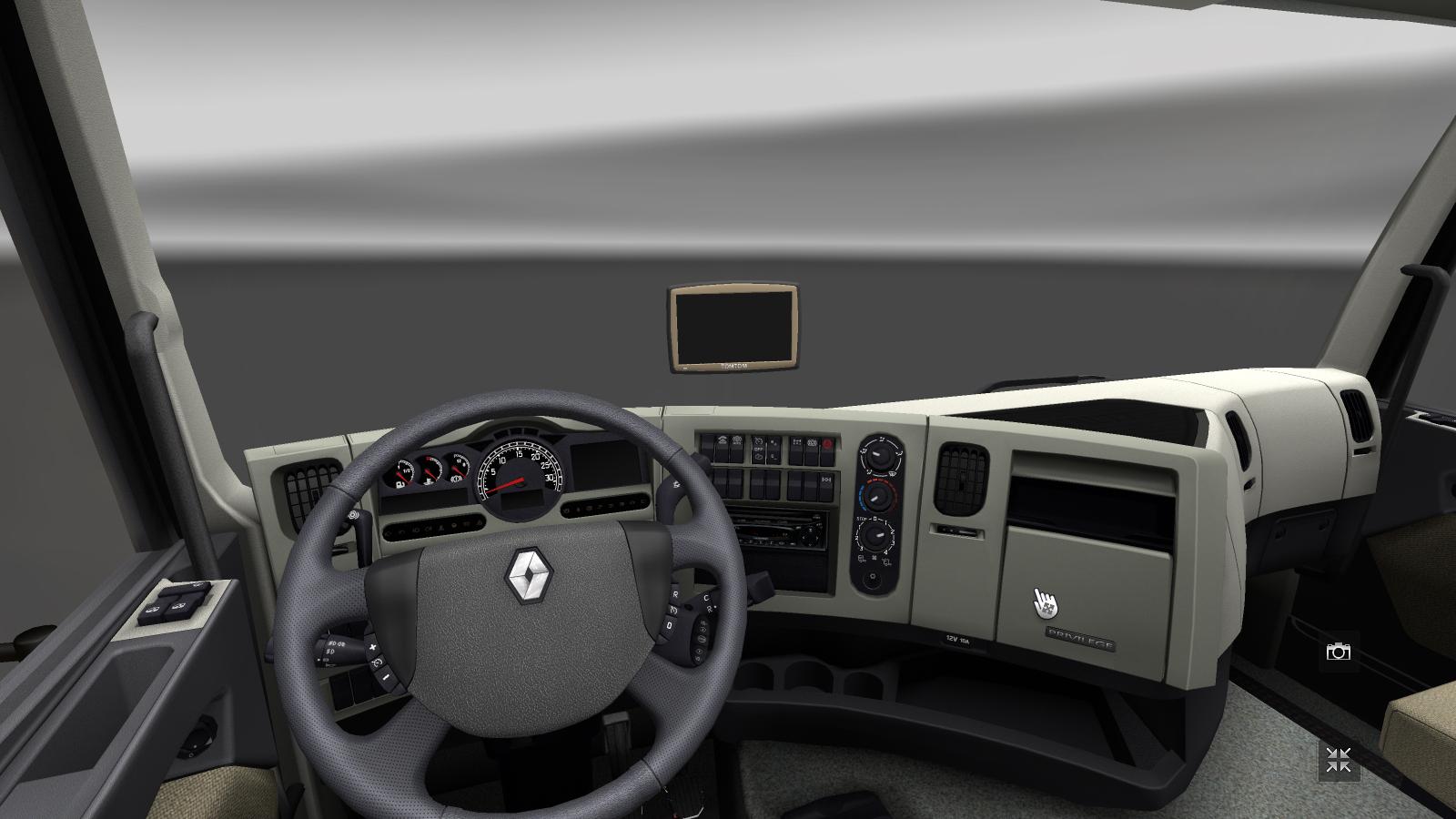
– Added more colors and 2 special textures
– Game version compatibility: ETS2 1.18.x; 1.19.x; 1.20.x; 1.21.x
– Added manifest.sii
Available colors:
– Blue
– Red
– Green
– White
– Black
– Orange
– Beige
– Wooden texture
– Carbon fiber texture
Plans for the future:
– Make compatible with 50keda’s DAF XF
– Add more colors
How to use: Extract -> Paste the scs file(s) into your My Documents/Euro Truck Simulator 2/mod folder -> Run game -> Mod Manager -> Enable mod
In game: go to a garage and select the secondary driver plate and choose the GPS. This mod works with right handed trucks!
Set to high priority in the mod manager!
Author of the original mod: ?????
Rework and update: DI3S3L
Enjoy! 😀
Some screenshots:
https://plus.google.com/u/0/photos/107365077826876362267/albums/6217075904204921537
Credits: DI3S3L
How to install ETS2 mods or ATS Mods
In Euro Truck Simulator 2 it’s easy to install mods. You just need to download mod from here, copy/unzip files into: “My Documents\Euro Truck Simulator 2\mod” folder or if you play ATS please install mods to: “My Documents\American Truck Simulator\mod” folder. To unzip files you can use: WinRAR or 7zip. After that you need to activate the mods you want to use.