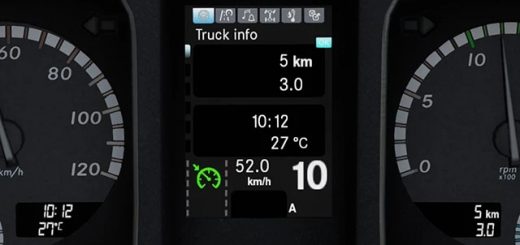
Renault Range T Improved Dashboard v2.0 ETS2
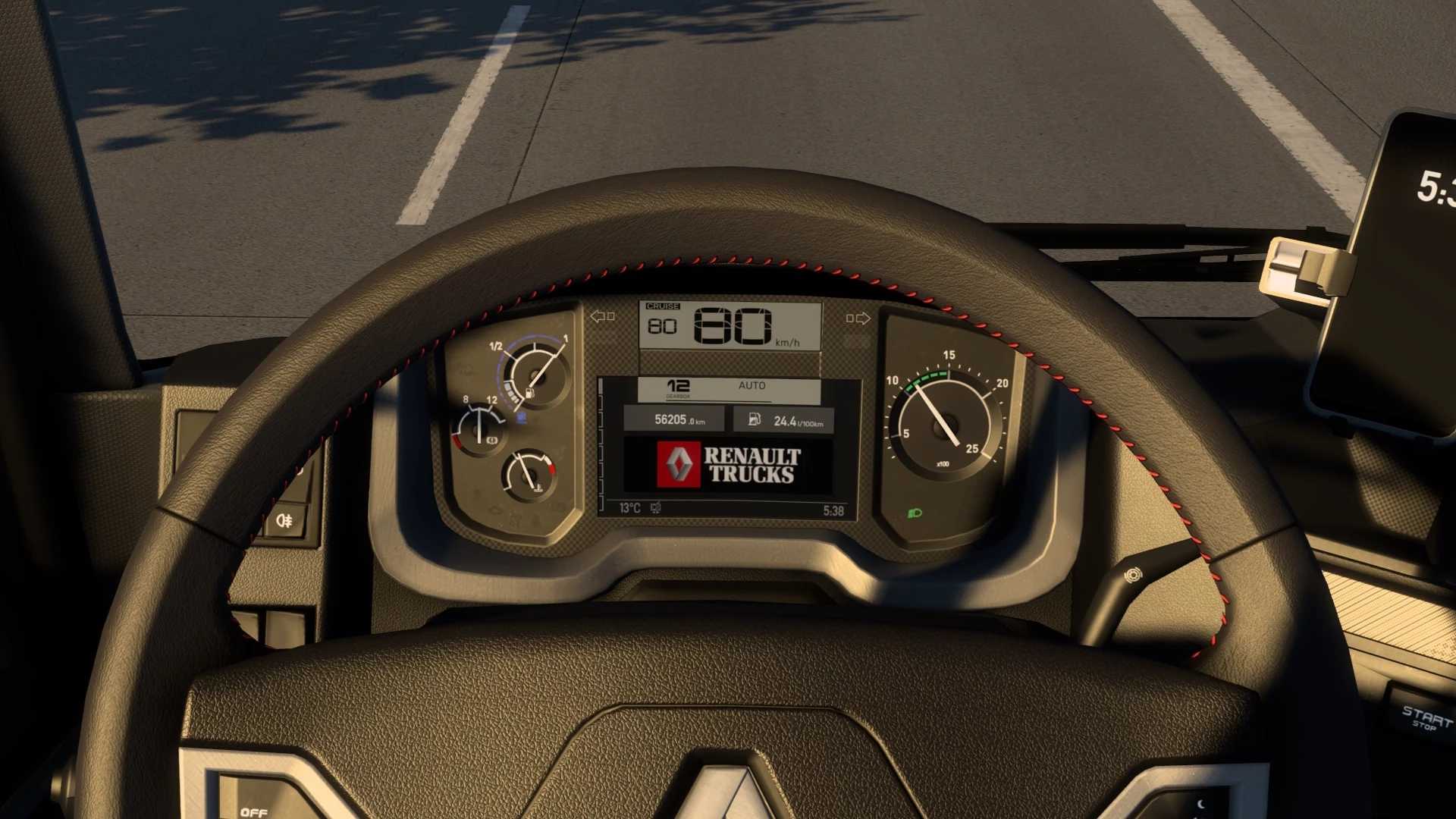

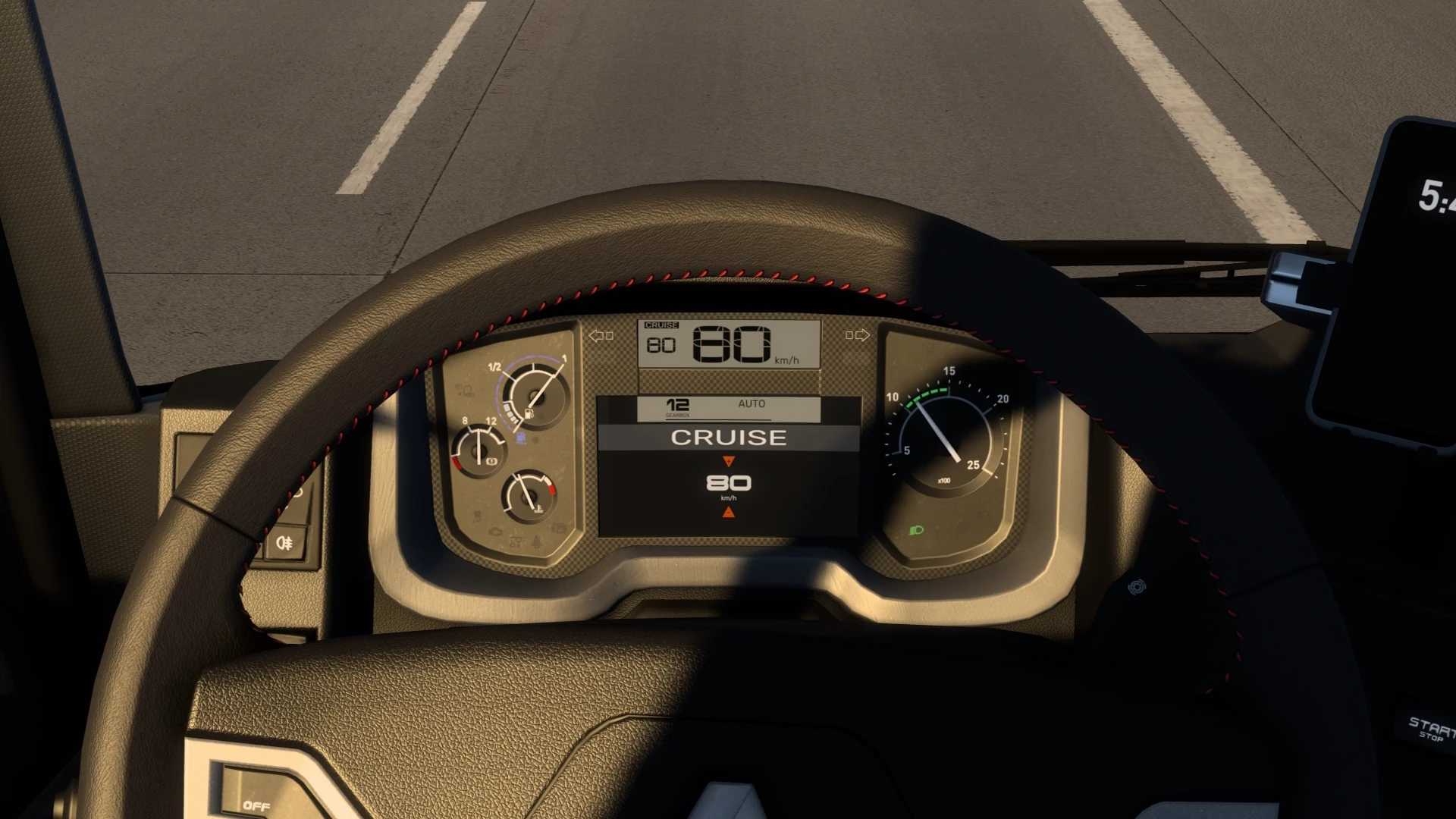
Renault Range T Improved Dashboard v2.0 ETS2
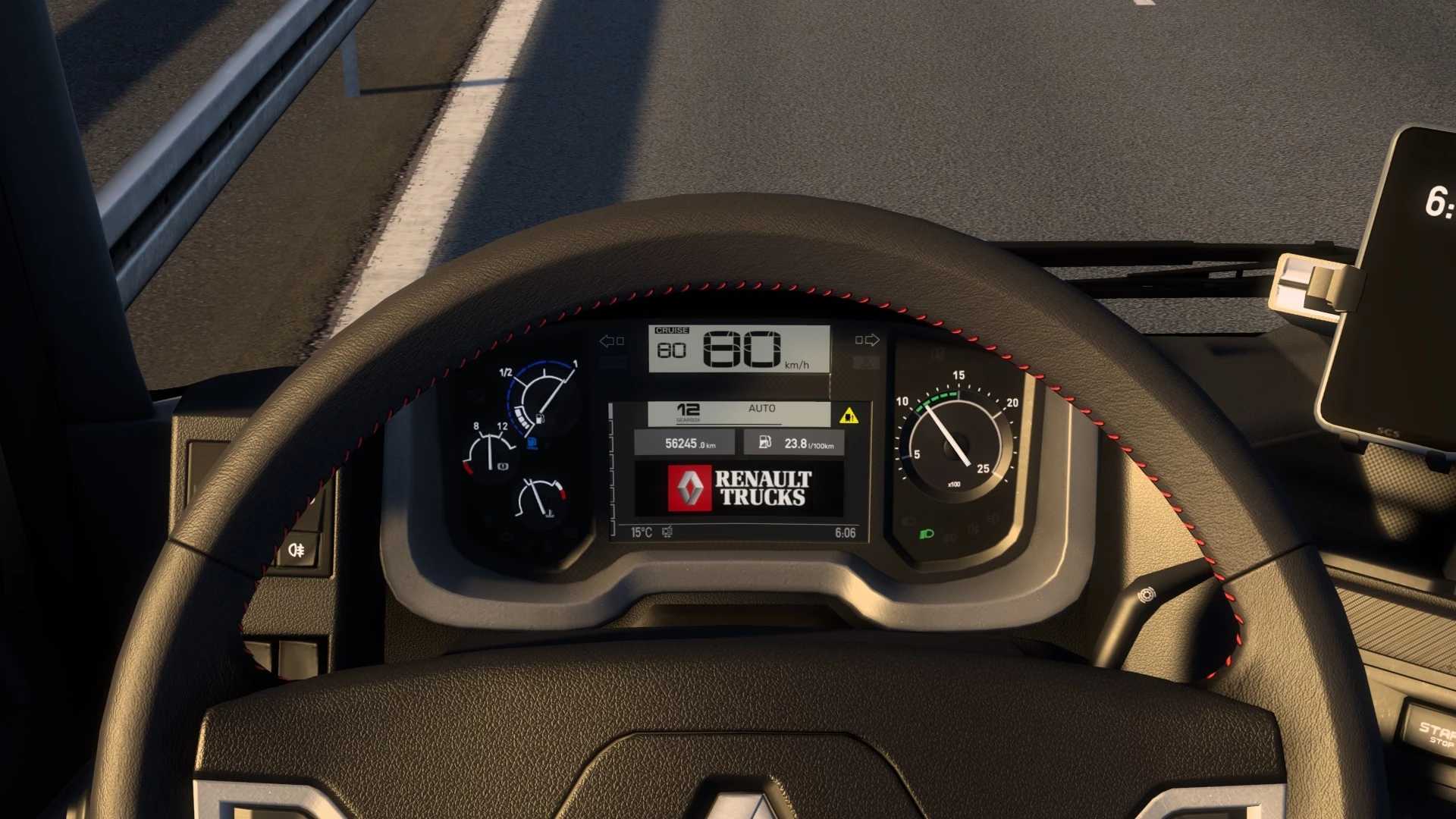
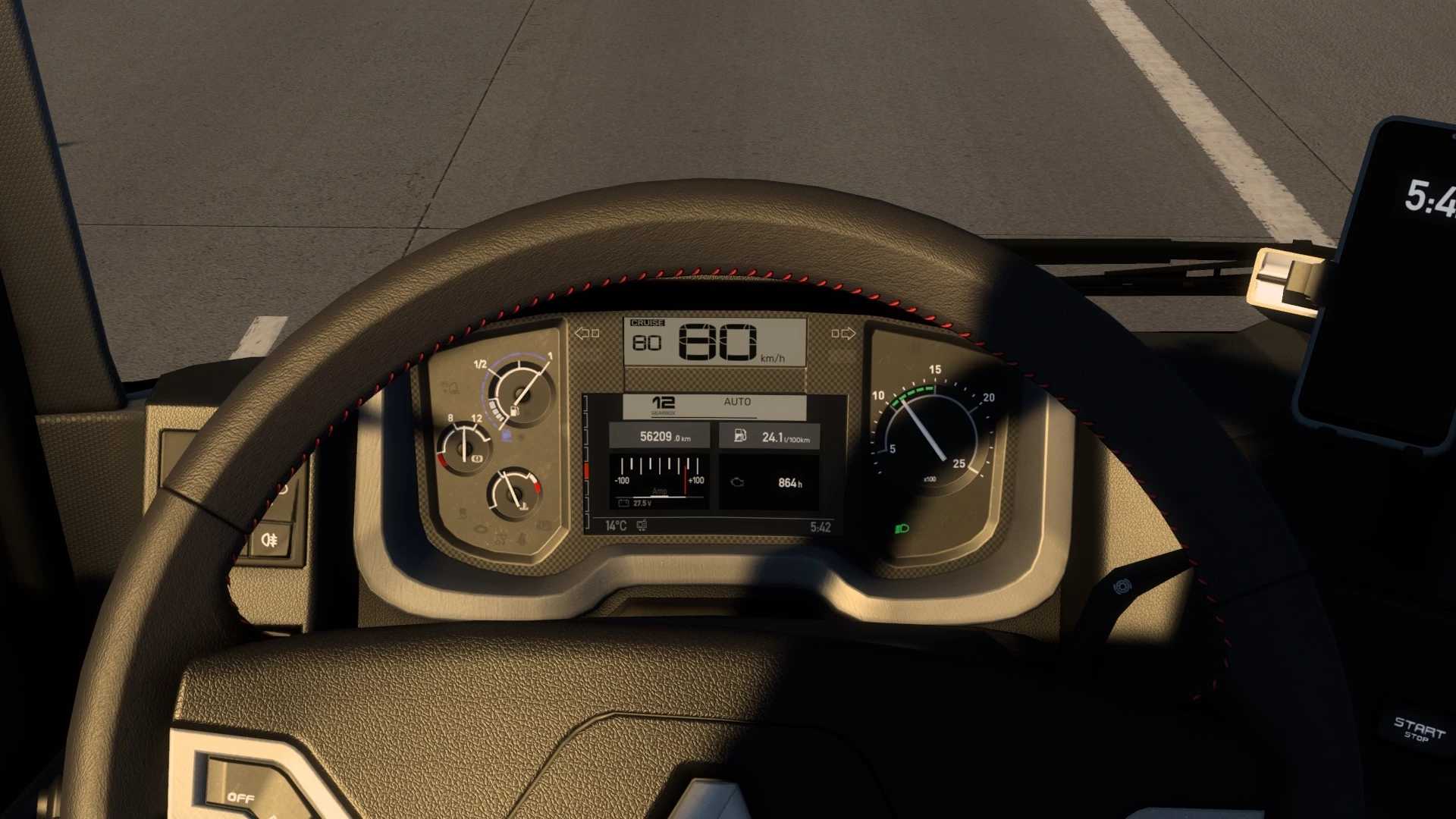
This mod improved SCS Renault Range T dashboard:
– complete overhaul mod from Oscar with SCS fonts;
– added left/right blind spot indicators;
– added ETA (estimated time to arrival) indicator, hidden when time is not available (no delivery, no navigation etc.);
– added time until rest is needed indicator, hidden when fatigue option is disabled;
– added page with Renault Trucks logo;
– changed warning sounds (blind spot etc.);
– a lot of fixes and improvements.
v 2.0:
– complete overhaul mod from Oscar with SCS fonts;
– changed left/right blind spot indicators;
– changed warning sounds (blind spot etc.);
– a lot of fixes and improvements.
Credits: KnightRider
How to install ETS2 mods or ATS Mods
In Euro Truck Simulator 2 it’s easy to install mods. You just need to download mod from here, copy/unzip files into: “My Documents\Euro Truck Simulator 2\mod” folder or if you play ATS please install mods to: “My Documents\American Truck Simulator\mod” folder. To unzip files you can use: WinRAR or 7zip. After that you need to activate the mods you want to use.
Report bugs in the comments and help modders improve this mod. Always check the comments, you can find a solution.