Real Traffic Density v1.57.2 ETS2
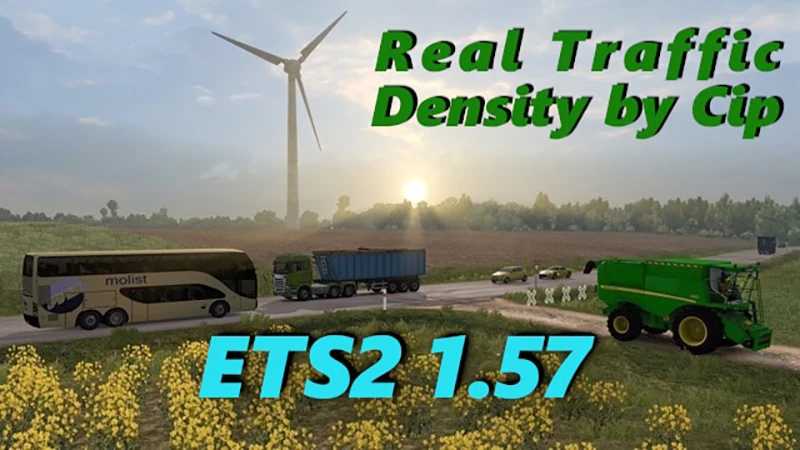

Real Traffic Density v1.57.2 ETS2
From 4:00 to 10:00 and from 15:00 to 20:00, the density changes every half hour, from 10 to 15 and from 20:00 to 4:00 every hour;
High density in the morning and afternoon, followed by a gradual decrease in the evening. The peak of the flow occurs at 8:30 and 17:00;
High density on motorways during the day and reasonable intensity at night with a minimum at 02:00-03:00;
Relatively high density on local roads, variable frequency allows overtaking without problems.;
Proportional ratio of types of vehicles;
Very low traffic density on local roads at night;
Improved traffic light cycle at all intersections (two types of cycle);
The duration of yellow after green has been increased to 3 seconds to avoid emergencies.;
The duration of yellow after red has been reduced to 1 second (be careful!);
The cycle of traffic lights on road works has been changed, the red light is on for 12 seconds;
Increased the number of vehicles with lights on in bad weather;
Urban transport removed from rural roads;
Car coloring has been edited;
All traffic except agricultural vehicles has been removed from country roads.;
Slow vehicles on expressways and out of cities have been removed;
A new rule has been added that allows some cars to move faster than the speed limit.;
It is recommended to place the density and intensity modes as a priority in relation to maps and traffic packs.
“Winter Wonderland” files deleted
Credits: Cipinho
How to install ETS2 mods or ATS Mods
In Euro Truck Simulator 2 it’s easy to install mods. You just need to download mod from here, copy/unzip files into: “My Documents\Euro Truck Simulator 2\mod” folder or if you play ATS please install mods to: “My Documents\American Truck Simulator\mod” folder. To unzip files you can use: WinRAR or 7zip. After that you need to activate the mods you want to use.