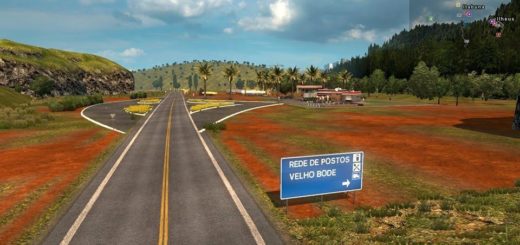
ProjectJapan v1.1.8 1.58 ETS2
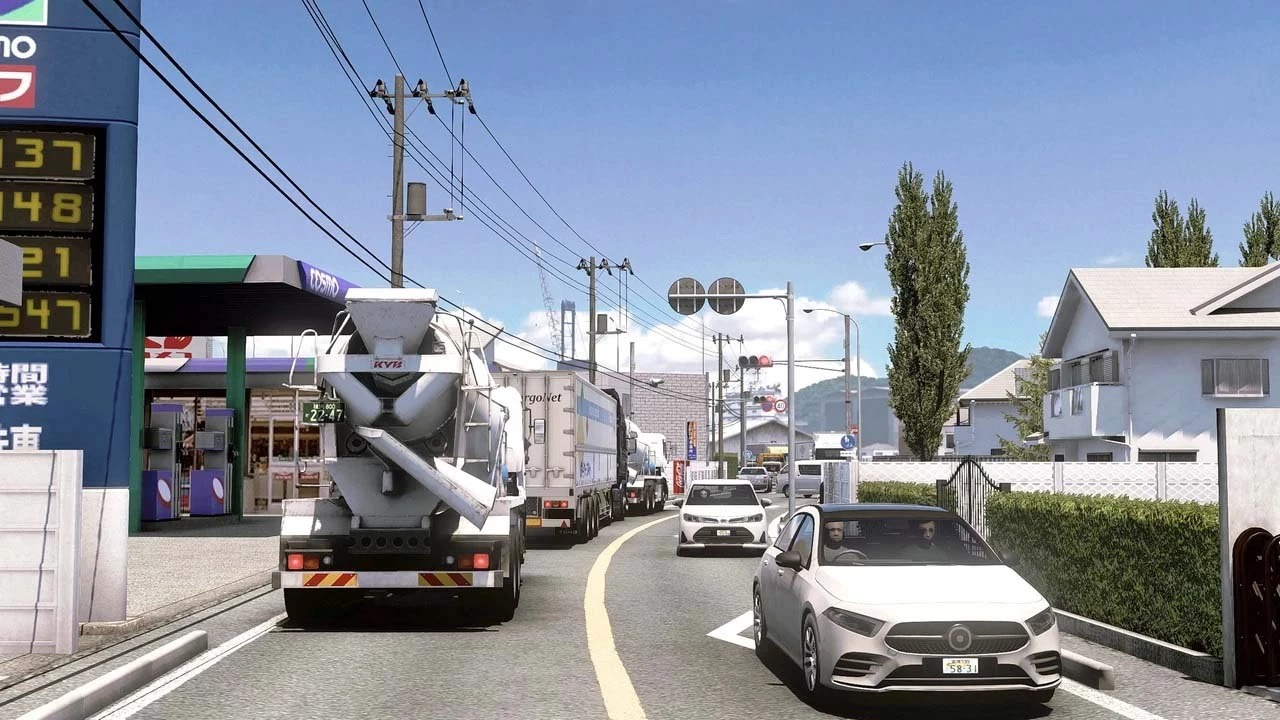

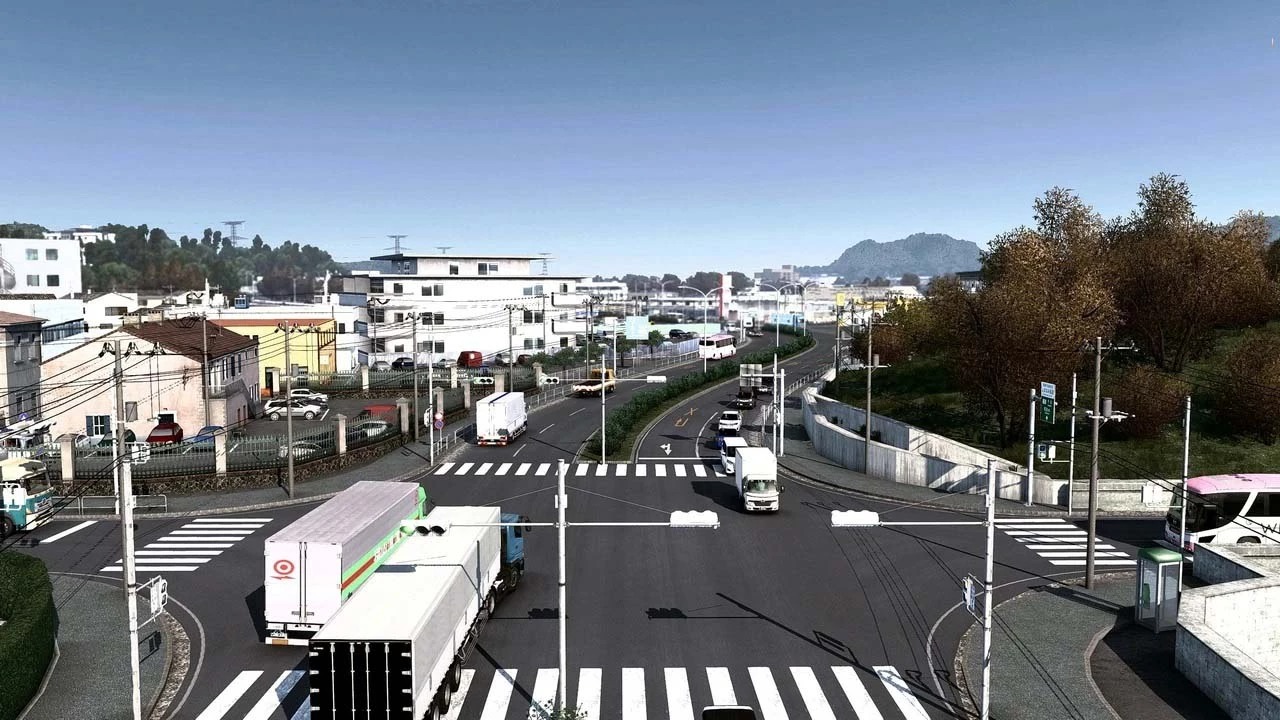
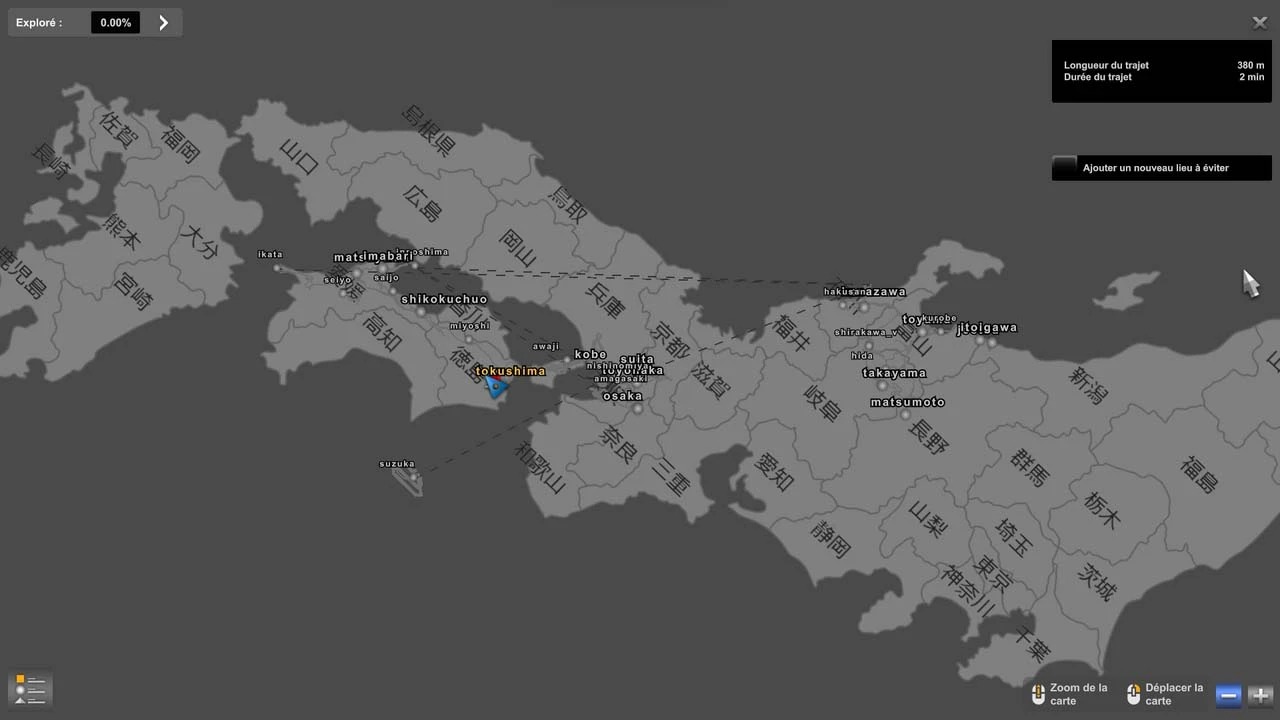
ProjectJapan v1.1.8 1.58 ETS2
Project Japan is a highly detailed, fan-made map modification for Euro Truck Simulator 2 (ETS2) that transports the game’s driving experience to Japan. Developed by a dedicated team, it is considered one of the most immersive map mods, often requiring a new, separate game profile to function correctly.
Key Features of Project Japan for ETS2:
Authentic Japanese Environment: The map features highly detailed Japanese landscapes, including specific cityscapes, toll gates, and truck stops.
Challenging Road Network: Roads are notably narrow and tight, designed to be challenging for long-haul trucks, with a focus on realism.
Left-Hand Traffic: As in Japan, driving is on the left side of the road, and the mod is designed for right-hand drive trucks, offering a different experience from the standard ETS2 map.
Unique Assets & Signage: It includes custom-made Japanese road signs, traffic rules, and environmental textures.
Comprehensive Coverage: The map has grown to cover significant areas of Japan, allowing for long-distance driving.
Compatibility: The mod works with popular environmental mods, such as the Frosty Winter mod, for a seasonal experience.
Standalone or Combo: It is generally treated as a standalone map module, meaning it requires a new profile and is not compatible with the standard European map.
Please create a NEW profile when using this version of the mod.
Using an old profile from previous versions can and will cause crashes / issues.
& Winter Add-ons Notes
Winter add-ons are made with the assumption that you will be using the Frosty Winter mod.
Even if you only use the add-on without applying Frosty, only the original part of PJ will be a winter landscape.
Changes in this Version:
Additions & Changes
Addition of AI trailer only in Kitakyushu Adjustments & Fixes
Minor bug fixes
Requires 8 ETS2 Map DLCs: Going East!, Scandinavia, Vive la France!, Italia, Beyond the Baltic Sea, Road to the Black Sea, West Balkans, Iberia.
Credits: ProjectJapan
How to install ETS2 mods or ATS Mods
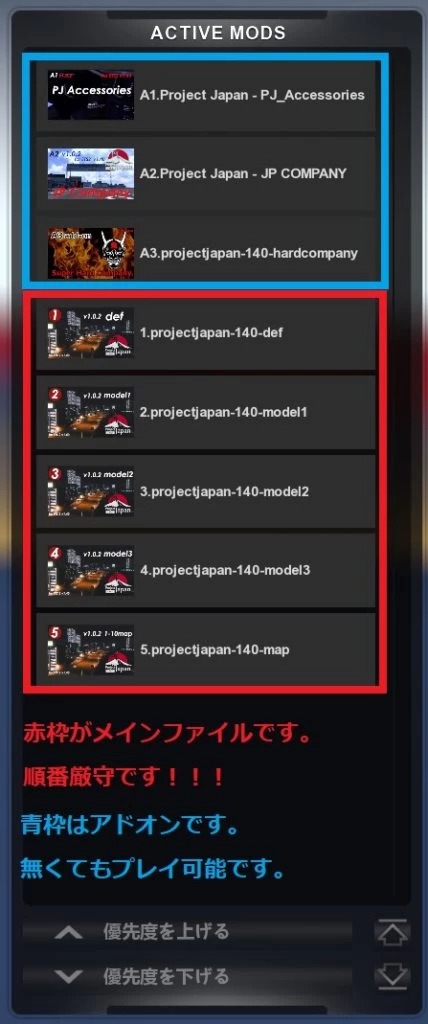
In Euro Truck Simulator 2 it’s easy to install mods. You just need to download mod from here, copy/unzip files into: “My Documents\Euro Truck Simulator 2\mod” folder or if you play ATS please install mods to: “My Documents\American Truck Simulator\mod” folder. To unzip files you can use: WinRAR or 7zip. After that you need to activate the mods you want to use.