Project Ultimate Weather v1.0 ETS2


Project Ultimate Weather v1.0 ETS2
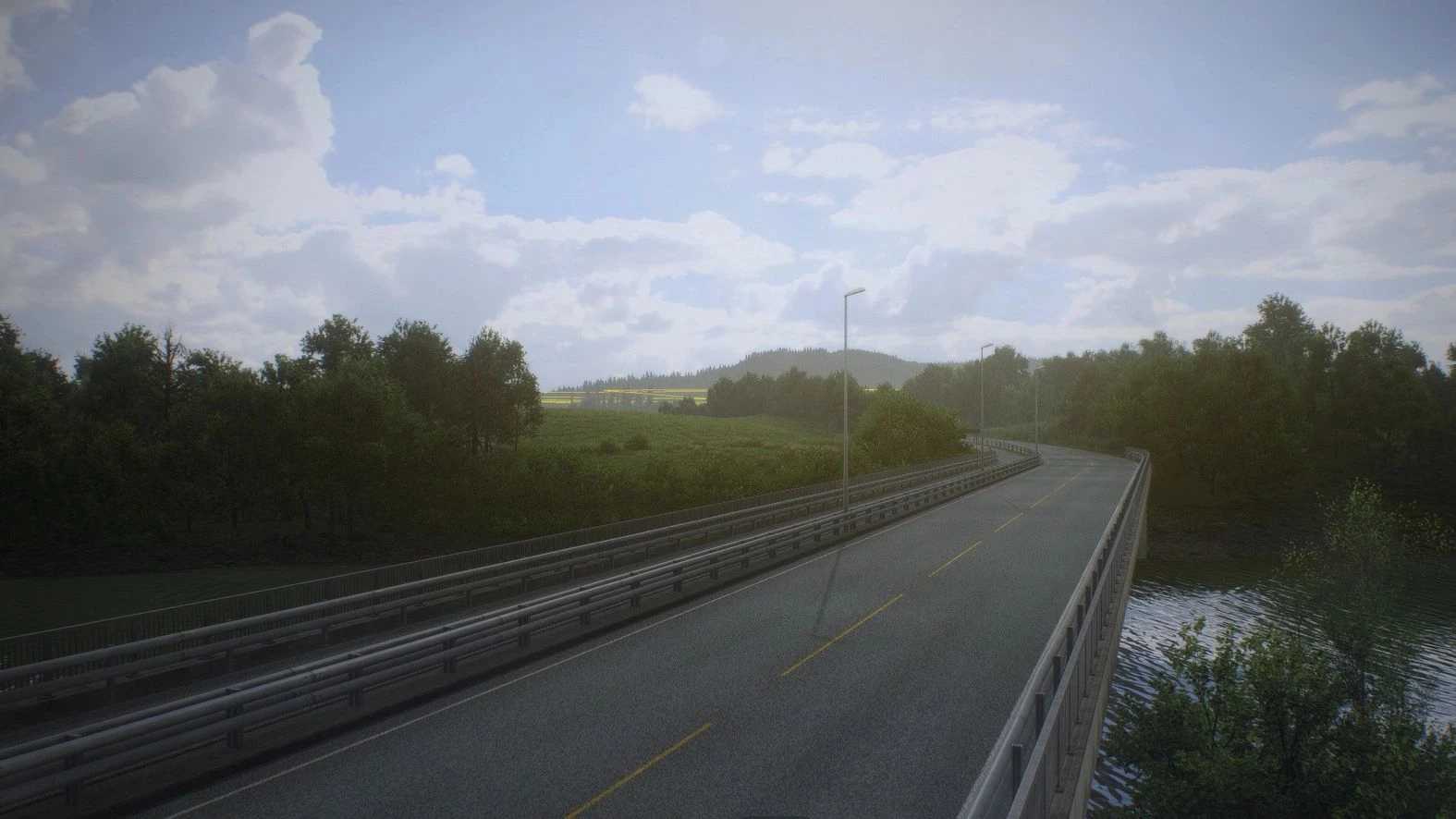
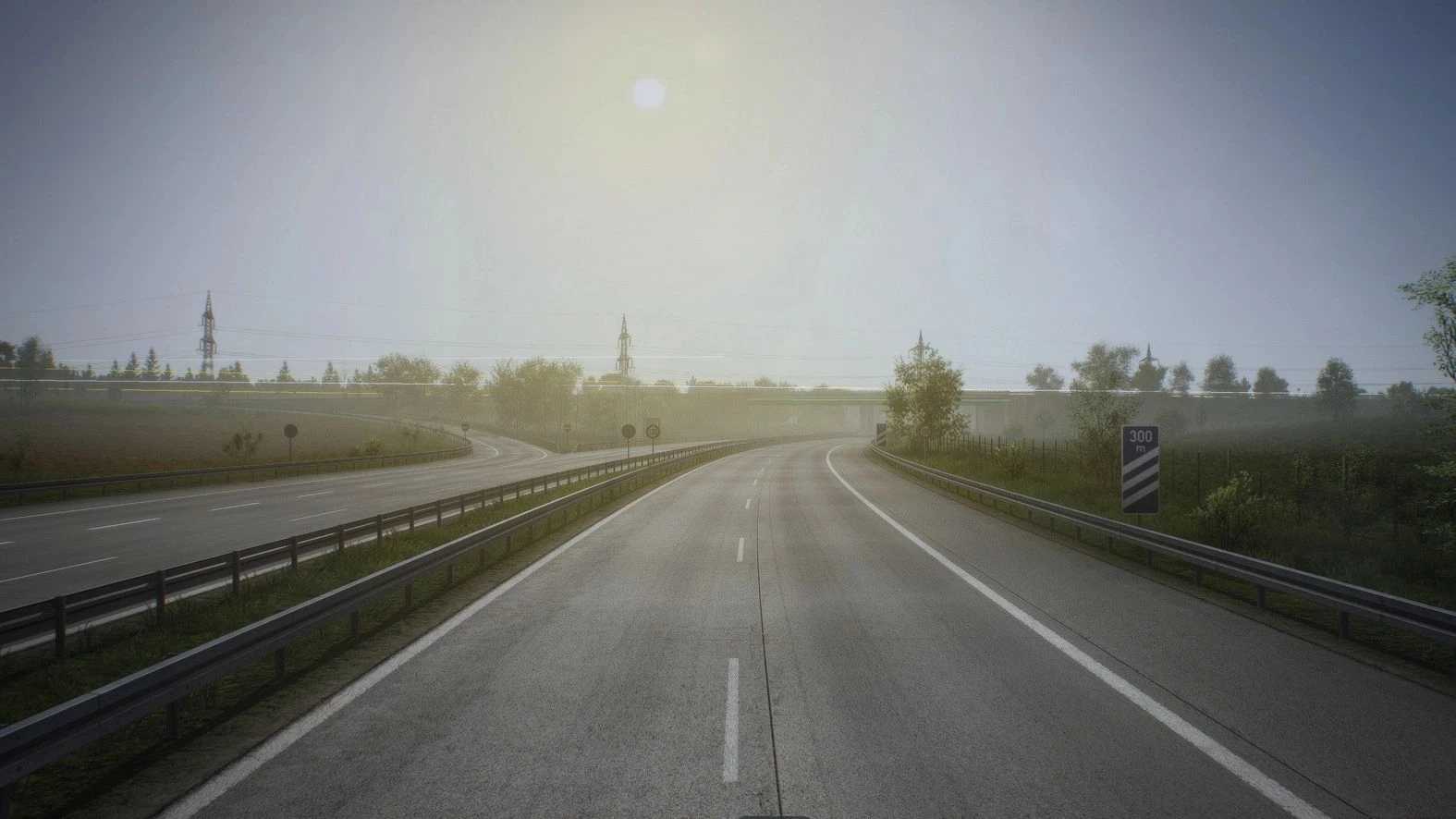
A custom redesign of the weather conditions from SCS, designed to improve the overall atmosphere and visual quality of the game.
Fully customizable weather detection with 8 sunny (no rain) sky textures and 4 cloudy textures with rain, providing more variety and a more natural look in all conditions.
The colors of the lighting and sky have been adjusted to stay true to the SCS style, while making everything more harmonious.
– Incompatible with other mods that change the weather, or with any other mods that change the weather parameters.;
– Full compatibility with PNG/PNL texture packs and other texture-based mods.
Included in the archive:
– Project Ultimate Weather (and Reshade with different presets);
– tone display (the process of correcting the brightness and contrast of HDR);
– setup instructions.
Credits: AM
How to install ETS2 mods or ATS Mods
In Euro Truck Simulator 2 it’s easy to install mods. You just need to download mod from here, copy/unzip files into: “My Documents\Euro Truck Simulator 2\mod” folder or if you play ATS please install mods to: “My Documents\American Truck Simulator\mod” folder. To unzip files you can use: WinRAR or 7zip. After that you need to activate the mods you want to use.