Project Russia v5.7.1 ETS2
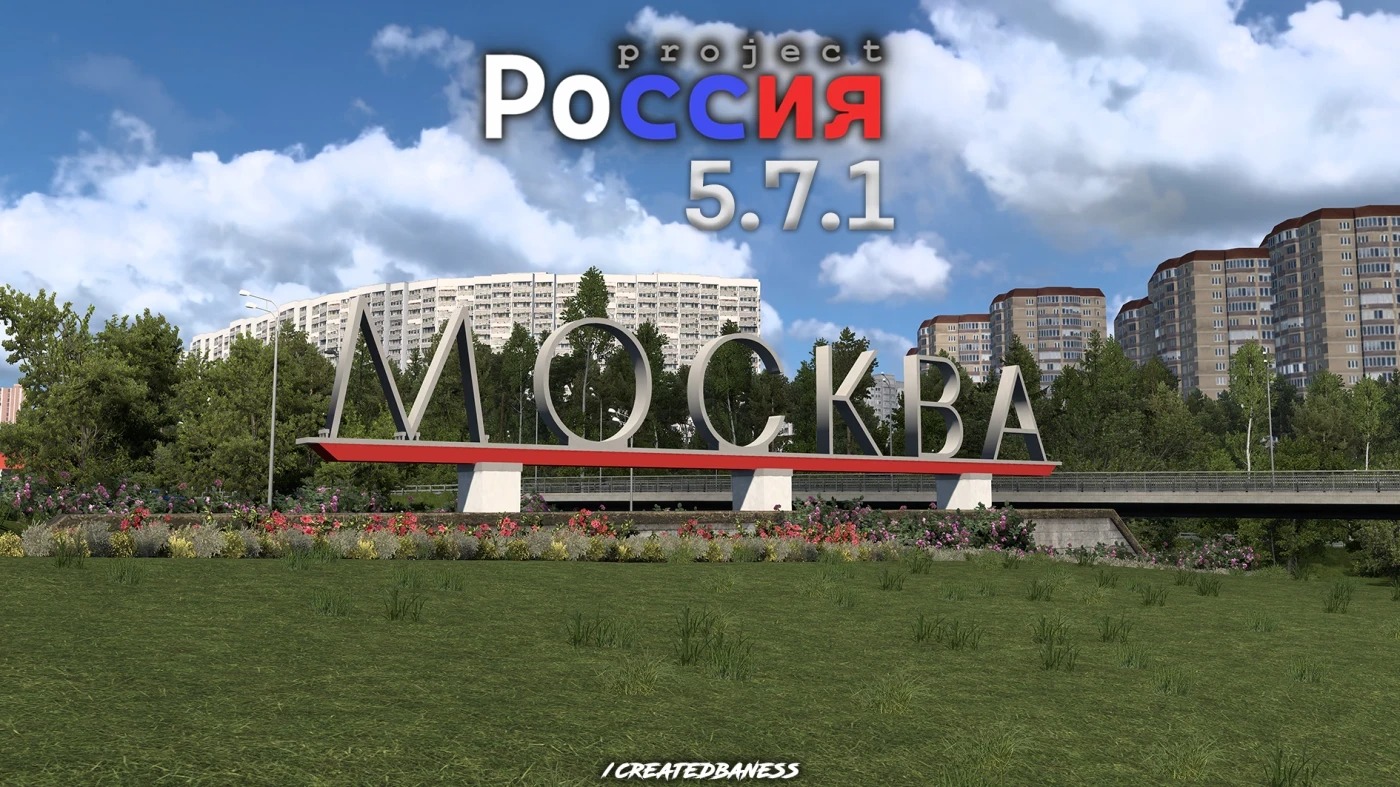

Project Russia v5.7.1 ETS2
Changelog v5.7.1
A global update containing the integration of Central Russia, the addition of various cities including Voronezh, Zheleznogorsk, Yelets and many new highways…
Changelog:
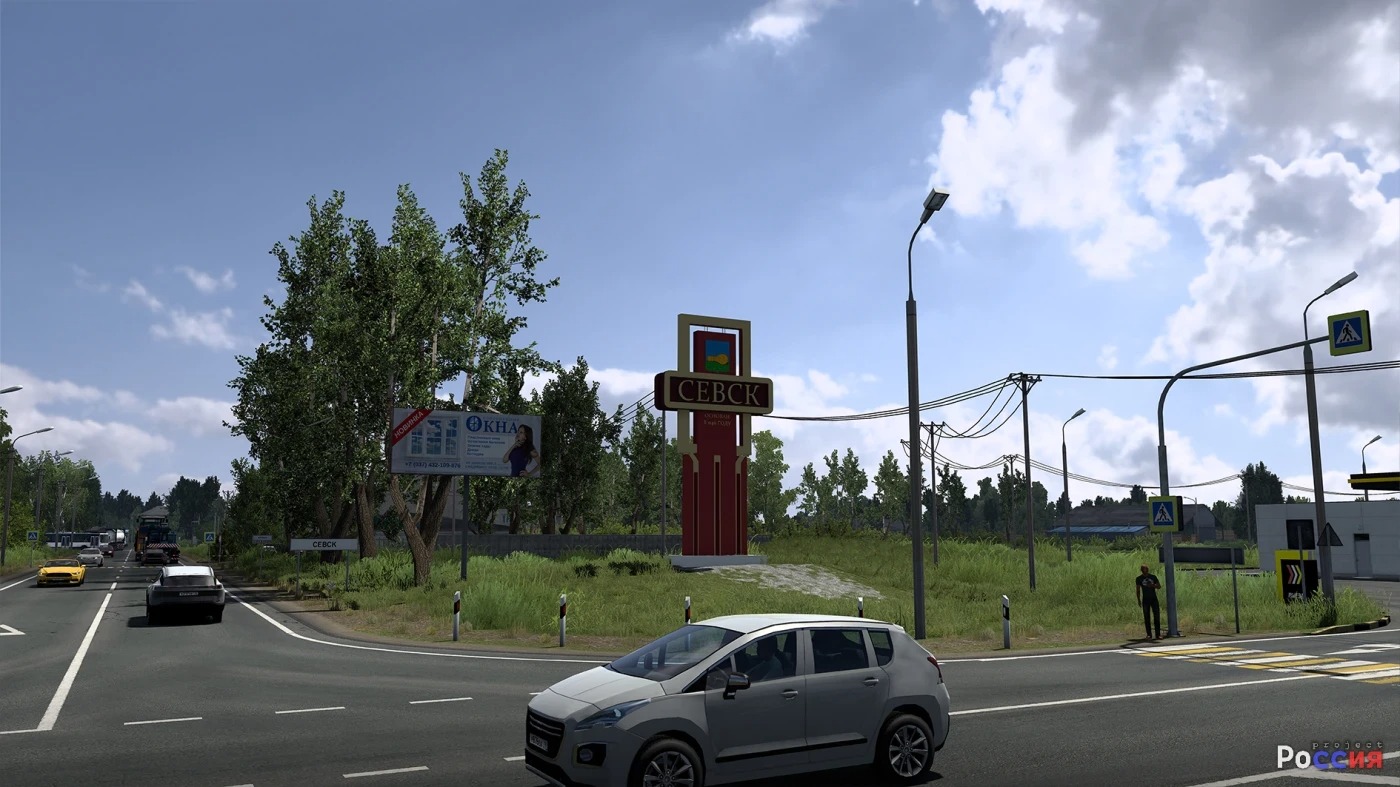
– Added cities: Voronezh, Livny, Yelets, Zheleznogorsk, Sevsk
– Expanded cities: Pokrov, Moscow
– Highways added or changed: TSKAD (A113), M4, M3, M2, A107, R119, A142
– Global rework of interchanges M2-MKAD, M4-MKAD, TSKAD-M4 (Thanks: CurvedCrown)
– Updated traffic light model added
– New models in traffic: Yandex Taxi
– Adding new models (Thanks: CurvedCrown, Yagokoro mods)
– Ambient sounds have been added all over the map
– Added new viewing points
– Fix reports sent by users on the Discord server
– Large cleanup of outdated assets in the mod
– Small changes on map
Central Russia
– Central Russia integrated into Project Russia (Thanks to DanSlash for permission)
– Adding new models (Thanks: CurvedCrown)
– Small changes on map
– Bug fixes
Description
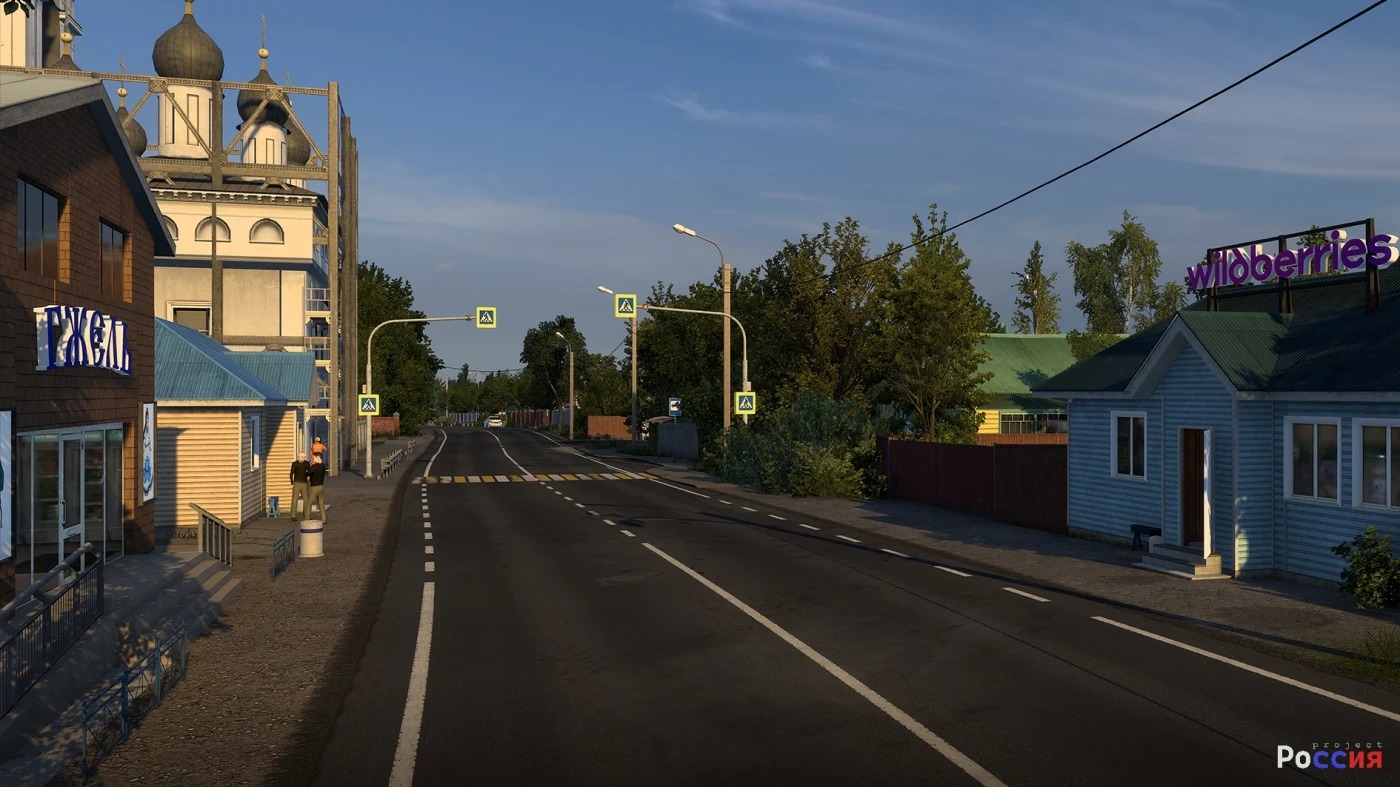
Project Russia — is a large-scale modification for Euro Truck Simulator 2 that adds territories in the Moscow region and nearby areas, created in high quality on the base Europe module of the game. It features more cities and is compatible with most mods. The project actively reworks older cities and adds new ones.
It has over 40+ CITIES, including the giants Moscow, Ryazan, Voronezh, Yaroslavl, Vologda, and Arkhnagelsk
Works without additional mods, on 1.58 use only RusMap VK for connectors.
Compatibility: 1.58
Credits: createdbaness
How to install ETS2 mods or ATS Mods
In Euro Truck Simulator 2 it’s easy to install mods. You just need to download mod from here, copy/unzip files into: “My Documents\Euro Truck Simulator 2\mod” folder or if you play ATS please install mods to: “My Documents\American Truck Simulator\mod” folder. To unzip files you can use: WinRAR or 7zip. After that you need to activate the mods you want to use.