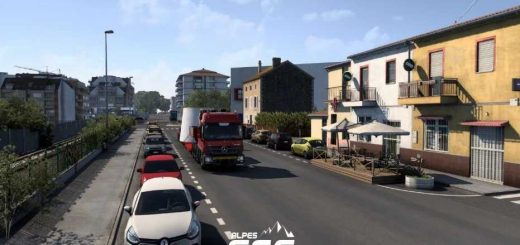
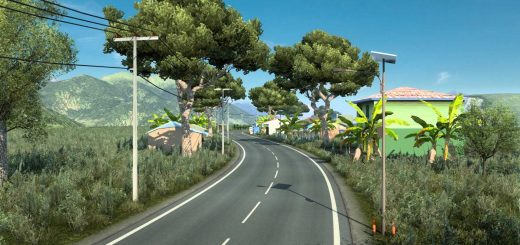
Project Imagination Reborn v1.0 ETS2
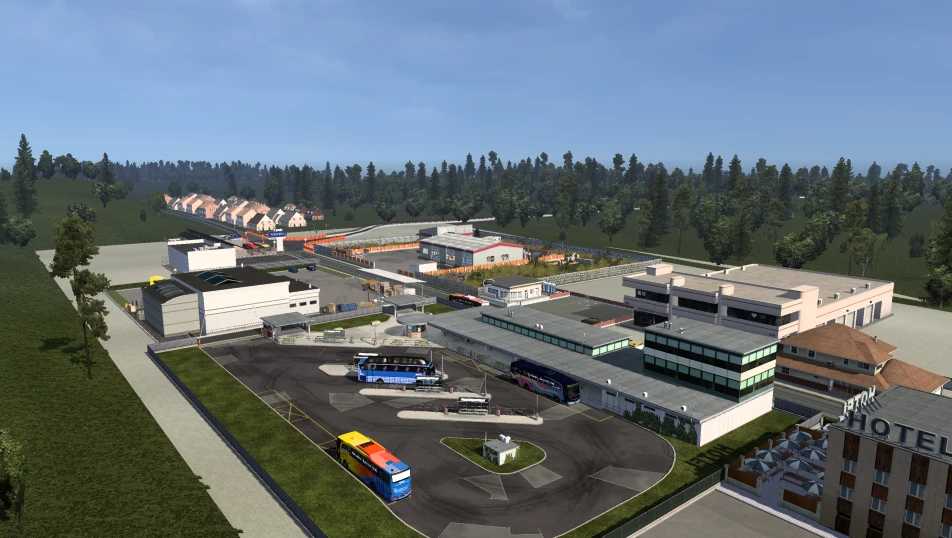

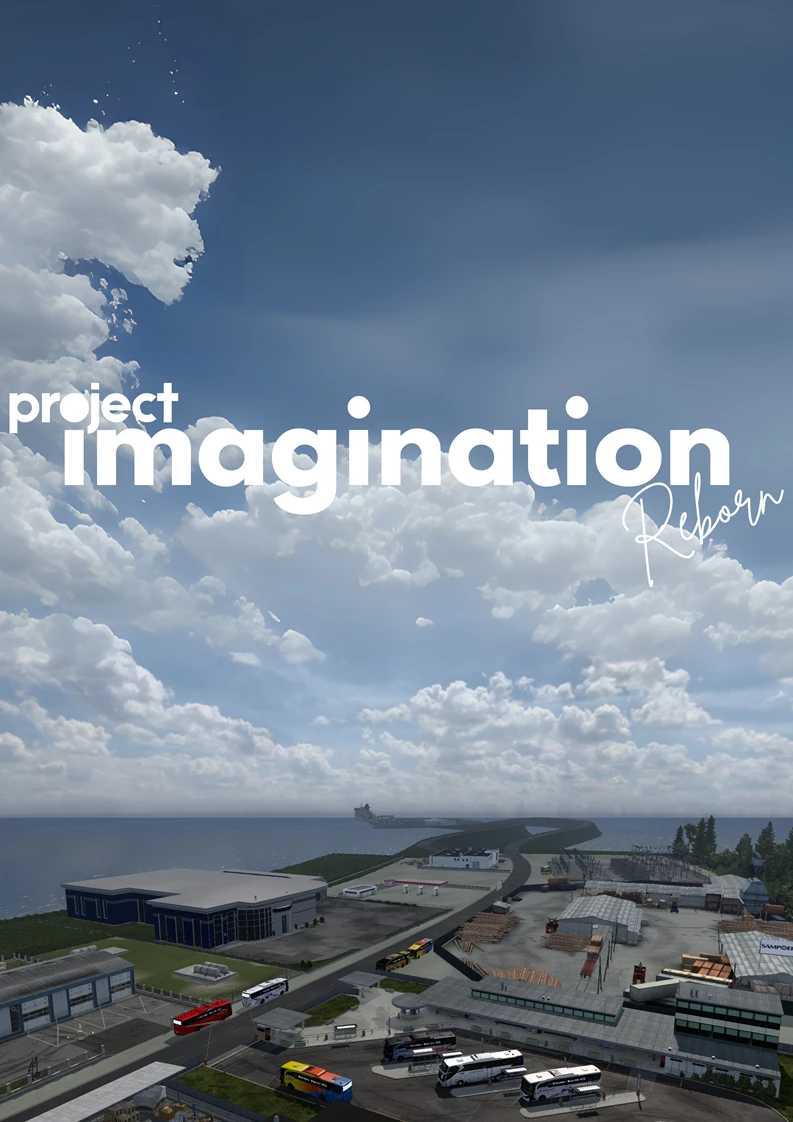
Project Imagination Reborn v1.0 ETS2
This map is a fictional map made based on my imagination, that’s why this map is called imagination, the atmosphere is taken from the atmosphere of rural Indonesia, although it is not perfect and not similar.
This map runs starting from version 1.55 FULL DLC (Remember, full DLC is mandatory!) I haven’t tried other versions.
I recommend using the No Damage mod and using a config that allows camera 0 (just in case you crash or roll over)
This map is lightweight, of course, after all, it’s just a forest :v
Jobs are available in all cities, and there’s a Scandinavian garage so you can use double trailers.
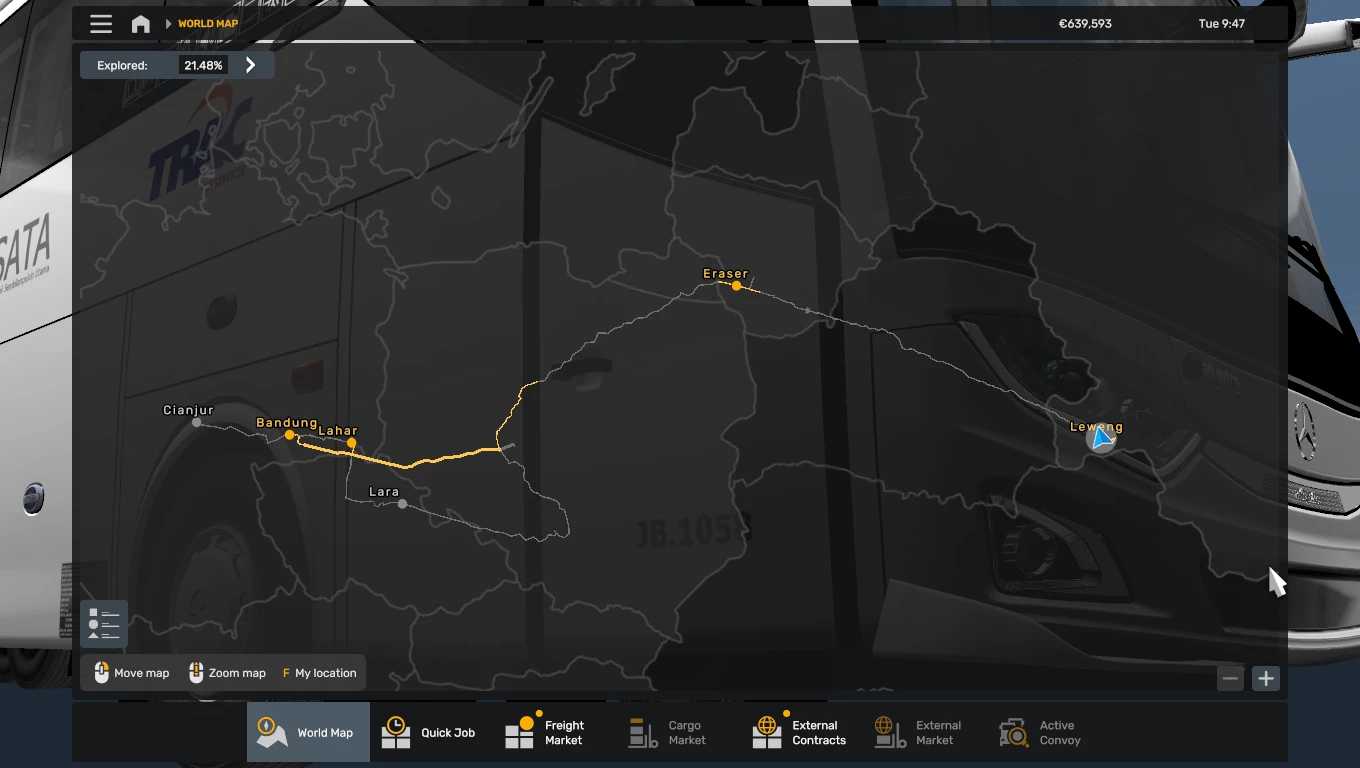
You must start in a city (Cianjur, Bandung) to avoid force closes, because there are some places where I forgot to save the cutscene.
Sorry if there are any errors in the map, especially like the terrain holes :3
The names of the cities of Cianjur and Bandung are just for testing, so don’t assume they exist on the map :””v
Special transport DLC is not yet available.
How to install :
just put to mod folder, and activate at mods manager, put in the bottom
Credits: Map Creator : Galih Raditya SCS Software for creating the game and possibilty for modding Adie Evergeen for model base and mapping tutorial Septian MR for creating Indonesian prefab model and mapping tutorial Muhammad Husni for bus model base Ery Coco Iwak Bandeng Syafitrah Priyo Hastantyo Facebook Group “ ETS2 Developer Indonesia “
How to install ETS2 mods or ATS Mods
In Euro Truck Simulator 2 it’s easy to install mods. You just need to download mod from here, copy/unzip files into: “My Documents\Euro Truck Simulator 2\mod” folder or if you play ATS please install mods to: “My Documents\American Truck Simulator\mod” folder. To unzip files you can use: WinRAR or 7zip. After that you need to activate the mods you want to use.