Project Better Arizona v0.5 ATS
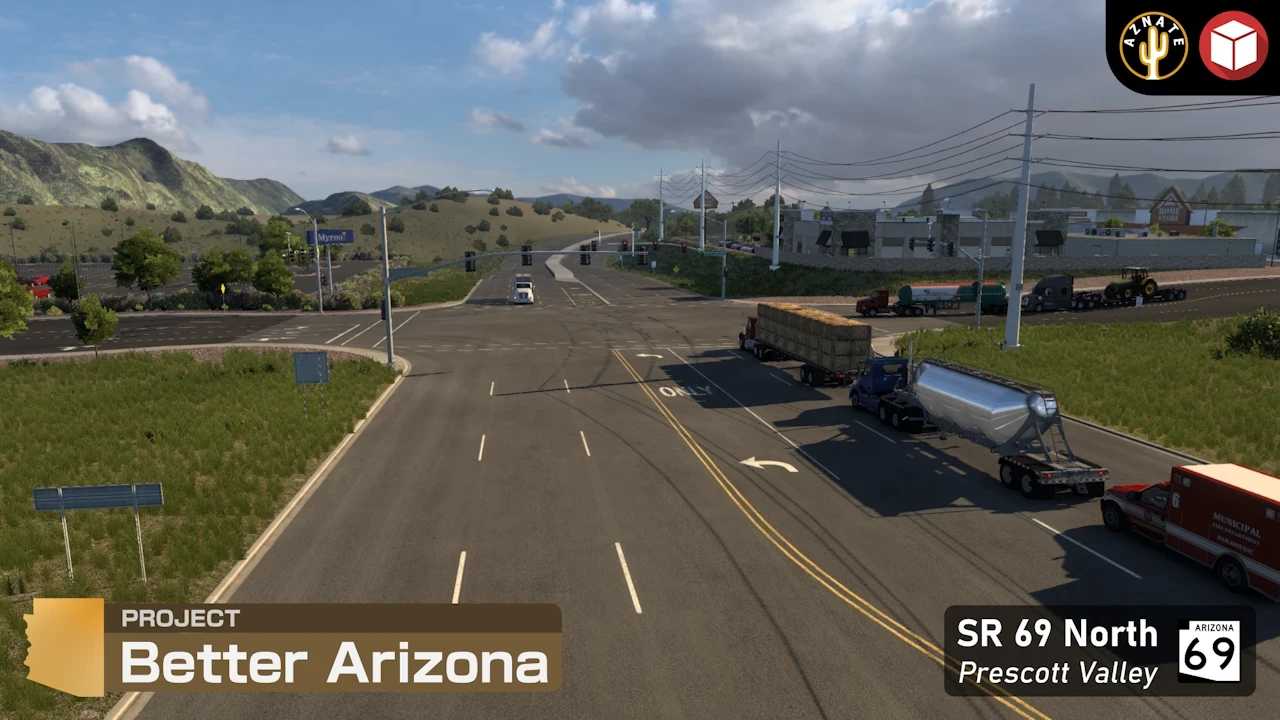



Project Better Arizona v0.5 ATS
Changelog v0.5
ATS 1.58 compatibility
Merged my Camp Verde with the east side of the new SCS Camp Verde along the Verde River (this also replaced the old winery prefab with a new winery across the street)
Made some vegetation improvements to the area around the I-17/SR 260 interchange
Modified route of I-17 north of Camp Verde to connect to the new SCS I-17
Slightly modified route of US 93 north of SR 89 to connect to the new SCS US 93 (you may have to rediscover roads in the area due to how map sectors had to be merged)
Replaced all welcome signs in newly remodeled parts of the map with their real versions
Replaced all garages with new garage models
Implemented phase 1 of Phoenix improvements
Reworked I-10 between I-17 and Casa Grande
Reworked US 60 (future Loop 202) from I-10 to the Salt River
Reworked the area near Sky Harbor Airport and added 2 new companies to deliver to
Temporarily closed SR 51 until its rework is complete
New route for Special Transport missions from Sky Harbor Airport
Other fixes
Special Transport missions from Sky Harbor Airport should now have full compatibility (no more props in the middle of I-10 in Casa Grande)
Increased the speed limit on I-17 in Phoenix from 55 to 65 to reflect recent real life changes
Fixed certain roads not being discoverable and items that should not be on the map from appearing on the map
Credits: AzNate
How to install ETS2 mods or ATS Mods
In Euro Truck Simulator 2 it’s easy to install mods. You just need to download mod from here, copy/unzip files into: “My Documents\Euro Truck Simulator 2\mod” folder or if you play ATS please install mods to: “My Documents\American Truck Simulator\mod” folder. To unzip files you can use: WinRAR or 7zip. After that you need to activate the mods you want to use.