Pack De Rodas MJ3CUSTOM3D v2.8 ETS2

Pack De Rodas MJ3CUSTOM3D v2.8 ETS2
Okay, you’re asking about the “PackDeRodas2.8_MJ3CUSTOM3D”.
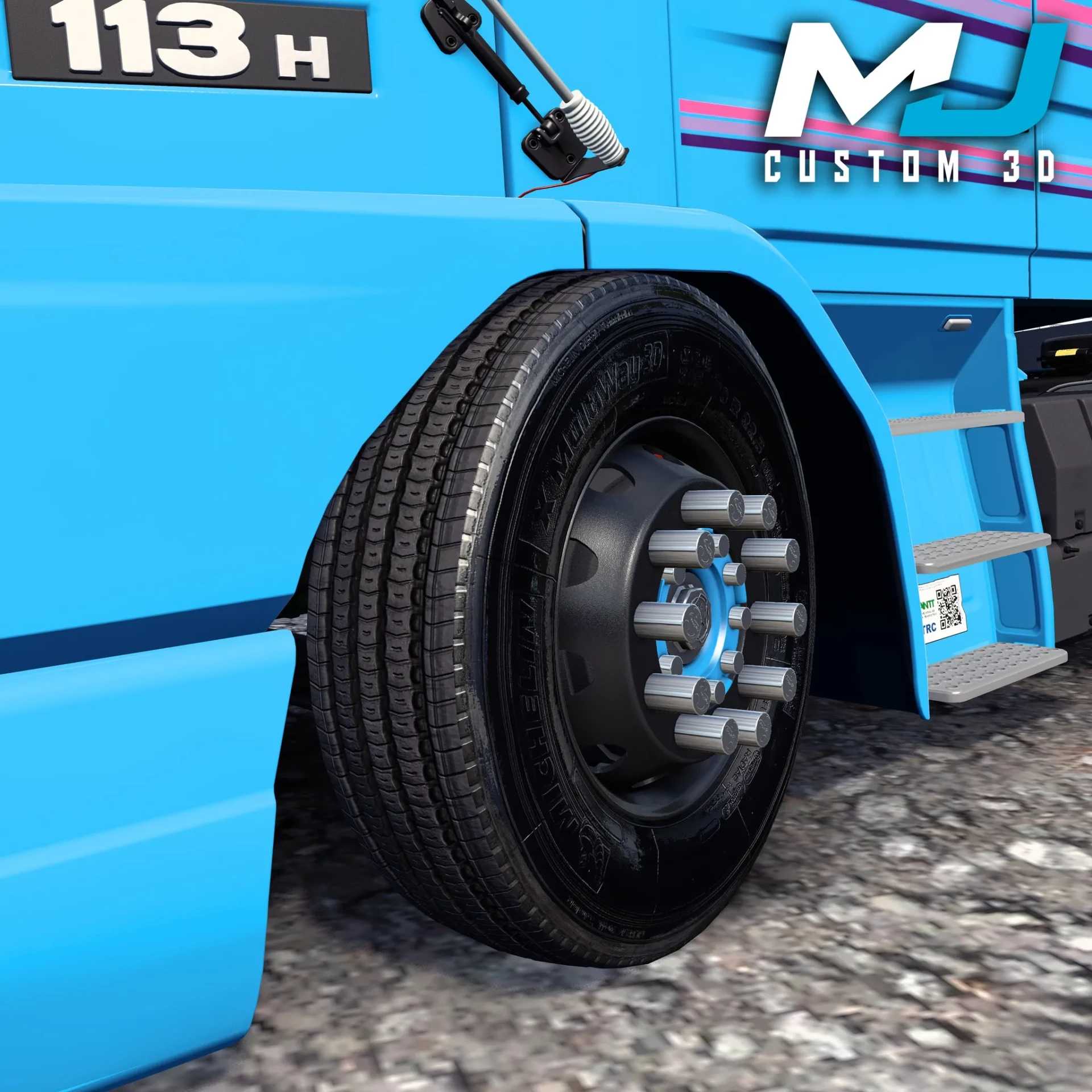
This sounds like a wheel pack mod for a simulation game, most likely Euro Truck Simulator 2 (ETS2) or American Truck Simulator (ATS), given the context of your previous questions. The “MJ3CUSTOM3D” part likely refers to the creator or team behind the mod, “MJ3 CUSTOM 3D,” who specialize in custom 3D models.
Here’s what that name implies and what you’d typically expect from such a mod:
“Pack de Rodas” (Wheel Pack): This means it’s a collection of various wheels and possibly tires. These packs usually include:
Different rim designs: Chrome, painted, polished aluminum, unique spoke patterns, etc.
Hub covers/nuts: Various styles of wheel hubs and lug nuts for customization.
Tire options: Different sidewall designs or even specific tire brands (though less common in simple wheel packs).
“2.8”: This is likely the version number of the mod. A higher number suggests updates, bug fixes, or new content added since previous versions.
“MJ3CUSTOM3D”: This identifies the mod creator. Searching for “MJ3 CUSTOM 3D” or “MJ3CUSTOM3D” along with “ETS2 wheels” or “ATS wheels” would be the best way to find this specific mod.
Compatibility: Always check if the mod is compatible with your current version of ETS2/ATS. Mod descriptions usually state this.
Credits: mj mods
How to install ETS2 mods or ATS Mods
In Euro Truck Simulator 2 it’s easy to install mods. You just need to download mod from here, copy/unzip files into: “My Documents\Euro Truck Simulator 2\mod” folder or if you play ATS please install mods to: “My Documents\American Truck Simulator\mod” folder. To unzip files you can use: WinRAR or 7zip. After that you need to activate the mods you want to use.